13 Best Training Documentation Software in 2026 (Free and Premium Options)

If you’ve ever watched a new hire stare blankly at a PDF called “onboarding_final_v7.docx,” you already know why this list exists.
Training documentation software helps you create, organize, and share the content your employees and customers need to learn how things work.
This potentially removes sharing Word files around or answering the same question in Slack 40 times a week.
To help you choose the best training documentation software in 2026, we’ve put together a list of software that worked great with our internal teams at HeroThemes.
Let’s start!
In This Guide
What Is Training Documentation?
Training documentation is any written, visual, or recorded material that teaches someone how to do something.
It includes onboarding guides, SOPs (standard operating procedures), product training, compliance policies, video tutorials, and customer help articles. Basically, anything your team or customers might need to reference while learning.
When training documentation is done well:
- New hires ramp faster
- Support tickets drop
- Teams can focus on actual work
A good training documentation tool helps you:
- Write and format content quickly
- Organize everything so people can actually find it
- Update material as processes change
- Track who’s seen what (for compliance)
- Share content publicly or privately
What Should You Include in Training Documentation?
Good training documentation is a structured system that new hires, existing staff, and even customers can navigate without asking someone.
If you skip the foundational elements, no software will save you.
Regardless of which tool you pick, good training documentation usually includes the following:
- Clear learning objectives at the top of each article or course, so readers know what they’ll get out of it.
- Step-by-step procedures written with action verbs and numbered for easy scanning.
- Screenshots and visuals with annotations, because a single image saves paragraphs of description.
- Role-specific content, so a sales rep doesn’t have to wade through refund SOPs.
- Assessments and quizzes to confirm the training actually stuck.
- Version history and audit trails for compliance and accountability.
- Search functionality that works, since no one reads what they can’t find.
- Review schedules with a last-updated date and a named owner for every document.
- A glossary for internal jargon and acronyms.
- FAQ and troubleshooting sections for the edge cases that always come up.
If your content covers these basics, almost any tool on this list will work. If it doesn’t, the fanciest software won’t save you.
What to Consider When Choosing Training Documentation Software
When choosing a training documentation tool, here are some of the most important factors to consider (we do consider these factors while reviewing below software):
- Pricing: some tools are free, some are per-user, and some charge flat annual fees. Per-user pricing can get expensive quickly as your team grows.
- Audience: are you documenting for internal employees, external customers, or both? Some tools are strictly focused on internal systems, while others are great for public help centers.
- Content type: text-heavy SOPs, video walkthroughs, interactive demos, and SCORM-compliant courses each need different tools.
- Search and navigation: if your team can’t find a document in 10 seconds, they won’t use it.
- Analytics: tools that show you what people read, what they searched for, and where they bounced.
- Integrations: the tool should plug into whatever you already use for Slack, email support, your CMS, or your LMS.
Best Training Documentation Software Solutions

We rigorously test and research every product that we recommend through HeroThemes. Our review process. We may also earn a commission if you make a purchase through our links.
It’s now time to get to the list. Let’s dig in.
1. Heroic Knowledge Base
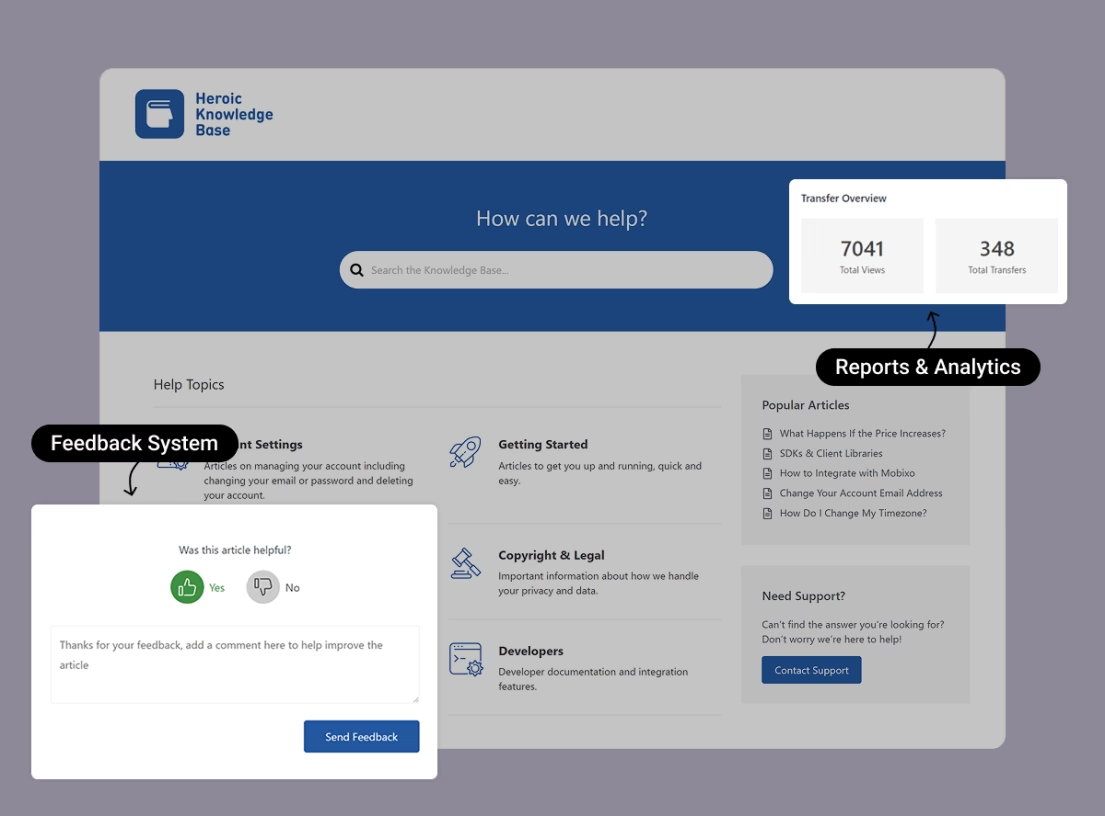
Heroic Knowledge Base (Heroic KB) is a WordPress plugin that turns your existing site into a self-hosted, searchable knowledge base.
It comes with user restriction functionality that properly integrates with WordPress’s own user roles. Meaning, you can also create proper training documentation for employees only (login based).
Making it a great option for teams that already use WordPress for their website and don’t want to pay a separate SaaS subscription for documentation.
Key features that make Heroic KB stands out:
- It’s self-hosted, so you own the content and don’t pay per user.
- AJAX live search with
- AI-powered Assistant
- Article feedback with thumbs up/down and comments
- Analytics for article views, popular queries, and failed searches
- Categories, tags, and drag-and-drop article ordering
- WPML compatibility for multilingual knowledge bases
- Integration with Slack, Help Scout, and Gravity Forms
If you pair Heroic KB with Heroic Inbox, you get a shared support inbox and a knowledge base inside the same WordPress admin, which is very handy and required for any support teams.
Pricing
Heroic KB pricing starts at $67 per year (for the first year). No free version or trail available. Only 14-day money-back guarantee.
2. FastStone Capture
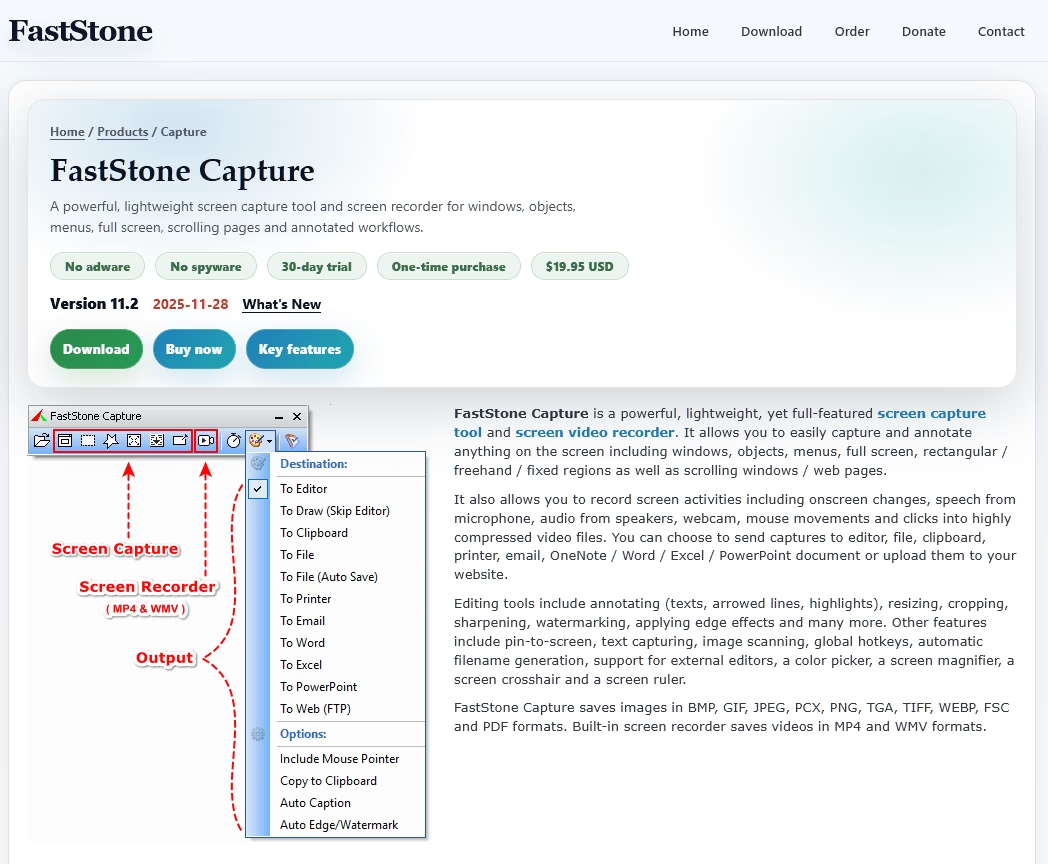
FastStone Capture is a screen capture utility that costs $19.95 once and keeps working forever.
It’s been continuously developed for close to 20 years, and it does about 80% of what Snagit does at a fraction of the price.
The scrolling webpage capture is excellent, the built-in image editor handles most annotation needs, and the utility extras (screen ruler, magnifier, color picker, crosshair, whiteboard) come in handy more often than you’d expect.
For training documentation or anyone who creates written tutorials, FastStone Capture is a must have tool.
FastStone Capture Key Features:
- Full-screen, active-window, region, and freehand capture
- Scrolling capture for long webpages
- Screen video recording with webcam overlay and mouse highlights
- Built-in image editor (annotations, resize, crop, watermark, blur)
- Screen ruler, magnifier, color picker, crosshair
FastStone Capture is a windows only tool. MAC users can try Snagit.
Pricing
FastStone Capture is a one-time purchase of $19.95 for a single-user lifetime license, including free lifetime upgrades. There’s also a 30-day free trial.
3. GitBook
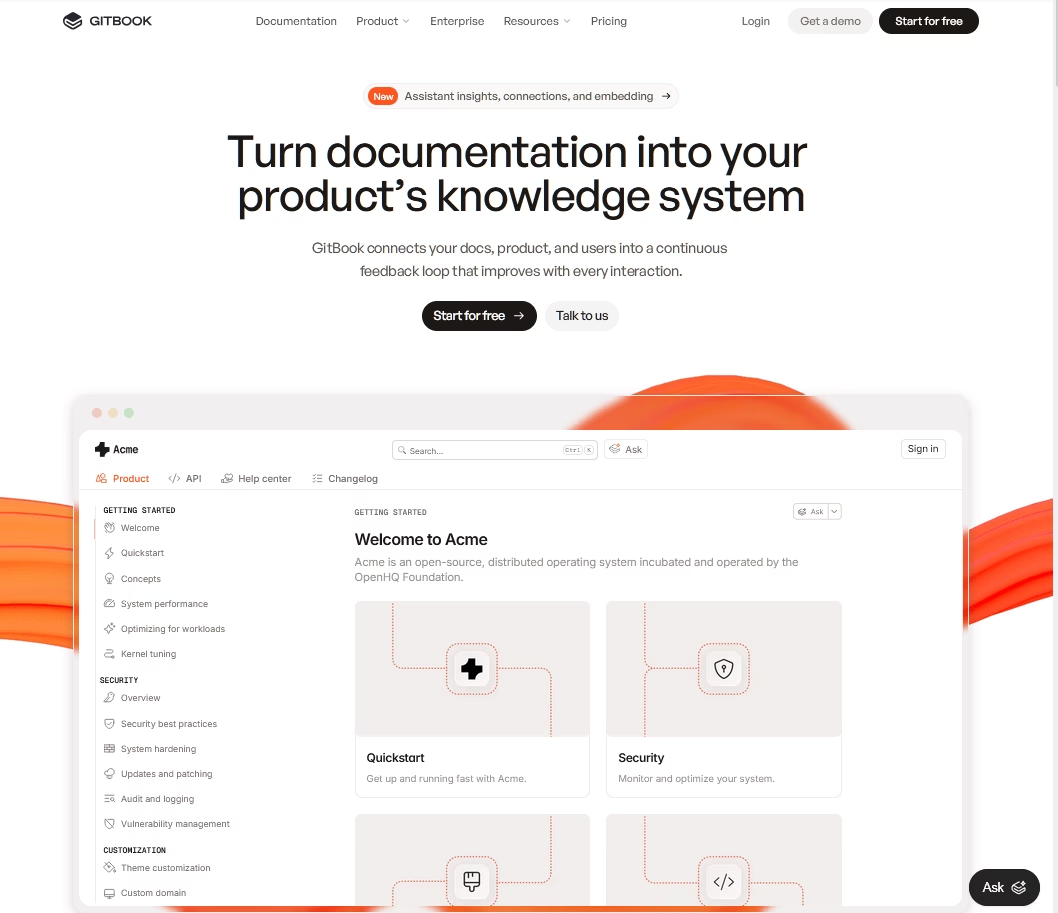
GitBook is a documentation platform built around “docs as code.” Markdown files sync two-ways with GitHub or GitLab. While non-engineers can edit the same content in a clean visual editor.
For developer tools, API docs, and technical training, GitBook is one of the best options available.
GitBook has strong AI features, including first-draft generation, translation, and conversational “AI Answers” for readers.
It also supports OpenAPI import with live-testable endpoints, which is useful if you’re training engineers on your API.
GitBook’s Key Features:
- Bi-directional Git sync with GitHub and GitLab
- Branch-based editing with merge requests
- OpenAPI import with live endpoints
- Adaptive docs based on user permissions
- GitBook AI for drafting, translation, and reader Q&A
- Custom domains and visitor authentication
While GitBook is very good software for training documentation, it’s too developer-centric for pure L&D or HR use cases.
Pricing
GitBook it our free software recommendation for creation training portal. GitBook’s free plan is limited to a single user on a GitBook subdomain.
Paid sites start at around $65 per month, with per-user fees of $12 per month on Pro.
4. Canva
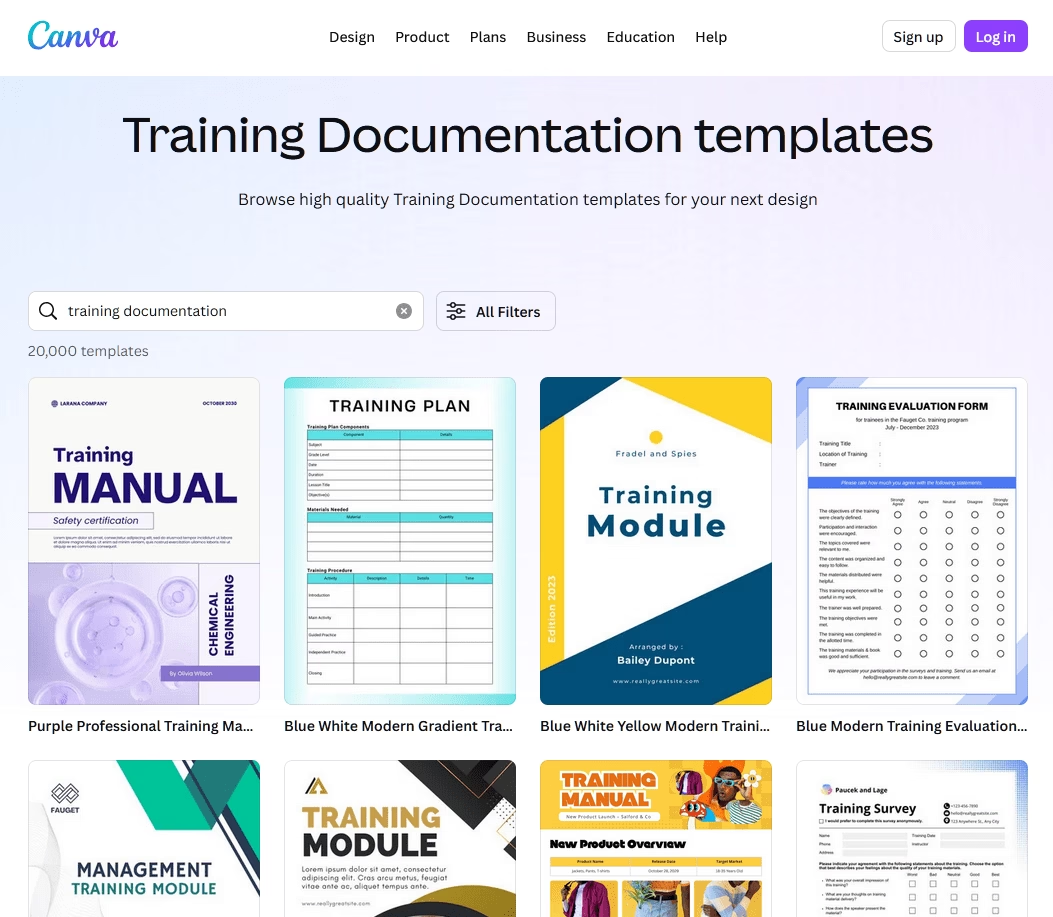
Canva isn’t a training documentation tool in the strict sense, but it’s the design layer that makes everything else on this list look better.
Covers, infographics, checklists, handbook layouts, certificates: Canva handles all of it with minimal design skill required.
Canva’s training manual library has hundreds of drag-and-drop templates for manuals, handbooks, and instruction guides. It is also a great tool for creating visually appealing training manual PDFs.
Key Features of Canva:
- Millions of templates (manuals, handbooks, worksheets, certificates)
- Magic Studio AI suite (Write, Design, Media, Expand)
- Brand Kit (up to 1,000 on Pro)
- Canva Docs and Canva Sheets
- Real-time collaboration and approval workflows
- Canva Courses and Work Kits for training content
Pricing
Canva’s free plan is generous enough to be used as it is. Canva Pro is $15 per month or $119.99 per year for one person.

Explore: Top User Manual Software in 2026
5. Notion
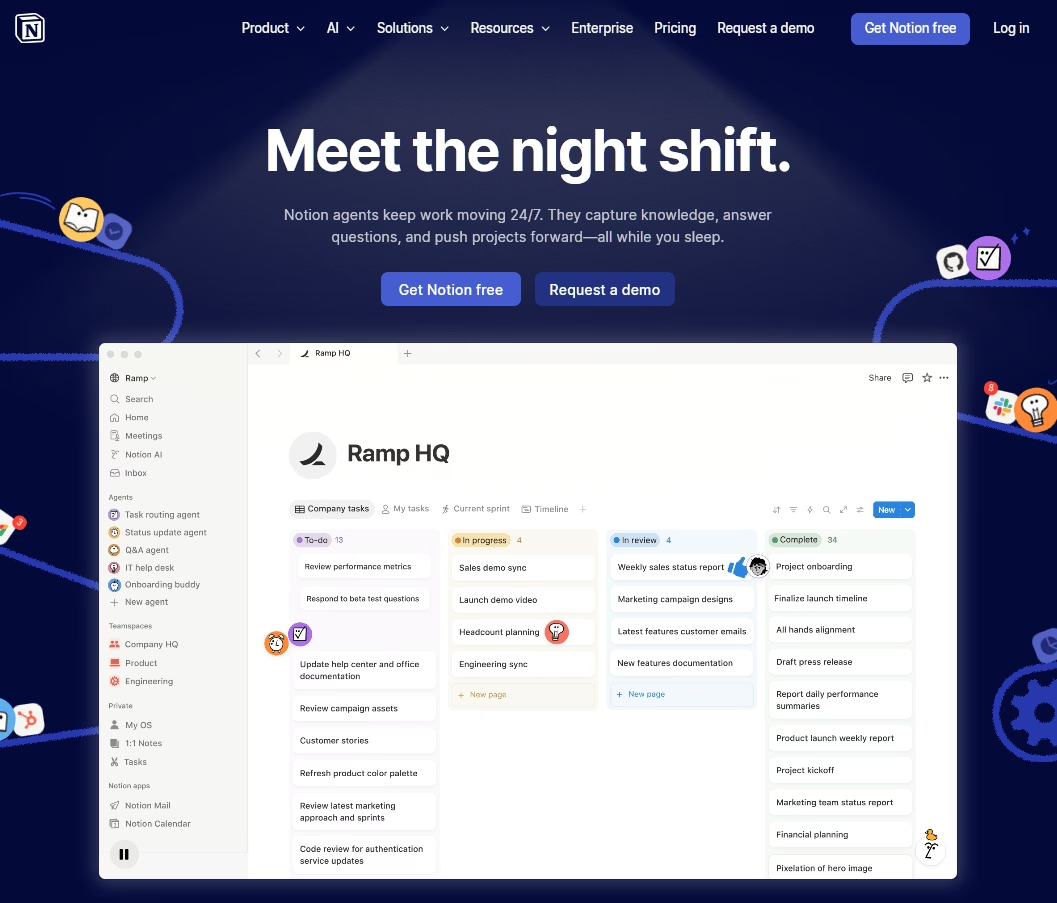
Notion is the block-based workspace tool that has become a default for startup wikis, onboarding handbooks, and SOP libraries.
With Notion you can create internal training content for small and mid-size teams. It’s hard to beat on flexibility.
You can mix text, images, toggles, embeds, and relational databases on the same page.
Teamspaces let you separate HR, product, and support content with their own permissions. And the template gallery has hundreds of community-made onboarding and training layouts.
Notion’s Key Features:
- Block-based editor
- Relational databases with multiple views
- Teamspaces with page-level permissions
- Notion AI and “Ask Notion” (Business and Enterprise)
- Template gallery
- Offline mode (with limitations)
- Powerful search bar
Notion is good for internal use. However, we will not recommend it as a customer-facing help center (no article voting, weak SEO, no public analytics). The cost scales in a way that eventually it pushes larger teams toward a dedicated knowledge base software.
Pricing
Notion is free for individuals. Paid plans start at $10 per user per month (Plus) and $20 per user per month for Business, which includes the full Notion AI suite. Enterprise pricing is custom.
6. Trainual
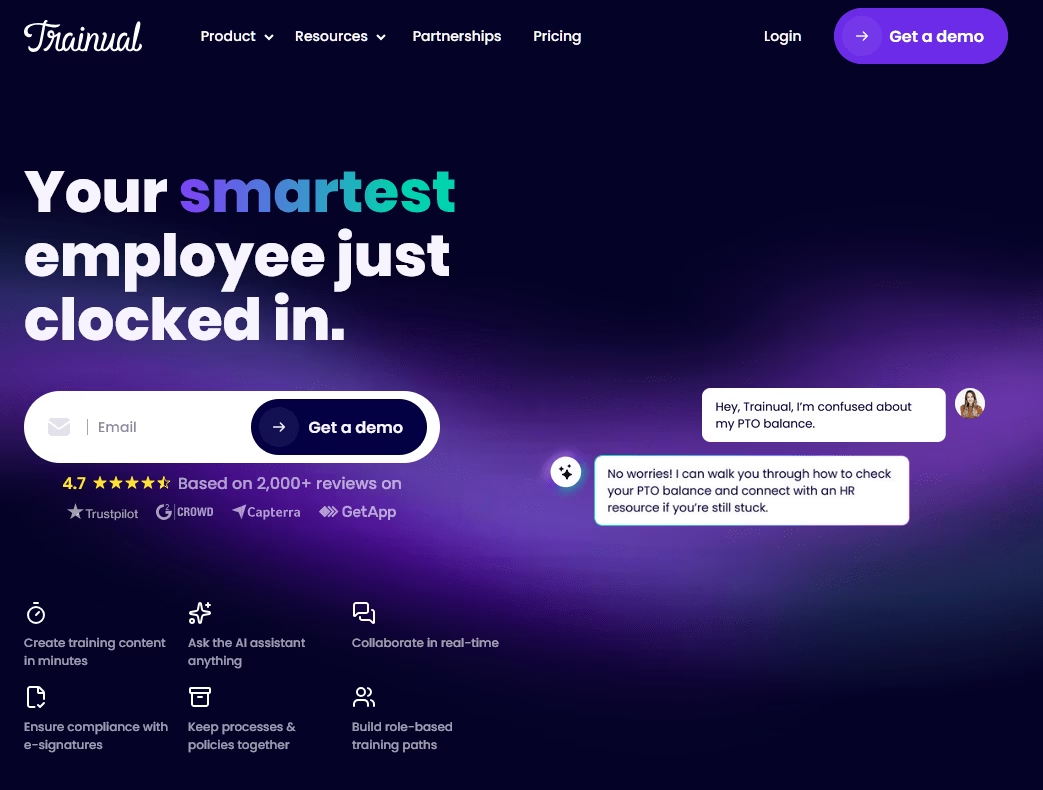
Trainual is a training-first documentation tool built for small and mid-size businesses.
A very good tool to consider if you are a franchise, agency, or multi-location operator who needs to train a lot of people on repeatable processes.
The standout feature is role-based content inheritance. You assign training by role, and when someone’s promoted or moves teams, they automatically inherit the right material. Update an SOP once, and everyone affected gets re-notified.
Trainual Key Features:
- AI-assisted content generation with Trainual GPT
- Role- and department-based assignment
- Embedded quizzes with pass-score gating
- Training Paths for sequenced onboarding
- E-signatures on policies
- Integrations with Loom, BambooHR, Slack, Zapier, Okta
Pricing
Trainual doesn’t publish pricing publicly anymore. But based on third-party sources, pricing starts around $249 per month.
7. iSpring Suite
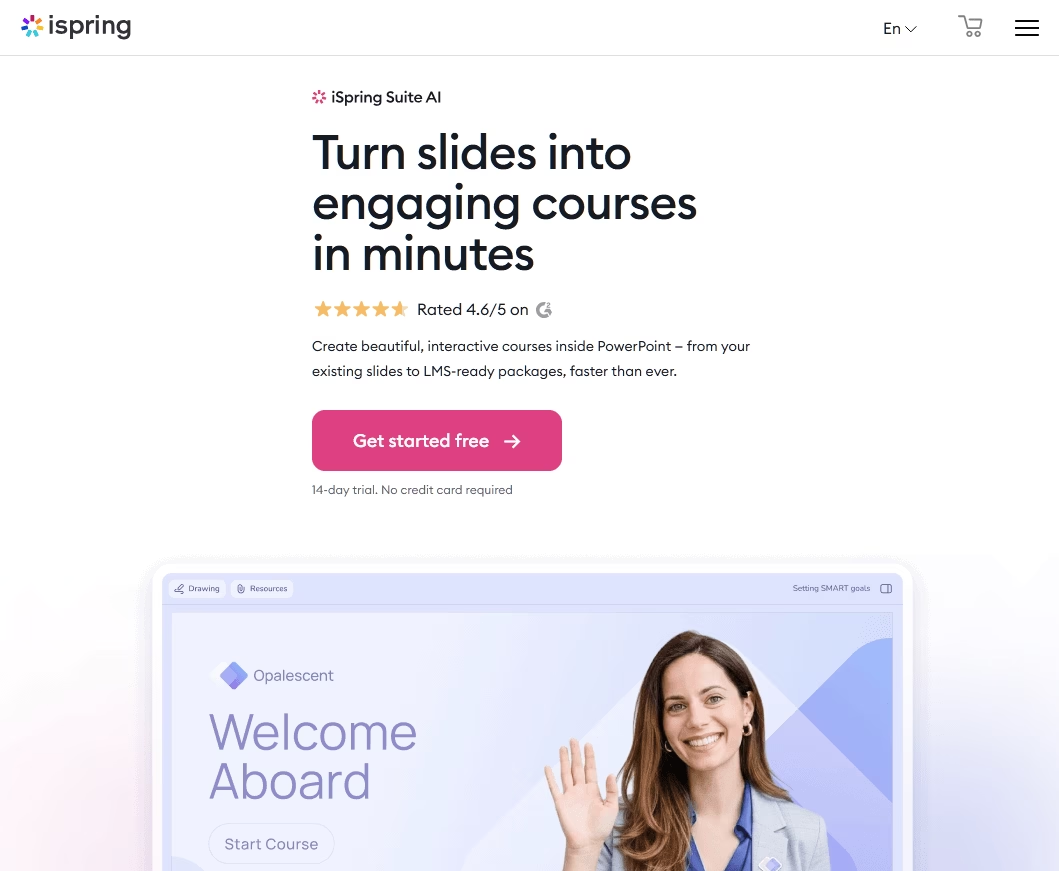
iSpring Suite is an eLearning authoring tool that installs as a PowerPoint ribbon.
If your subject matter experts already live in PowerPoint (which, in corporate training, is most of them), iSpring lets them publish SCORM-compliant courses without learning a new tool.
You get a quiz maker with 14 question types, dialogue simulations with branching, screen recording, and an AI assistant that drafts quiz questions and course outlines.
iSpring Suite Key Features:
- PowerPoint ribbon integration with SCORM export
- 14 quiz question types with branching
- Dialogue and role-play simulations
- Screen and webcam recording
- iSpring AI for text and quiz generation
- Multi-format publishing (SCORM, xAPI, cmi5, AICC, HTML5)
One big limitation: iSpring Suite is Windows-only and requires desktop PowerPoint. Mac-first teams will need to look at Articulate Rise or another browser-based authoring tool instead.
Pricing
iSpring Suite is a premium tool aimed at creating training material, and pricing starts at $770 per author per year.
If you want to try it out, there’s a 14-day free trial with no credit card required.
8. Articulate 360
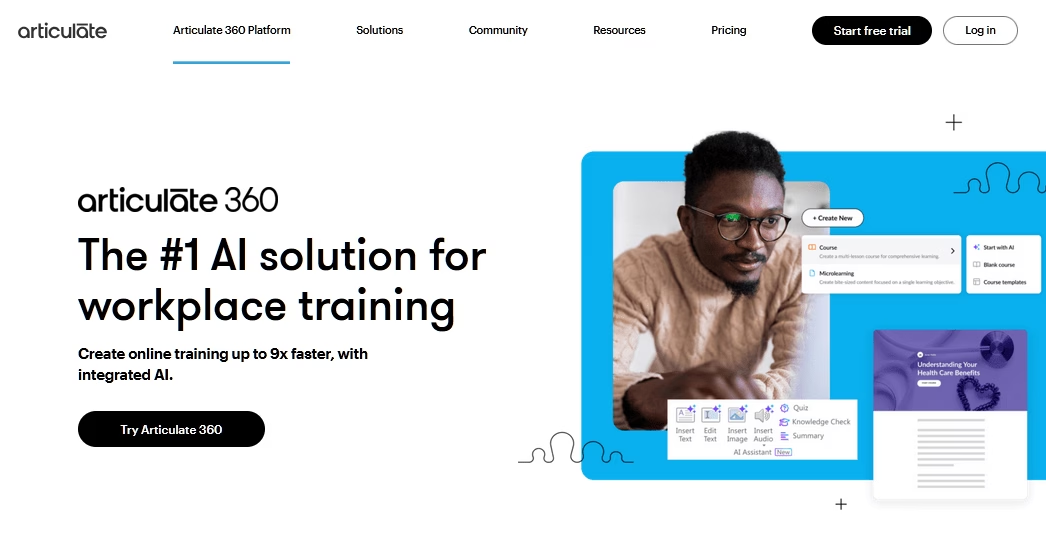
Articulate 360 is the Adobe Photoshop of the eLearning world, in both senses. It’s the industry standard, and it has the learning curve and price tag to match.
If you’re hiring an instructional designer, they almost certainly know Articulate already. The eLearning Heroes community is the biggest in the industry, and the AI Assistant has become surprisingly useful for course outlines and narration.
Articulate 360 Key Features:
- Storyline 360 for custom slide-based interactions
- Rise 360 for responsive browser-based courses
- Content Library 360 with millions of photos, videos, characters
- Review 360 for consolidated stakeholder feedback
- AI Assistant with translation into 80+ languages
- Reach 360 built-in LMS (Teams plans)
Pricing
Articulate 360 base plan (Articulate 360 AI) starting at $1,198 per user per year.
Articulate 360 is pricier for sure, but it’s one of the best solutions for workplace training.
9. Scribe
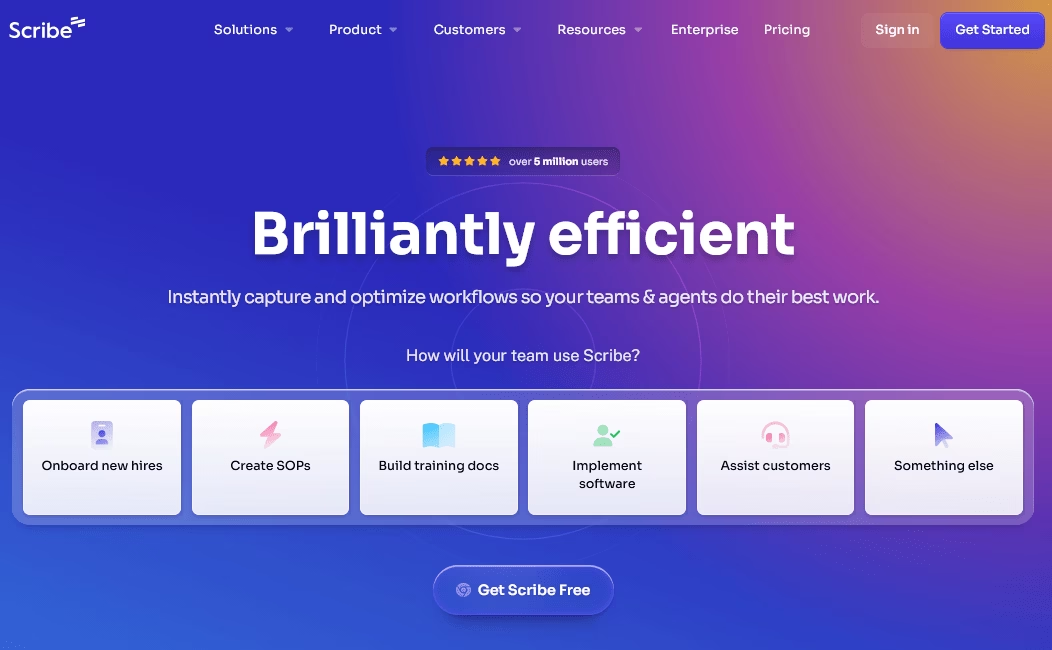
Scribe is a workflow capture tool that auto-generates step-by-step guides from your browser activity.
You click the extension, perform a process, hit stop, and Scribe produces a formatted guide with annotated screenshots in seconds.
Very useful for quickly creating training material. And it also pairs well with Heroic Knowledge Base, Notion, or Confluence.
Scribe Key Features:
- Auto-capture of clicks via Chrome extension or desktop app
- Scribe AI for auto-written titles, descriptions, and step text
- AI-powered redaction of PII from screenshots
- Sidekick overlay that surfaces relevant Scribes in context
- Embeds in Confluence, Notion, SharePoint, Zendesk, Salesforce, and more
- Enterprise features: SSO, SCIM, audit logs, process mining
Pricing
Scribe’s Basic plan is free with unlimited Scribes. Pro Personal is $25 per seat per month (annual), and Pro Team is $13 per seat per month with a 5-seat minimum. Enterprise is custom.
10. TalentLMS
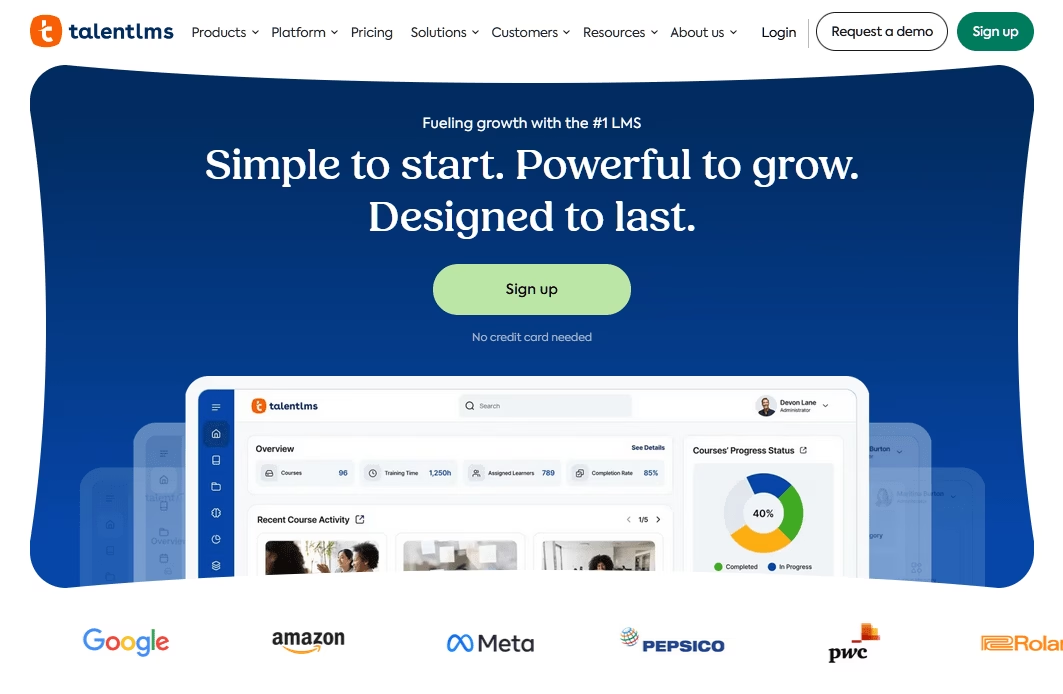
There are many LMS platforms to choose from, but TalentLMS is something that just works well.
With TalentLMS, admins can set up a course in under an hour, learners need zero training on the interface, and gamification keeps completion rates respectable.
The standout feature for multi-audience training is Branches: sub-portals that let one account host separate training environments for employees, partners, and customers, each with its own branding.
That alone is worth the price for companies that train customers as well as staff.
TalentLMS Key Features:
- Drag-and-drop course builder (video, SCORM, xAPI, cmi5, presentations)
- TalentCraft AI for generative content creation
- AI Coach for in-course learner guidance
- AI-powered course translation into 40+ languages
- Gamification (points, badges, leaderboards)
- Branches sub-portals with separate branding
Pricing
TalentLMS has a free plan for up to five users and 10 courses. Paid plans start at $119 per month.
One thing I don’t like about TalentLMS is that advanced reporting, branches, and customization sit behind higher tiers.
11. Loom
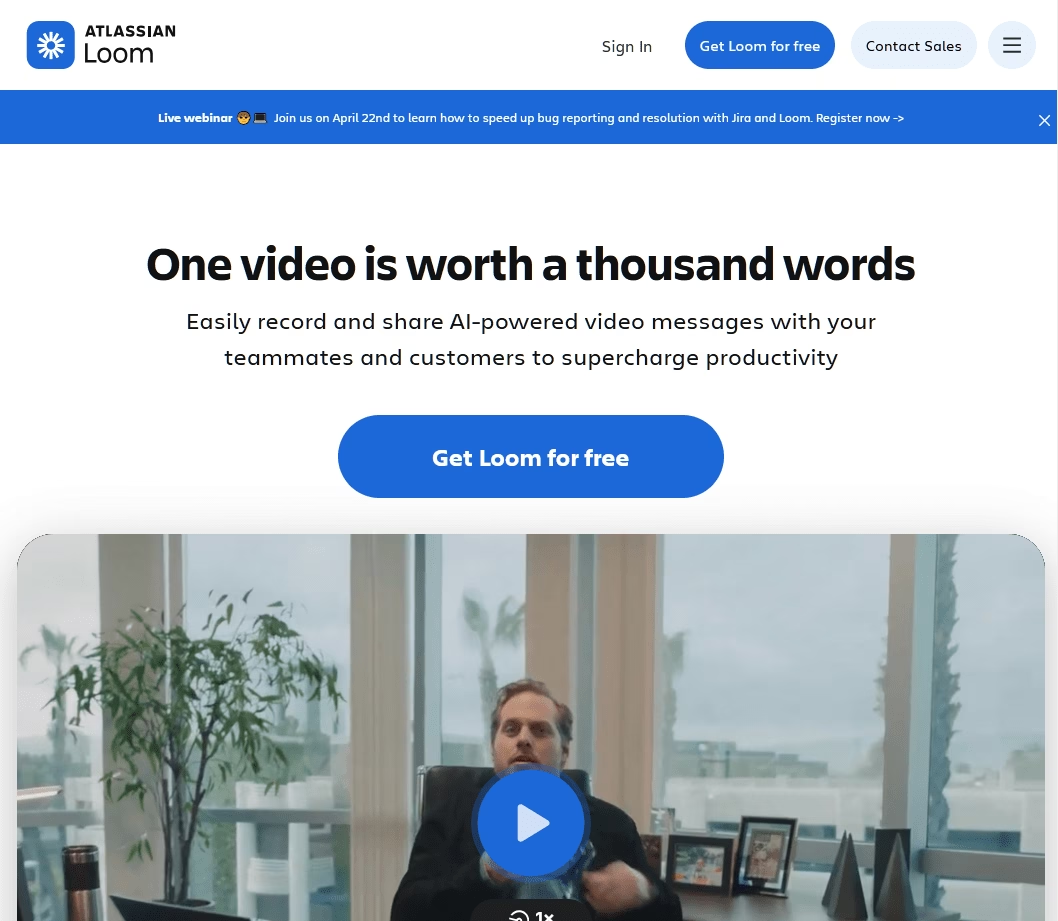
Some lessons don’t fit in writing. With Loom you can create async screen-recorded explainers, it’s the fastest way to replace a 30-minute training call with a three-minute video.
Which we recommended for complex training documents.
The AI features are solid: auto-generated titles, chapters, action items, and summaries, plus text-based editing that strips silences and filler words. Transcriptions are searchable in 50+ languages.
Loom’s Key Features:
- One-click screen and webcam recording (up to 4K)
- Loom AI for titles, summaries, chapters, action items
- Text-based editing with silence and filler-word removal
- Transcriptions in 50+ languages
- Viewer analytics (completion, reactions, heatmaps)
- Jira, Confluence, Slack, Notion, Gmail integrations
Pricing
Loom’s Starter plan is free with 25 videos and a 5-minute recording cap. Premium plans start at $18 per user, per month.
12. Supademo
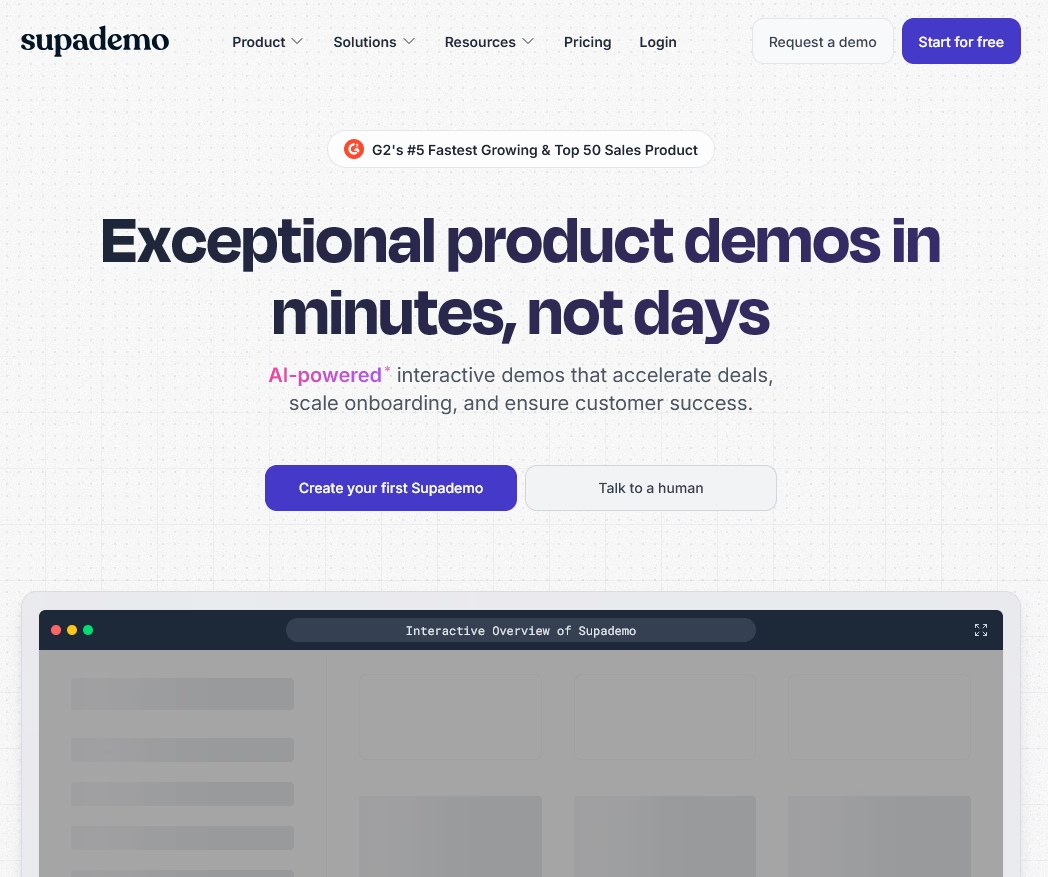
Supademo is to interactive demos what Loom is to video: the fastest way to let someone click through a product flow instead of reading about it.
For product training, onboarding, and sales enablement, interactive demos almost always beat static screenshots.
The AI voiceovers with Superdemo are surprisingly good, and the conditional branching lets you personalize demos based on viewer segments.
Supademo also has HTML Supademos, which are pixel-perfect product replicas with editable text and sandbox environments.
Making it one of the best software for training customers to properly use your software.
Supademo Key Features:
- Chrome extension capture for web apps
- AI voiceovers with text annotations
- Conditional branching and dynamic variables
- Blur, crop, and annotation tools
- HTML Supademos (Growth plan)
- Analytics for drop-off, engagement, and conversion
Pricing
Supademo includes a free plan, good for 5 demos and testing software. Premium plans start at $38 per month, per user.
13. Camtasia
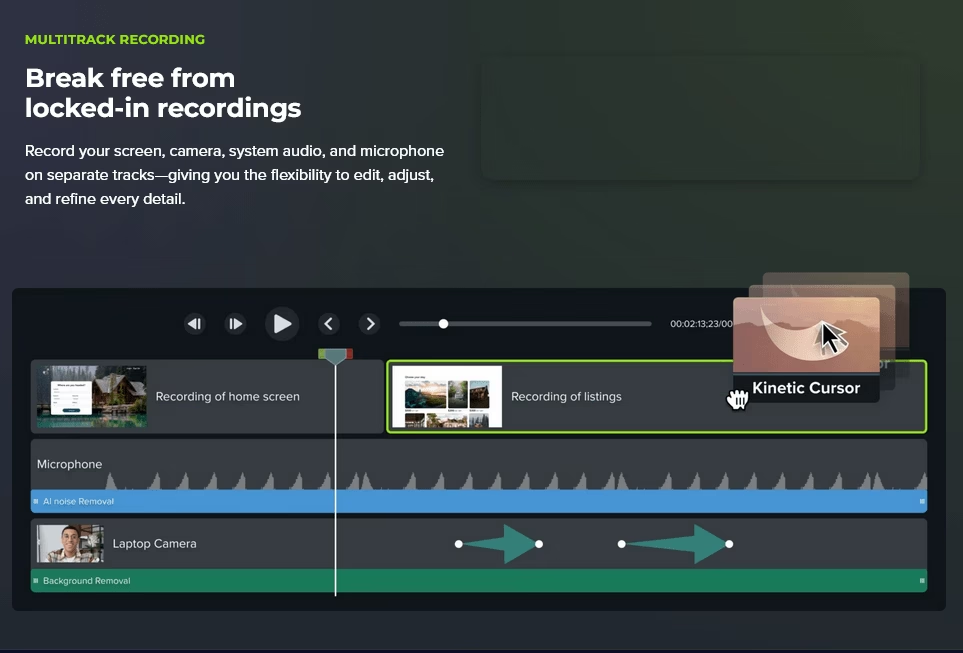
Camtasia is the most capable screen-plus-video editor for training content.
It’s the only mainstream screen recorder that I know of those packages SCORM-exportable quizzes and interactive hotspots inside the video player.
For trainers building a proper library of tutorial videos, Camtasia produces output that Loom can’t match. For one-off async explainers, it’s overkill.
If your training documentation requires video tutorials, Camtasia can be your lightweight video editing tool.
Camtasia Key Features:
- Multi-source recording (screen, webcam, audio) up to 4K at 60fps
- Multi-track timeline editor with transitions and zoom-and-pan
- Interactive hotspots and in-video quizzes with SCORM export
- Text-based editing via Camtasia Audiate integration
- AI for noise removal, auto-captions, voices, and dynamic captions
- Brand Kit and Shutterstock asset library
Pricing
Camtasia is a premium tool. Essentials plan priced at $179.88 per year.
Final Thoughts
As we saw, training documentation software covers a wide range of tools: from knowledge base software to full eLearning authoring suites, screen capture utilities, and interactive demo platforms.
No single tool does everything well, which is why most teams end up using two or three together.
We recommend using Heroic Knowledge Base for creating a center library for all your training documents. And using tools like FastStone Capture, or Loom to create rich training tutorials.
If you have any questions about training documentation software, ask us in the comments section below!
Further Reading
How To Create a Training Manual – A Comprehensive Guide
Best Documentation Examples to Learn From
How to Create Internal Documentation
The Ultimate New Employee Onboarding Checklist
Customer Onboarding: Step-by-Step Guide with Examples
Best AI HR Document Generator Tool
Best Free Knowledge Base Software With Open-Source Options




Leave A Comment?
You must be logged in to post a comment.