9 Best MkDocs Alternatives and Competitors to Try in 2026

MkDocs is fast, free, and with the right theme your static documentation created with MkDocs looks genuinely professional.
Those who set up MkDocs love it, but the people who have to update it later often do not.
Your engineers are happy editing Markdown files and pushing to Git. On the other hand, your support team, product managers, and marketing folks are not.
The moment someone outside the terminal needs to fix a typo, the whole “simple” setup stops feeling simple.
So, here are the 9 best MkDocs alternatives worth considering in 2026. Tools that both developers and support team will love to use.
In This Guide
What Is MkDocs, and Why Do People Love It?
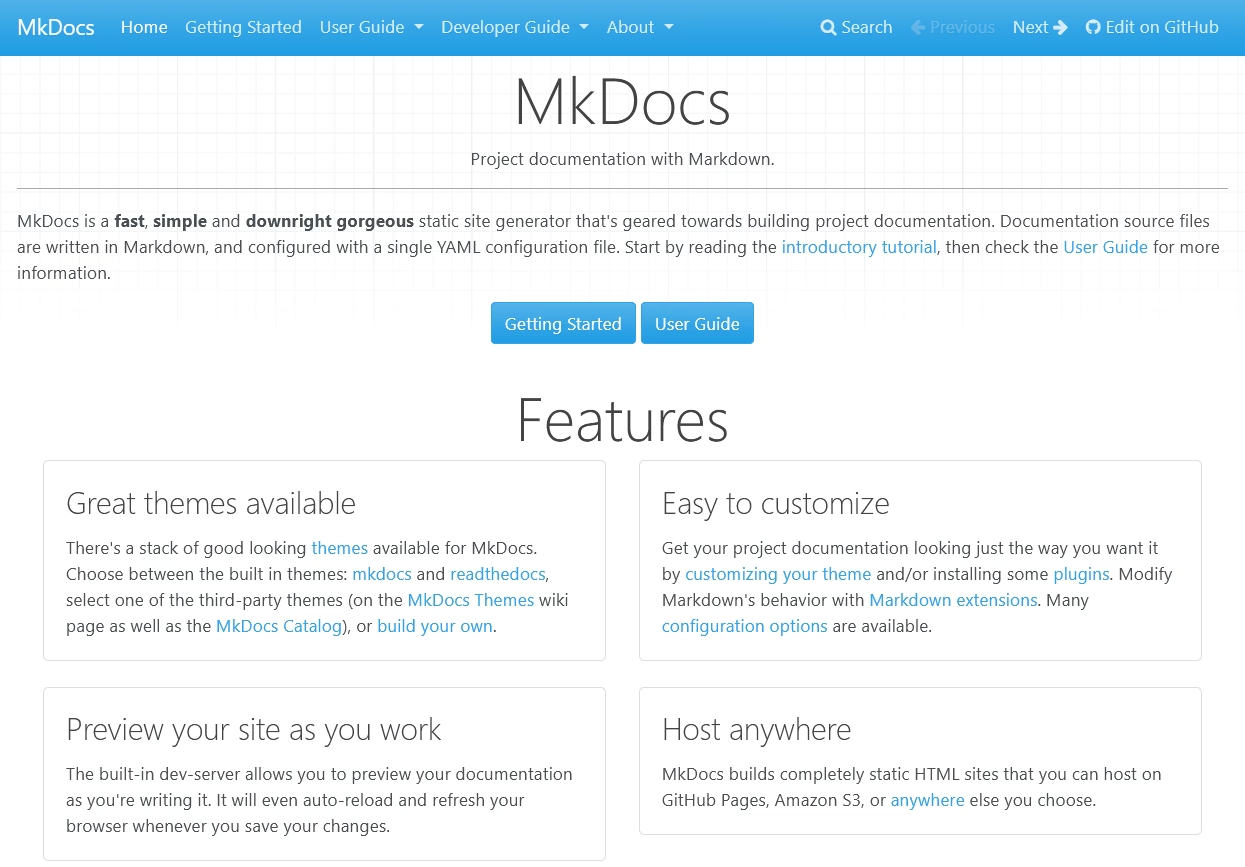
MkDocs is a static site generator built specifically for creating documentation websites. You write your content in plain Markdown, configure the whole site through a single mkdocs.yml file, and MkDocs turns it into a fast, searchable HTML site you can host anywhere.
There is no need to maintain a database, server-side code or content management system.
The workflow is what wins people over. You run mkdocs serve to get a live-reloading preview on your machine, then mkdocs gh-deploy to push the finished site straight to GitHub Pages.
For a developer who already lives in Git and the command line, it is about as low-friction as documentation gets.
Add it all up and the appeal is obvious:
- MkDocs is free and open source
- Built in seconds
- Produces clean and SEO-friendly HTML
- Markdown-plus-YAML approach is easy for any developer to pick up
For a lot of open-source projects and internal engineering docs, it is still the preferred software documentation tool.
Why Look for MkDocs Alternatives?
So if MkDocs is this good, why do people want to switch? or looking for alternatives?
Because “good for developers” and “good for your whole team” are not the same thing.
Here are the most common reasons we hear from users looking for MkDocs alternatives:
- It assumes you are technical. MkDocs needs Python, pip, a working command line, Git, and a YAML config file. None of that is hard for an engineer. All of it is a wall for a support agent or a marketer who just wants to publish an article.
- There is no visual editor. Every change means editing a Markdown file and running a build. You cannot hand a junior team member a login and say “go fix that page.”
- You handle hosting, logins, and access control yourself. Want private docs, password protection, user roles, or single sign-on? MkDocs does not do that. You bolt it on with other services or do without.
- Dynamic features are off the table. As a static site, MkDocs cannot run contact forms, support-ticket handoffs, article voting, or AI chat over your content without third-party help.
- Customization hits a ceiling. Beyond what popular MkDocs themes offer, deeper changes mean Jinja templates, Python, and a build pipeline.
None of these things makes MkDocs bad. But the right tool depends on who writes your docs, not who reads them.
Best MkDocs Alternatives in 2026
This list of MkDocs alternatives contain both technical and non-technical software for building documentation.
Choose the software or platform that best suits your team's needs.
1. Heroic Knowledge Base
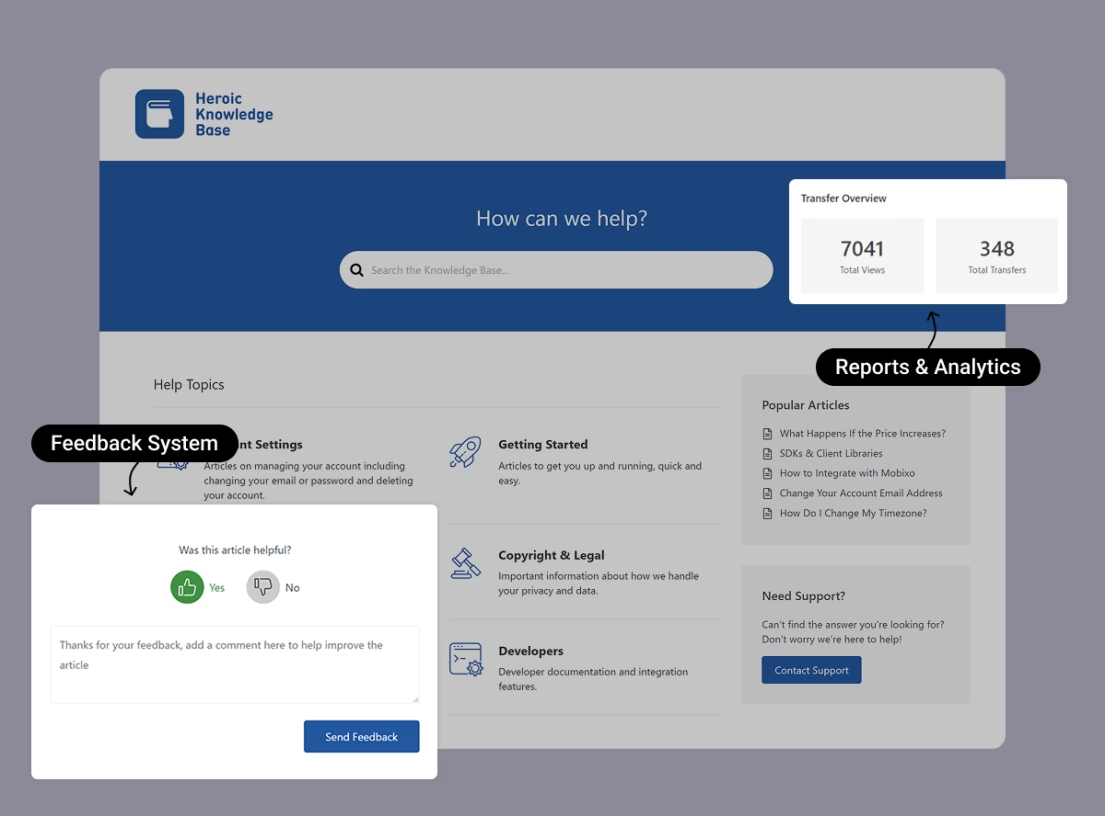
Heroic Knowledge Base is a WordPress plugin built for product documentation, customer help centers, and internal wikis.
It throws out the entire technical barrier that sends people looking for MkDocs alternatives in the first place. There is no command line here. No Python, no YAML, no Git.
You write articles in the same WordPress block editor your team already knows, and the plugin handles the structure, the search, the analytics, and the access control for you.
If your engineers built a beautiful MkDocs site that nobody else can touch, this is the inversion of that problem.
Key features:
- No-code editing: Write and format articles in the standard WordPress editor, no terminal required.
- Instant Answers live search: Results appear as the user types, AJAX-style, so people find answers fast.
- AI Help Assistant: Builds a chatbot trained on your knowledge base content to answer questions.
- Article feedback and analytics: Thumbs up/down voting, popular-search tracking, and reports that flag articles linked to high ticket volume.
- Access restrictions: Lock the whole knowledge base, specific categories, or single articles to logged-in users, which is handy for client portals and internal documentation.
- Drag-and-drop ordering for categories and articles.
- One-click migration from CSV and other knowledge base plugins.
- WPML support for multilingual documentation.
- Integrations with Slack, Help Scout, WooCommerce, and popular form plugins.
- Thousands of possible upgrades with free WordPress plugins.
Limitations / what to watch for:
- It only works on WordPress.
- There is no free plan.
Pricing
Heroic KB sells annual licenses, starting at $67.60 a year for a single site
Every plan includes a year of updates and a 14-day money-back guarantee.
Verdict
Heroic Knowledge Base helps you create a polished help center inside WordPress.
Compared to MkDocs, Heroic KB is less technical and writer friendly. And with thousands of free WordPress themes and plugins you control how your site looks and functions without writing a single line of code.
2. Sphinx
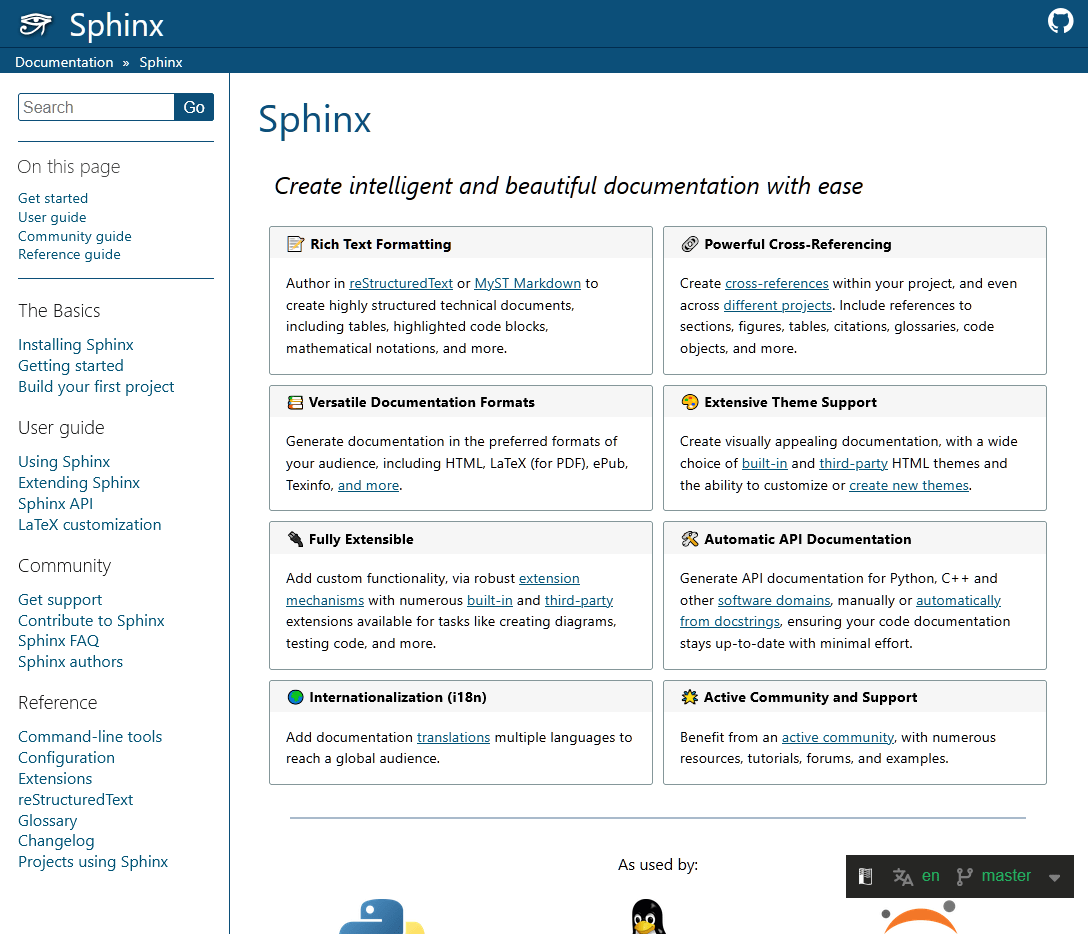
Sphinx is the reference-grade documentation generator, the tool that documents Python itself. It has been around since 2008, and it still powers the official docs for Python, NumPy, Django, PyTorch, and the Linux Kernel.
When MkDocs feels too simple, Sphinx is the natural step up.
It uses reStructuredText by default, a markup language that is more powerful and more finicky than Markdown. Though you can write in Markdown too through the MyST parser.
Where Sphinx pulls ahead is the serious technical-writing features: cross-references that work across files and even across separate projects, automatic API documentation pulled straight from your code's docstrings, and output to HTML, PDF, ePub, and more from the same source.
Key features:
- Automatic API docs
- Cross-referencing: Semantic links that survive file moves and even reach across projects via intersphinx.
- Multi-format output: One source builds HTML, PDF via LaTeX, ePub, and man pages.
- Huge extension and theme ecosystem: Furo, the Read the Docs theme, the PyData theme, sphinx-copybutton, and Jupyter notebook support, among many others.
- Hierarchical document trees, automatic indices, and glossaries.
Limitations / what to watch for:
- reStructuredText has a steeper learning curve than Markdown.
- The default theme looks dated.
Pricing
Sphinx is a free and open source alternative for MkDocs. Your only real cost is hosting.
Verdict
Sphinx is a great choice for any Python library or API-heavy project that needs autodoc, real cross-references, and PDF output.
The reStructuredText learning curve is there, and the stock styling needs help. But, get past those two things, and nothing else on this list matches its depth for technical documentation.
3. Docusaurus
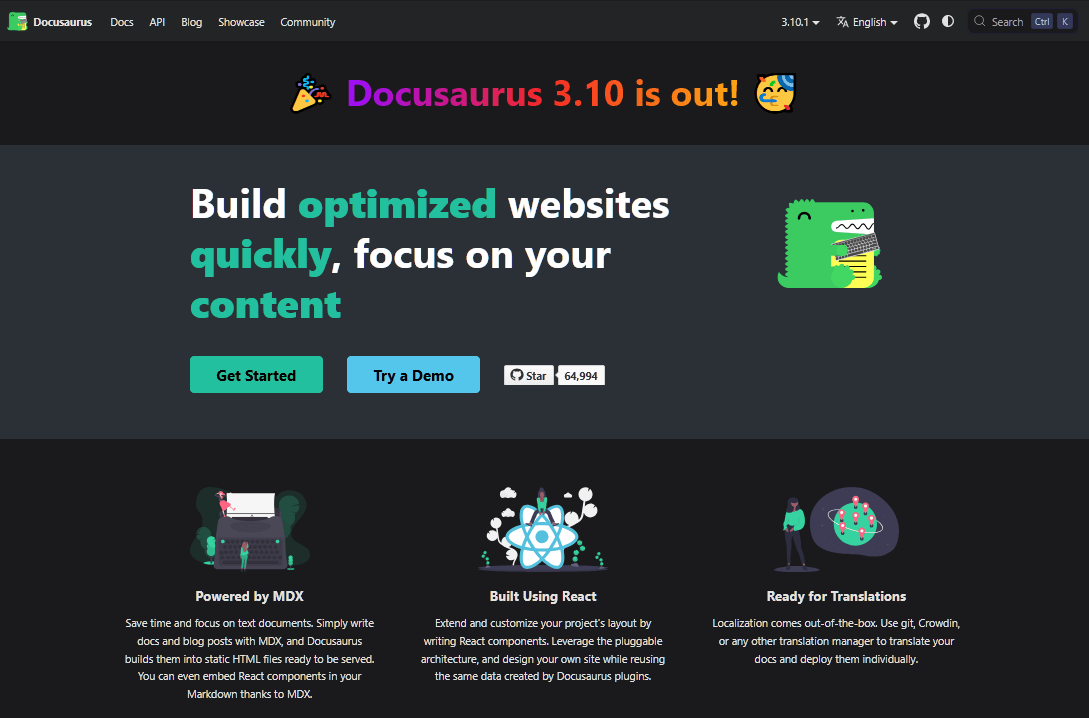
Docusaurus is probably the modern MkDocs alternative you have already heard about. Built and maintained by Meta, it runs on React and MDX, and it is the most-starred dedicated docs generator on GitHub.
It powers documentation for React Native, Jest, Supabase, and thousands of other developer-facing projects.
Because it is React and MDX under the hood, you can drop live components, interactive demos, and custom layouts right into a Markdown page. That is genuinely powerful.
Key features:
- First-class versioning: Snapshot your docs per release with a single command.
- MDX support: Embed any React component inside Markdown for live demos and interactive widgets.
- Built-in i18n: Internationalization that integrates with Crowdin and Git.
- Algolia DocSearch out of the box for fast, hosted search.
- A plugin architecture with dozens of official and community plugins.
- Dark mode and a clean default theme.
Limitations / what to watch for:
- It is React-based, so customizing it assumes JavaScript and React fluency.
Pricing
Docusaurus is free and open source under the MIT license. You bring your own hosting, and Netlify, Vercel, Cloudflare Pages, and GitHub Pages all work well.
Verdict
Docusaurus is a polished, future-proof documentation tool. Just go in knowing the Node and React overhead is the price of admission, and that your marketing team will never touch it.

4. Read the Docs
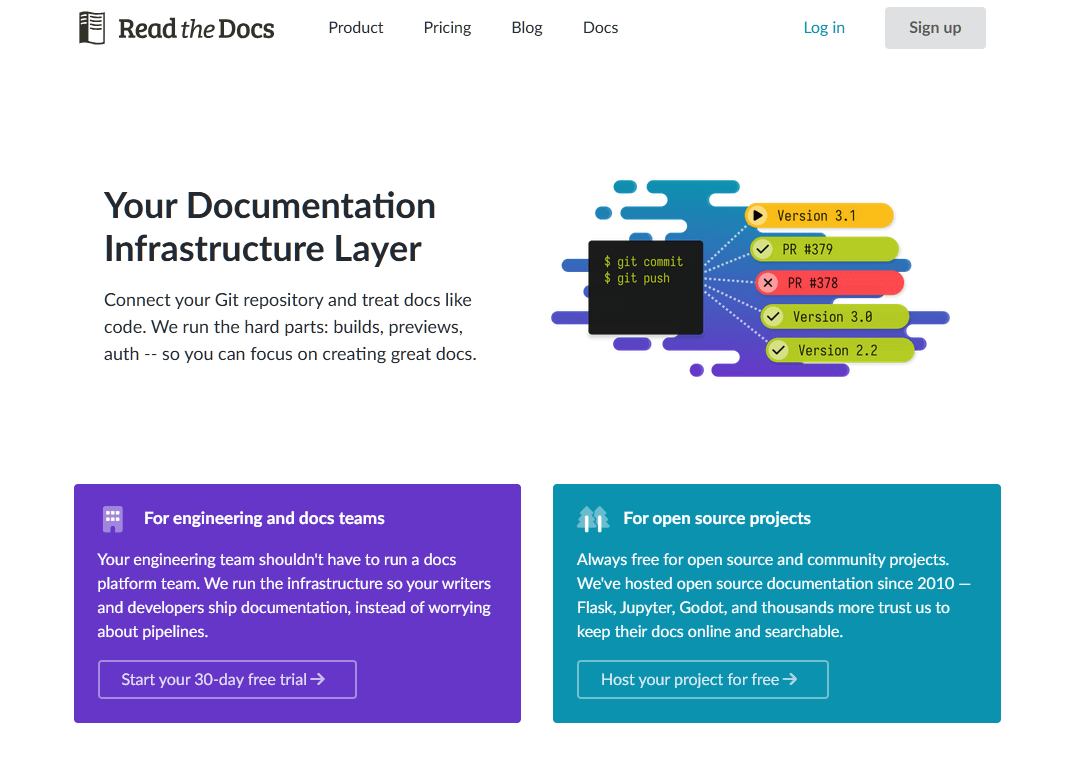
Unlike MkDocs, Read the Docs is not a generator, it is hosting. It takes a project built with Sphinx or MkDocs and automatically builds and deploys it every time you push to Git. Handling versioning, search, and pull-request previews for you.
The platform serves over 55 million pages of documentation a month and hosts more than 80,000 open-source projects.
For maintainers, the appeal is simple: you focus on writing, and the build pipeline takes care of itself.
Key features:
- Automatic builds on every Git push, with no CI/CD setup required.
- Versioned documentation with clean URLs like /en/latest/ and /en/v1.2/.
- Pull-request previews so you can see doc changes before merging.
- Full-text search across every version, plus PDF and ePub generation.
- Custom domains, with a Business tier that adds SSO, SAML, and audit tracking.
Limitations / what to watch for:
- It hosts your docs but does not generate them, so you still need to learn tools like Sphinx or MkDocs.
- The free Community tier shows ads.
Pricing
Read the Docs has a free forever plan for open-source projects, supported by ethical ads. The Basic plan starts at $50 a month for private and commercial docs.
Verdict
If you've chosen Sphinx or MkDocs, Read the Docs is the battle-tested way to host it. It is free for open source and genuinely friction-free.
5. GitBook

GitBook takes the hosted route and pairs a modern block-based editor with Git sync. So technical and non-technical contributors can work in the same place.
GitBook powers external developer docs for thousands of SaaS products, and it is known for clean reading design, AI-powered search, and easy OpenAPI rendering.
Key features:
- Block-based visual editor with real-time collaboration.
- Branch-based editing that avoids merge conflicts on shared docs.
- GitHub/GitLab bi-directional sync for docs-as-code workflows.
- AI Assistant and the new AI Agent on higher tiers, plus OpenAPI rendering and automated translations.
- Integrated analytics and custom domains.
Limitations / what to watch for:
- Pricing combines a per-site fee with a per-user fee. Which gets expensive quickly for bigger or multi-site teams.
- Migration assistance is reserved for the Enterprise tier.
Pricing
GitBook is free for individual users and open-source projects. Paid plans start at $65 per site per month plus $12 per user per month, with a higher Ultimate tier and an AI add-on on top.
A five-person team on the top tier with AI can land near $5,500 a year.
Verdict
GitBook produces some of the best-looking hosted docs around, and the editor is a genuine pleasure for mixed technical and non-technical teams.
The pricing though, is the pivot point.
6. Mintlify

Mintlify is the AI-native MkDocs alternative option aimed squarely at API-first companies and devtools startups.
It is a docs-as-code platform with a polished default design, a built-in API playground, and integrated AI features.
The pitch is that you keep working in Git and MDX while Mintlify handles the design, the interactive API reference, and an AI assistant that answers questions over your docs.
Key features:
- Docs-as-code workflow with Git and MDX, plus React components.
- Interactive API playground with OpenAPI and Swagger rendering.
- AI Assistant that answers questions using your documentation.
- Mintlify Agent that monitors your codebase and proposes doc updates as pull requests.
- Custom domains, preview deployments, and LLM-friendly output formats.
Limitations / what to watch for:
- Not designed for non-technical teams, since everything goes through Git and MDX.
- AI usage is metered, and overages make monthly costs unpredictable.
- SSO, SOC 2, and white-label branding are only available to enterprises.
Pricing
Mintlify offers a free Hobby tier that covers a single project with a custom domain and the API playground, but no AI.
The Pro plan runs roughly $250 to $300 a month for five editors with metered AI, and custom enterprise plans climb well beyond that.
Verdict
Mintlify is one of the slickest developer documentation experiences you can buy. And the AI agent genuinely helps teams whose docs rot between releases.
7. Hugo
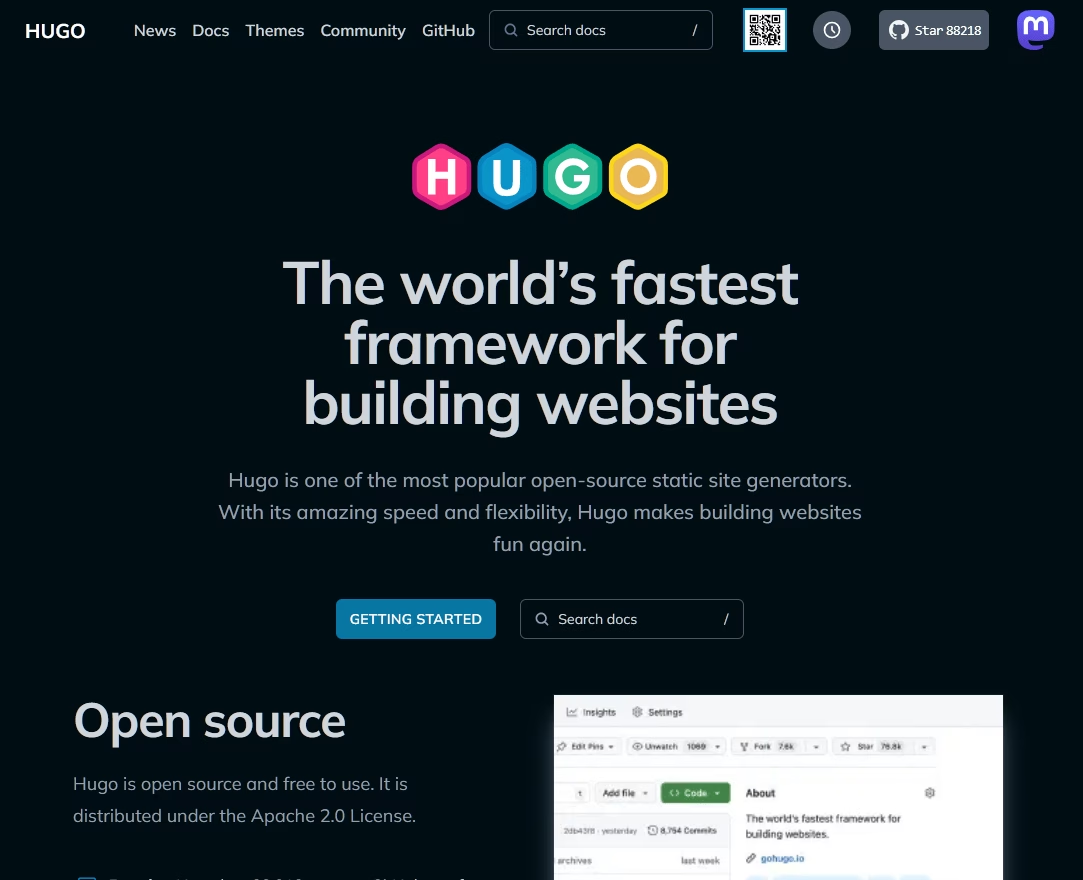
Hugo, is the fastest static site generator on this list by a wide margin. Building average pages in under a millisecond and compiling sites with thousands of pages in seconds.
If your documentation has grown into thousands of pages and your current build takes minutes, Hugo is the answer to that specific pain.
Key features:
- Blazing build speed with sub-second builds even on huge sites.
- Single Go binary with no external runtime dependencies.
- Built-in multilingual support and a powerful taxonomy system.
- Asset pipelines for Sass and image processing.
- Reusable shortcodes that work across themes.
Limitations / what to watch for:
- Go templating is verbose and has a steep learning curve.
- The plugin ecosystem is narrower.
- Doc-specific features need theme or extension work.
Pricing
Hugo is free and open source, and comes under the Apache 2.0 license.
Verdict
For any documentation site over a few thousand pages where build time has become the bottleneck, Hugo is hard to beat. The Go templates can be frustrating at first, so plan for some ramp-up time. Once you get the hang of it, though, the speed is genuinely addictive.
8. VitePress
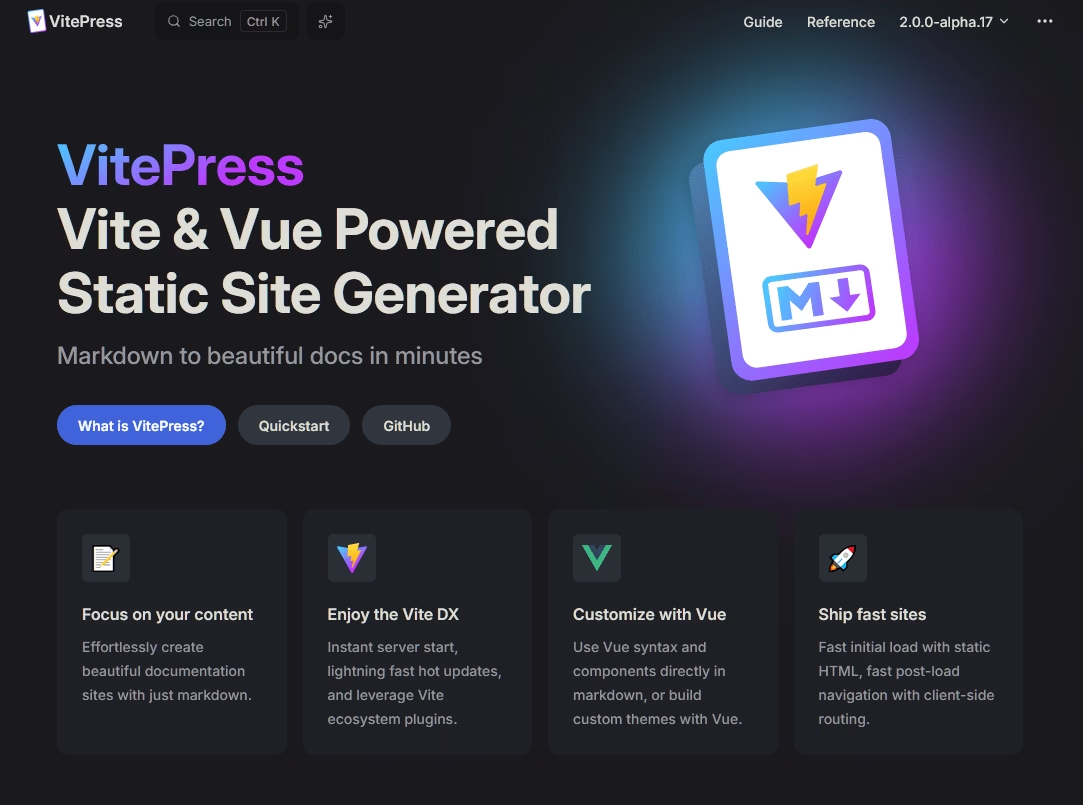
Built by the Vue.js team on top of Vite, VitePress is the modern, minimal MkDocs alternative for people who prefer Vue over React.
The development experience is the selling point. Thanks to Vite, the server starts instantly and hot reload is near-instant. This makes writing and previewing docs feel snappy in a way few tools match.
Key features:
- Instant dev server and hot reload powered by Vite.
- Vue components in Markdown on any page.
- A clean default theme designed specifically for documentation.
- Multi-sidebar configuration based on your directory structure, plus built-in search.
- Static HTML on first load, then SPA-speed navigation.
Limitations / what to watch for:
- No formal plugin system. So extensions live inside your theme folder.
- Customization often requires CSS overrides because styles are scoped inside Vue components.
Pricing
VitePress is free and open source under the MIT license.
Verdict
If you are a Vue team, VitePress is an easy call. It is fast, modern, and a joy to write in, and the Vue core team uses it for their own docs, which is about the strongest endorsement there is.
If you are coming from Docusaurus you will notice fewer built-in features, but most find this simplicity refreshing rather than limiting.
9. Docsify
Unlike every other generator here Docsify does not build static HTML at all. Instead it ships a single index.html that loads and renders your Markdown files in the browser, on the fly.
There is no build step, no pipeline, and updates appear the instant you save a file.
The result is documentation about as simple as writing a few README files.
Key features:
- Zero build step, rendering Markdown live in the browser.
- Instant updates the moment you save a file.
- Multiple themes and a plugin API for search, copy-code, and edit-on-GitHub buttons.
- A full-text search plugin and simple sidebar-based navigation.
- Deploys anywhere static files go, including GitHub Pages.
Limitations / what to watch for:
- Client-side rendering means meaningfully weaker SEO than pre-built sites.
- Large documentation sets suffer an initial load delay.
Pricing
Docsify is free and open source.
Verdict
For small open-source projects and quick internal docs, Docsify is wonderfully low-effort. Just do not use it when SEO matters.
How to Choose the Right MkDocs Alternative
We have shown 9 best MkDocs alternatives to you, so let's make the decision simpler.
Who actually writes and updates your docs? Answer that, and the field narrows fast.
- Your writers are non-technical (support, product, marketing). Go with Heroic Knowledge Base. It will allow you to add functions or publish content without touching a code.
- You want hosted docs with a great editor for a mixed team. Look at GitBook, or Mintlify if you are an API-first company with the budget for it.
- You are staying docs-as-code but outgrowing MkDocs. Pick Sphinx for Python, Docusaurus for React shops, or VitePress if you are a Vue team. Pair Sphinx or MkDocs with Read the Docs for hosting.
Whichever way you go, pick the tool that matches who maintains your docs, not just who reads them.
That one decision will save you more headaches than any feature comparison.
Further Reading
Best Help Scout Alternatives in 2026 (Including Free Options)
Top Open Source Helpdesk Ticketing Systems in 2026
Top Free & Open Source Knowledge Base Software (2026)
10 Best Internal Knowledge Base Software (Free & Paid)
12 Best Knowledge Management Tools / Software






Leave A Comment?
You must be logged in to post a comment.