10 Best Email Management Software for Business and Customer Support (2026)


Whether you’re a customer support manager at a SaaS startup or a small business owner drowning in inquiries, the struggle is real.
Sifting through messages can feel like a full-time job. Unless you use proper email management software.
Plain Gmail or Outlook was never built to route, assign, and track shared support mail.
In this guide, I’ll break down what email management software is and what features to look for. Then, I’ll review the best email management tools available today.
Let’s get started, shall we?
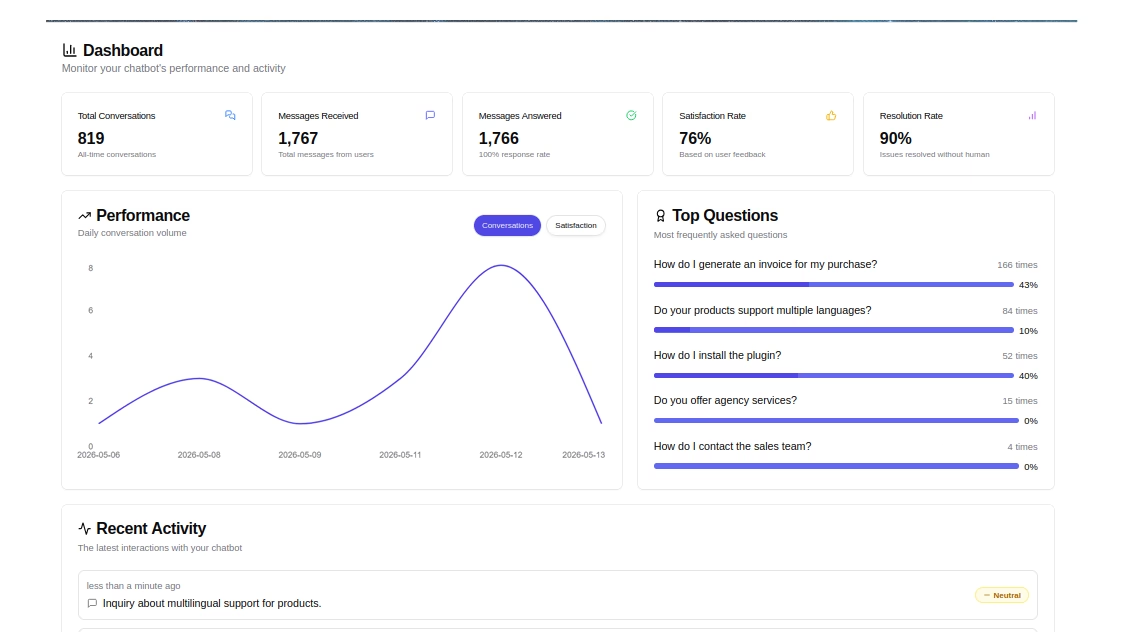
HelpJet – FREE AI Chatbot
The best email management is fewer emails to manage. HelpJet answers routine questions before they ever hit your inbox.
In This Guide
- What Is Email Management Software?
- What to Look for in Email Management Software
- Best Email Management Software and Tools of 2026
- 1. Heroic Inbox: Shared Inbox and Ticketing System
- 2. Mozilla Thunderbird: Free and Open-Source Email Client
- 3. Canary Mail: Secure Email with AI
- 4. Hiver: Agentic Customer Service Platform
- 5. Zoho Mail: Business Email Hosting and Suite Integration
- 6. osTicket: Open-Source Support Ticket System
- 7. Sortd: Gmail Add-On for Visual Email Organization
- 8. Missive: Team Email and Chat in One
- 9. Spike: Conversational Email with a Chat Twist
- 10. Mailbird: Unified Inbox and Productivity Apps
- 1. Heroic Inbox: Shared Inbox and Ticketing System
What Is Email Management Software?
Email management software is a tool that helps individuals and teams organize, prioritize, assign, automate, and respond to email from one place.
Unlike a basic email client, it adds a collaboration and tracking layer on top of your inbox, with shared inboxes, tagging, automation, and reporting features. Teams use it to manage support, sales, and shared addresses such as support@ or sales@ without interfering with each other.
If your goal is customer-facing support specifically, it often overlaps with help desk software and a self-service knowledge base.
Why Do You Need Email Management Software?
Manually triaging emails does not scale when several people are answering the same address.
Email management software prevents duplicate replies, assigns a clear owner to every message, and speeds up response times through automation and canned replies.
What to Look for in Email Management Software
From simple email management features to tracking every small detail of your marketing campaign, each email management system is designed with a purpose.
Based on your needs, you might have to choose different options.
But there are some key factors you should consider when evaluating options:
- Inbox Organization: Look for tools that offer labels, folders, tags, priority flags, and other ways to sort/categorize emails.
- Automation: Many email management tools can help you automate repetitive tasks. This can be as simple as auto-filtering newsletters into a folder, or as fancy as AI-suggested replies.
- Integrations: Check if the software integrates with your other tools, like CRM systems, project management apps, or help desks.
- Collaboration Features: If you’re working with a team, consider features like shared inboxes, the ability to assign emails to team members, internal notes or chat on emails, and so on.
- Reporting and Analytics: Dashboards showing metrics like first response time, average reply time, resolution rate, or even how many emails each team member handled.
- Templates and Saved Replies: Reusable canned email templates so your team answers common questions consistently and fast.
- Security and Compliance: For businesses in healthcare, finance, or any field dealing with sensitive info, consider security features. End-to-end encryption, GDPR compliance, HIPAA compliance, might be non-negotiable.
- Ease of Use: Last but not least, you’ll want a tool that feels natural to use. If it’s too complex or clunky, you (or your team) won’t stick with it.
Best Email Management Software and Tools of 2026

We rigorously test and research every product that we recommend through HeroThemes. Our review process. We may also earn a commission if you make a purchase through our links.
Here are my top picks for email management software, spanning a range of use cases, from solo inbox clients to full team help desks. Whatever your setup, one of these should fit.
Here’s a quick comparison table if you are in a hurry:
| Email Management Software | Best For | Starting Price |
|---|---|---|
| Heroic Inbox | Shared inboxes and support ticketing | $79/year |
| Mozilla Thunderbird | Free, open-source email management | Free |
| Canary Mail | Secure email with AI | Free; $3/month |
| Hiver | Agentic customer service | Free; $25/user/month |
| Zoho Mail | Business email and suite integration | Free; $1/user/month |
| osTicket | Open-source support ticketing | Free |
| Sortd | Visual Gmail organization and workflows | $10/user/month |
| Missive | Team email and collaboration | $14/user/month |
| Spike | Conversational email and collaboration | Free; $5/user/month |
| Mailbird | Unified inbox and productivity | Free; about $4/user/month |
1. Heroic Inbox: Shared Inbox and Ticketing System
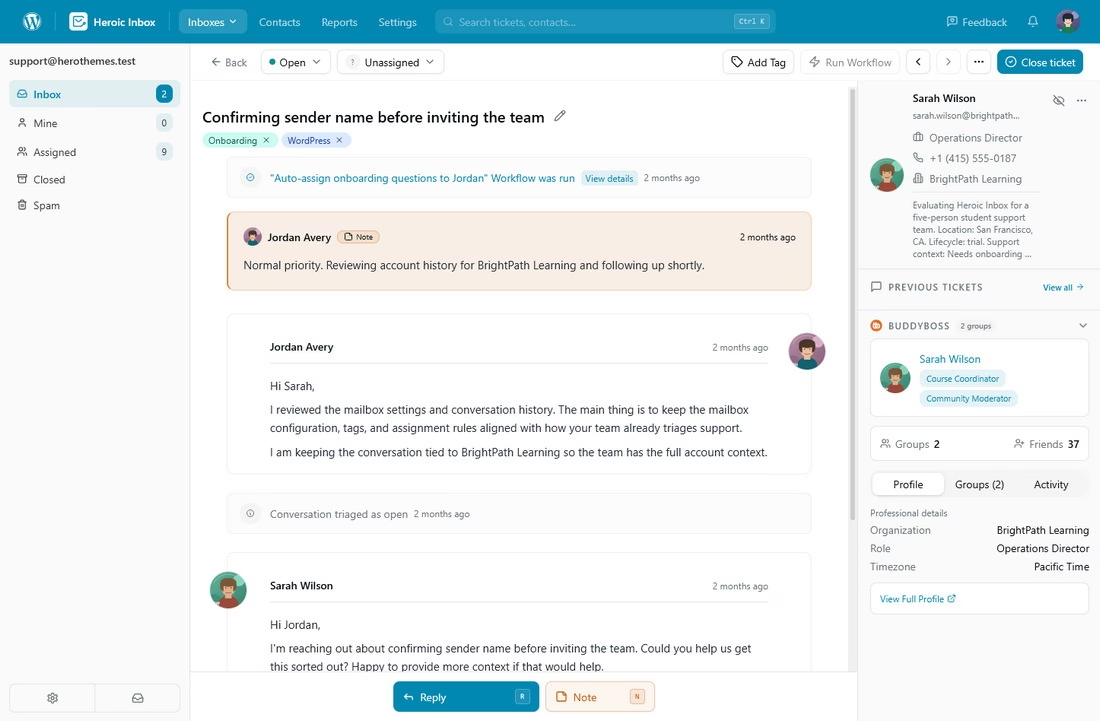
Heroic Inbox is a premium solution that brings helpdesk functionality right into your inbox. It converts all your emails into tickets, giving you better control over them.
It’s designed as a cost-effective alternative to SaaS helpdesks. You get unlimited users and emails on all plans, which is a huge plus for growing teams on a budget.
Key features:
- Create unified team inboxes (for addresses like support@ or sales@)
- Collaboration features like assigning conversations, internal notes, and status tags
- Multiple mailboxes
- Canned reply templates
- Workflow automations (e.g. auto-assigning tickets or sending instant autoresponders)
- Custom Mailbox Views
- AI Assistant fro drafting replies
Pricing
Heroic Inbox is a paid email management software that starts at $79 per year. It allows you to have two mailboxes and covers unlimited agents and tickets. This can save you a lot compared to per-agent pricing models.
All plans also come with a 14-day money-back guarantee, so you can try it risk-free.
My take
Heroic Inbox is powerful yet straightforward. It offers a clean way to turn messages into trackable tickets, share context, and reply faster together. And at the same time it stays affordable.
14-Day Money-Back Guarantee | Setup in Under 10 Minutes
2. Mozilla Thunderbird: Free and Open-Source Email Client
Mozilla Thunderbird is a classic. A free, open-source email client that’s been around for ages (from the makers of Firefox).
It’s a desktop app (Windows, Mac, Linux) that lets you aggregate all your email accounts in one place with a unified inbox, or keep them separate if you prefer.
Thunderbird is highly extensible and customizable too. With a ton of add-ons for extra functionality.
Key features:
- Powerful filtering and search
- Message tagging, and a built-in calendar
- Highly extensible and customizable
- Ton of add-ons for extra functionality
- Supports protocols like IMAP/POP
- Tools for chat and RSS
- Big emphasis on privacy and security
- Support for Pretty Good Privacy (PGP) encryption
Pricing
Thunderbird is free.
Thunderbird Pro has moved from concept to reality, entering production testing with an Early Bird plan at $9 per month.
Thunderbird Pro focuses more on a cloud-based client, the latest email standards like JMAP, simpler scheduling, and security.
My take
Thunderbird mail client is best for people who want a robust Outlook alternative without cost. The interface got a modern refresh recently, making it more sleek and easier to use. You can customize the layout, and use features like quick filters to slice through a cluttered inbox efficiently.
It may not have fancy AI features, but for pure email organization (especially if you have multiple accounts), Thunderbird remains solid.
3. Canary Mail: Secure Email with AI
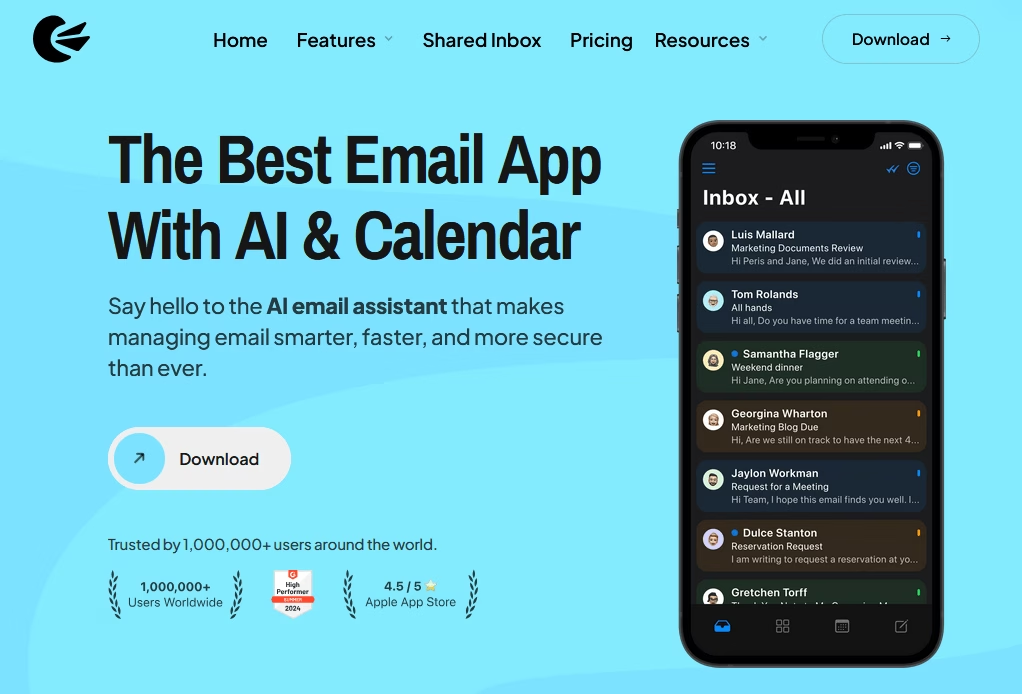
Canary Mail is a privacy- and productivity-focused email app. It offers end-to-end PGP encryption, making it ideal for users who need secure email, such as lawyers, healthcare providers, and the privacy-conscious.
Canary Mail also comes with an AI Email Assistant that can help draft emails, summarize long threads, and prioritize important messages.
It’s available on Mac, Windows, iOS, and Android for a seamless experience.
Key features:
- Supports all the major email services
- Clean and minimal interface
- Unified inbox
- Snooze (to temporarily hide emails until you’re ready)
- Email templates
- Zero-access encryption model (not even Canary’s servers can read your emails)
Pricing
Canary Mail offers a free tier, then a Growth plan at $3/month for AI Copilot and productivity tools, and a Pro+ plan at $10/month that adds PGP encryption, SecureSend, and phishing protection.
Its AI now spans an AI Copilot for drafting, AI Summaries for long threads, and Smart Search across accounts.
My take
Canary Mail does not feel “techy.” It is as easy to use as any standard email client, just with far more intelligence and security under the hood. For privacy-focused professionals, it is one of the strongest secure clients you can pick.
4. Hiver: Agentic Customer Service Platform
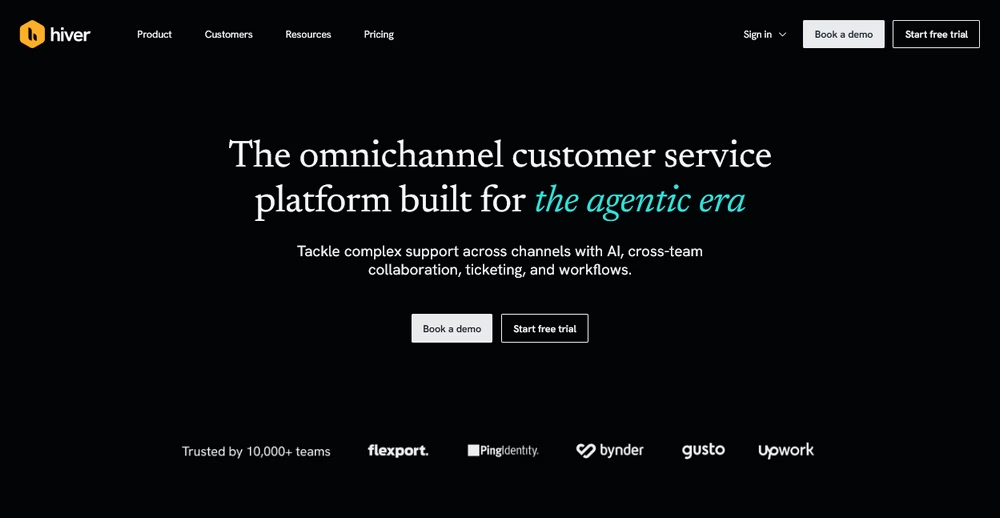
Rather than forcing you to use a new dashboard, Hiver adds a full help desk to Gmail and Outlook, allowing your team to keeps working where they already are, you can use their omnichannel platform to have all your customer communications (live chat, Slack, WhatsApp, email) in one place.
It is designed to run complex workflows with built-in ticketing, automations, and deep context pulled from integrated systems like CRMs, ERPs, and Slack. That context is what lets its AI go past simple deflection and actually resolve requests.
Key features:
- Collaborative omnichannel inboxes for support across email, chat, voice, WhatsApp, and Slack
- Agentic AI that goes beyond simple deflection
- Self-improving AI Agents that learn from your policies, brand tone, and historical conversation data over time
- Auto-updating Help Center that spots knowledge gaps and turns resolved tickets into structured articles automatically
- Full customer context synced across your tech stack, so handoffs and escalations stay visible to everyone
Pricing
Hiver offers a free plan for teams that are just getting started.
Paid plans begin at $25 per user, per month (billed annually) for the Growth tier, which includes AI Agents, AI Copilot, rule-based automations, and 24/7 support.
My take
Hiver is the ideal choice for teams that want helpdesk power without the friction of a new tool. Its shift toward “agentic” support means the AI actually handles the heavy lifting of resolution, making it a significant step up from traditional shared inbox tools.
5. Zoho Mail: Business Email Hosting and Suite Integration
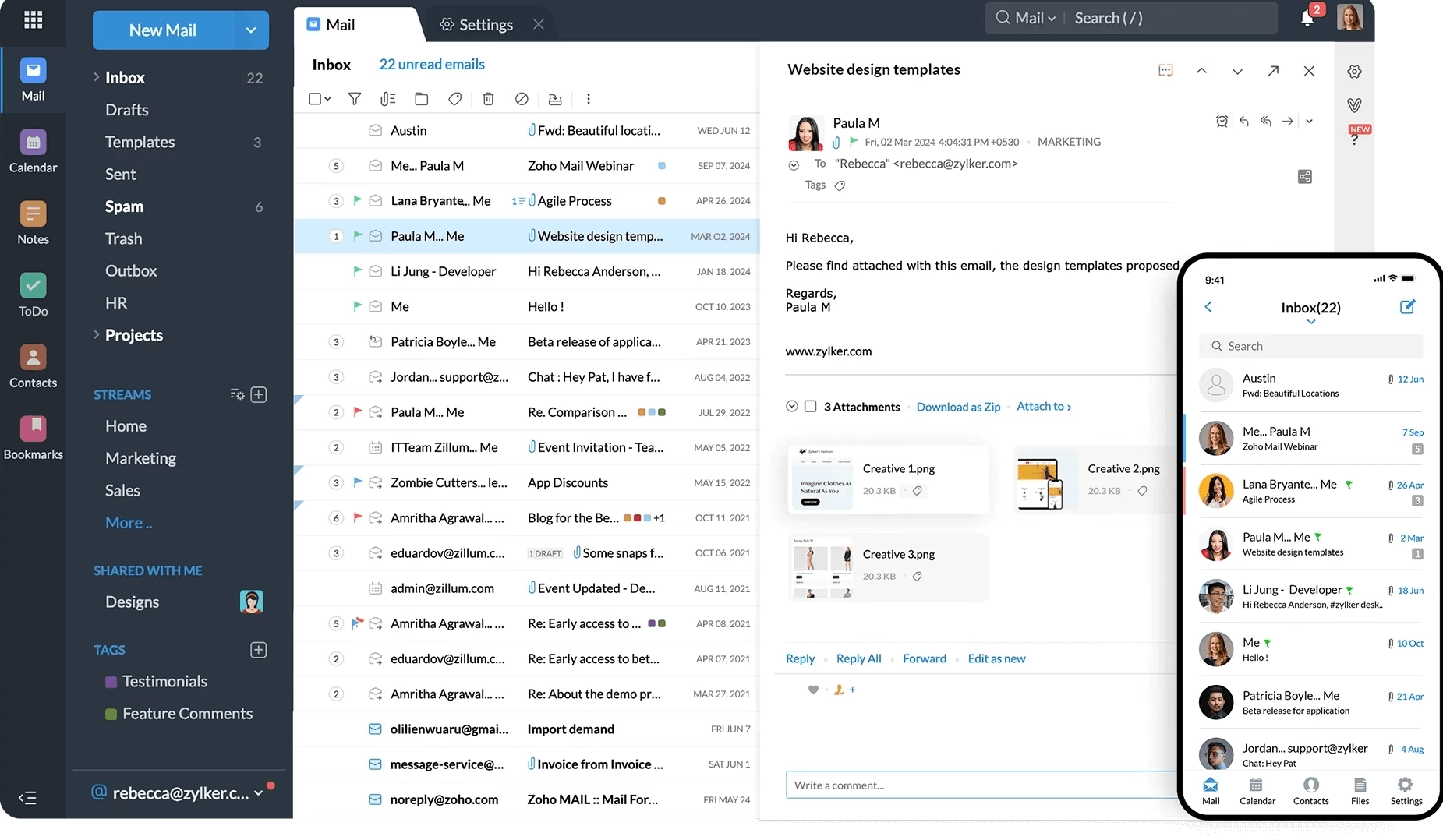
Zoho Mail is part of the Zoho business software suite, and it serves as a secure, ad-free email hosting service for custom domains ([email protected]) as well as a productivity hub.
It’s an alternative to Google Workspace or Microsoft 365, and it provides you email with calendar, contacts, tasks, notes, etc., all integrated.
The interface is clean and free of ads, which many users appreciate for business use.
One cool aspect: Zoho Mail has a feature called Streams, which basically turns email threads into a more collaborative social-media-like feed.
Key features:
- Multi-level folders, powerful search, filters
- Tag colleagues and have conversations about an email internally
- Out-of-office rules
- send large attachments via a cloud link
- Supports IMAP/POP protocols
- pretty robust mobile app
- Deep integration with Zoho CRM and other Zoho apps
Pricing
Zoho Mail offers a Forever Free Plan for up to 5 users on a single domain, which is great for a small business just starting out.
Paid plans now start at just $1/user per month (Mail Lite, billed annually), with Workplace bundles at $3 and up.
My take
Zoho Mail is a reliable and affordable email management software for small businesses that want a custom domain email address, a clean user interface, and strong CRM integration without paying Google or Microsoft prices. It’s reliable, ad-free, and effective—especially if you’re already using Zoho apps.
6. osTicket: Open-Source Support Ticket System
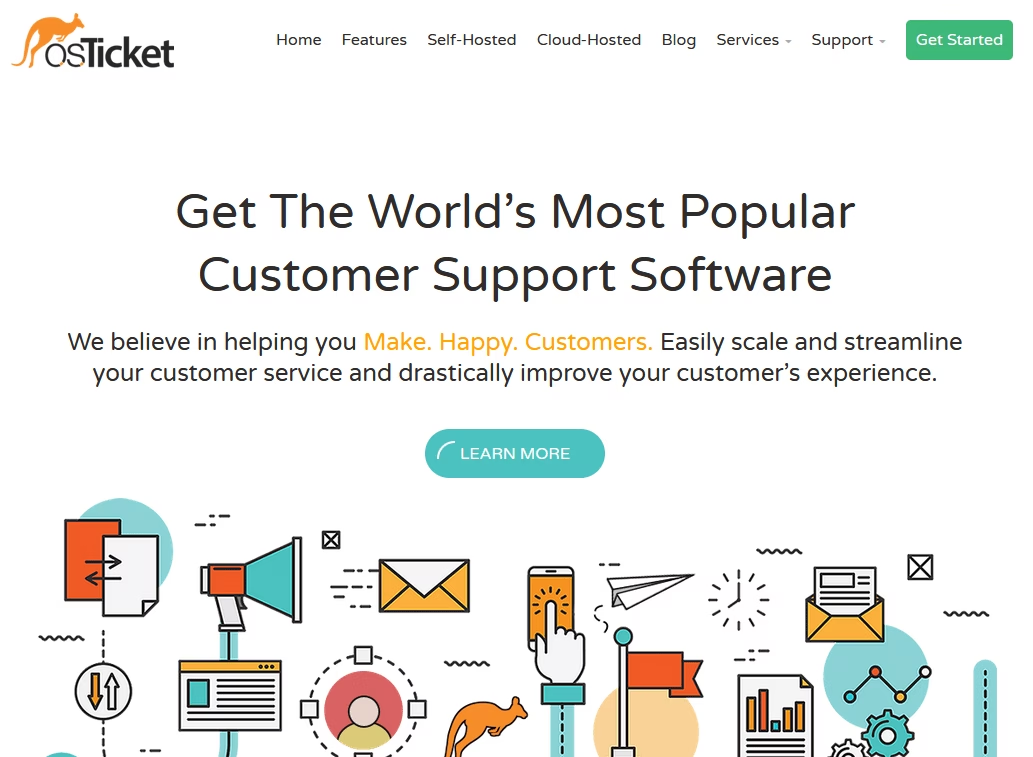
osTicket is an open-source helpdesk software that’s great for email-based support. It converts incoming emails into support tickets and helps you manage them.
osTicket can be a lifesaver if you’re running a customer support or IT help desk.
Key features:
- Ability to assign tickets to agents or teams
- Categorize emails by department or help topic, set priority levels
- Define SLA (service-level agreement) policies for response times
- Web portal for customers to check ticket status
- Add internal notes on tickets
- Collision detection
- Self-host osTicket on your server
Pricing
The core osTicket software is free (self-hosted). You’ll just pay for your hosting/server costs.
If you want osTicket to host it for you, the managed cloud version (SupportSystem) starts at $12 per agent per month, with prices increasing based on agents and features.
My take
The osTicket interface can be a bit utilitarian but very functional. For a free tool it stays surprisingly feature-rich and reliable, which is why it is still widely trusted for support operations.
Explore:
Best Free Open Source Knowledge Base Software
How To Create a Ticketing System: Step-By-Step Guide
7. Sortd: Gmail Add-On for Visual Email Organization
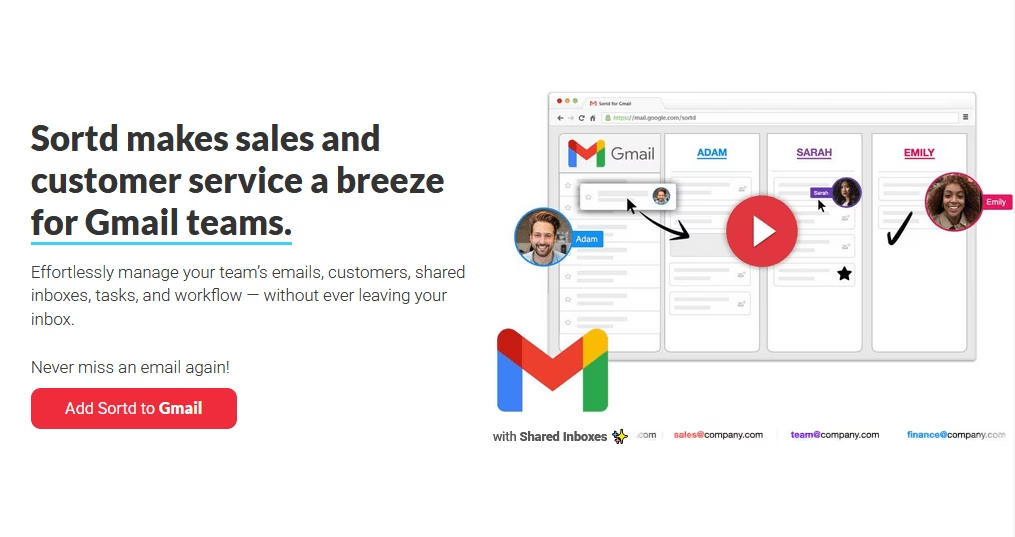
Sortd transforms your Gmail inbox into an organized workspace. Often described as “Trello for Gmail,” Sortd lets you drag emails into Kanban-style boards and lists.
This is fantastic for people who manage tasks or sales leads via email and want a better visual overview.
With Sortd, you can create columns such as “To Do,” “In Progress,” “Follow Up,” and so on, and move emails (or tasks you add) across these lists.
All of it happens right inside Gmail’s interface, so you’re not leaving your inbox.
Key features:
- Manage a shared inbox or coordinate with team members
- Collaboration features like assignments, reminders and notes
- Due dates for emails
- Turn your emails into tasks. Which keeps your inbox cleaner and your to-do list clear.
- Follow-up feature for outgoing emails to receive a notification if someone hasn’t replied by a certain time
Pricing
Sortd has repositioned as a Gmail-native shared inbox and workflow tool, and its plans now run Starter at $10 per user/month, Essentials at $16, and Business at $22 (billed annually).
Sortd has also added Sortd AI for smart status and triage, plus an API and MCP layer that lets you connect your own AI agent, so it is no longer just a Kanban skin for Gmail.
My take
Sortd is tightly integrated with Gmail, so setup is just a Chrome extension and a few clicks. Transforming your inbox into a to-do list can revolutionize your productivity.
8. Missive: Team Email and Chat in One
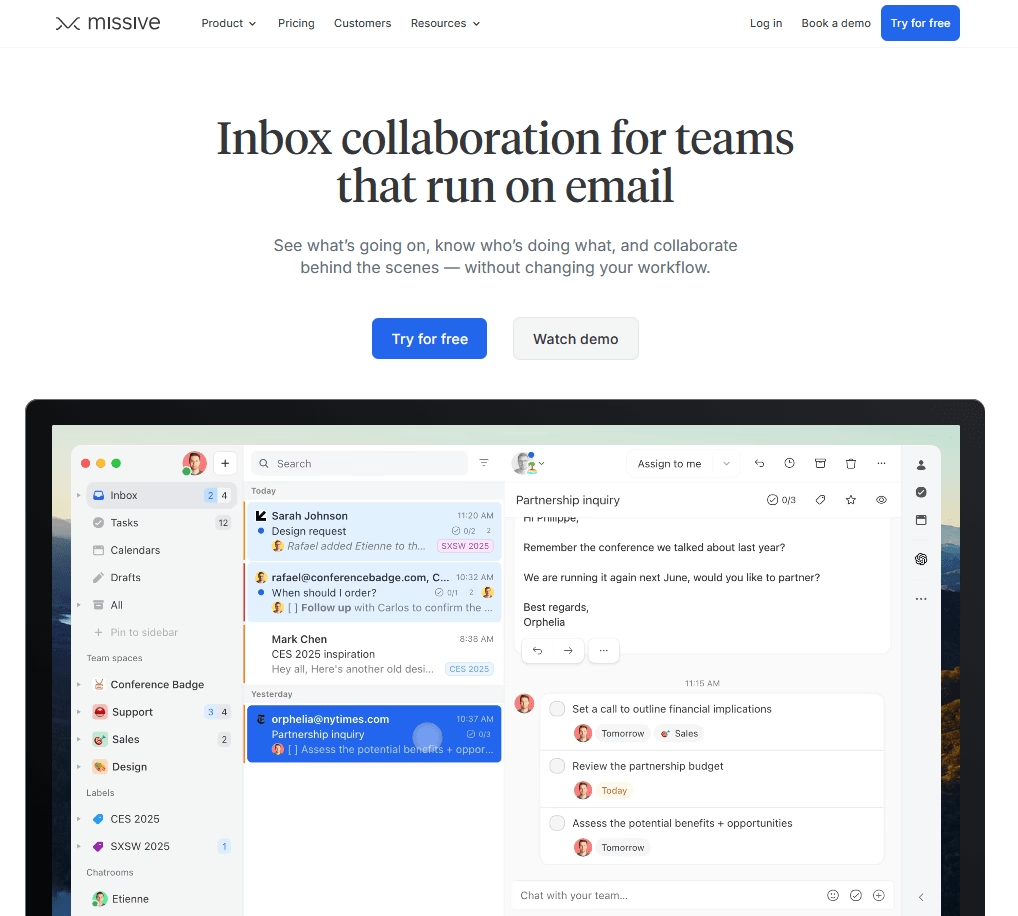
Missive is a collaborative email client that blurs the line between email and team chat (in a good way).
With Missive, your team can manage shared inboxes together and have side-conversations through an integrated chat about specific emails.
Key features:
- Missive supports email, SMS, and some social messaging integrations, all in a unified inbox
- Very slick and modern interface
- Chat with teammates inside a conversation thread
- Shared labels, assignments, and even the concept of tasks
- Real time user activity to track which emails are read or being replied to by whom.
- Collaboratively compose emails (similarly Google Docs)
- Keyboard shortcuts and customization
- Integrates with Trello, Asana, CRM systems
Pricing
Missive has a free trial, but effectively it’s a paid email management product.
The pricing starts at $14 per user/month for the Starter plan (when billed annually), which covers most features.
My take
If you run a distributed team out of a shared inbox, Missive can lift both morale and efficiency. The real-time co-editing and thread-level chat make collaboration feel natural rather than bolted on.
9. Spike: Conversational Email with a Chat Twist

Spike takes a radically different approach to email management. It transforms your emails into a stream of chat-like conversations.
If you find the traditional email format tedious—with all its headers, signatures, and threads—Spike will feel refreshing.
They’ve basically tried to combine email, instant messaging, and collaboration in one app
Key features:
- Real-time team collaboration features: channels and group chats, notes, tasks, and even built-in video meetings.
- AI email assistant that can summarize long emails or threads, and help with responses.
- Traditional “Inbox” mode if you want to view a classic email list.
Pricing
Spike offers a free version for personal use.
The Pro plan starts at $5/user per month (billed annually), which gives you more email accounts, larger file storage, and group video calls.
My take
With Spike, email conversations can feel quicker and less formal. This is often perfectly fine—and preferable!
But Spike is not for everyone. If you love formatting long emails carefully, you may want to stick with Outlook. However, for day-to-day communication, Spike hits the sweet spot. Plus, seeing my inbox cleared out and conversations organized like chats reduces a lot of mental load.
10. Mailbird: Unified Inbox and Productivity Apps
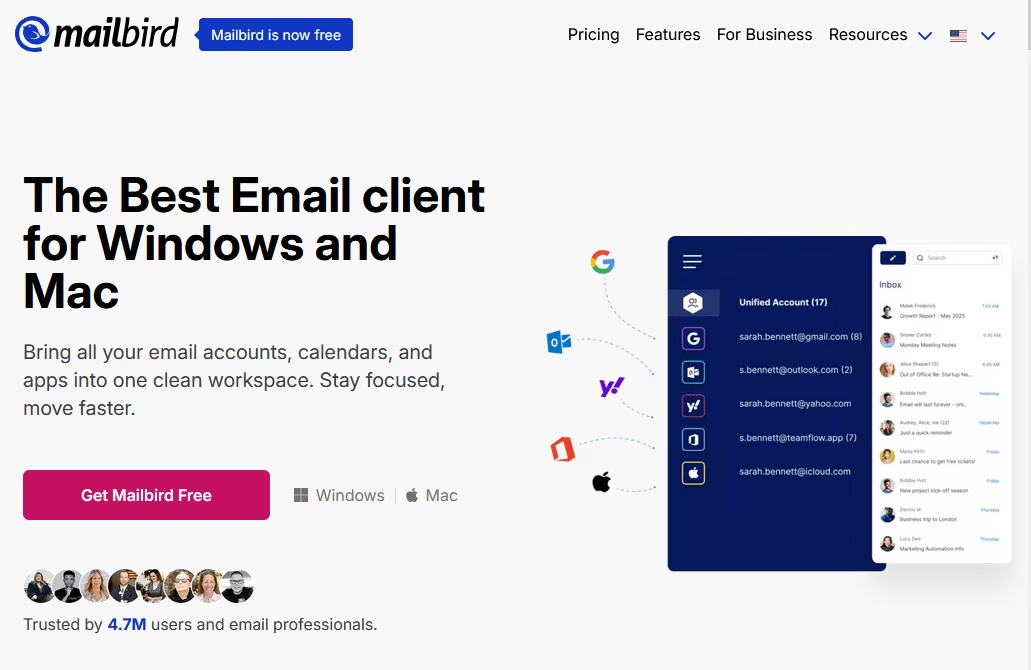
Mailbird is a popular email management client available for Windows and Mac that unifies your communications.
If you have multiple email accounts and are tired of switching between different interfaces, Mailbird brings them all together in one tidy interface.
Mailbird is designed to be a sleek, customizable alternative to the default Outlook app or webmail with a strong focus on speed and simplicity.
Key features:
- Email snoozing
- Attachment search
- LinkedIn lookup for contacts
- Integration with WhatsApp, Google Calendar, Slack, Trello, Asana, Dropbox, Evernote and more.
- A built-in speed reader helps you skim long emails quickly.
- Customize layout, color theme, and even how the unified inbox behaves.
- Keyboard shortcuts
Pricing
Mailbird offers a free, limited version for one account with basic features.
The Premium yearly plan costs about $4 per user per month when billed annually. There is also a one-time Premium “Pay Once” lifetime license available for $99.75 per user, which pays for itself in under three years.
My take
If you are juggling multiple email accounts and you want an all-in-one communication hub, Mailbird is definitely worth a try. It’s fast, flexible, friendly, and affordable as well.
Final Thoughts
Each of these email management software brings something unique to the table. Some transform your inbox into a collaborative workspace, while others turn it into an efficient support ticket system or an AI-powered personal assistant.
To wrap up, here are a few parting tips on making the most of email management software:
- Take advantage of trials/free tiers
- Onboard your team (or yourself) with patience
- Integrate with what you use
- Regularly refine your workflow
Happy emailing!
Further Reading
Best Email Subject Lines For 2026
How to Handle Customer Inquiries: Responses and Best Practices
11 Best Remote Help Desk Software for 2026 (Mostly Free)
The Best Help Desk Software for Small Businesses
12 Best WordPress Email Plugins (Hand-Picked for 2026)
How to Handle Return and Refund Emails
10 Best Shared Inbox Software (Open Source and Free)






Leave A Comment?
You must be logged in to post a comment.