The 8 Best Knowledge Base Chatbots in 2026 (With Free Options)
 Chris Hadley
A knowledge base chatbot could be your next top-performing customer support agent. That is if you choose the right software.
Do you ever feel like you’re answering the same questions repeatedly, even though you have covered it in the knowledge base?
Knowledge base chatbots can reduce or even eliminate these types of tickets. This is especially true given how much AI has advanced in this field.
Let’s start with the basics and then dive into the top tools.
In This Guide
What is a Knowledge Base Chatbot?
A knowledge base chatbot is basically a smart Q&A assistant that taps into your existing content to answer user questions.
It is like a librarian for your website or support portal. Customers ask a question in the chat, and the bot finds the answer in your documentation.
And if you use an AI knowledge base chatbot, its knowledge grows with your documentation.
When you update an article or add a new FAQ, the bot includes that information in future answers.
Why Use a Knowledge Base Chatbot?
There are few big reasons why teams use a chatbot with a knowledge base:
- 24/7 instant support
- Reduced Repetitive Tickets: The bot handles easy questions like “How do I track my order?” and “What’s your refund policy?” so they don’t turn into support tickets.
- Faster Resolution: The bot provides the exact information needed.
- Consistent, accurate Info
- Easily Scaleable: Chatbots can handle tons of queries simultaneously without needing coffee breaks or overtime pay.
- Improved Agent Productivity: Internally, even your support agents can use the bot to quickly find info.
In short, a knowledge base chatbot gives customers what they need faster, takes load off your team, and improves the efficiency of your entire support system.
Best Knowledge Base Chatbots in 2026
I’ve included a mix of free and premium options, SaaS platforms, WordPress plugins, open-source tools, and enterprise solutions.
No matter which one you choose, you will end up with the best one.

We rigorously test and research every product that we recommend through HeroThemes. Our review process. We may also earn a commission if you make a purchase through our links.
1. Heroic Knowledge Base (Heroic AI Assistant)
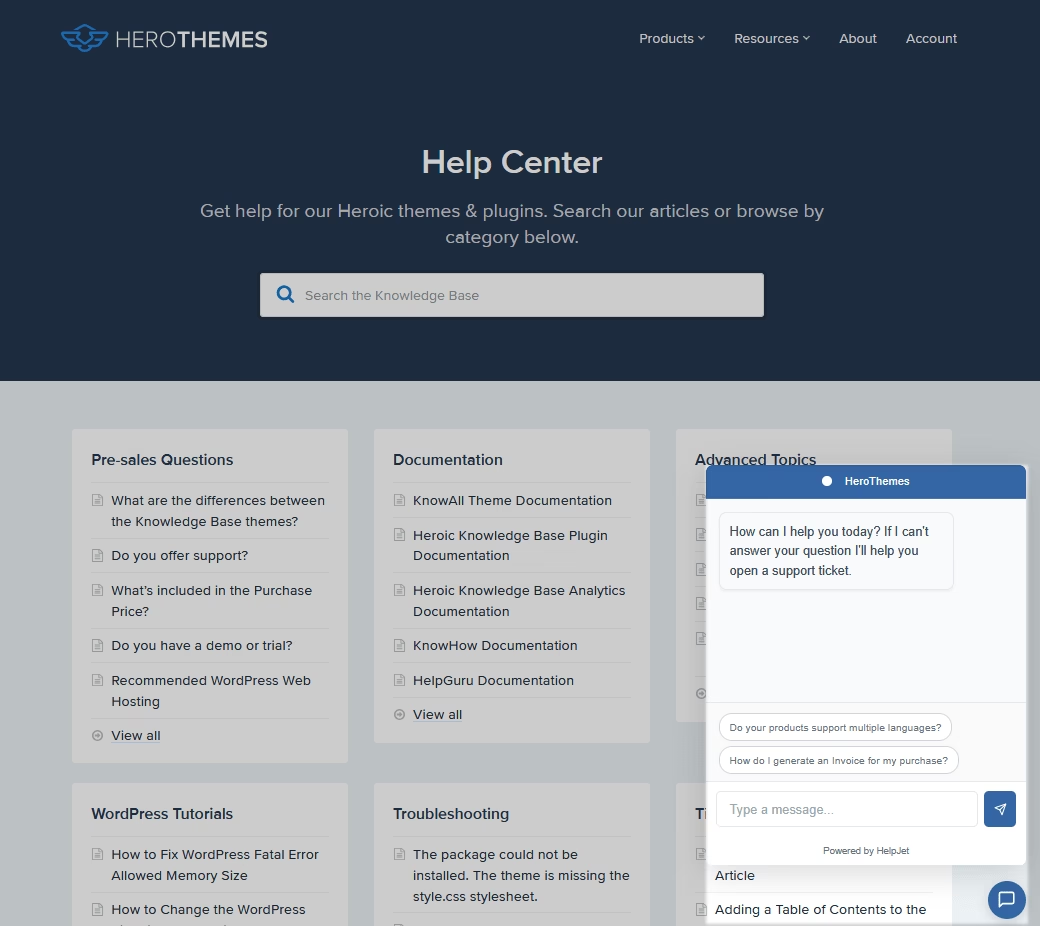
Heroic Knowledge Base (Heroic KB) with its AI Assistant are the perfect combo for an effective self-service system.
This AI-powered chatbot is basically ChatGPT trained on your knowledge base.
You just toggle the settings from the knowledge base, and voilà! Your chatbot is ready to answer customer queries.
No tricky API connections or another pricey subscription.
Key Features:
- Seamless WordPress Integration: Since Heroic KB is a WordPress plugin, it lives right in your dashboard.
- Trained on your content
- Easily embed chatbot on knowledge base or any page
- No Coding Required: All setup is done via simple settings.
- No API keys or additional subscriptions are required.
- Fallback to Human Support: If AI can’t find an answer or the user types something unrelated, it will suggest contacting support or submit a ticket.
It is a complete knowledge base solution along with an AI assistant. It offers features such as customization, user restriction, categorization, analytics, and feedback collection.
Pricing
Heroic KB is a premium knowledge base plugin, starting around ~$67 per year.
The AI Assistant feature is available on the Pro plan and higher. There is also no per-answer fee on your end; it connects to AI services behind the scenes.
Heroic KB also offers a 14-day money-back guarantee, so try it today.
My Take
If you have already invested time in building a knowledge base, Heroic AI Assistant basically supercharges it. The responses are accurate 99% time and feel like you are chatting with a human agent.
2. Botpress
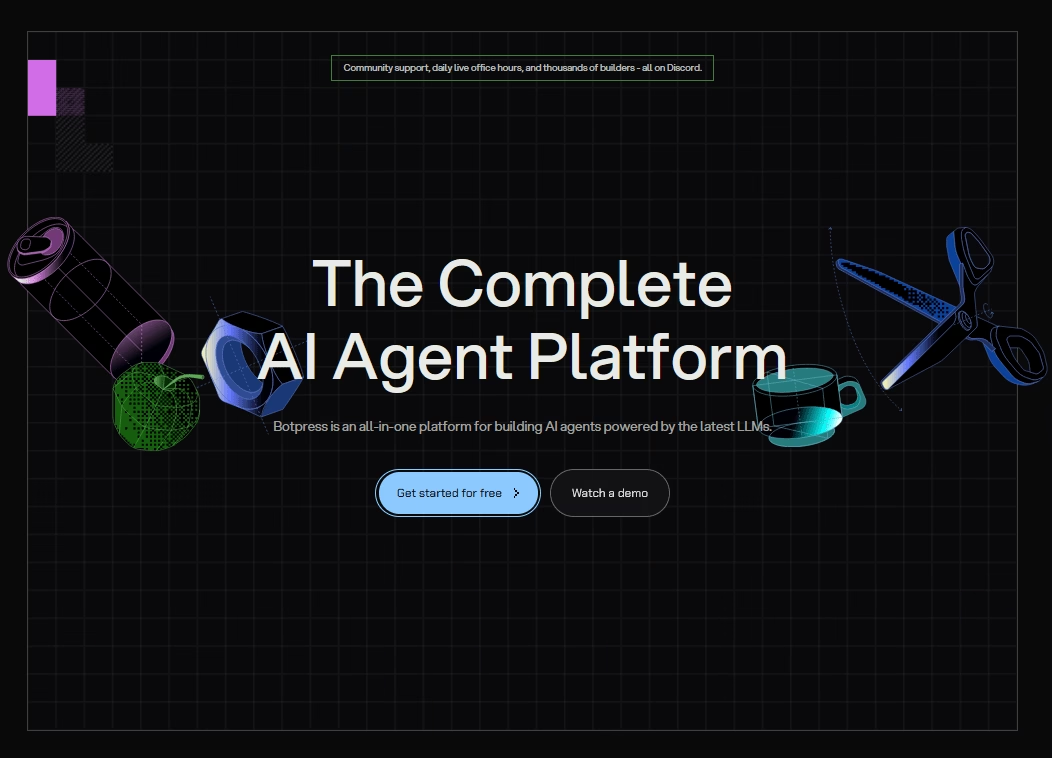
Botpress is an open-source platform for building chatbots, and it has embraced the latest AI techniques as well.
Botpress is a general bot-building framework, but it includes modules for things like Knowledge Base Q&A using your custom data.
If you have developer resources or want maximum control without vendor lock-in, Botpress is a top choice.
Key Features:
- Open-source core for full control and deeper customization.
- Self-host Botpress to keep data on internal servers.
- Extend features with a modular setup built on Node.js, and active community for plugins, fixes, and shared patterns.
- Knowledge Base Integration: Botpress has a module specifically for knowledge-based bots.
- Pull answers from custom sources.
- Visual flow builder + AI
- Mix AI answers with guided chat flows in one workspace.
- Multi-Channel Support: Botpress integrates with tons of channels like Facebook Messenger, Slack, WhatsApp, Telegram, and web chat widget.
- Support for human handoff
- Botpress can work with OpenAI, and other LLMs, including open-source models.
- Build a self-contained chatbot that avoids external API calls.
Pricing
The open-source Botpress framework is free to use. They do have a cloud service and an enterprise offering which costs money. Starting at $89 per month plus AI spend.
My Take
Botpress is developer-friendly and extremely powerful, but not as plug-and-play as some options from this list. But for an open-source knowledge base chatbot solution that won’t lock you in and can grow with your needs, Botpress is the go-to. Just bring your technical chops (or a developer friend).
3. Rasa
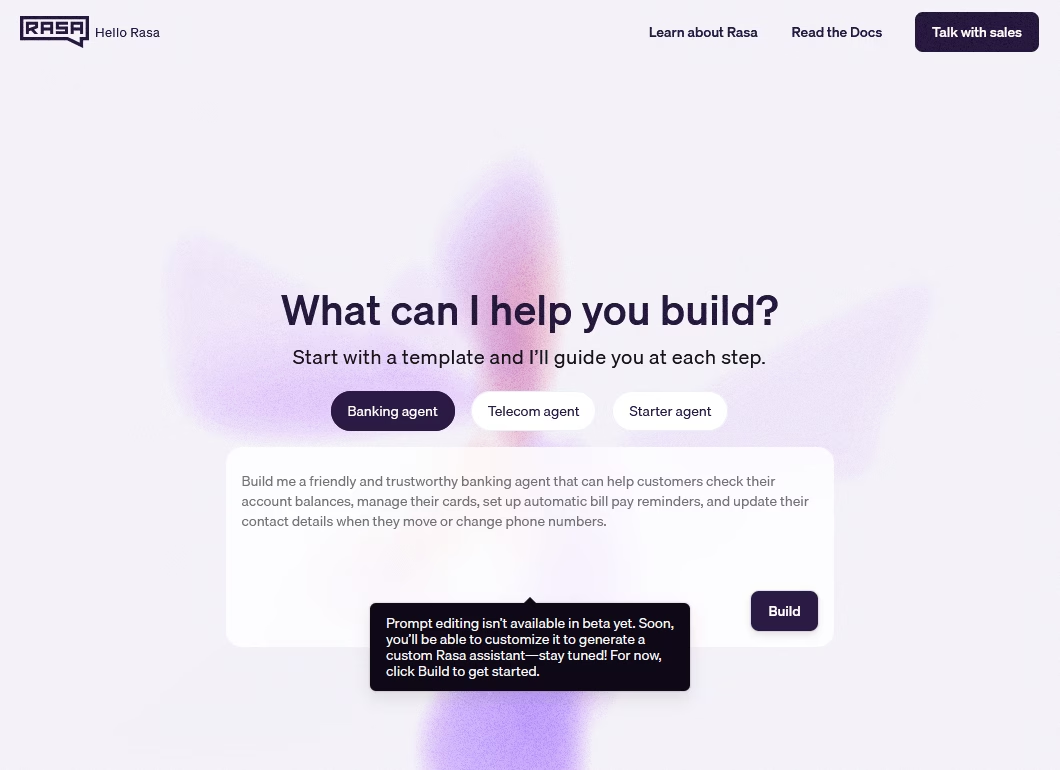
Rasa is another open-source chatbot. It’s a framework for building conversational AI and is best known for its powerful natural language understanding and the concept of “stories” to manage dialogue.
While Rasa isn’t a plug-and-play out of the box, you can absolutely create a knowledge-focused chatbot with it, especially now with Rasa’s support for retrieval actions.
Key Features:
- Fully open-source framework for deeper control and custom builds.
- Build on Python
- Stories and Rules: You define conversation flows using stories, example dialogues that train the model how to handle conversation turns.
- Multi-turn chats
- Add rules for must-follow behavior in sensitive support.
- Knowledge base integration via Actions
- Mix guided help flows with simple FAQ-style answers.
- Self-host on servers or cloud to keep data under control.
- Scale with Kubernetes
- Monitor and improve the bot with built in tools.
- Flexible NLP: Rasa can use different backend ML frameworks (it had spacy, tensorflow, transformer support).
- Multilingual support using custom data and tuned sensitivity.
Pricing
The open-source version of Rasa is free, and they also offer a paid enterprise edition which includes a nicer UI (Rasa X with collaboration features), analytics, and official support.
My Take
With Rasa you can build highly tailored chatbots and integrate them with your knowledge base or any other data source in a custom way.
If maximum flexibility and on-prem control are your priorities—Rasa is the way to go, just be ready to get your hands dirty in code; it’s a pioneer in the open-source natural language understanding (NLU) space for a reason.
4. CustomGPT
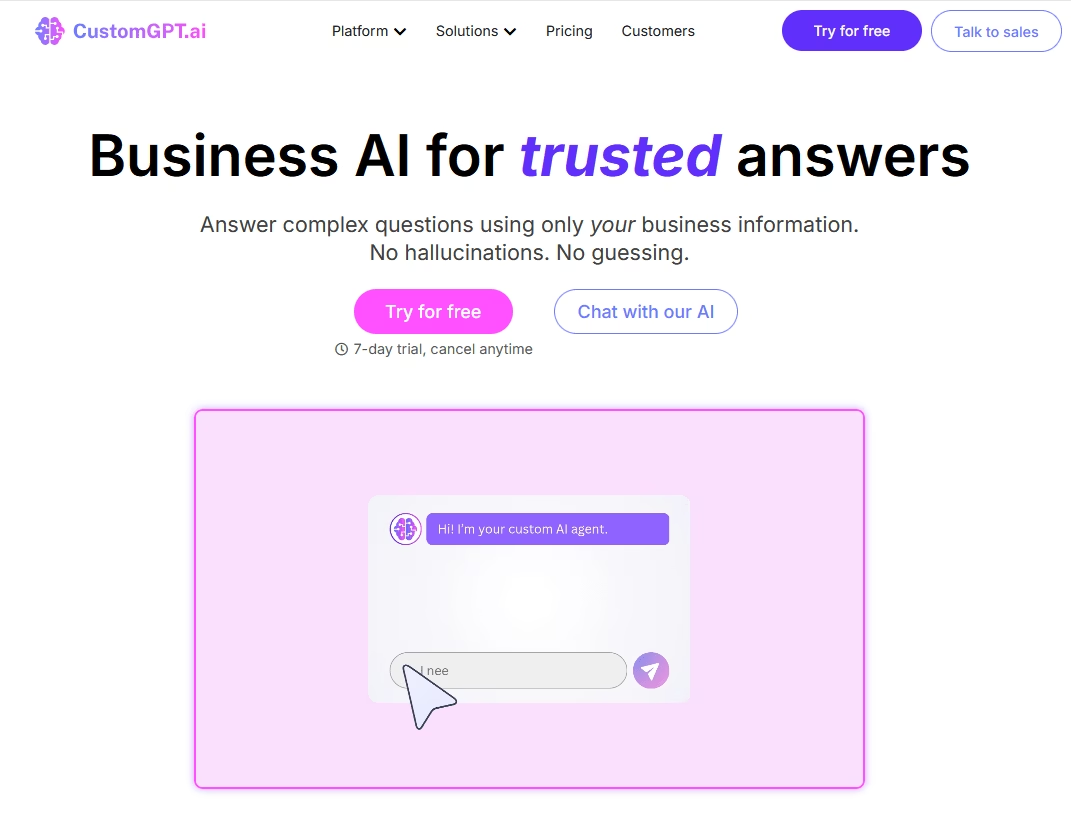
CustomGPT is a powerful platform to build an AI chatbot on your knowledge base.
It differentiates itself with more granular controls and enterprise-grade features.
Key Features:
- Tune chatbot behavior with clear rules and style instructions.
- Lock tone and reply format to match brand and compliance needs.
- Choose from multiple AI models.
- Document Management: It supports a large number of documents and even has features like versioning.
- Auto-sync content with updates
- Connect the bot to Slack or Microsoft Teams for internal support chats.
- API and SDK to add AI help inside a product or workflow
- Enterprise-focused hosting options
- Analytics and continuous learning: AI will keep learning from admin feedback loops.
Pricing
CustomGPT offers a 7-day free trial and thereafter has tiered plans.
The pricing isn’t the cheapest. A standard plan starts at $99/month and goes up for enterprise volumes.
The cost scales with the number of documents and tokens used.
My Take
If you’re a power user or a large company with specific needs, CustomGPT is worth checking out. The bot’s accuracy is excellent. You can choose from different AI models and fine-tune many details to create a more useful and lifelike knowledge base chatbot.
5. FastBots
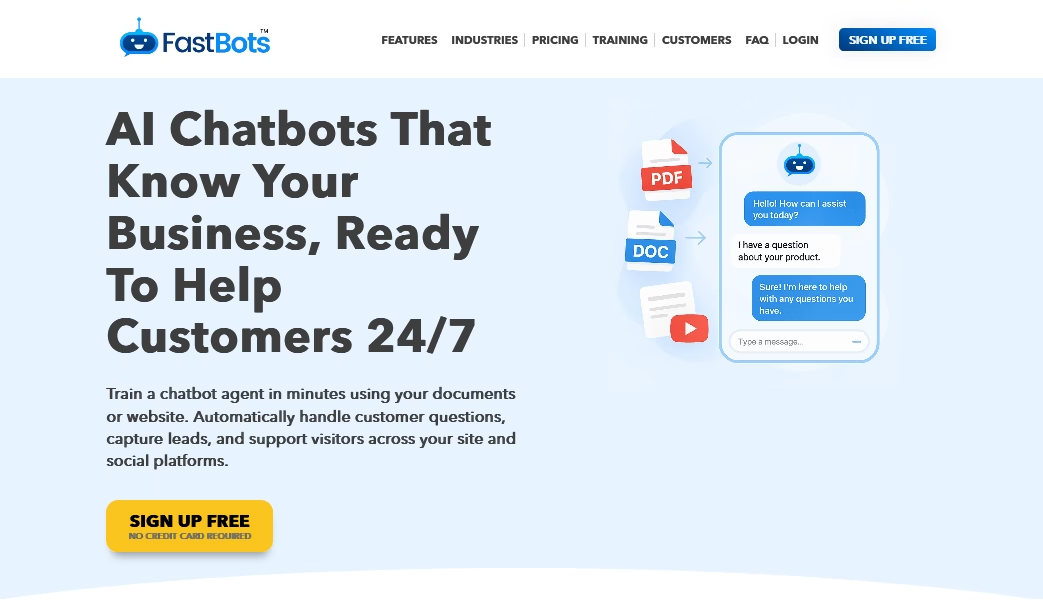
FastBots is all about getting an AI chatbot up and running fast, and enhancing it with some marketing goodies.
Similar to other platforms, FastBots allows you to train a chatbot on your documents or website. However, they emphasize extra features like capturing visitor emails and smoothly transitioning to live chat.
Key Features:
- Feed FastBots with your knowledge base through multiple methods. PDFs, URLs, and sitemaps.
- Built-in lead capture. You can configure the chatbot to politely ask for the user’s email or info after helping them.
- Track popular questions to learn what users need most.
- Hand off to a human with live-chat takeover when needed.
- Connect with common live chat tools for smoother escalation.
- Customize the widget design to match site branding.
- Edit greeting messages and chat behavior.
- White-label options to remove platform branding.
Pricing
FastBots offers a free plan that supports up to 50 messages per month. Paid plans, which start at $89 per month, offer more features and usage, including email capture and smooth handoff to live chat.
My Take
If you want a knowledge base chatbot that not only answers questions but also helps you convert customers (or at least not lose them), FastBots is worth a look.
6. Userdesk
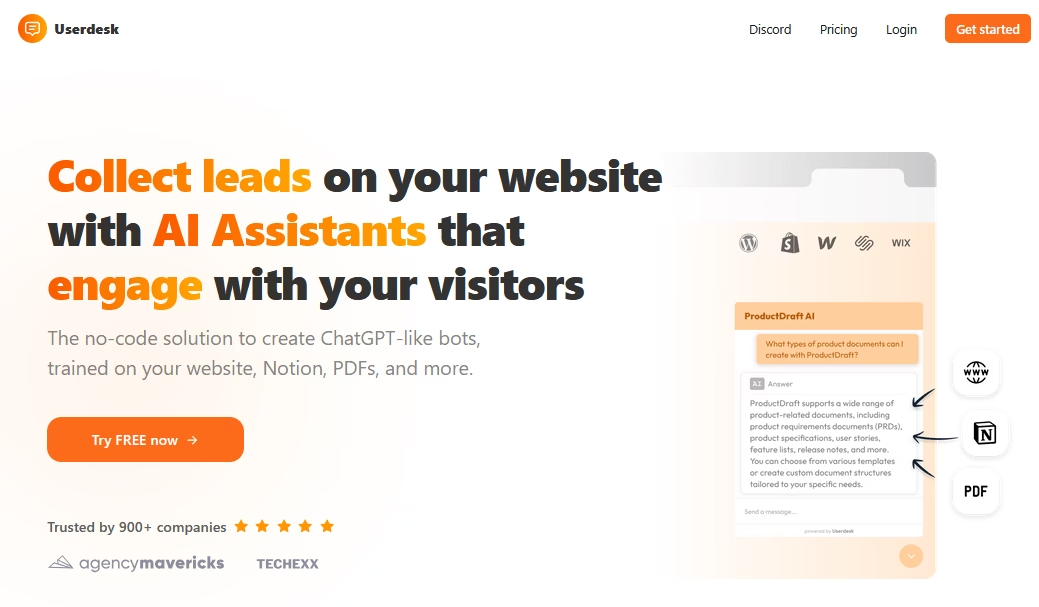
Userdesk is a no-code platform designed for SaaS companies that want to automate their help centers with AI.
You can train Userdesk on your existing knowledge base, docs, and even other data sources like Notion or helpdesk tickets.
Key Features:
- Support 52+ languages for global teams and customers.
- Train chatbots on a docs site, uploaded PDFs, and other files.
- Connect Notion as a knowledge source for internal help content.
- Easy to deploy clean web chat widget on doc sites.
- Add a Slack bot for internal support and team questions.
- Color and widget style controls
- No-Code Setup: Launch without code using a simple point-and-click dashboard.
- Analytics and feedback system.
Pricing
Userdesk offers a free tier for a single bot with 30 AI messages per month. That’s good enough to try it out.
Paid plans scale based on the number of bots and interactions. The Hobby plan, the starting plan, costs $16 per month.
My Take
For me, Userdesk feels very tailored for SaaS support teams. It is easy to train on our existing knowledge, deployable where our users are (web app and Slack), and it reduces the monotonous Q&A for the dev team.
7. Chatbase
Chatbase is one of the most popular SaaS platforms to create an AI chatbot for knowledge base.
It’s super easy to use and supports a ton of data sources.
With Chatbase, you simply upload your documents or paste URLs to your knowledge base, and it will build an AI chatbot on top of that data.
You can then embed the created chatbot on your website or even connect it to channels like WhatsApp, and Messenger.
Key Features:
- Add content in various forms: PDFs, Word docs, web pages, plain text, you name it.
- Support WhatsApp, Slack, Facebook Messenger, and other popular channels.
- Use an API to plug the bot into an app, CRM, or custom workflow.
- No-code bot builder
- Set bot name and personality
- Custom training questions to steer replies toward preferred answers.
- Tune bot behavior by flagging keywords and preferred wording choices.
- Review past chats and give feedback to improve future responses.
- Analytics and feedback: Get insights that can help you identify gaps in your knowledge base content.
Pricing
Chatbase has a free plan which is great for trying it out (the free tier allows only 50 messages per month).
Paid plans start at around $32/month for small businesses, scaling up based on usage (more messages, more data sources).
My Take
Chatbase requires minimal effort and the results are impressive—your customer can chat and get instant answers sourced from your knowledge base and other content. Other than that, I love that it supports multiple channels. This keeps your subscription list small and opens up other support channels.
8. Ada
Ada is a popular AI chatbot platform known for its no-code bot builder and strong focus on customer support automation.
Many large brands (telecoms, fintechs, eCommerce) use Ada to power their frontline chatbots.
One of Ada’s strengths is its ability to access your knowledge base and other systems to provide answers.
Key Features:
- No-code bot builder with a drag-and-drop editor for fast bot flow setup.
- Topic-based conversation design to guide customers through common questions.
- Knowledge base sync with tools like Zendesk Guide, HelpDocs, and Salesforce Knowledge.
- Automatic content updates
- AI search across synced articles
- Answer options that show a full article or a short, direct excerpt.
- NLP and machine learning to help bots better understand questions.
- Intent prediction that handles typos, slang, and messy wording.
- API and built-in integrations to connect the bot with backend systems.
- Dynamic support replies for tasks like order status checks, beyond static FAQs.
- Omnichannel deployment
- Multilingual support
- Smooth handoff to live agents
Pricing
Ada is designed for mid-to-large enterprises. They don’t publicly list prices, so it’s more of a custom quote situation.
Usually, you’re looking at a contract in the tens of thousands per year range for full Ada capabilities.
My Take
If you’re a large company wanting to automate support with a combination of knowledge base AI and workflow automation, Ada should be on your shortlist. Just be prepared that it’s a strategic investment, not a plug-and-play free widget.
Bonus: Build Your Own (OpenAI + Your Knowledge Base)
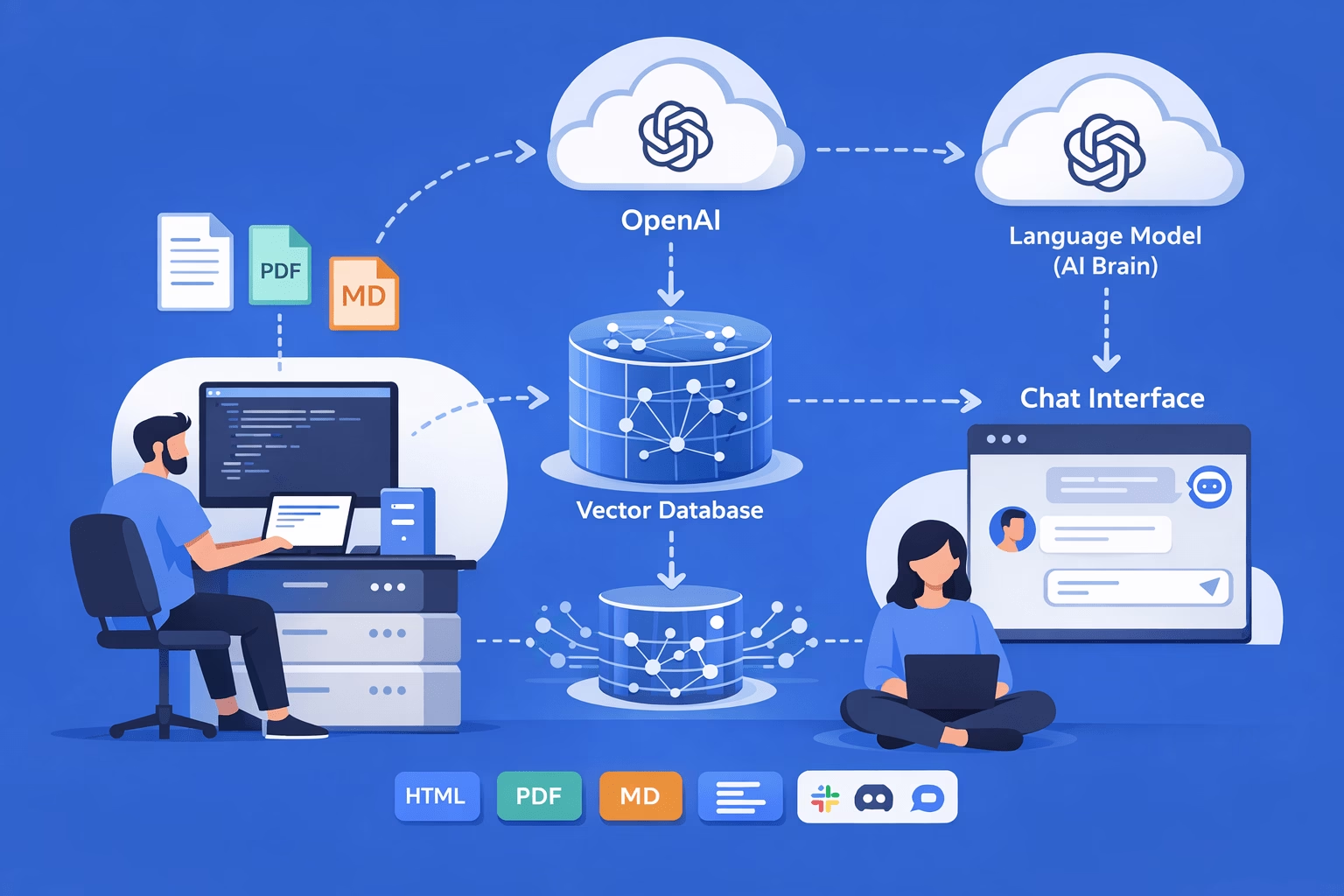
For our final pick, let’s look beyond commercial products. You can build your own knowledge base chatbot using the same technology that these products use.
If you’re tech-savvy or have developer resources, a DIY approach gives you full control and can be cost-effective.
- Take an OpenAI (or similar) language model
- Combine it with your knowledge base data via a vector database, and voilà.
Your custom chatbot answers with info pulled from your content.
Key Components of a DIY Knowledge Base Chatbot:
- Document Processing: This could include HTML pages, PDFs, or Markdown files. Essentially, you’re creating a vector index of your knowledge.
- Vector Database: Store those embeddings in a vector database (like Pinecone, Weaviate, or even simple libraries like FAISS). This allows you to perform similarity searches.
- Language Model (AI Brain): Use a large language model, such as GPT-5.2 via the OpenAI API or an open-source model, to generate the answer.
- Chat Interface: This could be a web chat widget or an integration with Slack or Discord. Many developers use open-source chat UIs or quickly build an interface that calls their backend.
- Refinement (Optional): Over time, refine this system by adding more data (user manuals, past Q&A logs) and tweaking the prompts.
Pros of DIY knowledge base chatbot:
- Full control over chatbot data and bot behavior.
- Ability to switch models whenever you need.
- Cut long-term costs at high volume with pay-per-use API pricing.
- Shape the chatbot tone and reply style with clear prompt rules.
- Connect the chatbot to a database for order status, account data, or plan info.
- Custom workflows
Cons of DIY knowledge base chatbot:
- Coding and technical matters for building, testing, and shipping changes.
- Hosting and deployment management
- Initial build can still take days
- Ongoing maintenance
- Handling edge cases becomes a regular task.
- Most required features (like analytics) require to be coded.
Final Thoughts
You need to get the right information to the customer, right when they need it. Knowledge base chatbots have emerged as a solution to this challenge.
Implementing a knowledge base chatbot is one of those moves that your future self (and your support team) will thank you for.
Heroic Knowledge Base can be a great tool to start with. It provides you with a complete toolset to create a knowledge base website and integrated AI chatbot. Plus, it’s affordable.
You can also try any of these tools today and see the difference by yourself.
Further Reading
7 Best AI Knowledge Base Software of 2026
Best HR Chatbots for 2026: For HR Support and Recruiting
12 Practical Chatbot Examples and Use Cases
Top 9 eCommerce Chatbots (Including Free Solutions)
Best Customer Support Tools for Small Businesses