10 Best HR Chatbots for 2026 (Tested for HR Support & Recruiting)

How do I check my PTO balance? What’s our health plan deductible? If you work in HR, you know the drill: the same routine questions land in your inbox every single day.
It’s not just tiring for your team—it slows everyone down.
That’s where HR chatbots come in.
Instead of sending an email and waiting, employees can ask the chatbot common questions and get human-like answers.
In this guide, we’ll compare the 10 best HR chatbots for HR support, onboarding, and recruiting, so you can pick the right AI HR assistant for your team.
In This Guide
What Is an HR Chatbot?
An HR chatbot is a virtual HR assistant that answers employee and candidate questions and handles routine HR tasks 24/7 through a chat interface.
In 2026, the most effective tools will have evolved from basic FAQ bots to agentic AI capable of resolving multi-step requests from start to finish. This AI will be able to access your HRIS and take action instead of merely directing you to a policy document.
It’s a chatbot that employees or job candidates can chat with to get HR information or complete HR processes.
HR Chatbot Use Cases and Benefits

When used correctly, HR chatbots can transform how HR services are delivered. Here are some use cases you should consider HR chatbot for.
39% of organizations had implemented AI in one or more HR activities as of December 2025 (up from 26% in 2024), with recruiting the single most common use case, per SHRM’s State of AI in HR 2026 report.
Here are the use cases where an HR chatbot earns its keep.
1. Instant FAQ Answers
Chatbots are more advanced now, and can instantly answer common questions about policies, benefits, and procedures.
Whether an employee asks about the holiday schedule, how to reset a password, or the dress code, the chatbot provides a quick, consistent answer.
This saves everyone time:
- Employees get 24/7 instant help
- HR team deals with far fewer repetitive queries
2. Recruitment and Hiring
With HR chatbots, job seekers can get instant information through the career page.
For example, HR bot can answer:
- FAQs about job openings, policies, availability
- Pre-screen candidates with simple questions
- Schedule interviews by syncing calendars
- Collect required documents
- Give status updates on application progress
This automation massively speeds up the hiring process.
3. Onboarding New Employees
Welcoming a new hire involves tons of info and paperwork, an ideal scenario for a bot.
An advanced HR chatbot can guide a new hire through filling out forms, provide links to set up direct deposit or IT accounts, and introduce company policies in a friendly Q&A manner.
That makes the onboarding process more engaging and less overwhelming.
4. Training and Professional Development
HR chatbots can assist with ongoing employee training by delivering bite-sized learning modules or quizzes through chat (on a communication platform like Slack).
It makes training feel more like a conversation than a slideshow.
For example, a bot might pop up weekly with a short compliance question or a micro-learning lesson, and recommend courses or resources if an employee asks about improving a skill.
5. Employee Feedback and Engagement
Chatbots provide a low-pressure way for employees to give feedback.
Bots can periodically ask survey questions: How are you feeling this week? or Got any feedback on the new hybrid work policy? and record those responses anonymously.
6. HR Process Automation
Beyond answering questions, HR bots can actually do certain tasks.
For instance:
- Updating employee details
- Handle leave requests, travel or expense submissions
- Scheduling one-on-one meetings
- Generating routine HR documents (like an employment verification letter)
And more.
7. Compliance and Bias Considerations
If your chatbot touches hiring or promotion decisions, treat it as a compliance surface.
New York City’s Local Law 144, in force since July 5, 2023, requires an independent bias audit no more than one year before use, a published summary of results, and at least 10 business days’ notice to candidates before a covered automated employment decision tool is used.
Other rules are arriving fast. Illinois HB 3773 takes effect January 1, 2026, making it a civil-rights violation to use AI that discriminates in employment and requiring notice of AI use, while the EU AI Act classifies most hiring AI as high-risk. Pick a vendor that documents how its AI reaches decisions and keeps a human in the loop for anything sensitive.
How to Choose the Best HR Chatbot (Key Features to Look For)
Not every chatbot will fit your organization’s needs.
From my research, here are the key features and criteria to consider when evaluating HR chatbots:
- Natural Language Understanding and Ease of Use: A good HR chatbot understands everyday questions and is easy to use.
- HR Knowledge and Context: The chatbot should answer questions based on your own data, ideally pulled from a well-organized knowledge base.
- Integration with Systems: Look for connections to HR software like Workday, BambooHR, and SAP, plus collaboration tools like Slack and a shared inbox or help desk system.
- Security and Compliance: HR data is sensitive (personal info, salaries, medical leave). Ensure any chatbot platform seriously protects data with enterprise-grade security.
- Analytics and Reporting: Good HR chatbots provide analytics dashboards showing things like usage trends, common questions, resolution rates, and CSAT (satisfaction) scores. Which helps you improve your self-service portal.
- Customization and Workflow Automation: Look for a platform that lets you customize conversation flows or build custom HR workflows without coding. Especially if you are looking for rule-based chatbots.
- Scalability: If you plan to expand the bot’s use cases, consider scalability.
- Omnichannel Availability: Some chatbots can be deployed on multiple channels. Such as your website, a mobile app, email, SMS, Slack or Microsoft Teams. Consider omnichannel support if you want employees to get answers from multiple platforms.
- Support and Setup: Finally, consider the implementation effort and vendor support.
Top HR Chatbots for 2026

We rigorously test and research every product that we recommend through HeroThemes. Our review process. We may also earn a commission if you make a purchase through our links.
1. HelpJet
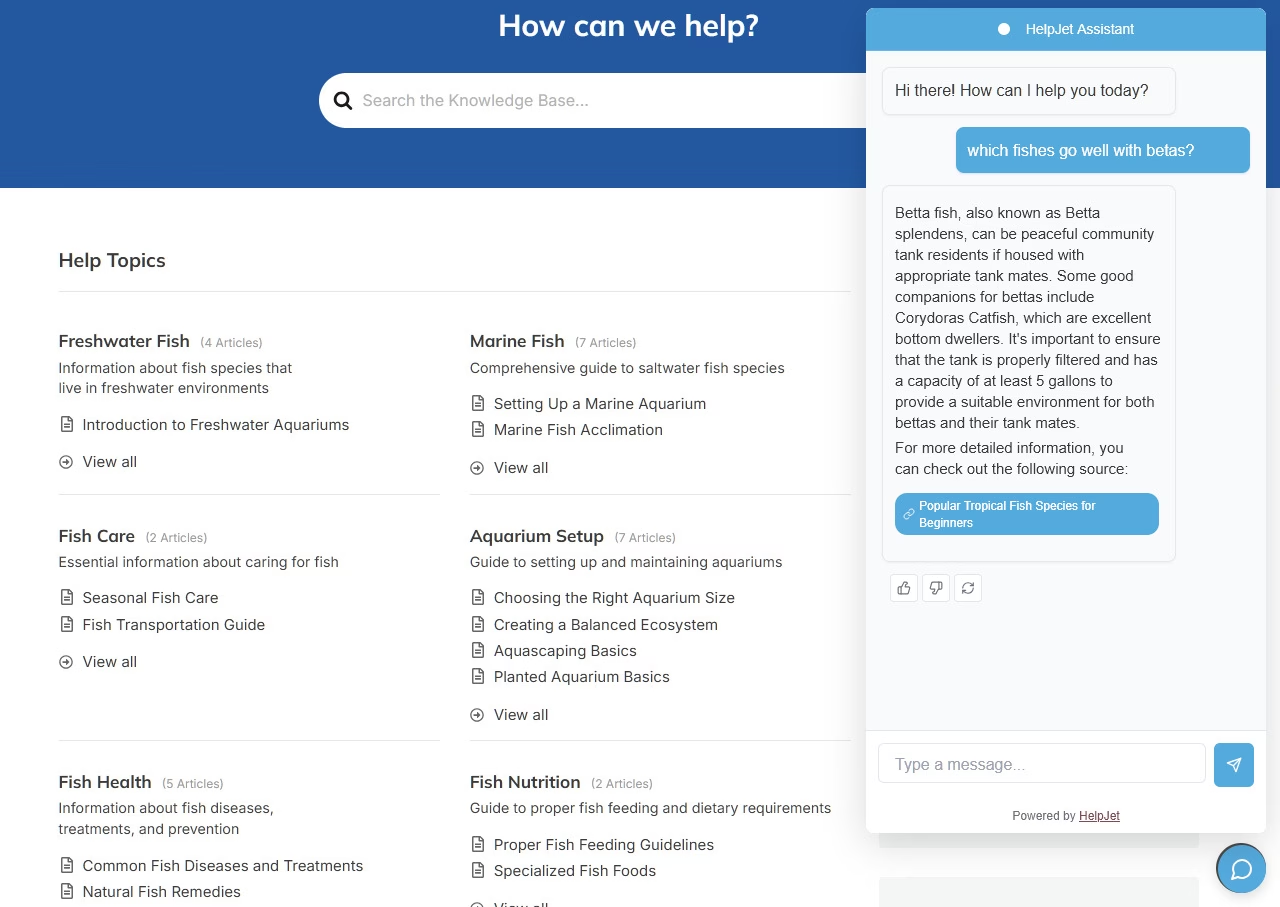
Small and mid-size HR teams that can’t justify something like Moveworks or Workday Assistant will find HelpJet refreshingly practical. It is built to answer the policy questions that eat HR time every day.
Unlike Workday or Leena, it doesn’t process leave requests or pull from your HRIS, so set that expectation up front.
What it handles well is the informational layer, which is actually where most HR time-sink lives.
Key Features
- Train HelpJet on your existing handbooks, benefits PDFs, and policy pages with no manual flow building.
- Weekly auto-refresh of knowledge so policy updates show up in the bot without retraining it.
- Context-aware follow-ups, which matter when employees layer questions about benefits or leave.
- Multi-bot support on Pro, useful if you want separate bots for onboarding vs. ongoing HR questions.
- Human handoff for sensitive topics (harassment reports, escalations, anything the bot shouldn’t touch).
Pricing
HelpJet’s free forever plan covers 100 conversations per month. Pro starts at $29/month for 1,000 conversations and 3 bots.
To provide your team with the best customer service suite, pair HelpJet with Heroic Knowledge Base and Heroic Inbox.
My take
HelpJet isn’t a full HR assistant. It won’t sync with BambooHR or approve leave requests, and it shouldn’t be your primary tool if those workflows matter most.
For HR teams whose biggest daily challenge is answering the same 15 questions about benefits and policies, though, it’s a cheap and fast way to take that load off.
2. Moveworks
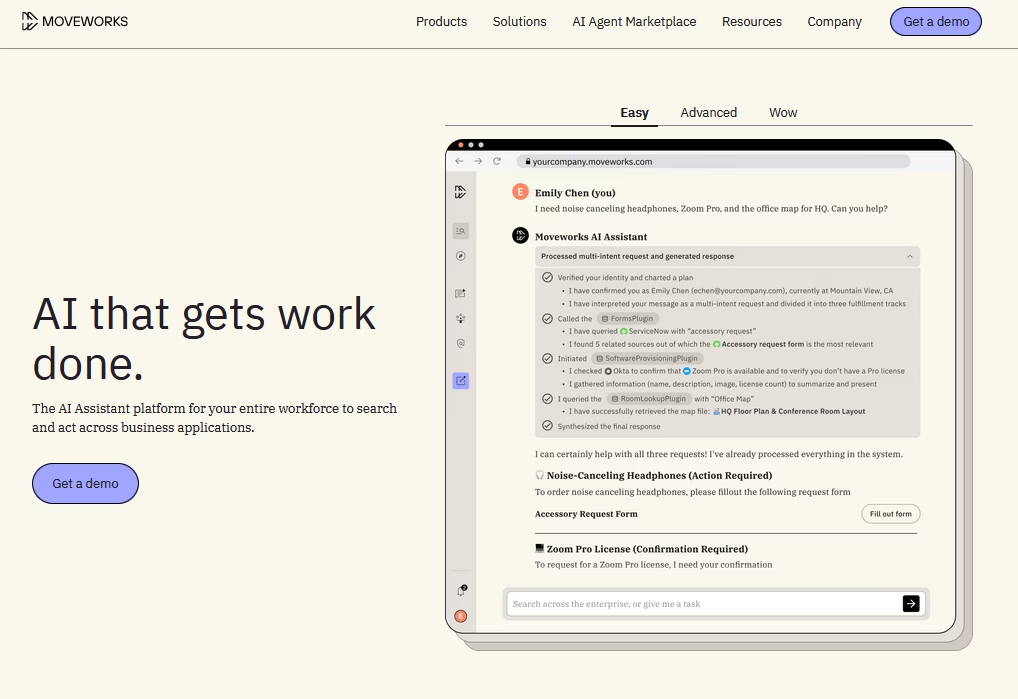
Moveworks is an enterprise-grade AI assistant that goes beyond HR, acting as a support powerhouse for your entire organization.
ServiceNow completed its roughly $2.9 billion acquisition of Moveworks on December 15, 2025, so the two roadmaps are now merging: Moveworks brings the front-end AI assistant, enterprise search, and its agentic Reasoning Engine, while ServiceNow supplies workflow automation and governance.
Moveworks acts as an agentic AI that can autonomously handle HR requests, IT support, and even finance tasks in one unified bot.
Moveworks acts as an agentic AI that can autonomously handle HR requests, IT support, and even finance tasks in one unified bot. It remains an ideal chatbot for large companies to deflect help tickets and provide instant support to employees.
Key Features
- Deep integration library: It connects with HRIS systems (Workday, SuccessFactors), ITSM tools (ServiceNow, Jira), and identity systems.
- Takes action across systems: creates tickets, resets passwords, provisions software, updates record automatically.
- Advanced conversational AI with multi-step reasoning and agentic capabilities.
- Multi-language support
- Analytics that track issue resolution, time saved, CSAT, and trending topics.
- Enterprise security: GDPR and SOC 2 compliant
- Cloud solution
Pricing
Moveworks does not publish its prices; it’s a “contact vendor” situation. It’s aimed at mid-to-large enterprises.
My take
Moveworks provides large enterprises with an AI agent that is always available. It reduces HR and IT ticket queues, integrates with your help desk tools, and handles secure, complex tasks on a large scale.
It is expensive, but the return on investment is significant.
3. Hiver
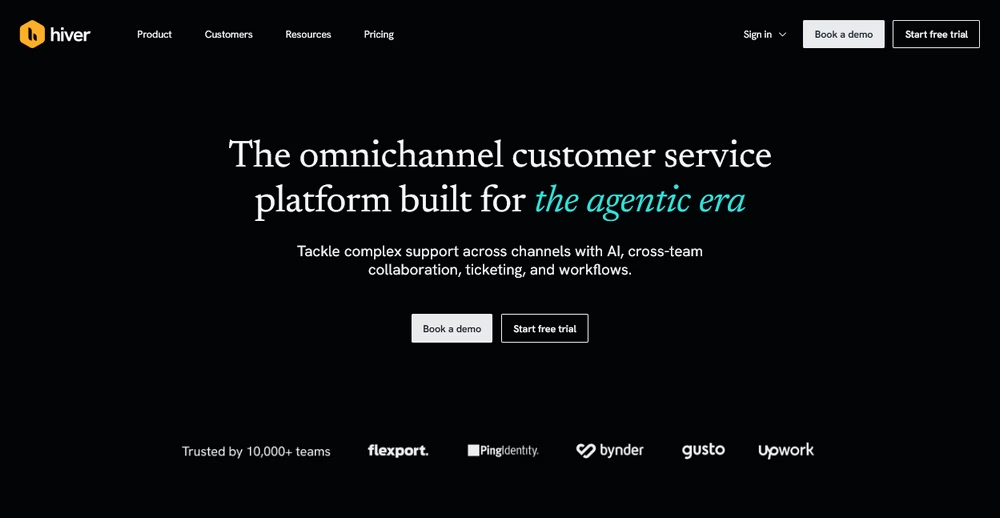
If most of your HR requests already arrive by email, Hiver is worth a look.
The setup feels familiar because Hiver works inside Gmail, while Hiver Omni can handle Gmail, Outlook, chat, Slack, WhatsApp, voice, and social conversations from one workspace. That makes it a better fit for HR teams that want to keep working from a shared inbox such as people@ or hr@ instead of sending employees to another support portal.
The AI side is more interesting than a typical FAQ bot. Hiver’s AI Agents can follow procedures written in plain English, pull information from connected systems, and carry out multi-step tasks. You can also set rules for when an action needs human approval, which is very much needed when an HR request involves sensitive employee information or a decision that should not be left to automation.
That said, don’t buy Hiver expecting an HRIS. Its strength is managing conversations, workflows, and the work that happens around those conversations.
Key Features
- Shared inboxes and ticketing: Turn addresses such as hr@ or people@ into team workspaces where requests can be assigned, tracked, tagged, and resolved.
- AI Agents: Give Hiver a procedure to follow, then let the agent handle the steps across connected systems. Hiver can also pause for human approval when you mark an action as sensitive.
- AI Copilot: Pulls together relevant context, finds answers, drafts replies, and suggests next steps while an employee or agent works on the request.
- Team collaboration: Internal notes, @mentions, shared drafts, approvals, and collision detection help HR teams work on the same request without stepping on each other’s toes. Slack discussions can also be started from a Hiver conversation.
- Automation and analytics: Route requests, trigger workflows, track SLAs, collect CSAT, and see which questions take up the most team time.
- Connect internal sources such as Notion, Confluence, and Google Drive, while giving employees a self-service place to find HR answers.
Pricing
Hiver offers a forever-free plan that includes live chat, a shared inbox, and a knowledge base. Paid plans with advanced AI and automation start at $25/user/month.
My Take
Try Hiver if email is already at the center of your HR workflow. Your team won’t have to learn a new inbox, but you’ll still get ownership, ticket tracking, internal collaboration, automation, and AI.
4. ServiceNow – HR Service Delivery
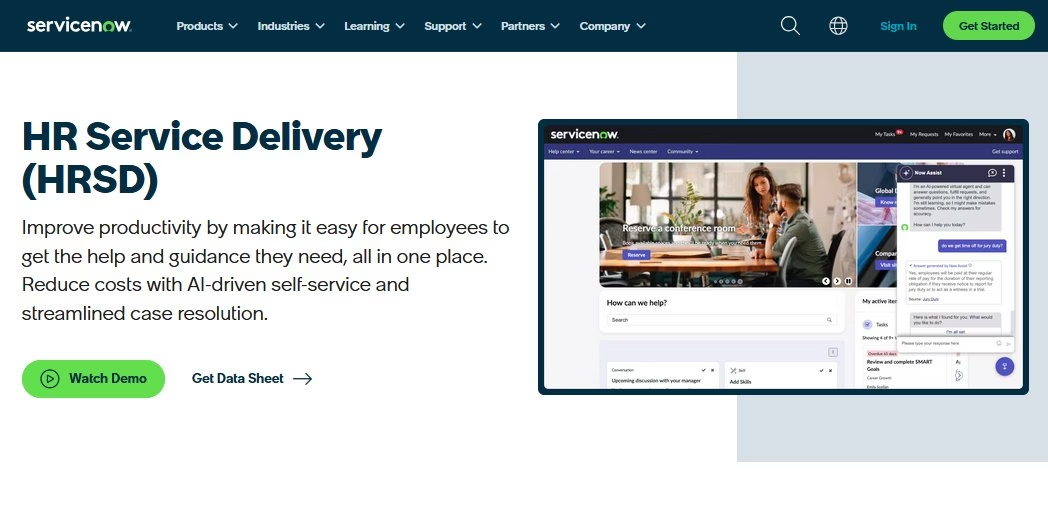
You don’t want to miss out on ServiceNow Virtual Agent.
ServiceNow’s Virtual Agent is a chatbot integrated into the ServiceNow platform that can interact with users to resolve issues and answer questions.
For HR, ServiceNow offers an HR Service Delivery module which comes with pre-built conversation flows for common HR topics.
Key Features
- The Virtual Agent pulls answers from HR knowledge articles and HR case data.
- Bot auto creates HR support tickets when a request needs deeper help.
- Multi-channel deployment (web portal chat, Slack, Teams)
- Customize conversations to match company needs.
- Every action by the Virtual Agent stays recorded in ServiceNow
Pricing
ServiceNow Virtual Agent is typically included for ServiceNow customers with certain licensing.
My take
ServiceNow Virtual Agent works best for companies that already use ServiceNow. For HR, it reliably handles routine requests and integrates smoothly with existing workflows. It’s not the flashiest bot, but it’s solid and available 24/7.
5. Paradox Olivia
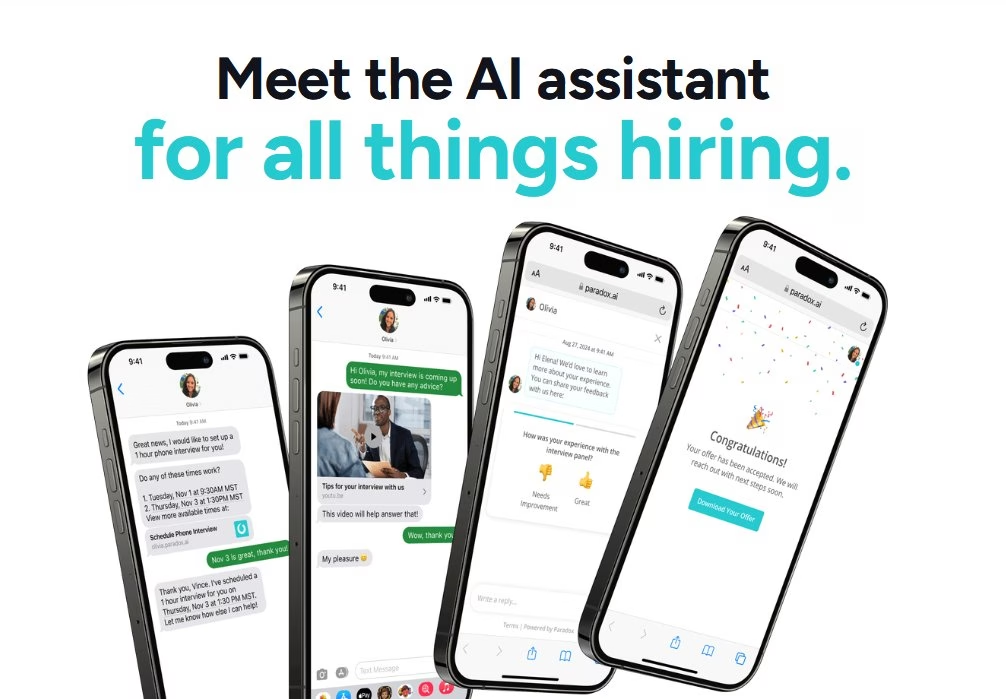
Paradox Olivia is a leading AI recruiting chatbot. (Paradox is the company, and “Olivia” is its AI assistant.) Workday completed its roughly $1 billion acquisition of Paradox on October , 2025, pairing Olivia with Workday Recruiting and HiredScore to form an end-to-end talent acquisition suite.
Paradox is specialized for talent acquisition. think of it as a virtual recruiting coordinator, especially strong for high-volume, frontline, and hourly hiring.
Key Features
- Olivia reliably answers job seekers’ questions and guides them to apply.
- Multi-language support
- It can schedule interviews by syncing calendars.
- Auto filter candidates by screening questions.
- Integrates with major ATS and HCM tools, including Workday (now its parent), Greenhouse, and iCIMS, with candidate conversations across text, web chat, and WhatsApp.
- Robust analytics to track chatbot usage.
- Auto sends reminders and updates to candidates.
Pricing
Paradox does not publicly list prices, since cost depends on hiring volume (recruiters, candidates, locations).
It is aimed at mid-to-large organizations and is now sold as part of the Workday talent acquisition suite, so it is not a budget option.
My take
Paradox Olivia is a strong choice for teams that deal with busy hiring cycles. The chatbot lifts a huge load off recruiters, speeds up scheduling, and keeps candidates engaged, all while making the hiring process feel natural, smooth, and stress-free.
6. Leena AI
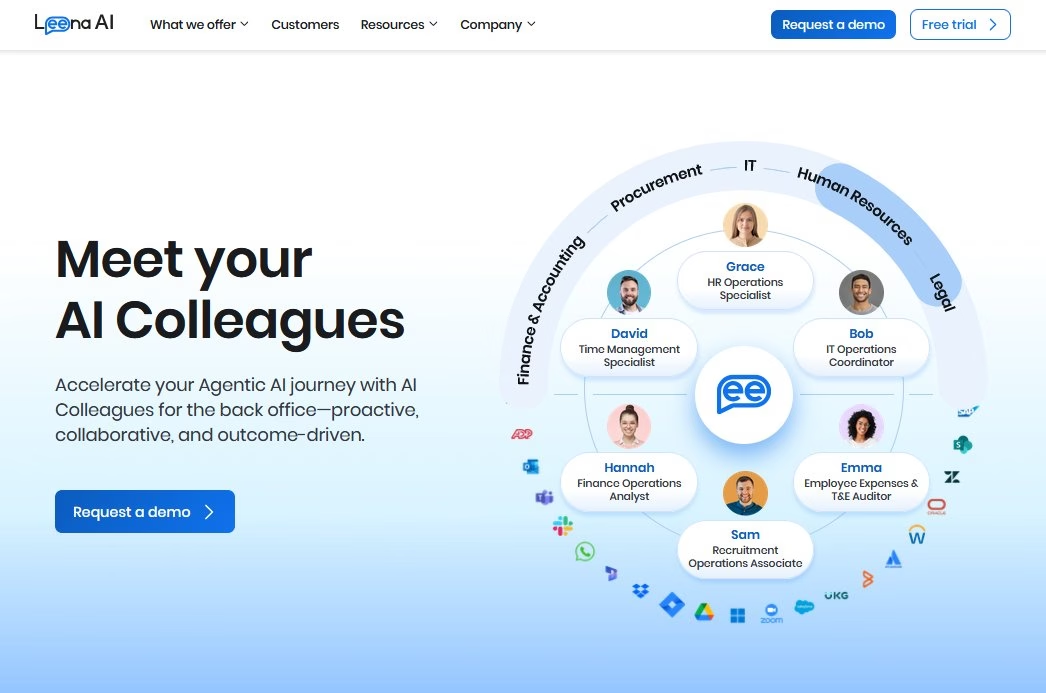
Leena AI is an agentic AI platform that deploys what it calls “AI Colleagues” to automate employee-facing workflows across HR, IT, finance, and procurement. It has leaned hard into the agentic positioning, adding voice-enabled agents and a studio for building custom agents.
If Moveworks and ServiceNow lean heavily on IT and workflow, Leena AI leans specifically toward HR functions.
It’s designed to reduce HR tickets and provide quick answers across things like policies, payroll, and benefits.
Key Features
- Pre-built modules for policy questions, helpdesk support, onboarding, and surveys.
- Connect Leena AI with systems like SAP SuccessFactors, Workday, and BambooHR for both information and actions.
- 100+ language options
- Track morale through employee sentiment analysis and survey feedback.
- Automate actions. Such as leave requests or performance queries from chat.
- Log tickets with full context when a question needs HR follow-up.
- Customize Leena AI without any coding.
- Analytics to track ticket volume, response speed, and common employee requests.
Pricing
Like many enterprise SaaS solutions, Leena AI doesn’t list pricing openly. They target mid-to-large enterprises, so expect pricing per employee or per user.
My take
Leena AI stands out as a helpful HR chatbot for growing teams. The tool answers common questions fast, cuts ticket volume, and gives employees a simple way to get support. Which ultimately helps HRs to focus on real work.
7. Espressive (Barista)
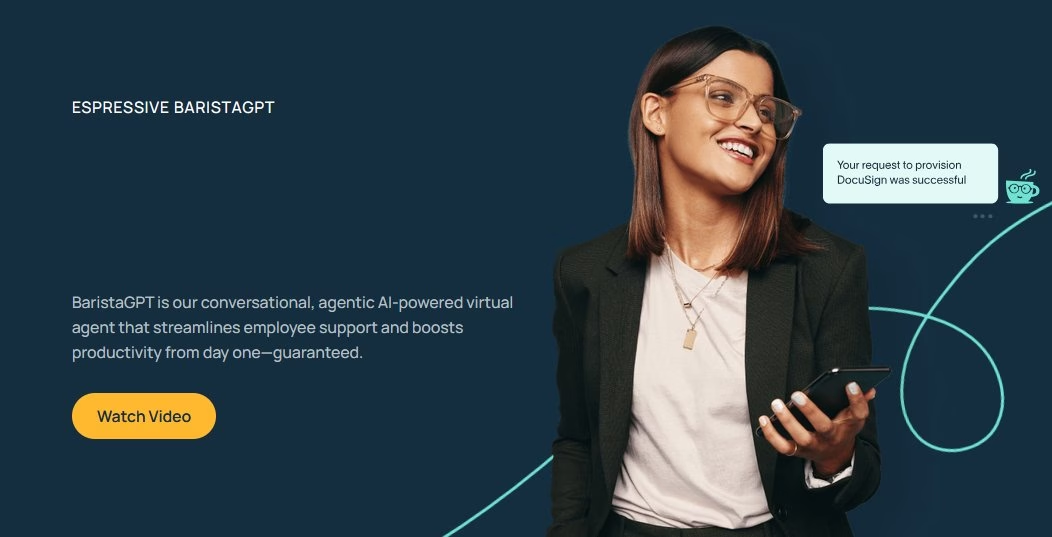
Espressive Barista is an AI-based virtual support agent that many companies deploy for both IT and HR support.
Espressive’s focus is on delivering immediate answers to employees’ questions and automating requests, much like a barista quickly serving up your order (hence the name).
It’s been popular as an HR helpdesk chatbot and an IT self-service bot, used by enterprises to reduce calls and tickets to service desks.
Key Features
- Large predefined knowledge base of HR and IT topics
- Integration with HR systems like ServiceNow, Workday, Office 365, G Suite, and others.
- Use Barista inside Slack, Teams, web, or the mobile app.
- Approve requests such as PTO right from the conversation.
- Analytics on usage, deflection, and where new answers are needed.
- Barista can hand off to a human or log new questions to keep learning.
Pricing
Espressive is an enterprise SaaS, so pricing will depend on your number of users (employees) typically. Pricing is not openly published.
My take
Espressive Barista shines for mid-to-large companies wanting one bot for IT and HR support. The chatbot cuts down helpdesk calls and feels intuitive to use. Although it requires setup time upfront, it delivers fast help that boosts team morale.
8. BambooHR
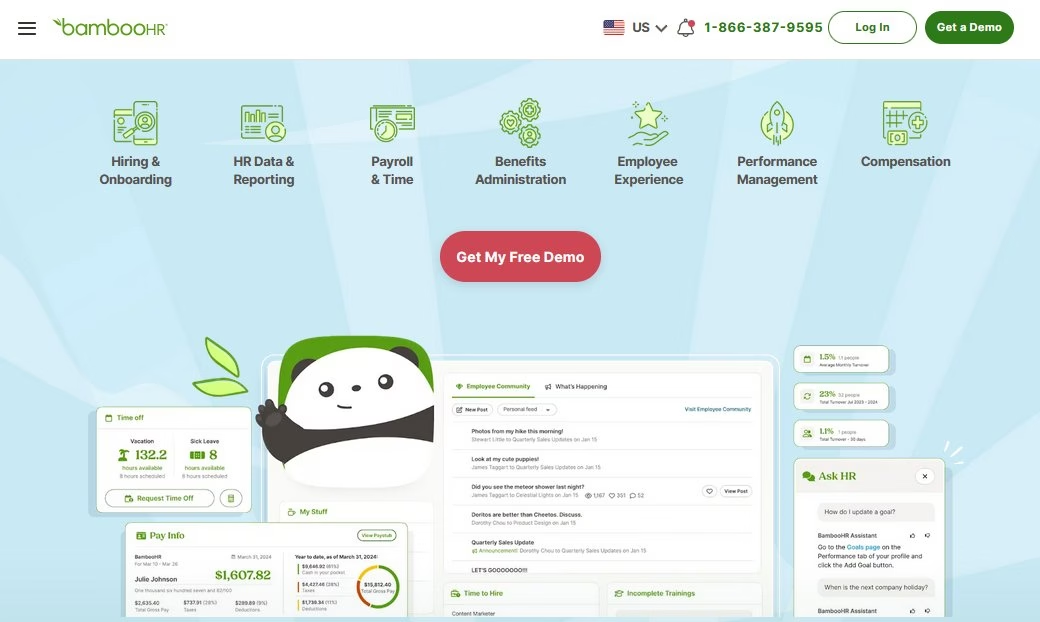
BambooHR is a well-known HR software for small and mid-sized businesses.
With BambooHR, you now have access to a basic HR chatbot that employees can interact with to self-serve common tasks and queries.
The chatbot draws on HRIS records, the organizational chart, benefits details, and company policies. It also routes every question through a permission engine, ensuring that people only see data they are allowed to access.
Key Features
- Offer quick self-service with a friendly chatbot.
- Guide employees through simple updates (such as address changes).
- Pull real-time data from BambooHR to answer questions like PTO balances and benefits, with source citations.
- Support managers with team-level information when permissions allow.
- Available on desktop, mobile, and the BambooHR Slack app.
Pricing
BambooHR’s pricing is not publicly available. It is mostly targeted toward small-to-mid-sized businesses and is usually priced per employee per month.
My take
BambooHR’s chat assistant is a useful additional tool that reduces the number of basic HR questions. It also teaches employees how to use the system themselves. Simple but effective for small teams already using BambooHR.
9. MeBeBot
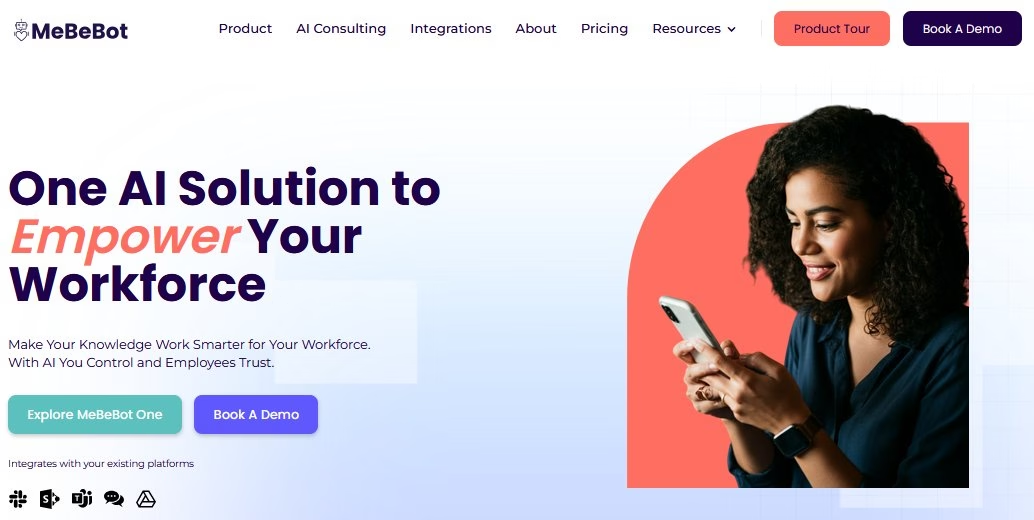
MeBeBot is a bit of a hidden gem in the HR chatbot space. It’s targeted for small to mid-sized companies that want a quick-to-deploy solution.
It markets itself as an “AI Employee Assistant”, with a strong focus on answering internal FAQs across HR, IT, and general operations.
Key Features
- Includes 300+ pre-loaded HR and IT questions covering holidays, benefits, and common tools. You can edit these or add your own.
- Works directly in Microsoft Teams, Slack, and SharePoint.
- Quick no code setup with minimal training needed.
- Supports multiple languages
- Send pulse surveys through chat to check morale or gather quick feedback.
- Push reminders
- Analytics on what questions get asked most.
Pricing
The MeBeBot costs $3.50 per employee, per month. Given you have 750 or fewer employees.
My take
MeBeBot is an excellent virtual coworker for growing teams. Setup is quick, and it works directly within Slack or Teams. It’s also budget-friendly and easy to manage.
10. Workday Assistant
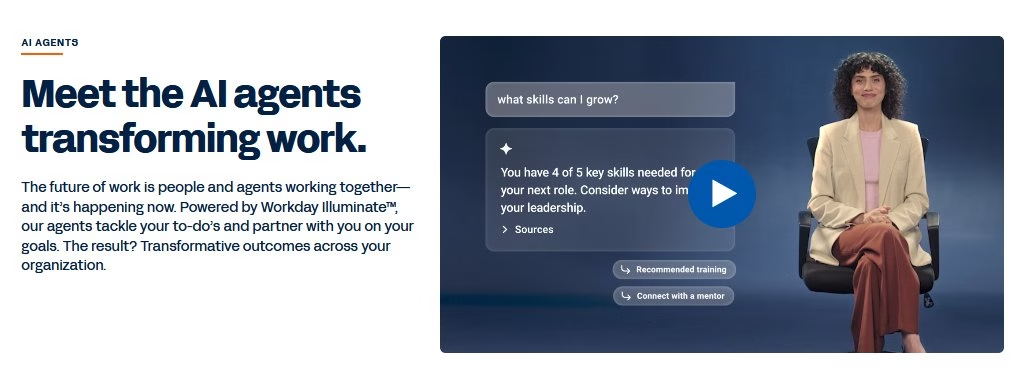
Workday Assistant is the built-in virtual agent for Workday, the popular enterprise HR and finance platform.
It is Workday’s answer to HR chatbots, offering a conversational interface through which employees and managers can interact with Workday using natural language, including voice commands.
In 2026, the Assistant sits inside Workday Illuminate, Workday’s next-generation AI, which adds a growing lineup of purpose-built agents for HR tasks like recruiting, talent mobility, and performance reviews.
Key Features
- Access Workday Assistant directly inside the Workday interface.
- It can handle natural questions like “What’s my PTO balance?” or “Enroll me in benefits”.
- The assistant can help with tasks such as updating your home address or submitting an expense report.
- Voice features for hands-free help.
- Provide proactive support during key moments, such as performance reviews.
- Role-based permissions keep data secure
Pricing
Assistant is included with Workday. Considering Workday is a big investment itself, this assistant is essentially a value-add.
My take
Workday Assistant turns a clunky HR system into something you can actually talk to. Asking an AI assistant is always easier than clicking through forms. Given Workday’s HR applications, this is a valuable addition.
In conclusion
HR chatbots have matured to the point where there’s an option for every size and type of organization.
The “best” HR chatbot for you will depend on your specific needs:
- Recruitment features to speed up hiring
- An internal help desk bot to answer policy questions
- Bot that lives in Slack/Teams or on your website
- Your budget and technical resources
Whichever HR chatbot you choose from this list, your HR team’s work is going to get easier. I’m sure of it.
So give it a try, and let me know which one is your favorite.
Further Reading
11 Best Internal Chatbots for Employee Support and Productivity
19 Best HR Email Subject Lines
6 Ways To Use Slack for Customer Support
12 Practical Chatbot Use Cases and Examples Across Industries
Best Healthcare Chatbots (Free and Paid Solutions)




Leave A Comment?
You must be logged in to post a comment.