10 Best Employee Training Software (2026 Review)

Employee training software (also called an employee training system or LMS for employee training) refers to platforms that help companies create, deliver, and manage employee learning programs.
These portals serve as a one-stop digital hub where team members can access courses, documentation, quizzes, and onboarding materials on demand.
In this guide, we are going to look into some of the best employee training software available in 2026.
Let’s start!
In This Guide
What Is a Training Portal and Why Your Business Needs One
A training portal is like your company’s internal library, except it’s searchable, trackable, and accessible from anywhere.
At its simplest, it’s a website or app where employees go to find answers: how to process a refund, what the vacation policy says, or how to set up their dev environment on day one.
Why bother with a training portal?
Because the cost of not training people shows up everywhere:
- New hires who feel lost quite early
- Managers waste hours repeating the same explanations
- Compliance gaps turn into legal headaches
With a training portal, you only have to create the content once (with occasional updates). Training your 10th employee will cost the same as training your 500th.
What to Look for in Employee Training Software
Here’s the checklist we used when evaluating every training platform on this list. Weight these based on your own priorities:
- Ease of use for admins AND learners: A tool can have every feature in the world, but if the person running it needs a week of training themselves, adoption dies. We tested how long it took to build a first course or article in each platform
- Pricing model and transparency: Per-registered-user, per-active-user, and flat-fee models behave very differently as you scale.
- Content creation and authoring: Looking for answers for questions like, can you build training material inside the tool, or do you need separate authoring software? Does it support SCORM, xAPI, and video natively?
- Search and discoverability: For just-in-time learning, fast search is everything. AI-powered search and “instant answer” features are now common and very useful.
- Reporting and analytics: To get helpful metrics like completion rates, quiz scores, failed search queries (a goldmine for spotting content gaps), and compliance status.
- Onboarding automation: Auto-enrollment by role, department, or location saves enormous admin time, especially for fast-growing teams.
- Compliance and certification tracking: Regulated industries need recurring certifications, audit-ready reports, and expiration reminders.
- Integrations with HRIS, Slack, Teams, Zoom, Salesforce, and SSO tools.
- Free plan or meaningful trial.
While these features make a good employee training system, you don’t necessarily need all.
You might require only an internal knowledge base or hub to store and access necessary documents.
Best Employee Training Software in 2026

We rigorously test and research every product that we recommend through HeroThemes. Our review process. We may also earn a commission if you make a purchase through our links.
1. Heroic Knowledge Base
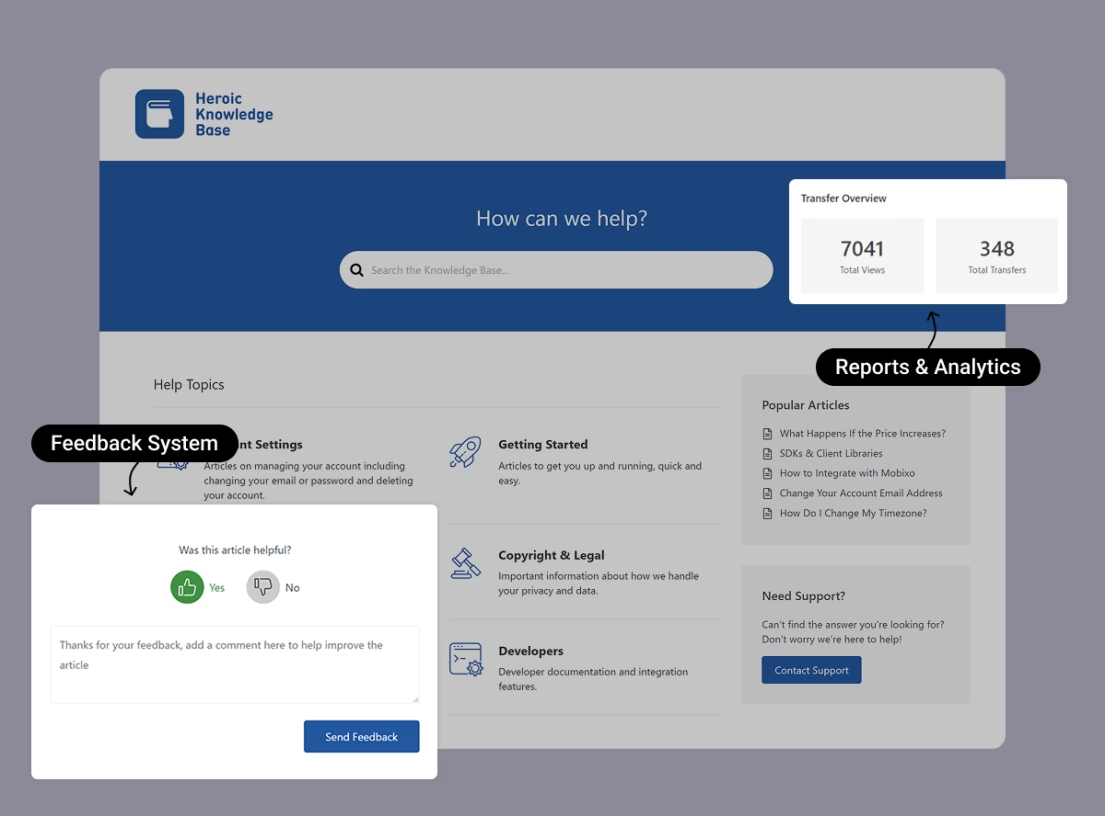
Heroic Knowledge Base is the training platform we’d recommend before anything else on this list.
Heroic KB is a premium WordPress plugin that turns your existing site (or a private internal one) into a fast, searchable training portal.
Built by HeroThemes, a company with over a decade of focus on customer support and documentation products.
What makes Heroic KB work as an employee training platform is the access control. You can lock the entire knowledge base, individual categories, or single articles to logged-in users only.
You can run it on a public site, a password-protected subdomain, or a fully internal intranet.
With Heroic KB you can host and manage employee-only SOPs, onboarding guides, compliance docs and also your public help center content.
Key Features
- Self-hosted on WordPress with no per-seat fees.
- Fast AJAX live search
- AI Help Assistant answers employee questions in natural language from your own documentation.
- Granular access control: lock the whole KB, specific categories, or individual articles to logged-in users.
- Search analytics with failed-query tracking, article voting and feedback, and support-transfer metrics.
- Article attachments, automatic table of contents, breadcrumbs, and multilingual support via WPML.
- One-click migration wizard to import from CSV data.
- Integrates with Slack, Help Scout, and Gravity Forms.
Limitations
- Heroic KB is a knowledge base, not a full LMS. There are no SCORM courses, graded quizzes, certificates, or formal learning paths out of the box.
- You need your own WordPress website.
- No free version; it’s premium-only.
Pricing
Heroic KB is sold via HeroThemes.
The Essential plan (single site) is $67.60 for the first year (60% off, then $169/year). This includes unlimited articles, attachments, a dedicated theme, FAQ builder, and multilingual support.
Verdict
Heroic Knowledge Base won’t replace a compliance-heavy LMS that needs graded exams and certificates, and we wouldn’t pretend otherwise. But for building a searchable, AI-assisted library of documents? Heroic KB is a smart choice.
2. TalentLMS
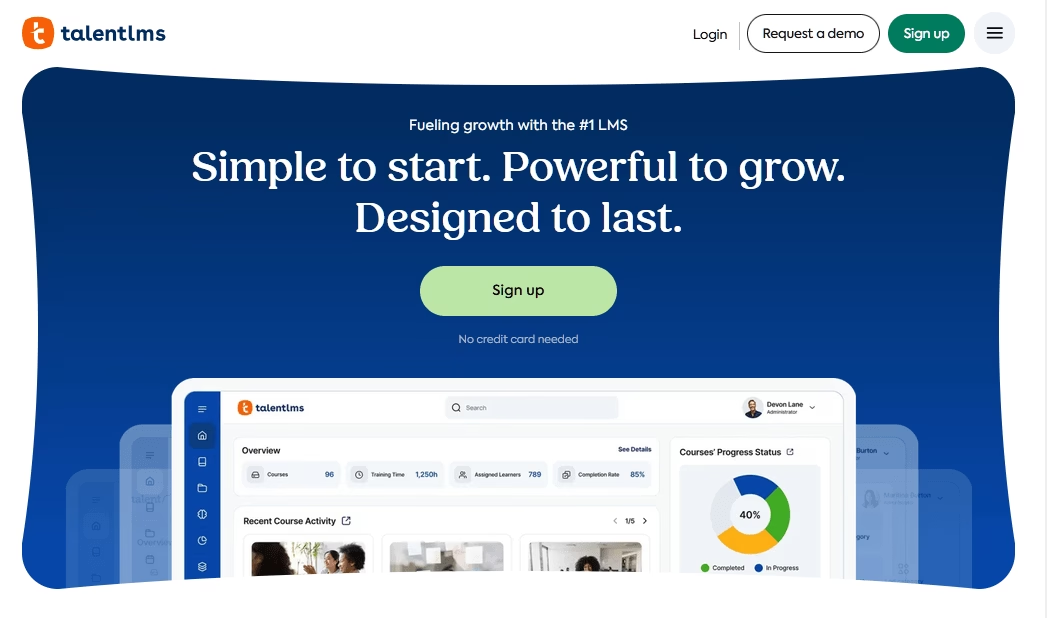
TalentLMS is a good employee training software for small and growing companies that need a real LMS (courses, quizzes, certificates, the works) without the enterprise price tag.
It’s a well-known cloud LMS that strikes a balance between power and affordability.
TalentLMS is very approachable: you can create courses with text, video, presentations, and quizzes right in the platform.
In 2025 and 2026, TalentLMS leaned hard into AI with TalentCraft (an AI course creator), plus an AI Coach for learners and skills-based personalization.
Key Features
- Extremely fast setup with a self-explanatory interface for admins and learners alike.
- AI-powered course creation (TalentCraft), auto-generated quizzes, translations, and learner coaching.
- Gamification that works out of the box without manual configuration.
- TalentLibrary for ready-made, plug-and-play training courses.
- Branches for running separate branded portals for different departments or clients.
- A genuinely useful free plan (up to five users, 10 courses, no credit card required, time-unlimited).
Limitations
- Pricing is by registered users, not active ones, so a large but mostly dormant user base still costs you.
Pricing
TalentLMS has a free plan that covers up to five users and 10 courses.
Paid plans start at $119 per month (billed annually).
Verdict
TalentLMS impresses by providing a straightforward, no-fuss LMS. In our experience, it was easy to set up and train admins on. Overall, TalentLMS is a reliable employee training platform that’s affordable without feeling cheap.
3. Docebo
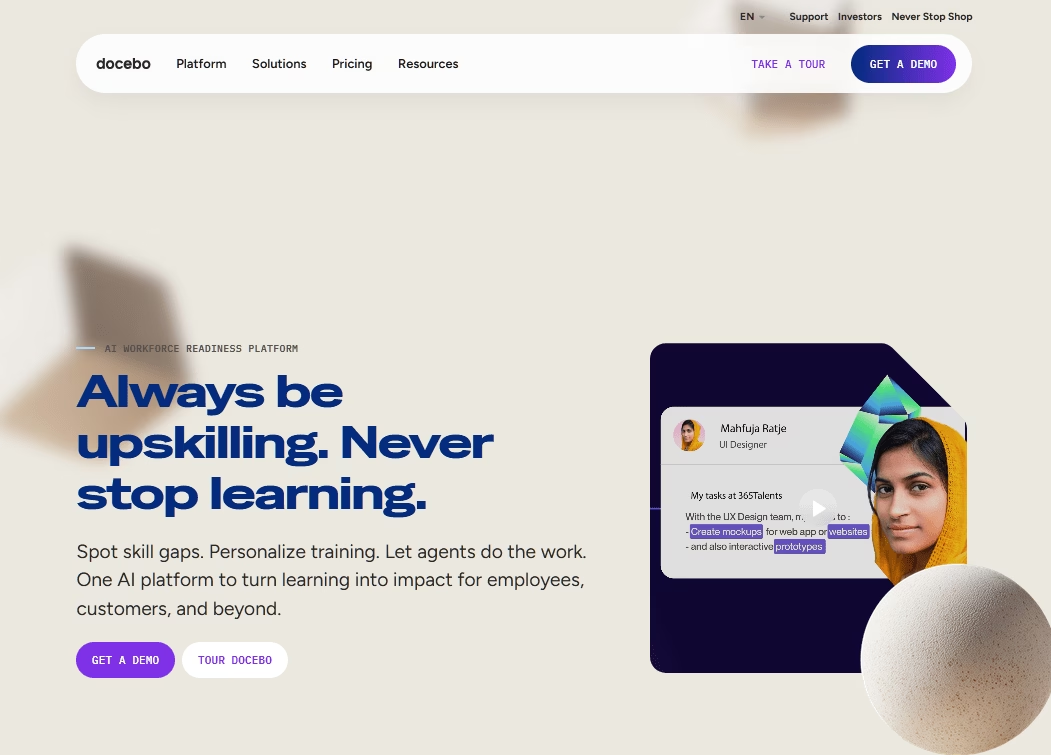
Docebo is a premium, modular LMS used by the likes of Starbucks, and Uber. Built to grow from a few hundred learners to tens of thousands across employees, customers, and partners.
Docebo AI handles real grunt work here: auto-tagging content to make it searchable, analyzing learner behavior to recommend next steps, and reducing the manual labor that buries most L&D teams.
On the flip side of that power is cost and complexity. Docebo is modular by design, and the add-ons (content authoring, marketplace, analytics, virtual labs) stack up fast.
Key Features
- Best-in-class AI for automatic content tagging, personalized recommendations, and workflow automation.
- Extended-enterprise support with separate branded portals for employees, customers, and partners.
- Strong reporting via Docebo Insights, with easily templated admin dashboards.
- Multilingual support across 40-plus languages, including AI-assisted translation.
- Social learning, collaborative features, and built-in gamification.
Limitations
- Premium pricing with no free trial and no published rates.
- You typically cannot buy the core LMS without bundling add-ons.
Pricing
Docebo pricing is quote-based across Elevate and Enterprise tiers, plus add-ons. Published benchmarks from reviewer reports suggest annual contracts commonly land in the $25,000 to $60,000 range for mid-to-large deployments.
Verdict
Docebo is the enterprise AI training platform on this list. If you have the budget and the headcount to justify it, the automation and personalization are class-leading. But if you’re a team of 50 looking for a simple training tool, you’ll end up paying for features you’ll never use.
4. Absorb LMS
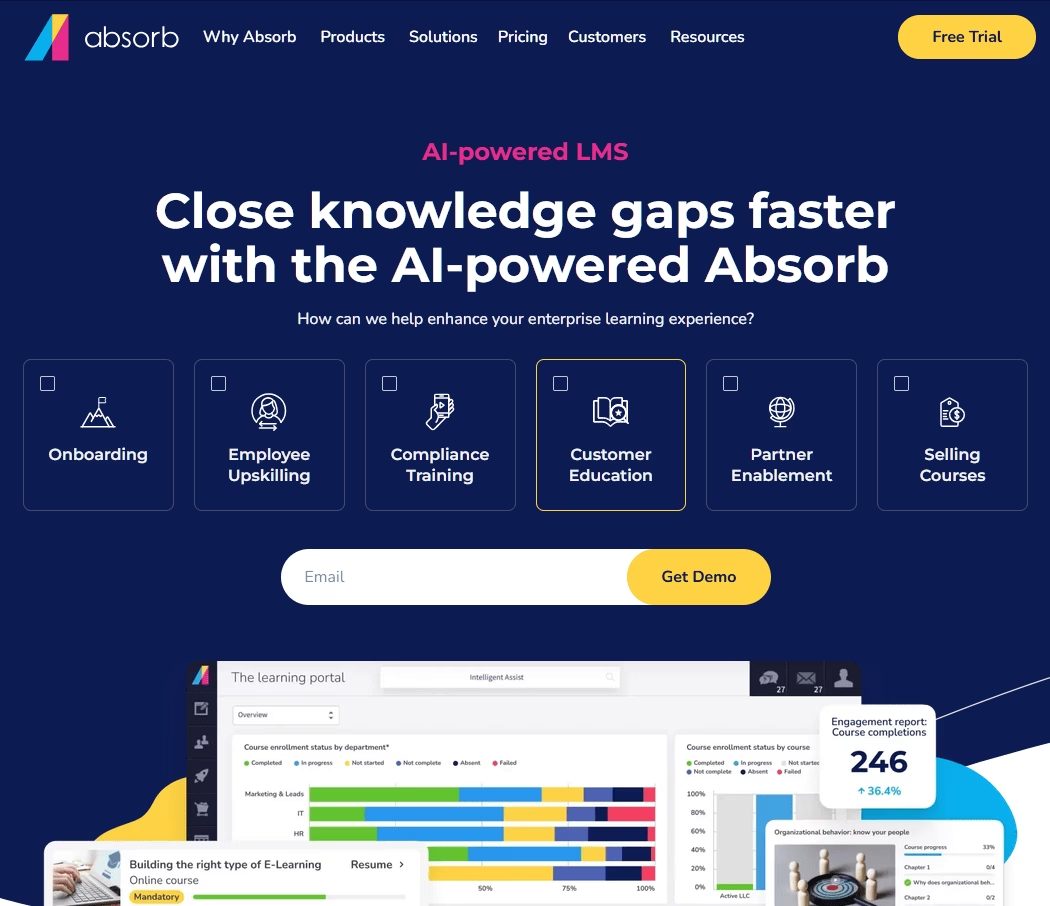
Absorb LMS has a track record most competitors can’t match, but what earned it a spot this high is something simpler: people actually like using it.
It offers a clean, intuitive interface and the 24/7 in-house support. That combination of polish and reliability makes Absorb LMS a strong enterprise pick for organizations that want fewer surprises and less hand-holding.
What stood out to us is Absorb’s “Absorb Skills” module: it uses AI to build personalized learning paths. Employees self-assess against a competency framework (hundreds of skills available) and Absorb automatically assigns courses to close any identified skill gaps.
Key Features
- Clean, intuitive UX that both learners and admins can navigate without extensive training.
- 24/7/365 in-house support that reviewers praise consistently, often with a dedicated Client Success Manager.
- Absorb Aura AI agents for admin automation and personalized learner guidance.
- Active-user billing model: no charges for accounts that don’t log in.
- Built-in authoring, white-labeling, and customizable dashboards.
Limitations
- No ability to archive old records, a recurring complaint from long-time users.
- Uploading courses and adjusting settings can feel slow, and there’s no preview for dashboard changes.
Pricing
Absorb does not publish base prices on its site (billed upon request). However, it typically charges an annual subscription by user.
Verdict
The thing that sets Absorb apart is its competency mapping and AI – in our testing, people actually noticed that the system recommended “just the right courses” for their career gaps. That made training feel more personalized rather than a one-size-fits-all course catalog.
5. iSpring Learn LMS
Most LMS platforms expect you to create content somewhere else and then upload it.
iSpring Learn ships with a fully featured authoring toolkit (iSpring Suite) that lets you build interactive courses, dialogue simulations, quizzes, and video tutorials, then publish them straight to the LMS without an export step in between.
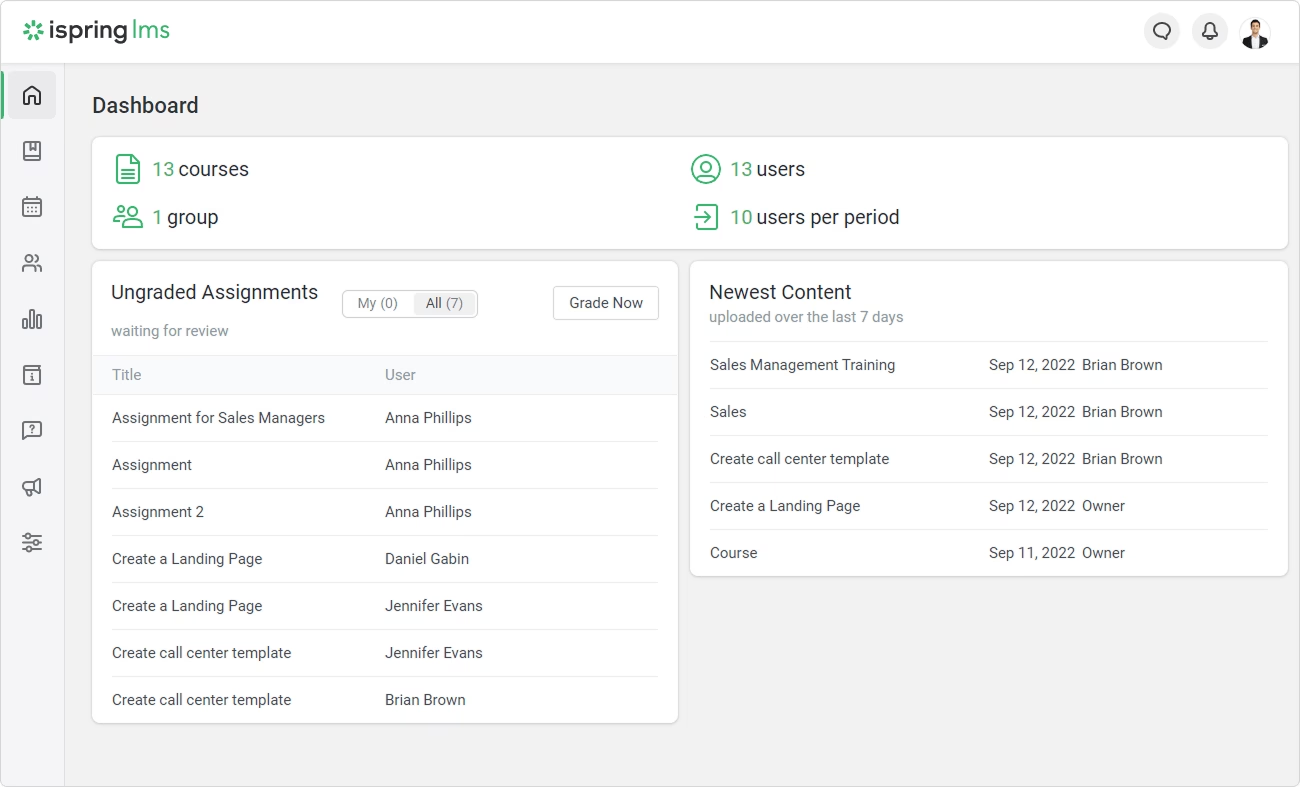
iSpring Learn admin interface is also refreshingly straightforward, with a left-hand menu and two auto-assigned onboarding modules that teach you the platform as you use it.
Key Features
- Bundled authoring tool (iSpring Suite) with direct publishing to the LMS, including dialogue simulations and interactions.
- Active-user billing: you pay only for learners who actually log in during the billing period.
- Built-in knowledge base, development plans, and on-the-job training checklists.
- Native mobile apps with offline access and blended-learning support via Zoom and Teams.
- 24/7 technical support
Limitations
- iSpring Suite (the authoring tool) is a separate paid subscription billed per author, on top of the LMS cost.
- Some features like employee appraisal cost extra.
- A single accidental login consumes a seat for the full month.
- Advanced reporting and setup require some admin time.
Pricing
iSpring Learn uses tiered per-active-user pricing starting around $3.97 to $6.91 per user per month at volume (billed annually). Plus separate per-author fees for iSpring Suite.
Verdict
iSpring Learn is an employee training software if you need a scalable, all-in-one training solution and you already have or want an integrated authoring tool.
6. Trainual
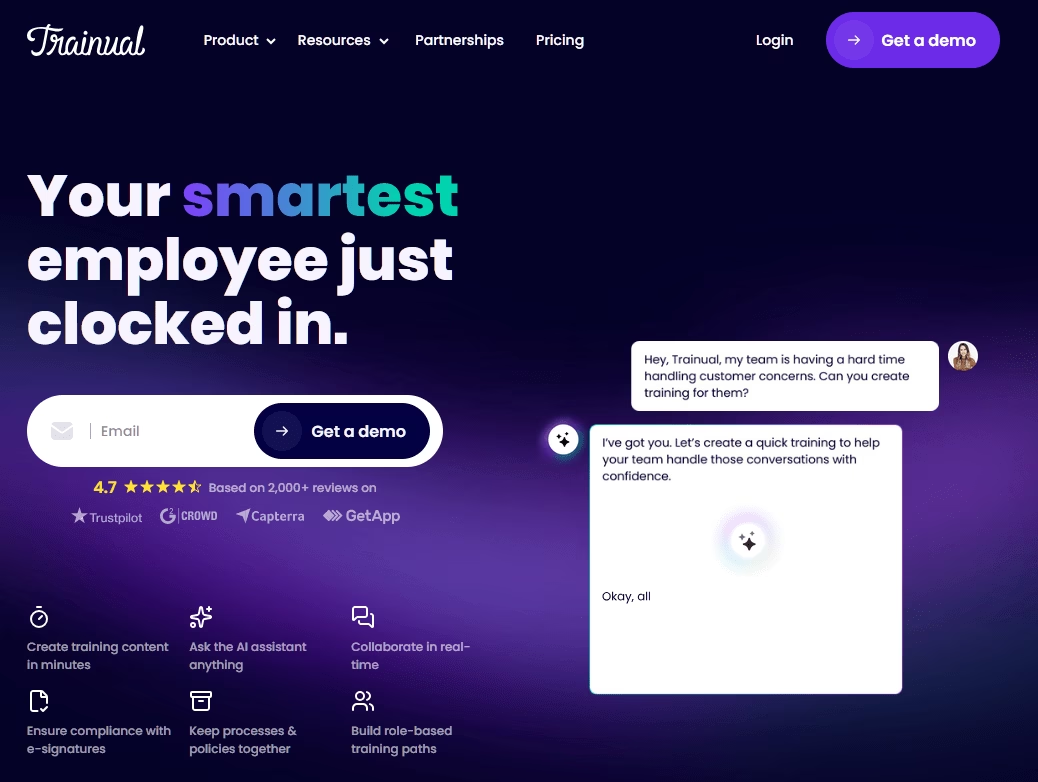
Trainual, it’s less a traditional LMS and more a living playbook: a centralized hub for SOPs, policies, processes, and role-specific training that new hires work through step by step.
Trainual has invested heavily in AI: it can draft SOPs from a short description, auto-generate quizzes, map org charts, and answer employee questions via AI-powered search.
Key Features
- Purpose-built for onboarding and SOP documentation with clear, step-by-step progress tracking.
- AI for content drafting, quiz generation, org-chart mapping, and a natural-language Q&A search.
- E-signatures for compliance acknowledgment and policy confirmation.
- Responsive support with dedicated implementation specialists.
- Free mobile app included on all plans.
Limitations
- Base plans cap video storage and e-signature counts.
- Search accuracy and mobile navigation feel inconsistent in some areas.
- Course creation is desktop-only, with no mobile authoring.
- Lacks the complex learning paths, certifications, and advanced assessments of a full LMS.
Pricing
Trainual starts at $249 per month (Core, 10 seats included, billed annually), with Pro at $319 and Premium at $399, plus a custom Enterprise tier.
Verdict
If your core problem is that onboarding takes too long and you have to repeatedly explain the same processes, Trainual is the most focused, effective solution here. For SCORM courses, complex learning paths, or deep analytics, look at a full LMS instead.
7. SkyPrep
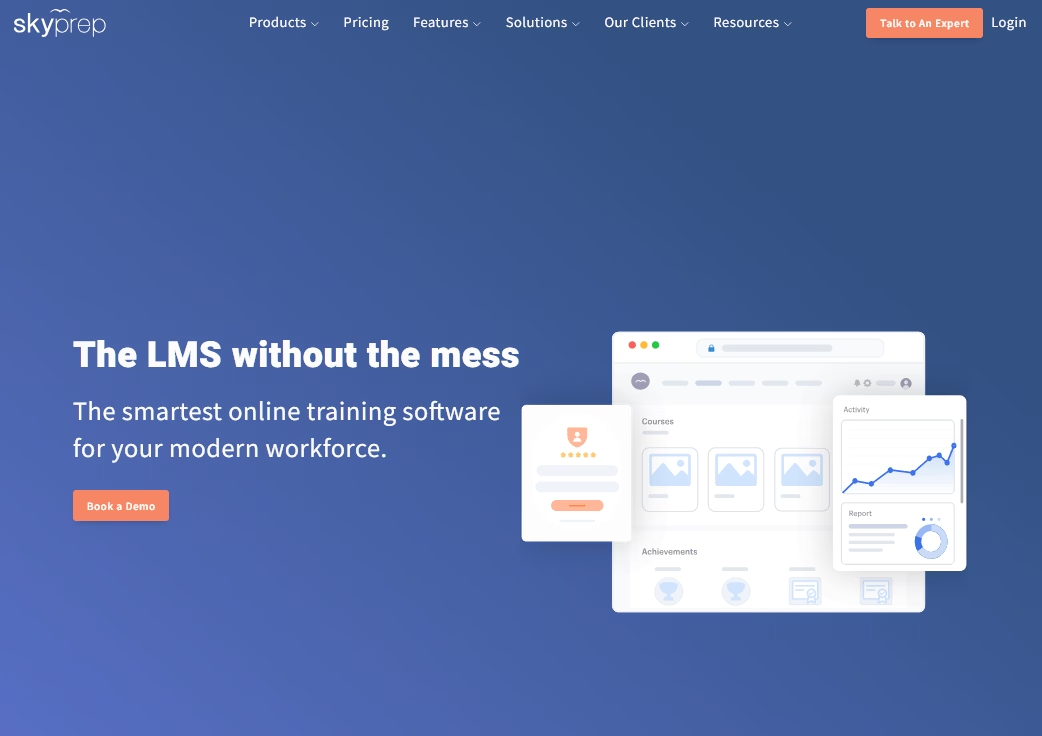
SkyPrep is a cloud-based LMS that emphasizes ease of use and customer support, making it a good fit for small to mid-sized businesses.
Its main audience is companies that need straightforward course creation and tracking without a steep learning curve.
In our review, SkyPrep’s interface felt very clean and simple. Courses can be built directly on the platform using text, video, and quiz components (no separate authoring tool needed).
A standout feature is course auto-enrollment: you can set rules so that new hires or specific departments are automatically enrolled in the relevant courses
Key Features
- Fast, intuitive setup for both admins and learners.
- Outstanding, responsive customer support with dedicated success contacts at no extra cost.
- Customizable branding (logos, colors, certificates) and workflow automation (auto-enrollment, alerts).
- Active-user billing: only learners who log in during the cycle are counted.
- 20-plus integrations including Google Workspace, Teams, BambooHR, and Shopify.
- E-commerce functionality to sell courses externally.
Limitations
- While SkyPrep is user-friendly, it is somewhat basic under the hood.
- The built-in content library (templates or off-the-shelf courses) is smaller than some competitors.
- Content-building and customization options are limited compared with enterprise platforms.
- Fewer integrations than some larger competitors.
Pricing
SkyPrep offers two plans (Lite and Professional) with active-user billing (minimum 100 active users, added in bundles of 100). Exact figures are quote-based.
Verdict
SkyPrep is an excellent choice for small-to-medium-sized organizations, offering exceptional support. It won’t win on advanced features, but for straightforward employee training delivered reliably at a fair price, the value proposition is strong.
8. 360Learning
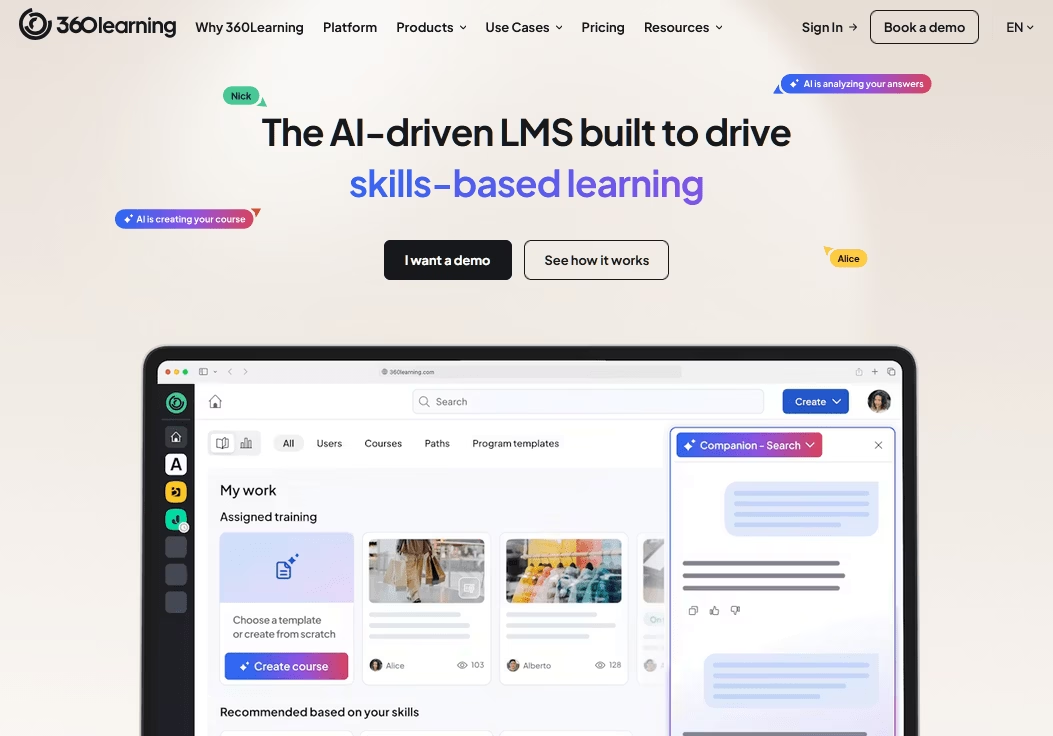
360Learning is designed to allow your internal subject-matter experts, not just trainers, to create and share knowledge.
It combines LMS and LXP capabilities with AI-assisted content creation and a strong mobile app.
The platform feels more like a social learning community than a traditional course-delivery system, with discussions, @mentions, reactions, and peer feedback woven into every course.
That bottom-up philosophy is its whole identity, and companies like Heineken, Cisco, and Michelin have adopted it for exactly that reason.
Key Features
- Collaborative authoring where subject-matter experts create and update courses directly, with built-in feedback loops.
- Fast course creation with AI assistance and content suggestions.
- Highly rated mobile app with offline access.
- Flexible billing models (registered users, monthly active users, or a hybrid).
- A monthly Team plan with no annual commitment requirement.
Limitations
- Limited branding and visual customization of the platform itself.
- Some advanced reporting dashboards and automated analytics are paid add-ons.
- Thinner on compliance-heavy features and in-depth certification workflows.
Pricing
360learning Team plan is publicly listed at $8 per user per month for up to 100 users, with a free trial available. Pricing for the Business and Enterprise plans is custom.
Verdict
360Learning is the right training platform if your goal is to build a genuine learning culture where employees teach each other. For collaborative, expertise-driven organizations it’s excellent.
9. LearnUpon
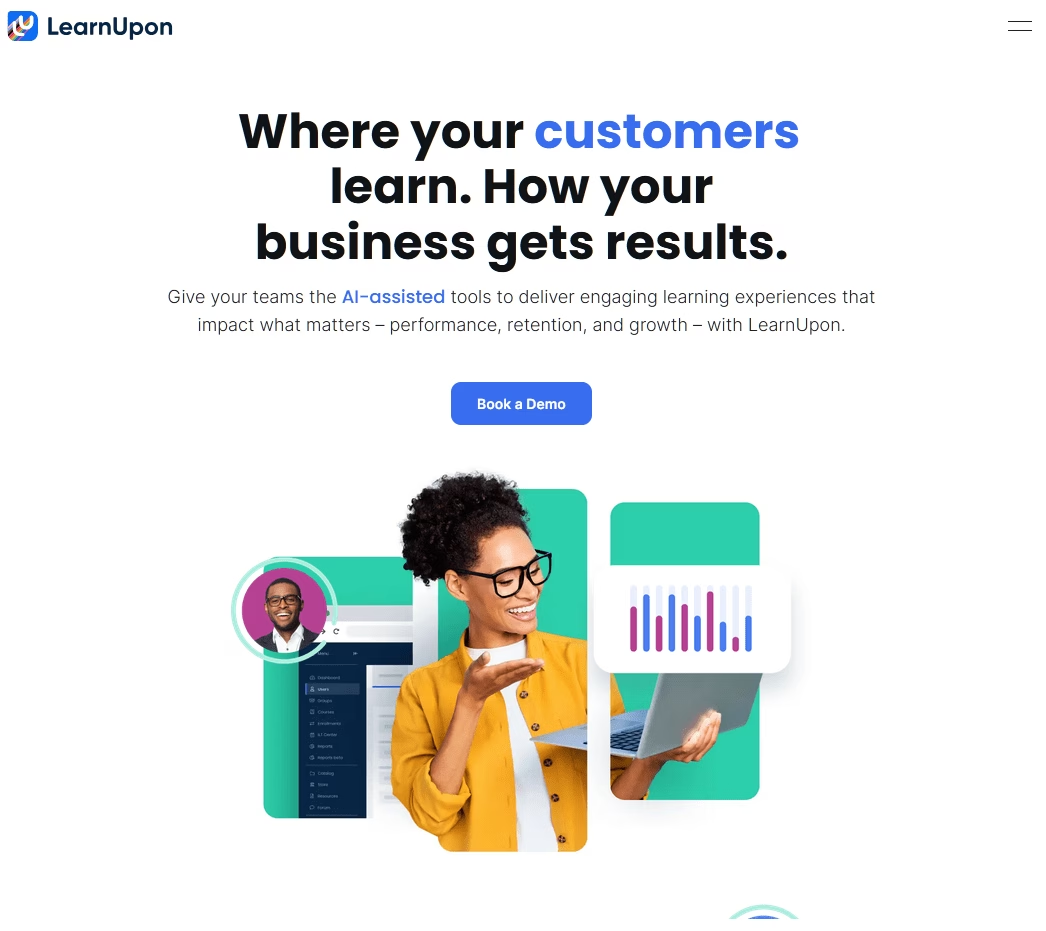
LearnUpon is the training platform built for organizations that train multiple distinct audiences (employees, customers, partners) and need to keep their data, branding, and access rules cleanly separated.
Its multi-portal architecture is the standout: you can spin up several branded sub-portals under a single account, license one master course across all of them, update it once, and have the change reflected everywhere instantly.
Key Features
- Excellent multi-portal architecture with course licensing across portals and centralized updates.
- Powerful automation: auto-enrollment, catch-up enrollment for returning employees, and granular manager permissions.
- Manager Dashboard for tracking and nudging team progress directly.
- No transaction fees on course sales (you pay only payment-processor fees).
- Fast, consistently praised customer support.
Limitations
- No pre-built course library; you create or purchase content separately.
- Reporting needs work, particularly around joining enrollment, certification, and user data into a single view.
Pricing
LearnUpon pricing is quote-based.
Verdict
LearnUpon is the platform we’d recommend for multi-audience training at scale. If you train employees, customers, and channel partners and want reliable automation over flashy features, it delivers. Smaller teams however, will find that it offers more than they need.
10. SAP Litmos
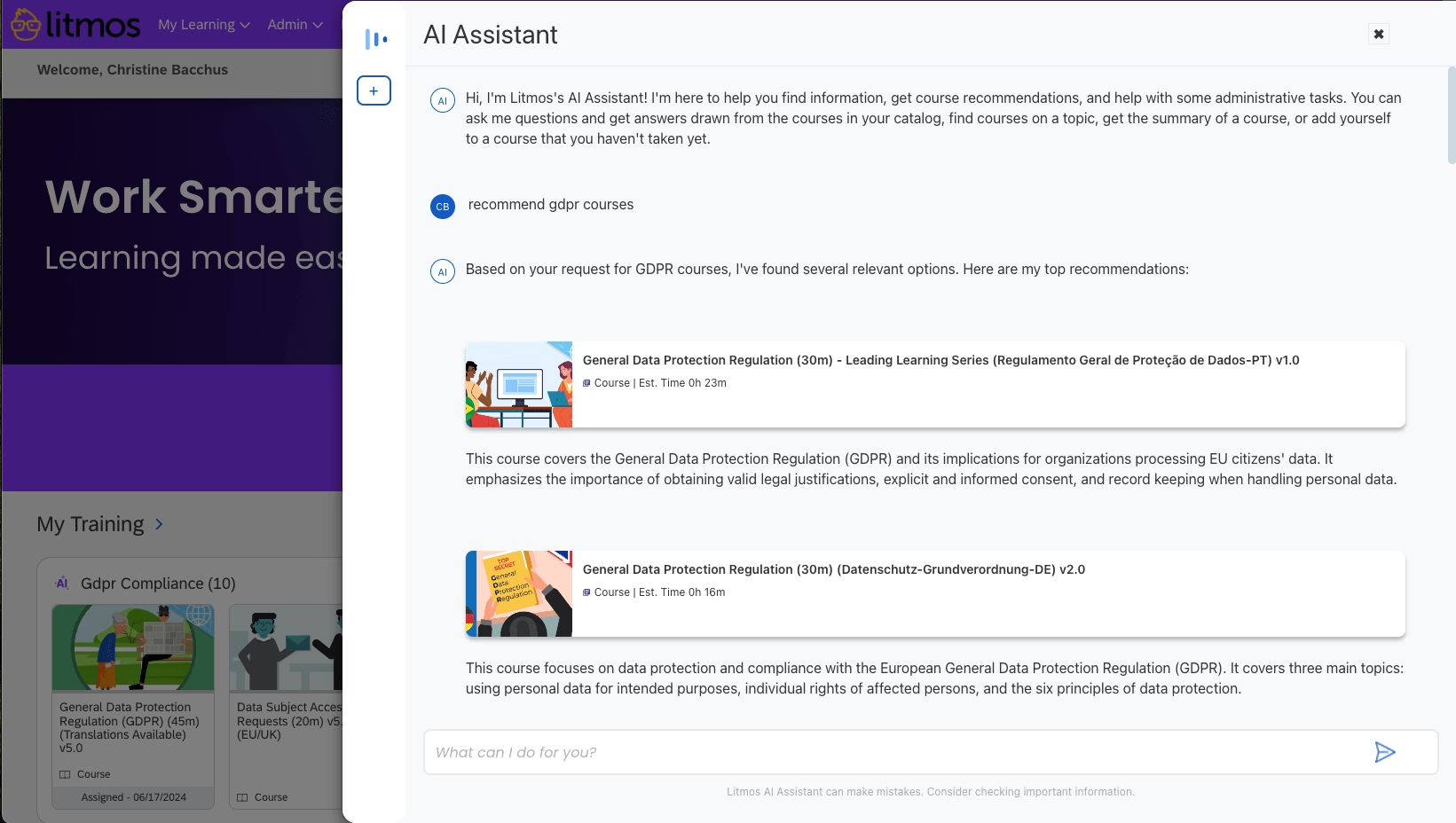
SAP Litmos is one of the better-looking platforms we tested, it combines a clean, mobile-first interface with a large built-in content library and strong extended-enterprise capabilities.
Backed by SAP, it’s used by more than 30 million learners across 4,000-plus organizations, and it’s particularly well-suited for companies that already live in the SAP ecosystem.
The content library is the big asset here. If you need compliance or soft-skills training fast, you can assign pre-built courses without creating anything from scratch.
An AI-powered assistant added in 2025 surfaces relevant content, recommends courses, and summarizes materials.
Key Features
- Clean, modern, mobile-first interface (one of the most visually polished on this list).
- Large off-the-shelf content library (Litmos Training Content plus Go1 marketplace).
- Separate branded portals for employees, partners, and customers.
- AI assistant for content discovery and course recommendations.
- Gamification, built-in authoring, and video assessments.
Limitations
- No scheduled or recurring training automation: everything has to be manually assigned on the day, which can be frustrating for admins managing thousands of learners.
Pricing
SAP Litmos offers a 14 day free trial. After that pricing starts at $3.50 per month.
Verdict
Litmos is a strong fit for SAP shops and organizations. It provides a very polished UI paired with a ready-made content library for compliance and soft skills.
Final Thoughts: Employee Training Software
Choosing employee training software is a decision that compounds over time.
Pick the right platform early, build your content once, and every new hire, every compliance cycle, and every skills-development initiative becomes incrementally easier.
Pick the wrong one, and you’re migrating content (and re-training admins) two years from now.
To pick the right the right employee training software, start by defining your actual needs:
- Are you solving “how do I do this right now?” (a knowledge base)
- “Did everyone complete and pass mandatory training?” (an LMS)
Write down your headcount, your budget model, and whether you train only employees or also customers and partners.
After that, pick the software that best fits your needs. We listed some of the best options from multiple training software type categories.
See you in the next guide 👋
Further Reading
Training Manual – A Comprehensive Guide
13 Best Training Documentation Software in 2026 (Free and Premium)
What is Internal Documentation? Everything you need to know about
What is Knowledge Transfer? And How to Implement It
Top Internal Knowledge Base Software in 2026
Customer Onboarding: Step-by-Step Guide with Examples
New Employee Onboarding Checklist for 2026




Leave A Comment?
You must be logged in to post a comment.