12 Best Internal Chatbots for Employee Support and Productivity (2026)

An internal chatbot lives inside tools your team already uses, like Slack or Microsoft Teams, answers questions from your own company data, and automates routine tasks.
In plain terms, it’s the coworker who never gets tired of the same repetitive questions. And it’s something every growing business should consider.
It will free up your HR or IT department to focus on hiring the right talent instead of answering the same set of questions.
I’ve gathered the top internal chatbot tools to help your team work smarter, whether you’re in IT, HR, or operations.
Let’s find ones that are perfect for you!
In This Guide
- Top Internal Chatbots in 2026 (Tried and Tested)
- 1. HelpJet
- 2. Slack AI
- 3. Microsoft Copilot Studio
- 4. ThoughtFarmer – AI Intranet Assistant
- 5. Workato Workbot – Automation Bot for Slack/Teams
- 6. Rezolve.ai – HR Chatbot
- 7. Leena AI – HR Virtual Assistant
- 8. Workativ – Slackbot for HR and IT
- 9. Espressive Barista – Employee AI Assistant
- 10. MeBeBot – Multi-Team Chatbot
- 11. Botpress – Open-Source Chatbot Platform
- 12. Rasa – Open-Source Conversational AI
- 1. HelpJet
Top Internal Chatbots in 2026 (Tried and Tested)

We rigorously test and research every product that we recommend through HeroThemes. Our review process. We may also earn a commission if you make a purchase through our links.
1. HelpJet
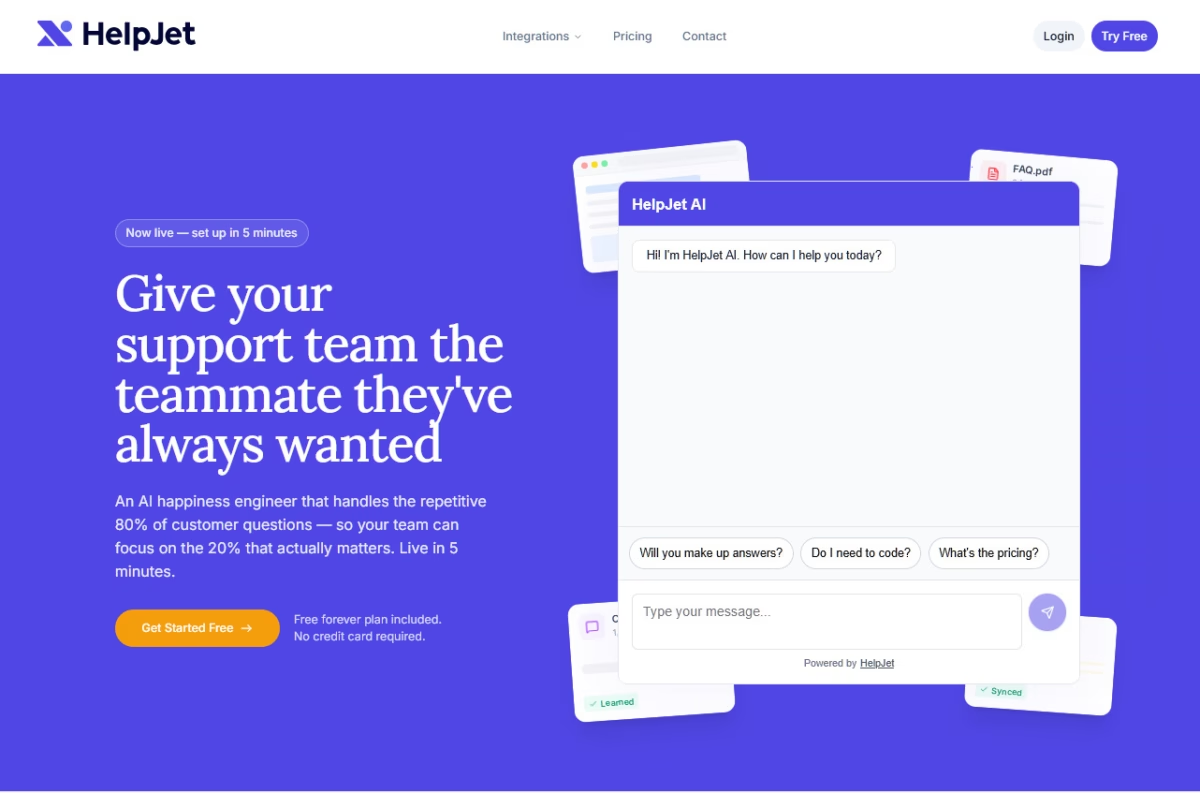
HelpJet is a web-first AI support agent. So if your internal knowledge lives in a portal or WordPress intranet, it is a strong fit for IT, HR, and Operations teams that keep answering the same basic questions.
What makes HelpJet useful internally is the way it learns. Point it at intranet pages, SOPs, PDFs, and past chat logs, and it builds one answer layer from all of them.
There is no flow-builder to maintain and no menu maze for employees to learn. It hardly takes 5 minutes once the source content is ready.
Key Features:
- Content ingestion from multiple sources: Crawls URLs, PDFs, and help centers in one pass.
- Weekly auto-refresh so updated policies and SOPs flow into the bot without manual retraining.
- Conversational tone with intent detection. Handles follow-up questions in context.
- Clean escalation to a human when the bot hits its limit.
- Multi-bot support lets you run separate bots for IT, HR, and Operations.
- White-label option to remove the “Powered By HelpJet” badge if you want the widget to feel fully internal.
Pricing
HelpJet is a freemium tool. The free plan gives you 1 bot and 100 conversations per month. Great for testing out features or small team needs.
Paid plans start at $29/month for 3 bots and 1,000 conversations.
To provide your team with the best customer service suite, pair HelpJet with Heroic Knowledge Base and Heroic Inbox.
My Take
HelpJet won’t replace a full enterprise IT platform, and it’s not trying to. For small and mid-size teams that just want to stop answering repetitive questions in Slack all day, it’s one of the cheaper ways to absorb that load. Also, the free plan makes it easy to test on one department before rolling wider.
2. Slack AI
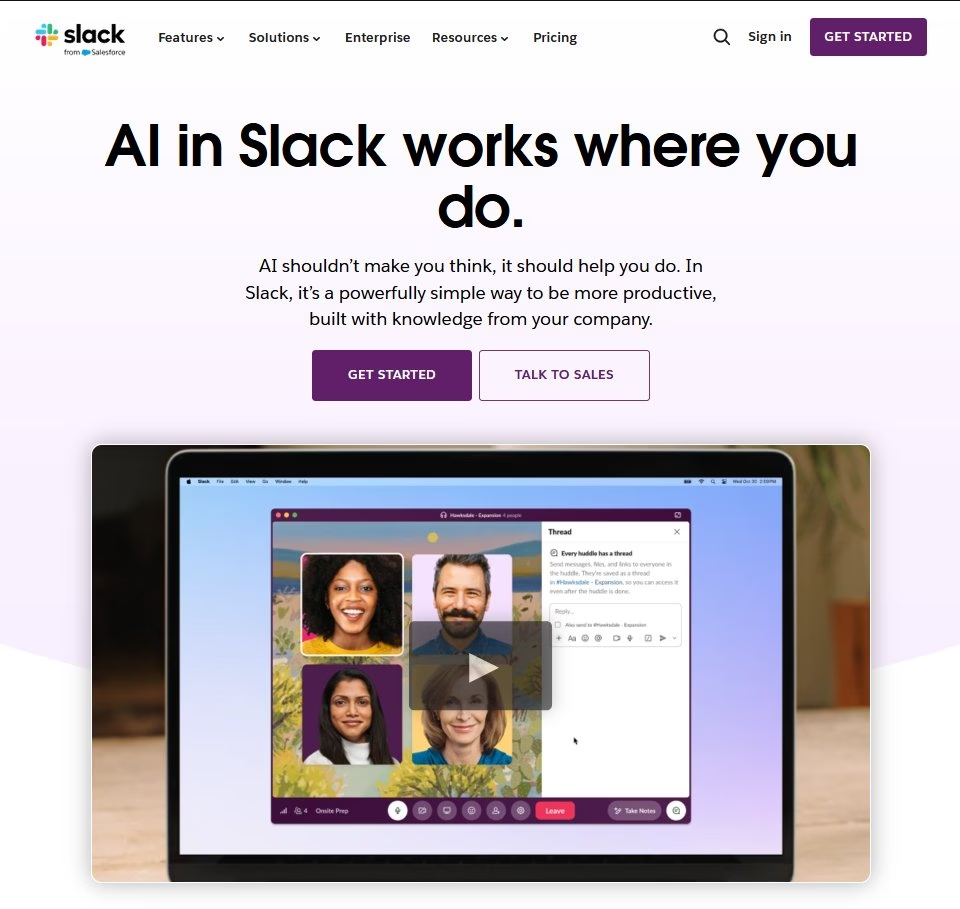
Slack recently launched built-in AI features (Slack AI) that work right in your chats.
It can summarize channels and threads, answer quick questions, and even do daily recaps, all using your team’s own data.
There’s an official ChatGPT app for Slack too, which lets you ask OpenAI directly without leaving Slack.
Key Features:
- Ask questions in a DM or use “/ai” to chat with the bot.
- Generate summaries of channel threads or “huddles”.
- Build your own internal chatbot that responds to employee queries (IT, HR, policy questions, etc.) by hooking into knowledge base or external systems.
- AI-powered search
- Data security and permissions: Bot respects Slack’s existing workspace permissions and privacy controls.
Pricing
Slack reworked its AI packaging, so what you get now depends on your plan.
Basic AI (conversation and thread summaries, plus huddle notes) is included on every paid plan, starting with Pro at $7.25 per user per month.
The heavier features, like AI search, recaps, translations, and workflow generation, now live in Business+, which rose to $15 per user per month, and the new Enterprise+ tier.
Slack also retired its standalone Slack AI add-on, so there’s no longer a cheaper way to bolt AI onto a lower plan.
My Take
Slack AI is a smart addition for teams that already use Slack daily. It streamlines information flow, summarizes discussions, and instantly answers internal queries. It’s perfect for managers and teams who want faster access to information without leaving their workspace.

3. Microsoft Copilot Studio
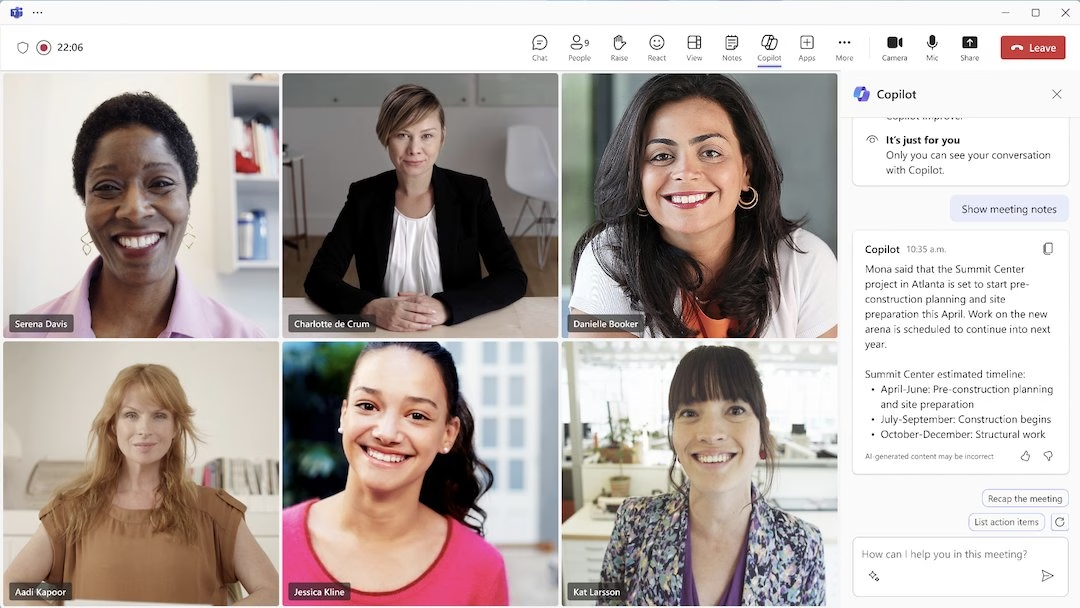
If your company runs on Microsoft 365, you’ll want to check out Microsoft Copilot Studio and the new Teams Copilot.
With Microsoft Copilot Studio you can build powerful chatbots or agents.
It offers a no-code chatbot builder letting any team member create a bot that can answer company-specific questions.
You can connect it to your SharePoint, Dataverse, or other internal docs and teach it to chat.
Key Features:
- Build tailored internal bots for HR, IT, or operations without coding.
- Integration with Microsoft 365
- Natural language understanding
- Links with Power Automate, Power BI, and Power Apps for workflow automation
- Secure data control with Microsoft’s enterprise-grade compliance and access permissions
- Tracks chatbot usage, performance, and feedback to improve responses.
- Multi-channel support
- Connects with internal documents or Dataverse to get accurate answers.
- Extend Microsoft Copilot’s capabilities with custom plugins.
Pricing
Copilot Studio bills by consumption in what Microsoft now calls Copilot Credits.
You can pay as you go at 1 cent per credit through Azure with no commitment, or prepay with a capacity pack at $200 per month for 25,000 credits, which works out to about 0.8 cents each.
My Take
Microsoft Copilot Studio is an excellent option for businesses that use Microsoft 365. It simplifies the process of creating internal chatbots that are secure and deeply integrated with Teams and SharePoint.
4. ThoughtFarmer – AI Intranet Assistant
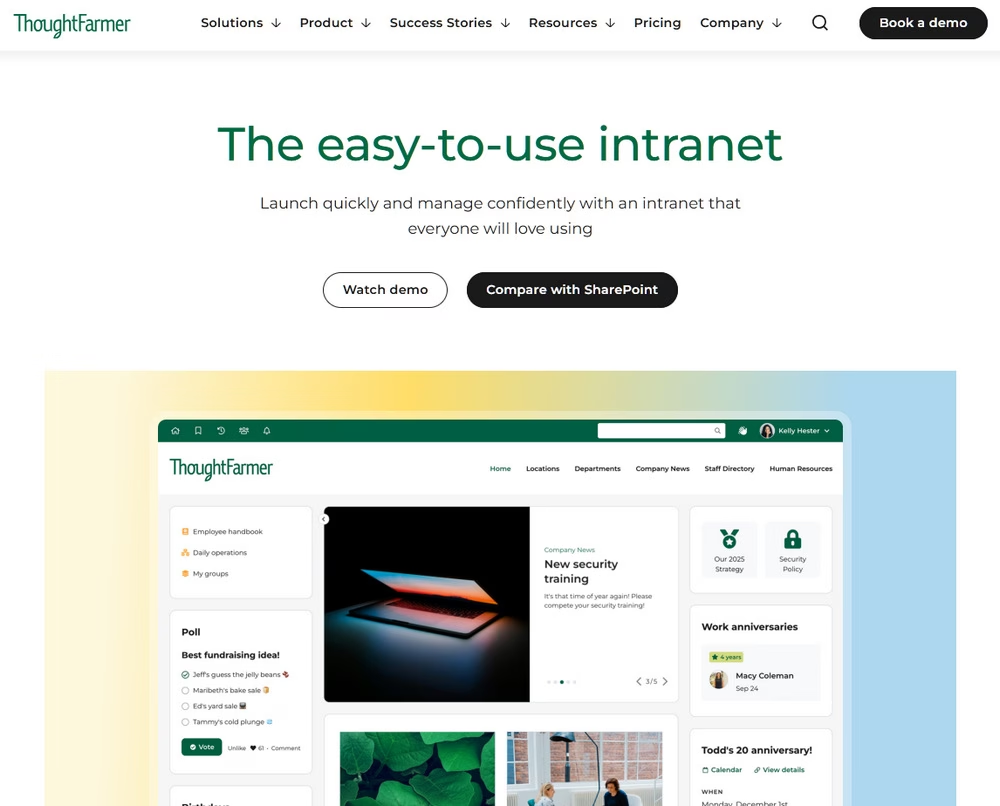
If your company’s knowledge is scattered across intranet pages, PDFs, and Microsoft 365 files, try ThoughtFarmer. It’s a full intranet platform first, with a secure AI Assistant layered on top which answers employee questions straight from your approved content.
It provides a low-friction way for employees to self-serve organizational information when they need it.
Since it’s built on your internal knowledge base, it also respects your existing permissions; thus, staff only see answers from content they’re already permitted to access.
Key Features:
- Secure AI Assistant that answers questions based on approved intranet pages and files. Including Word, PDF, Excel, and PowerPoint, plus connected Microsoft 365 sources like OneDrive and SharePoint.
- Verified citations for every response
- It follows your existing role-based access and allows admins to choose which pages the AI can reference.
- Companion AI tools that help draft and polish intranet content
- Full-featured mobile app, universal search, and engagement analytics as part of the wider platform.
Pricing
ThoughtFarmer runs $6 to $12 per user per month depending on team size, with a 30-day free trial and a 90-day risk-free guarantee.
My Take
ThoughtFarmer makes a large, messy pile of internal knowledge feel approachable, and the citation-backed answers are the standout. In our assessment it’s less of a bolt-on chatbot and more of an intranet-plus-AI package, so it’s the strongest fit for teams that want to fix information silos and modernize their intranet in one move. It’s not ideal for those who just want a lightweight Q&A bot.
5. Workato Workbot – Automation Bot for Slack/Teams
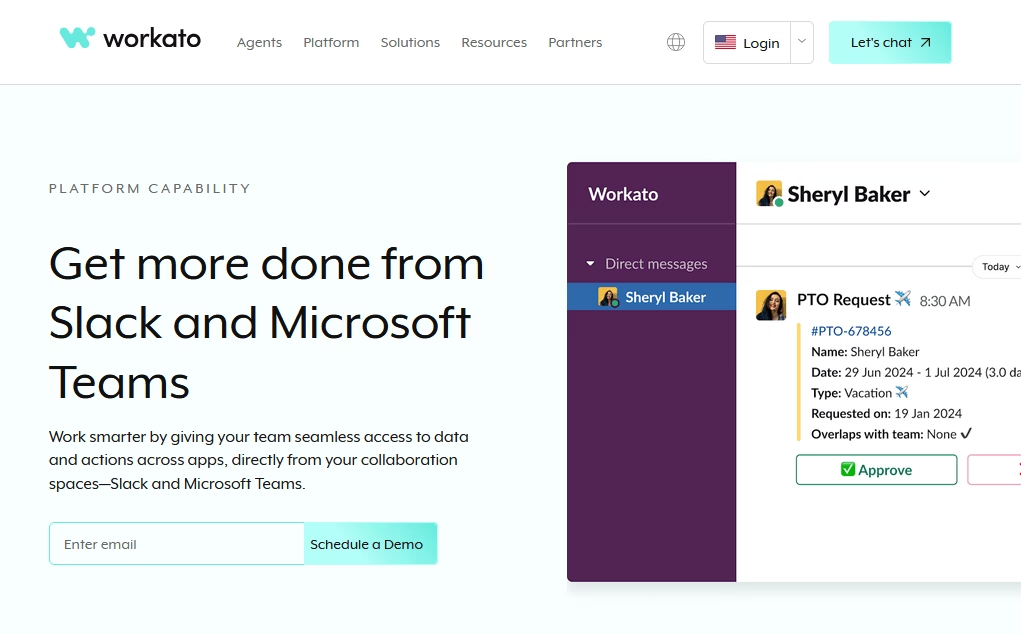
Workato Workbot is an integration bot that connects Slack or Teams to all your business apps.
It’s like having an AI butler: employees ask Workbot questions (“@Workbot show me ticket updates”) or run workflows directly in chat.
I’ve actually used Workato in demos; it’s a very powerful alternative to Slack AI.
Key Features:
- Deep integration with Slack and Microsoft Teams
- No-code automation solution
- Custom commands
- Pre-built and custom bots that handle tasks like approvals, data lookup, and automated requests.
- App connectivity: Integrates with over 1,000 business apps, including Salesforce, Jira, and Google Workspace.
- Secure data handling
- Tracks workflow performance and chatbot engagement
- Team collaboration: Enables departments to manage repetitive tasks, tickets, and reports collaboratively within chat.
Pricing
Workato is enterprise software with custom pricing, and it’s aimed at midsize-to-large companies.
My Take
Workato Workbot is a powerful tool for teams using Slack or Teams. It connects apps, automates repetitive tasks, and runs workflows directly within chats. It’s ideal for large teams that need smart, secure, flexible automation without extensive coding.
6. Rezolve.ai – HR Chatbot
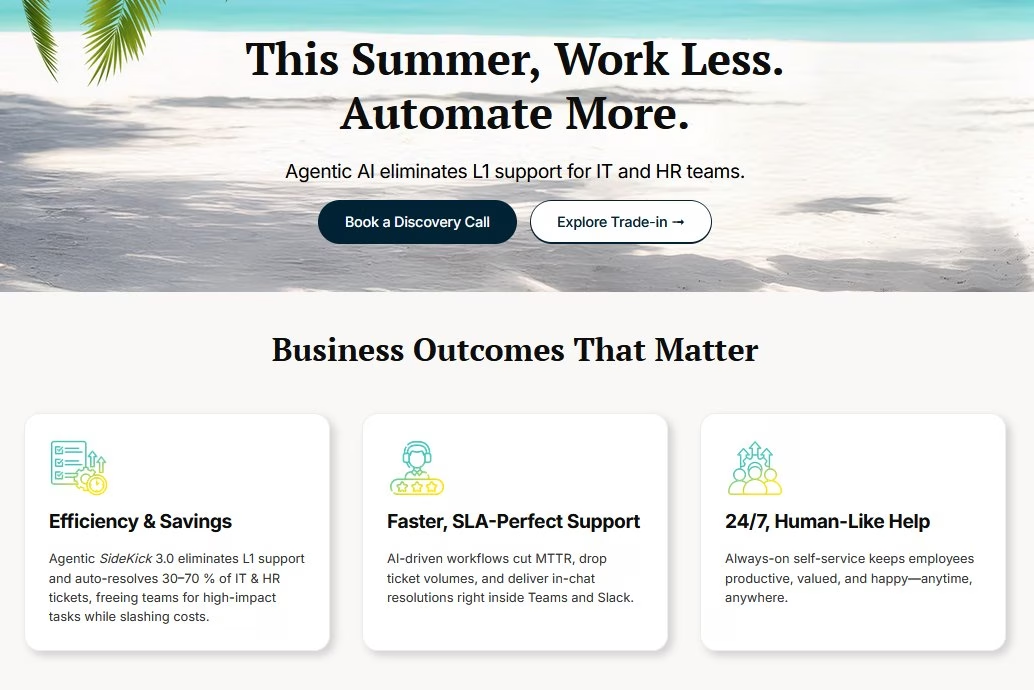
Rezolve.ai is an AI-powered HR chatbot for internal support. It lives in Slack and Microsoft Teams, as well as web or email.
You can use it to automate internal HR queries (leave policies, benefits info, etc.) with a conversational interface.
Key Features:
- AI-driven knowledge base and ticket bot for HR/IT.
- Conversational ticketing: Lets users create, track, and resolve tickets through natural chat.
- Pulls answers from internal knowledge bases or documents.
- Integration with enterprise tools like Jira, Slack, Microsoft 365
- Live agent handoff: Routes complex issues to human support when needed.
- Analytics and reporting
- Easy setup and customization for non-technical users.
Pricing
Rezolve offers custom pricing (tiered by features and number of employees).
My Take
Rezolve.ai is a smart HR chatbot for Teams and Slack that seamlessly blends AI and automation. It quickly answers routine employee questions, creates tickets via chat, and seamlessly transfers complex cases to human agents when necessary.
7. Leena AI – HR Virtual Assistant
Leena.ai is an HR and employee-service chatbot that stayed independent through 2025’s wave of acquisitions, and it’s leaned hard into agentic AI since, adding voice-enabled assistants and its AI Colleague Studio for building custom enterprise agents.
At its core, it still automates routine service desk tasks leaving HR teams to focus on the complex cases.
Leena can easily answer questions about company policy, raise tickets for IT requests, or guide new hires through onboarding workflows.
Key Features:
- AI-powered HR assistant
- Natural language understanding
- Guides new hires through forms, training, and introductions.
- Workflow automation for leave approvals, reminders, and other HR processes.
- Multi-channel: Chatbot, mobile app, voice assistant.
- Knowledge base integration
- Integrate with tools like Workday, BambooHR, and Slack
- Tracks metrics such as usage, response accuracy, and employee satisfaction metrics.
Pricing
To learn more about Leena’s operational costs, you need to request a demo. Typically, it’s a SaaS subscription based on employee count.
My Take
Leena AI is a strong HR-focused chatbot that simplifies employee support and onboarding.
It is easy to use, integrates with major HR tools, and automates repetitive workflows. It’s a great pick for large teams looking to modernize their internal HR operations.
8. Workativ – Slackbot for HR and IT
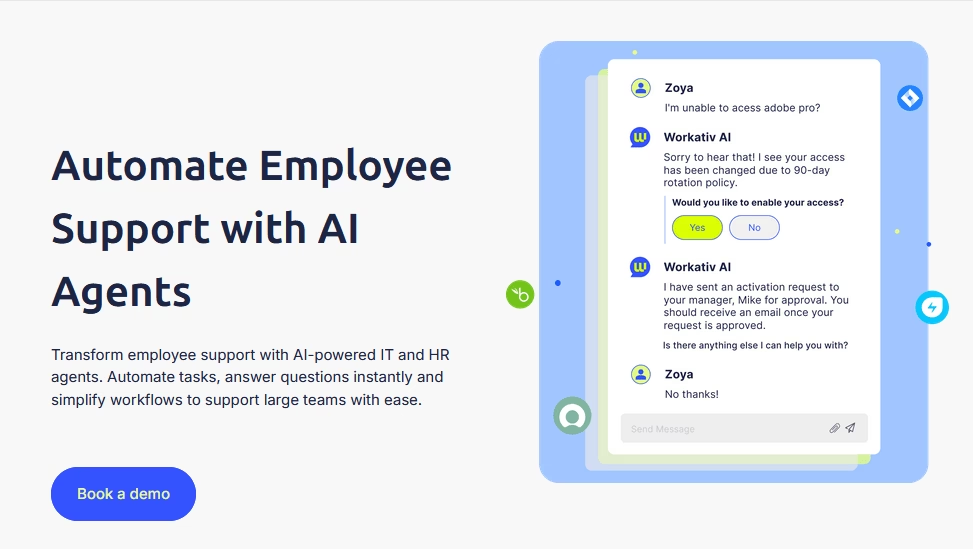
Workativ is a conversational AI-powered agent aimed at HR and IT support.
It lives in your website, Slack or Microsoft Teams and answers employee questions while handling simple IT tasks. Including auto-resolving leave inquiries, password resets, or travel policy questions.
Key Features:
- No-code chatbot builder
- Prebuilt workflows for HR, IT, and admin tasks
- AI-powered conversations
- Centralized knowledge access
- Multi-channel: Works on Slack, Teams, and web portals.
- Analytics and insights
- Instant human handoff for complex queries.
Pricing
Workativ runs on session-based pricing, so you pay for usage.
The free Magic plan lets you pilot the bot, then a Starter plan comes in at $99 per month for 200 AI chat sessions and one agent, aimed at small teams and proof-of-concept projects.
It’s quite expensive, reflecting its enterprise focus.
My Take
Workativ chatbot for internal use is pretty slick—the automation, polished UI, and usability are top-notch. Though, the cost of usage could be a bit lower.
9. Espressive Barista – Employee AI Assistant
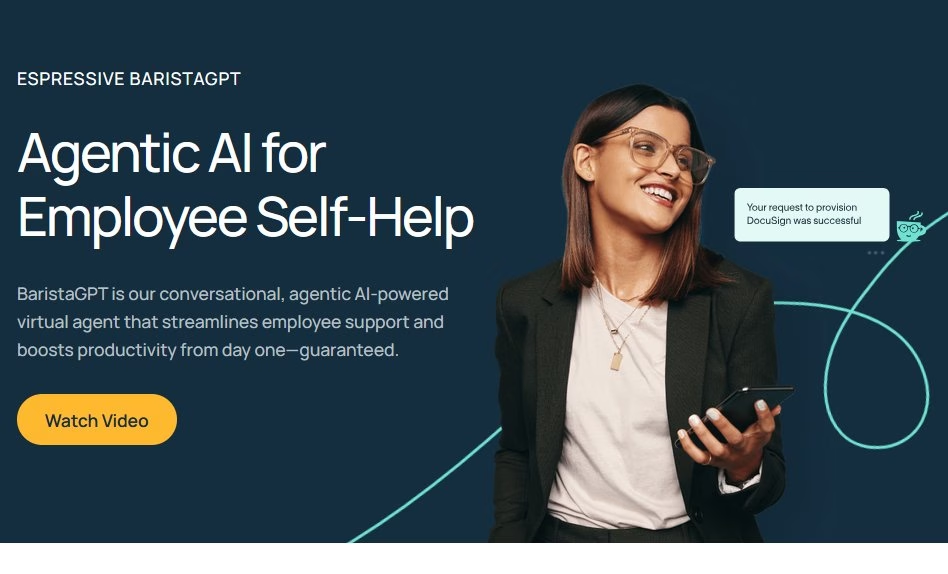
Espressive Barista is an AI-powered virtual support agent built to simplify internal help desk operations across HR, IT, and facilities.
Rather than submitting tickets or waiting for email replies, employees can ask Barista questions in plain language. The system then responds with accurate, personalized answers.
What sets Espressive Barista apart is its focus on the employee experience rather than pure automation.
Key Features:
- AI-driven employee help desk
- Natural language understanding and self-learning knowledge engine.
- Works across web, mobile, Microsoft Teams, and Slack
- Integration with enterprise systems like ServiceNow, Workday, Jira.
- Personalized responses
- Analytics dashboard
- Follows enterprise-grade security and compliance standards.
Pricing
Espressive typically sells to enterprise customers (no open pricing model).
My Take
Barista has earned its reputation as one of the more employee-friendly help desk software programs, and its underlying technology is robust. The catch in 2026 is the Resolve acquisition. If you want Barista’s technology, you’ll have to buy into Resolve’s broader platform rather than a standalone Barista. Worth a look for large enterprises, but go in knowing the product you’re testing is mid-transition.
10. MeBeBot – Multi-Team Chatbot
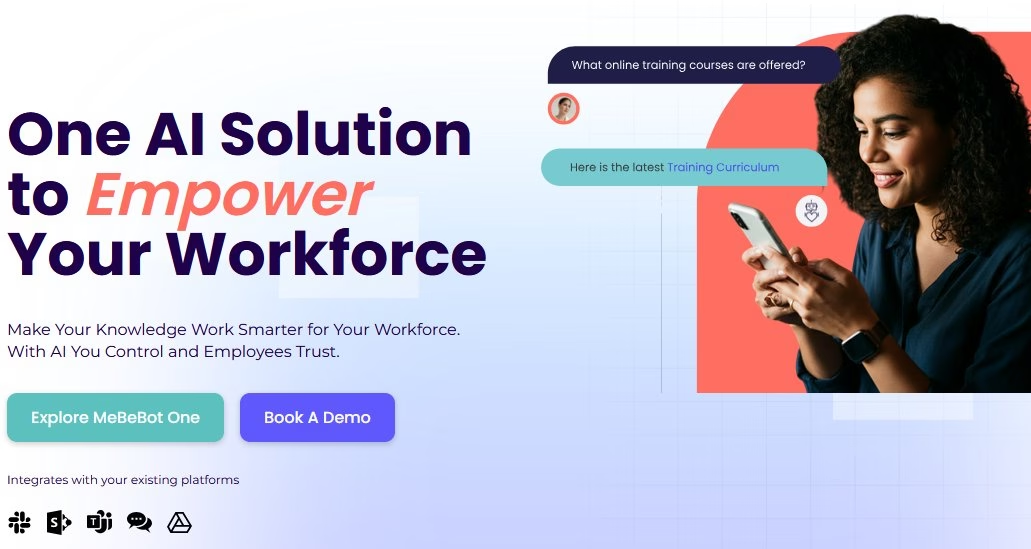
MeBeBot is an internal chat-based assistant for HR, IT, and operations teams. A 24/7 receptionist and survey tool rolled into one.
Employees can ask HR/IT questions in Slack or Teams, and MeBeBot will answer from its global knowledge base or your custom content.
It also pushes notifications (e.g. remind someone to complete training) and collects feedback via pulse surveys.
Key Features:
- Pre-built HR, IT, and Operations knowledge base
- Self-service employee support
- Microsoft Teams and Slack integration
- Easily add or edit company-specific questions and answers
- Improves accuracy over time based on employee interactions
- Analytics to track usage, question trends, and response accuracy.
- Automated onboarding support
- Enterprise-grade security and permission controls
- Multi-language support
Pricing
MeBeBot’s Essential plan runs $3.50 per employee per month, and per-employee rates drop toward $1.50 as your headcount grows. There’s also a 7-day free trial and scoped pilots if you want to prove ROI before rolling out.
My Take
MeBeBot is a smart, multi-team chatbot that handles HR, IT, and operations questions directly in Slack or Teams. It’s quick to deploy, multilingual, and ideal for global teams. The built-in surveys and smart notifications make it more than just a Q&A bot.
11. Botpress – Open-Source Chatbot Platform
Botpress started as an open-source, self-hosted chatbot framework, but by 2026 it’s really a cloud-first platform with a polished visual builder, native LLM support, and knowledge bases.
The original open-source version (v12) still lives on GitHub, though it’s no longer the company’s focus. This can cause confusion when following older tutorials. While developers still have the option of self-hosting, most teams now start with the cloud product.
Key Features:
- Create conversational flows with a drag-and-drop interface, no coding required.
- Natural language understanding (NLU)
- Knowledge base integration
- Microsoft Teams, Slack, and web integration
- Connects with HR, IT, or CRM systems to automate internal workflows.
- Full control over data privacy and security
- Multi-language support
- Extend chatbot capabilities with community or custom plugins.
Pricing
Botpress has a genuinely usable free tier (roughly 2,000 messages and a handful of bots per month), then a Plus plan around $89 per month and a Team plan in the mid-hundreds, with Enterprise quoted per company.
The AI token usage is billed on top, so the real monthly cost scales with how much your bot actually gets used.
My Take
Botpress is ideal for teams that want full control over their internal chatbot. It’s flexible, secure, and free to host on your own servers. Although setting it up requires some technical effort, the freedom to customize and the privacy it offers make it well worth it.
12. Rasa – Open-Source Conversational AI
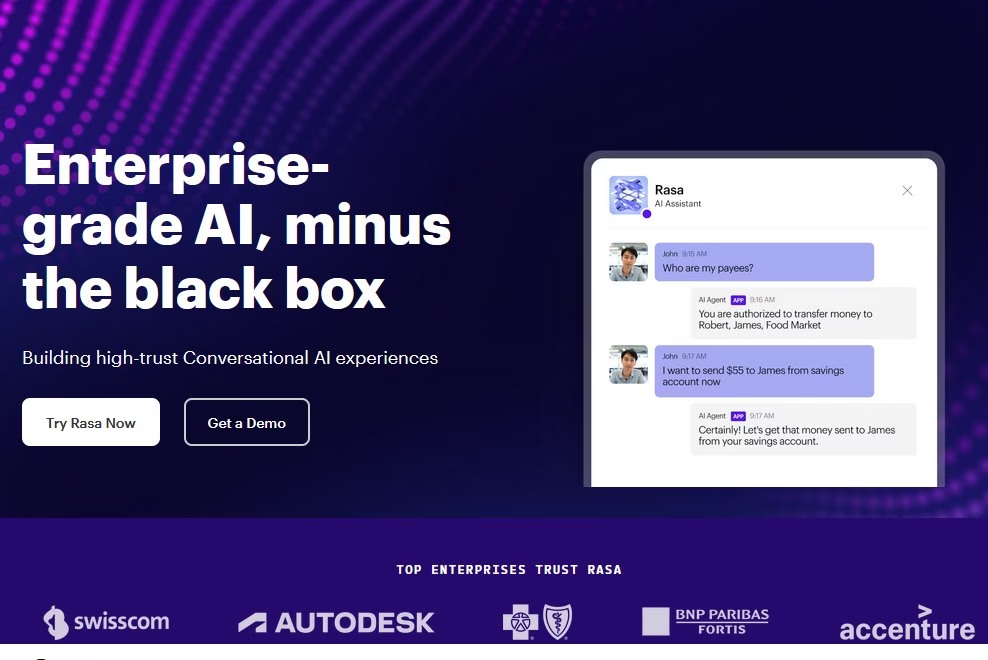
Rasa is another open-source chatbot framework, very popular for custom AI agents.
It’s enterprise-grade and Python-based. Companies use Rasa to build smart virtual assistants that connect to their own data sources.
Key Features:
- Open-source framework
- Advanced natural language understanding
- On-premise or cloud deployment
- Connect to internal systems, HR portals, CRMs, or databases
- Contextual conversations
- Deploy to Slack, Microsoft Teams, web, or custom apps
- Analytics to track important metrics
Pricing
Rasa’s free tier is now the Rasa Developer Edition, built around its newer CALM engine (the classic open-source framework has moved into maintenance mode).
They also offer a paid product, Rasa Enterprise, which includes support and UI components, such as visual flow editing.
My Take
Rasa requires a little bit of a learning curve (getting the NLU pipeline set up, defining stories), but you can build a pretty clever internal chatbot with it.
If you have developers who can invest time, Rasa will do almost anything.
Final Thoughts
For most businesses, all you need is a chatbot that can access your knowledge base and answer questions.
Which has become very straightforward with AI integration and plugins like Heroic Knowledge Base.
Install the plugin on your WordPress website > add knowledge base articles > enable the chatbot and its functions. That’s it!
Plenty of tools on this list go further with automation and deep enterprise integrations, and a few, like ThoughtFarmer, pair the chatbot with a full intranet so knowledge and answers live in the same place.
Test a couple of these internal chatbots on one department before rolling wider. That’s the fastest way to find the one that actually fits how your team works.
Further Reading
10 Best AI Chatbot Plugins for WordPress
12 Practical Chatbot Use Cases and Examples
Best eCommerce Chatbots (Free and Paid Options)
Rule-Based Chatbots: A Beginner’s Guide with Examples
9 Best Restaurant Chatbots for Ordering, Reservations and Support
10 Best Healthcare Chatbots of 2026
Free Tool to Generate HR Documents
Top AI Email Assistants of 2026 (Free Options Included)
Best Free Knowledge Base Chatbots in 2026



Leave A Comment?
You must be logged in to post a comment.