8 meilleurs logiciels de help desk pour les écoles et les universités en 2026


Combien de demandes de support votre école a-t-elle manquées le mois dernier ? Probablement plus que ce que vous ne le pensez.
La plupart des écoles gèrent le support par e-mail. Cela inclut les questions d'admission, les rapports de problèmes informatiques et les plaintes concernant les installations qui atterrissent dans différentes boîtes de réception personnelles. Certaines sont répondues rapidement. D'autres restent sans réponse pendant des semaines jusqu'à ce que quelqu'un fasse un suivi en se promenant dans le couloir.
Un outil de help desk partagé pour les écoles résout ce problème en regroupant tout dans une seule file d'attente, où les demandes sont assignées, suivies et clôturées correctement.
Dans ce guide, nous examinerons les meilleurs logiciels de help desk pour les écoles et les universités en 2026.
Chaque outil a été évalué selon des critères importants pour l'éducation. Explorons les options disponibles pour répondre à vos besoins.
Dans ce guide
Pourquoi les écoles et les universités ont besoin d'un logiciel de help desk
Un help desk pour l'éducation capture chaque demande en un seul endroit, l'assigne à la bonne personne et la suit jusqu'à sa résolution.
C'est le travail principal, et les écoles en ont plus besoin que la plupart, car leur charge de travail est fluctuante, les équipes sont petites et les demandes viennent de partout.
Par exemple, les problèmes liés aux appareils et aux programmes sont courants dans les écoles et les universités. Avec les programmes 1:1 désormais standard, des milliers de Chromebooks circulent entre les salles de classe et les maisons chaque jour, et chacun d'eux finit par tomber en panne.
Un enseignant ne devrait pas avoir à se rendre au bureau informatique pour signaler un écran fissuré, et un technicien ne devrait pas avoir à deviner quel appareil appartient à quel élève.
Je pense que les écoles sous-estiment la valeur des help desks. Les help desks ne sont pas seulement pour l'informatique.
Chaque département d'une école peut être confronté à des e-mails non structurés et à des demandes de support, donc un bon système de help desk scolaire offre à l'informatique, à l'administration, aux installations et aux services aux étudiants un endroit unique pour les gérer :
- Support informatique et matériel : réinitialisations de mots de passe, matériel défectueux, installations logicielles, gestion de parc de Chromebooks, problèmes de réseau.
- Installations et maintenance : un toit qui fuit, une unité CVC en panne, une porte de salle de classe qui ne ferme pas à clé.
- RH et administration : intégration de nouveaux employés, questions de paie, formulaires internes.
- Demandes des parents et des étudiants.
- Admissions et inscriptions : statut des candidatures, suivi des documents, relances familiales.
- Aide financière : questions sur les dates limites et les bourses, qui arrivent par vagues.
- Relations avec les anciens élèves.
Ensuite, il y a la conformité, où l'éducation se distingue des affaires. Les dossiers des élèves relèvent du FERPA, les plus jeunes élèves y intègrent le COPPA, et les étudiants internationaux y intègrent le RGPD. Le FERPA ne certifie pas les logiciels et ne l'a jamais fait. Ce qu'il exige, c'est que vous protégiez les dossiers d'éducation et signiez un accord avec tout fournisseur qui y touche.
C'est pourquoi les outils auto-hébergés reviennent sans cesse dans les conversations informatiques des écoles. Si les données ne quittent jamais votre serveur, une catégorie entière de soucis disparaît.
Attention : Aucun fournisseur n'est « conforme au FERPA » dès la sortie de la boîte, quoi que dise la page marketing. Avant de signer quoi que ce soit basé sur le cloud, obtenez un accord de confidentialité des données par écrit et confirmez que le fournisseur agira en tant que responsable de l'école ayant un intérêt éducatif légitime. Microsoft et Google font tous deux cela pour leurs produits éducatifs. Si un fournisseur plus petit hésite à le faire, cela vous en dit long.
Ce qu'il faut rechercher dans un logiciel de help desk pour les écoles (Notre processus d'examen)
J'ai jugé chaque outil comme le ferait une école, pas comme le voudrait une page marketing. Cela signifiait créer des tickets de support en tant qu'enseignant, répondre en tant que technicien informatique et tester la façon dont chaque plateforme gérait les demandes de support scolaires courantes.
Voici ce que j'ai examiné, et les mêmes critères que vous devriez appliquer :
- Ce que cela coûte réellement : La tarification par agent semble correcte à cinq agents et horrible à 15. J'ai privilégié la tarification forfaitaire et les niveaux gratuits honnêtes, et j'ai signalé les outils où le prix affiché est une fiction.
- Adéquation à l'éducation : Gère-t-il la gestion des actifs matériels, les ordres de travail des installations et les demandes basées sur les salles de classe, ou est-ce un outil commercial générique déguisé en costume scolaire ?
- Connexions SSO et SIS. Connexion Google et Microsoft, plus PowerSchool, Infinite Campus, Skyward et leurs semblables.
- Où résident les données, et si le fournisseur signera un DPA.
- Ce que la version gratuite fait réellement avant de vous bloquer.
- Marge de croissance, d'une école privée de 200 élèves à un district de 300 000.
Maintenant que nous avons couvert quelques bases, regardons ce pour quoi vous êtes venus ici : trouver le meilleur logiciel de help desk pour votre école ou votre collège.
Le meilleur logiciel de help desk pour les écoles et les universités

Nous testons et recherchons rigoureusement chaque produit que nous recommandons via HeroThemes. Notre processus d'examen. Nous pouvons également gagner une commission si vous effectuez un achat via nos liens.
1. Heroic Inbox et Heroic Knowledge Base
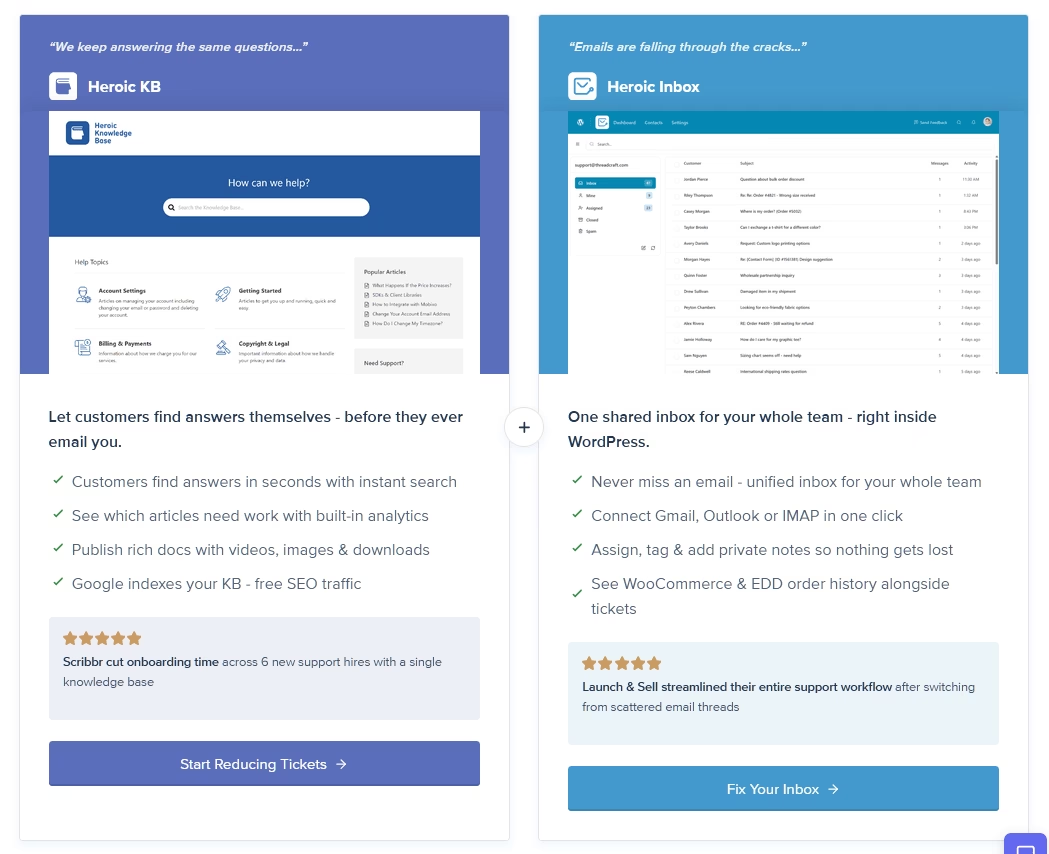
Si votre école utilise déjà son site web sur WordPress, c'est la première association que je mettrais en place, et c'est mon choix général pour ce public.
Heroic Inbox transforme votre tableau de bord WordPress en une boîte de réception partagée, de sorte que support@, admissions@ et ITsupport@ atterrissent dans une file d'attente unique sur laquelle toute l'équipe travaille.
Alors que Heroic Knowledge Base vous aide à créer une bibliothèque d'articles consultable qui répond aux questions répétitives avant même qu'elles ne soient posées.
Ce qui distingue ce duo pour les écoles, ce n'est pas une seule fonctionnalité. C'est le modèle de tarification et la propriété des données. Les plugins Heroic facturent des frais annuels forfaitaires par site sans limite par agent. Vous pouvez ajouter tous les membres du personnel informatique, les assistants de bureau et les travailleurs étudiants saisonniers sans voir un compteur par siège augmenter.
Ce que j'ai aimé :
- Boîtes aux lettres multiples, un seul écran : connectez support@, admissions@, ITsupport@ et plus encore via Gmail, Google Workspace, Microsoft 365 ou IMAP standard.
- Pas de tarification par agent. Utilisateurs illimités dans tous les plans, ce qui est inhabituel et vraiment utile pour le personnel saisonnier.
- Détection des collisions pour que deux personnes ne répondent jamais deux fois au même parent.
- Rôles d'administrateur, de responsable et d'agent qui correspondent à la façon dont les bureaux scolaires divisent déjà le travail.
- Réponses enregistrées pour les e-mails « comment réinitialiser mon mot de passe », avec la bonne signature jointe automatiquement.
- Notes internes et mentions, afin que le personnel puisse régler quelque chose en coulisses sans que le parent ne le voie.
- Règles qui attribuent et acheminent automatiquement le courrier entrant.
- Heroic KB pour créer une base de connaissances consultable.
- Prise en charge de WooCommerce et Easy Digital Downloads, pratique si vous vendez des billets d'événements ou du matériel de cours.
Points à surveiller :
- Vous avez besoin d'un site WordPress.
- La vitesse dépend de votre hébergement.
- Pas de niveau gratuit, juste une garantie de remboursement.
Tarifs
Vous pouvez commencer avec le Heroic Bundle à partir de 103,60 $ / an.
2. HelpJet
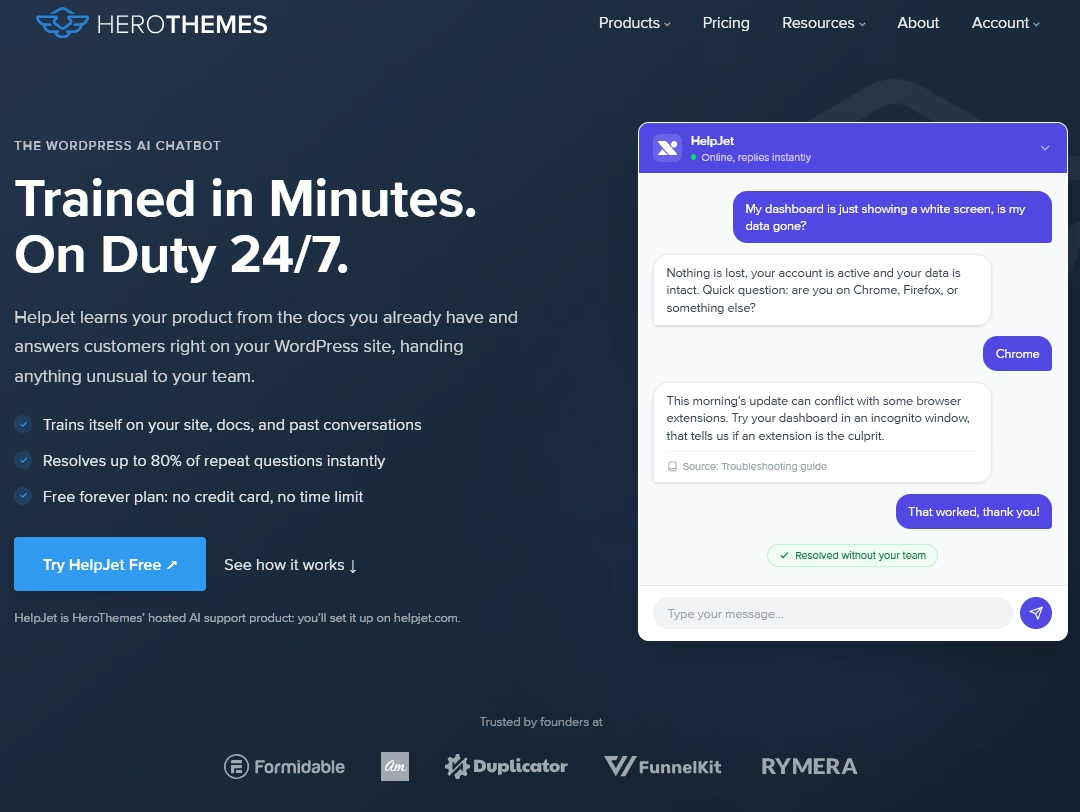
HelpJet est une couche de support IA de l'équipe derrière Heroic Inbox. L'idée est d'empêcher les questions répétitives d'atteindre un humain. Vous la pointez vers votre site Web, vos articles d'aide et vos PDF, et elle s'auto-forme pour devenir un chatbot qui fournit un support 24h/24 et 7j/7.
Avec HelpJet, vous pouvez être opérationnel en 15 minutes. Intégrez un widget sur votre site Web et votre portail d'aide, et le chatbot IA HelpJet répondra aux questions répétitives comme un agent humain.
Le meilleur ? C'est gratuit pour commencer.
Ce que j'ai aimé :
- S'auto-forme sur le contenu existant de votre site, vos articles d'aide et vos PDF.
- Vraiment rapide à configurer. J'avais un bot fonctionnel en moins de 15 minutes.
- Ré-analyse chaque semaine de manière autonome, avec un rafraîchissement manuel lorsque vous en avez besoin.
- Transfert propre à un humain, et il apprend de la résolution.
- Fonctionne sur n'importe quelle plateforme via un seul script.
- S'associe naturellement aux outils de base de connaissances et de boîte de réception partagée
Points à surveiller :
- Il ne gère pas les tickets. Pas de file d'attente, pas d'assignation, pas de boîte de réception partagée.
- Widget de site Web uniquement. Pas de WhatsApp, Messenger ou Slack.
Tarifs
HelpJet offre un véritable plan gratuit à vie avec un bot et 100 interactions par mois, et le plan Pro coûte 29 $ par mois (environ 23 $ par mois facturés annuellement) avec trois bots et 1 000 interactions mensuelles, plus un essai de 14 jours.
3. TeamDynamix
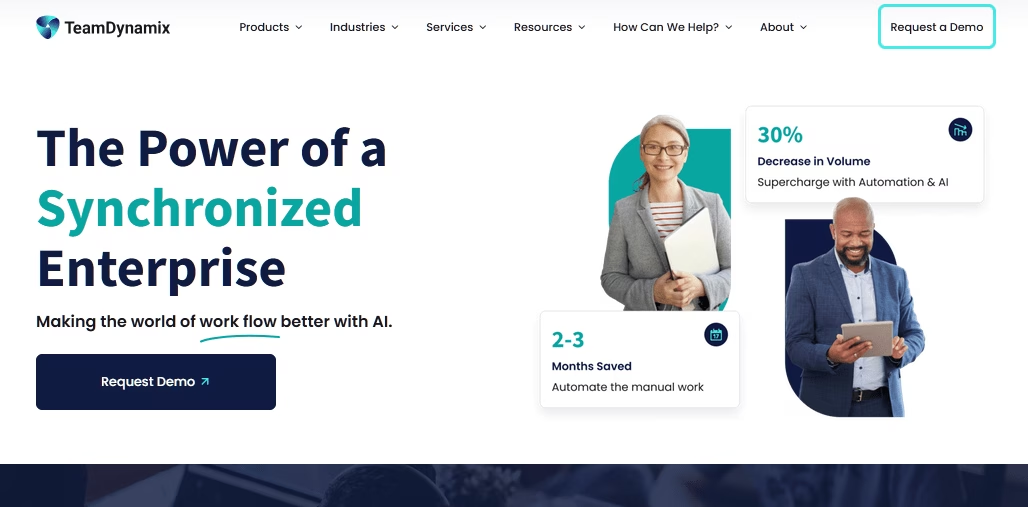
TeamDynamix a commencé comme un projet incubateur sur le campus de l'Université d'État de l'Ohio, et le monde de l'enseignement supérieur a toujours été sa maison. L'entreprise combine la gestion des services informatiques et la gestion de portefeuille de projets sur une seule plateforme sans code. Cela permet aux universités d'exécuter le support quotidien et les projets à long terme sans acheter deux systèmes.
Le modèle de licence est ce qui le rend adapté aux écoles. TeamDynamix facture uniquement les techniciens et les administrateurs, tandis que les utilisateurs finaux illimités (étudiants, professeurs et personnel) peuvent soumettre des tickets via le portail sans frais supplémentaires.
Lorsque vous intégrez plusieurs milliers de nouveaux étudiants chaque automne, cette structure est beaucoup plus avantageuse que la tarification par siège.
Ce que j'ai aimé :
- Conçu pour l'enseignement supérieur : une base de clients universitaires et d'établissements d'enseignement supérieur exceptionnellement large.
- Gestion des services informatiques (ITSM) et gestion de portefeuille de projets sur une seule plateforme.
- Licences nominatives : seuls les techniciens paient, les utilisateurs finaux sont gratuits.
- Configuration sans code pour les formulaires, les flux de travail et les portails.
- Se connecte aux systèmes du campus (SIS, LMS, Active Directory, Microsoft 365) sans travaux personnalisés.
- IA conversationnelle et automatisation : déroutez les tickets et automatisez la réinitialisation des mots de passe, l'intégration, et plus encore.
- S'étend au-delà de l'informatique aux ressources humaines, aux installations et au marketing.
Points à surveiller :
- Aucun prix publié. Démonstration d'abord, chiffres plus tard.
- Les plateformes configurables nécessitent un administrateur qui les gère. Budgétisez le temps de cette personne.
- Vraiment trop cher pour une petite école privée.
Tarifs
Rien n'est publié, et les contrats du secteur public indiquent environ 400 $ à 742 $ par utilisateur nommé par an avec un accès portail gratuit illimité pour tous les autres.
4. Freshservice et Freshdesk
Freshworks mérite d'être pris en compte pour les écoles qui ont besoin d'outils distincts pour le support communautaire et la gestion des services informatiques.
Freshdesk gère les demandes des parents, des étudiants et des admissions, tandis que Freshservice fournit le support informatique de l'école, le suivi des actifs, la gestion des incidents et les flux de travail ITIL.
Les équipes informatiques des écoles veulent généralement Freshservice. Il superpose la gestion des incidents, des problèmes et des changements au-dessus de la gestion des tickets, et c'est la finition qui se démarque.
Ce que j'ai aimé :
- Deux produits couvrant les deux aspects du support scolaire (Freshdesk pour le support communautaire, Freshservice pour l'informatique), au sein d'un même écosystème.
- Profondeur ITSM de Freshservice : gestion des actifs, des incidents, des problèmes et des changements avec SLA.
- Freddy AI pour les résumés de tickets, les suggestions de réponses et le triage sur toute la plateforme.
- Interface épurée avec une courbe d'apprentissage courte pour le personnel non technique.
- Authentification unique Google et Microsoft, plus un portail libre-service prêt à l'emploi.
- Le niveau gratuit de Freshdesk vous donne deux agents pour commencer.
Points à surveiller :
- La tarification par agent augmente rapidement
- Les bonnes fonctionnalités d'IA sont des modules complémentaires, non incluses.
Tarifs
Freshservice commence à environ 19 $ par agent par mois, tandis que Freshdesk commence à environ 29 $ par agent par mois.
5. osTicket
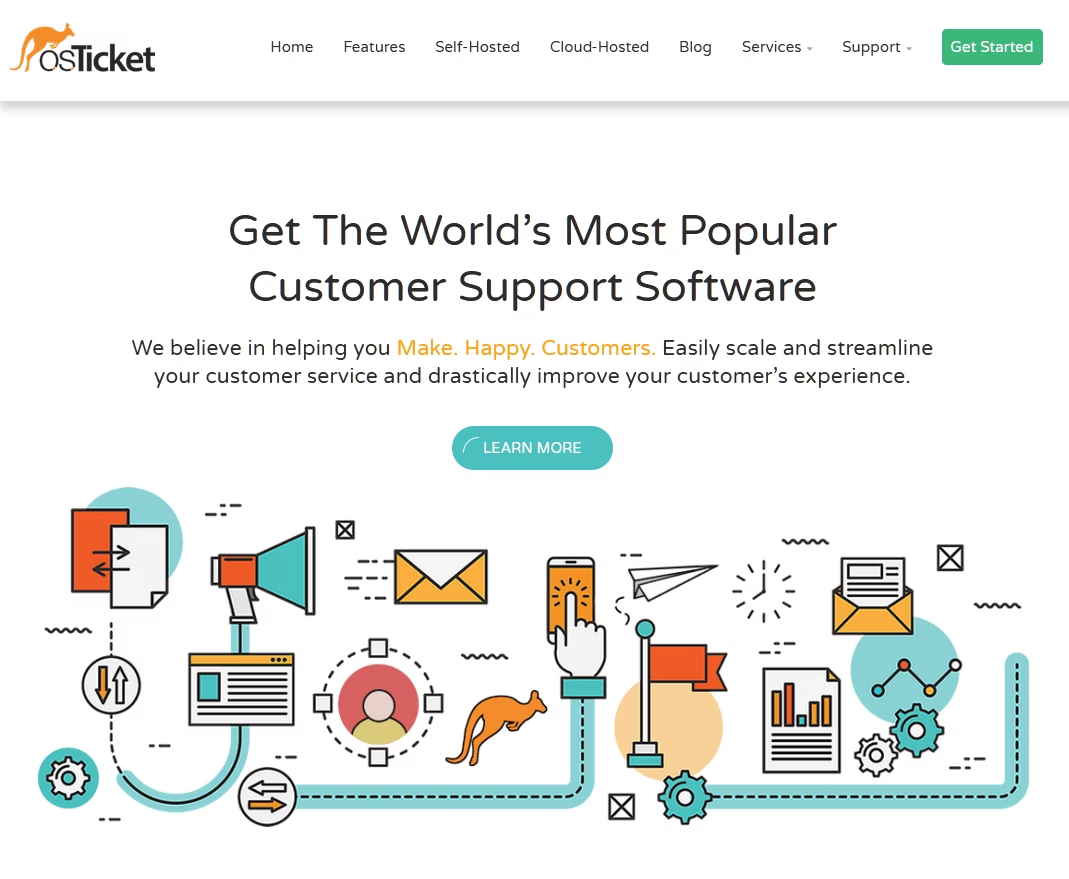
Vétéran du monde open-source, osTicket gère les help desks depuis 2003 et publie toujours des mises à jour régulières. Il est gratuit, open source sous licence GPL, et auto-hébergé, ce qui signifie que vos tickets et vos données résident sur votre propre serveur plutôt que sur le cloud d'un fournisseur.
Pour une école qui souhaite une propriété complète de ses données et dispose du personnel technique pour la gérer, c'est une combinaison puissante sans coût de licence. C'est un système classique d'e-mail vers ticket qui peut bien fonctionner comme solution de ticketing scolaire lorsqu'une équipe informatique souhaite conserver les données de support sur son propre serveur.
Si vous souhaitez une vue plus large de ce qui est disponible dans cette catégorie, ce comparatif des systèmes de ticketing open source pour help desk compare les principaux concurrents plus en profondeur que je ne le peux ici.
Ce que j'ai aimé :
- Sous licence GPL et gratuit à vie, sans frais d'agent.
- Les tickets restent sur votre propre serveur, ce qui apaise beaucoup les angoisses liées à la FERPA.
- Prise en charge multicanal : transfert d'e-mails, IMAP, formulaires web, API et tickets enregistrés par téléphone.
- Un véritable moteur de SLA avec horaires d'ouverture et escalades, inhabituel dans les logiciels libres.
- Files d'attente et filtres personnalisés qui s'adaptent au fonctionnement de votre école.
- Architecture de plugins : extensions officielles et tierces pour Slack, le stockage et OAuth.
Points à surveiller :
- L'interface semble dater d'une décennie (osTicket 2.0 arrive bientôt et vise également à améliorer l'interface utilisateur).
- Vous êtes responsable de l'hébergement, des correctifs, de la sécurité et des sauvegardes.
- Nécessite une personne à l'aise sur un serveur Linux.
- L'automatisation est limitée selon les normes actuelles.
Tarifs
osTicket est gratuit à auto-héberger, avec une édition cloud officielle à partir d'environ 12 $ par agent par mois si vous préférez que quelqu'un d'autre gère la disponibilité et les sauvegardes.
Bien que la licence soit gratuite, le véritable coût de tout outil auto-hébergé est le temps du personnel.
6. FreeScout
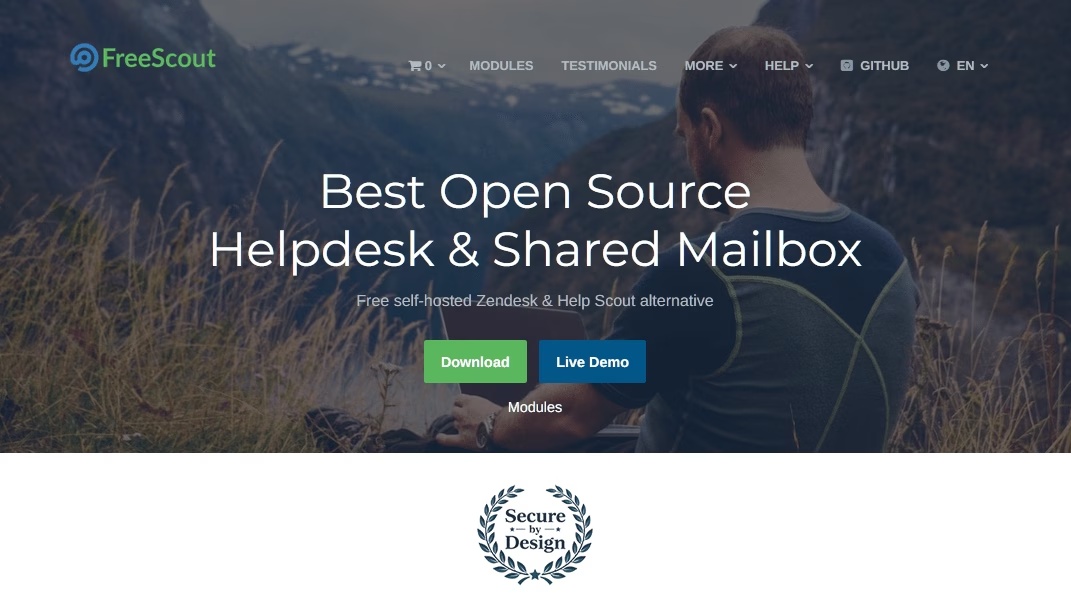
Considérez FreeScout comme une alternative open-source à Help Scout – et une alternative étonnamment bonne. Il est gratuit, auto-hébergé et construit avec du PHP simple, il fonctionne donc sur un hébergement LAMP standard.
Je l'ai installé sur un hébergement mutualisé en un après-midi, ce que l'on ne peut pas dire de la plupart des help desks auto-hébergés.
L'interface de FreeScout imite Gmail suffisamment étroitement pour que le personnel scolaire n'ait pratiquement aucune formation à suivre. Il comprend la détection de collisions, les notes internes, les réponses automatiques et les réponses enregistrées, ce qui en fait une option de help desk pratique pour les petites écoles et les équipes éducatives.
Ce que j'ai aimé :
- Gratuit et open source sans limite d'agents, de tickets ou de boîtes aux lettres.
- Fonctionne sur PHP et MySQL simples, même sur un hébergement mutualisé.
- Le personnel apprend l'interface en quelques minutes car elle ressemble à leur e-mail.
- OAuth moderne pour Microsoft 365 et Google Workspace.
- Une place de marché de modules couvre le chat en direct, une base de connaissances, WhatsApp et SAML SSO. Ces modules sont des achats uniques plutôt que des abonnements, ce que j'apprécie, bien qu'ils ne soient pas gratuits.
Points à surveiller :
- Les extensions utiles coûtent de l'argent, même si le cœur est gratuit.
- L'hébergement, les mises à jour et les sauvegardes sont votre problème.
- Le support signifie forums et GitHub, pas une équipe de support.
Tarifs
Entièrement gratuit à auto-héberger sous AGPL, avec des modules premium vendus en achats uniques et un hébergement géré par des tiers disponible à partir d'environ 9 $ par mois.
7. SysAid
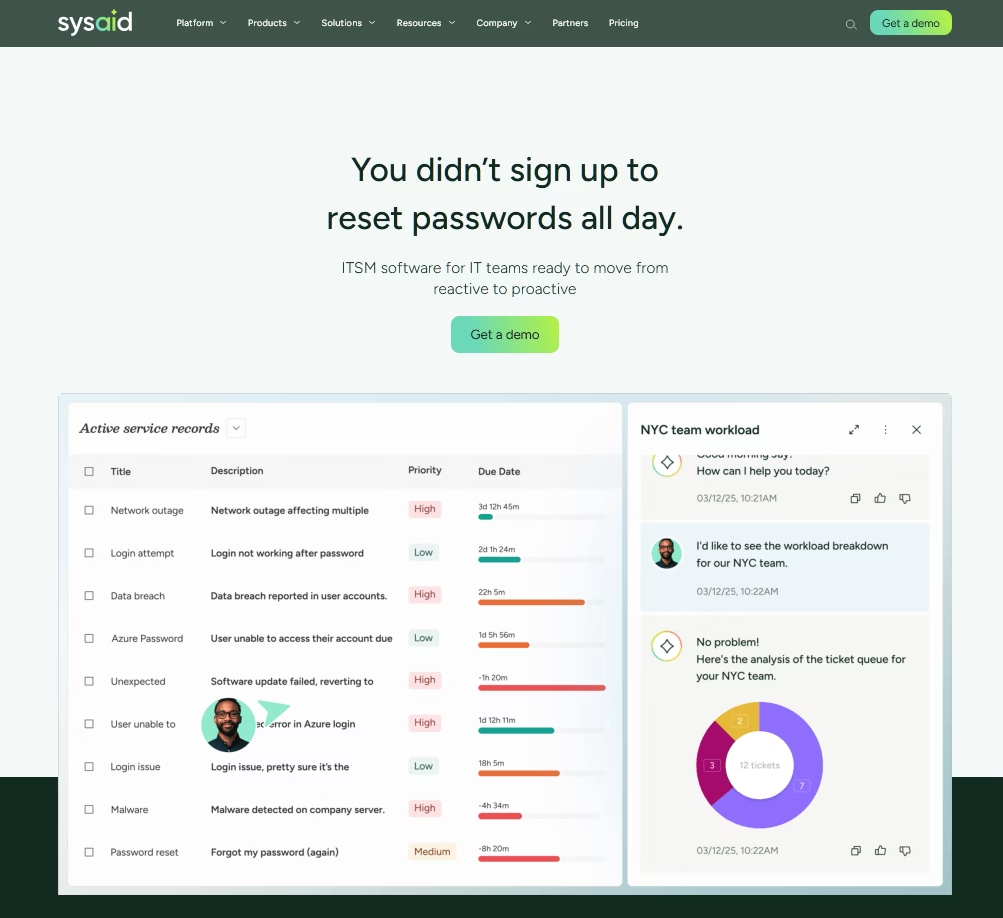
Les équipes informatiques des écoles de taille moyenne à grande qui souhaitent un ITSM réel devraient avoir SysAid à l'œil. L'entreprise est dans ce secteur depuis 2002 et regroupe la gestion des tickets, la gestion des actifs, un portail libre-service et l'automatisation des flux de travail, avec une IA agentive qui gère désormais la catégorisation et les corrections suggérées.
La fonctionnalité que je soulignerais est la télécommande intégrée. Démarrer une session à distance directement à partir d'un ticket vous évite une licence séparée et un outil séparé, et pour un technicien de district qui prend en charge cinq bâtiments, c'est important.
Ce que j'ai aimé :
- ITSM complet : gestion des incidents, des problèmes, des changements et des actifs regroupée.
- Utilisateurs finaux illimités dans chaque édition.
- Contrôle à distance intégré, lancé directement depuis un ticket.
- Rapports solides que les critiques soulignent pour le suivi des SLA.
- Certifié ISO 27001 et SOC 2 Type 2.
Points à surveiller :
- Cher pour ce que c'est, par rapport à Freshservice.
- L'interface demande beaucoup de patience au début.
- Trop complexe pour un petit bureau d'école.
Tarifs
Le plan Professionnel coûte environ 89 $ par agent par mois avec des utilisateurs finaux illimités, et le plan Entreprise est sur devis personnalisé.
8. Zoho Desk
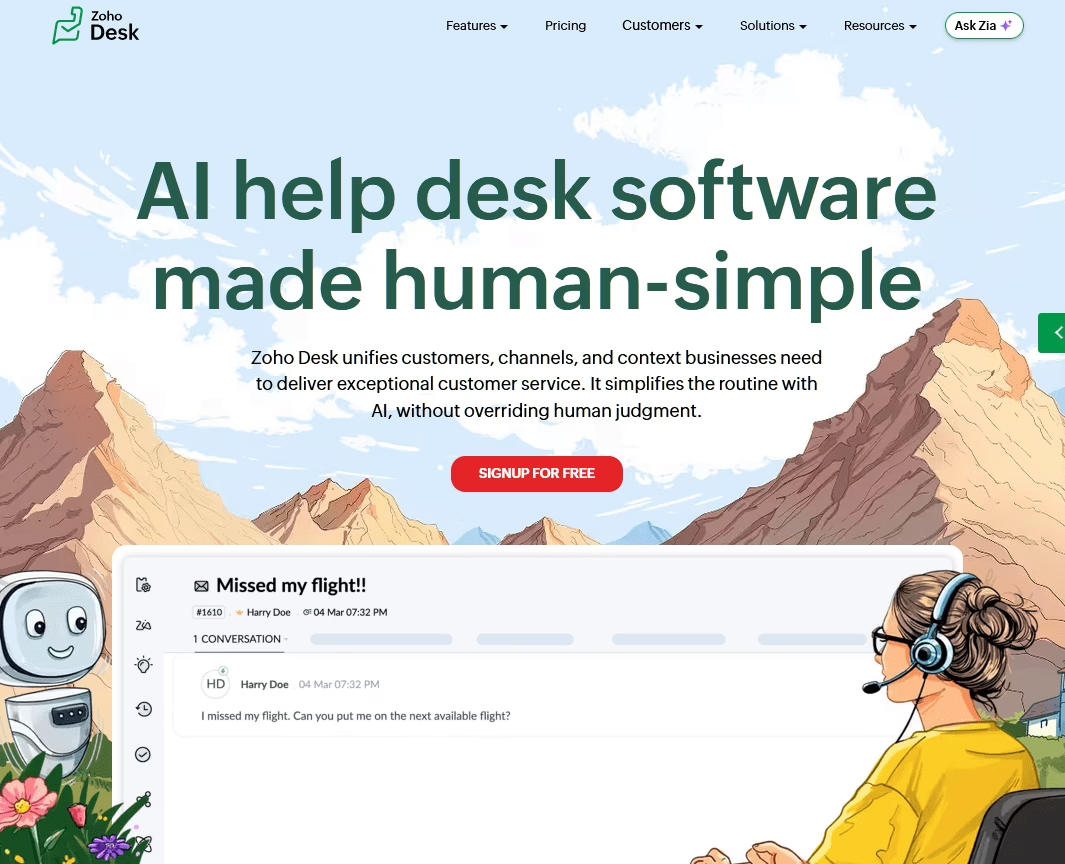
Sept dollars par agent par mois pour un service d'assistance multicanal complet est le genre de prix qui vous fait vérifier la page deux fois.
Zoho Desk est vraiment si bon marché, et le plus surprenant est la quantité que vous obtenez : e-mail, formulaires web, réseaux sociaux et chat dans les niveaux supérieurs, plus un centre d'aide et une base de connaissances.
Ce que j'ai aimé :
- Les plans payants commencent à 7 $ par agent par mois, ce qui est presque imbattable pour un véritable service d'assistance.
- Un plan gratuit sans expiration : trois agents, billetterie par e-mail, centre d'aide, base de connaissances privée.
- Automatisation Blueprint applique les processus pour que personne ne saute d'étape.
- E-mail, web, réseaux sociaux et chat dans une seule file d'attente pour les niveaux payants.
- IA Zia : résumés de tickets, aide à la réponse et analyse des sentiments dans les niveaux payants.
- Écosystème Zoho : intégration CRM profonde et gratuite si vous utilisez d'autres applications Zoho.
Points à surveiller :
- L'IA Zia complète nécessite le niveau Entreprise le plus élevé.
- La navigation et la configuration demandent un temps d'adaptation.
- La facturation mensuelle coûte sensiblement plus cher que la facturation annuelle.
Tarifs
Zoho Desk offre un plan gratuit qui prend en charge jusqu'à trois agents, puis les plans payants commencent à 7 $, par mois en facturation annuelle.
Conclusion : Choisir un logiciel de help desk pour votre école
Pour les écoles à la recherche d'un système de help desk ou de ticketing simple et abordable, voici les options que j'envisagerais en premier pour gérer les demandes informatiques, administratives et de support aux étudiants au quotidien :
- Créez une base de connaissances avec Heroic Knowledge Base.
- Utilisez HelpJet pour ajouter un chatbot IA capable de répondre aux questions répétitives de votre base de connaissances.
- Utilisez Heroic Inbox pour gérer efficacement les requêtes nécessitant une intervention humaine.
Le bon choix dépend de la taille de votre école, de ses ressources techniques, de son budget et de la nécessité d'un help desk de base, d'une plateforme ITSM ou d'un logiciel de ticketing spécialement conçu pour les établissements d'enseignement.
Si vous avez essayé l'un des logiciels ci-dessus, faites-moi savoir ce que vous en pensez en commentant ci-dessous.
Lectures complémentaires
Qu'est-ce qu'un centre d'assistance informatique ? Types, avantages, comment ça marche
Bonnes pratiques de helpdesk pour l'informatique et le service desk
7 exemples de tickets de help desk informatique et comment les gérer efficacement
Idées éprouvées d'automatisation de service d'assistance pour rationaliser le support informatique
Qu'est-ce qu'un service d'assistance client ?
10 modèles de réponses aux tickets de support pour un service client rapide et cohérent





Laisser un commentaire ?
Vous devez être connecté pour poster un commentaire.