10 meilleurs logiciels de manuel utilisateur pour 2026 (options gratuites et payantes)


Le bon logiciel de manuel utilisateur peut rendre la documentation un jeu d'enfant en donnant à votre équipe des outils faciles pour écrire, organiser et partager des guides. Après tout, créer un manuel utilisateur ne devrait pas être de la science de fusée.
La vraie difficulté est de choisir le bon outil pour le travail qui équilibre puissance et simplicité.
Dans ce guide, je vais vous présenter 10 des meilleurs outils logiciels de manuel utilisateur disponibles en 2026, y compris des options gratuites, et partager ce qui rend chacun d'eux remarquable.
Dans ce guide
Que rechercher dans un logiciel de manuel utilisateur
D'après mon expérience, les meilleurs logiciels de manuel utilisateur ont quelques points clés en commun :
- Édition facile : Un éditeur WYSIWYG (ce que vous voyez est ce que vous obtenez) convivial ou la prise en charge de Markdown pour que n'importe qui puisse formater le contenu.
- Fonctionnalités d'organisation : Catégories, balises et fonctionnalités de recherche.
- Publication multi-formats : Les meilleurs outils vous permettent de publier votre manuel dans divers formats : sites HTML, PDF, peut-être même intégrés dans des applications.
- Personnalisation et image de marque : Possibilité d'adapter vos guides utilisateur à l'apparence de votre marque.
- Collaboration et contrôle de version : Si plusieurs personnes modifient le contenu, des fonctionnalités telles que la co-création en temps réel, les commentaires et l'historique des versions sont des sauveurs.
- Analyses et commentaires : Pour obtenir un aperçu de la façon dont les utilisateurs interagissent avec vos manuels et recueillir des commentaires.
- Intégrations et extensions : Il est pratique lorsque le logiciel se connecte à vos autres outils. Par exemple, il serait utile de s'intégrer à un système de help desk afin que les agents puissent facilement le recommander lorsqu'une requête sur le sujet se présente.
- Sécurité et contrôle d'accès : Pour les informations sensibles (comme les procédures opérationnelles normalisées internes), vous voudrez des fonctionnalités pour protéger par mot de passe ou restreindre l'accès à certains utilisateurs ou groupes.

Meilleurs logiciels pour manuels utilisateur

Nous testons et recherchons rigoureusement chaque produit que nous recommandons via HeroThemes. Notre processus d'examen. Nous pouvons également gagner une commission si vous effectuez un achat via nos liens.
1. Base de connaissances Heroic
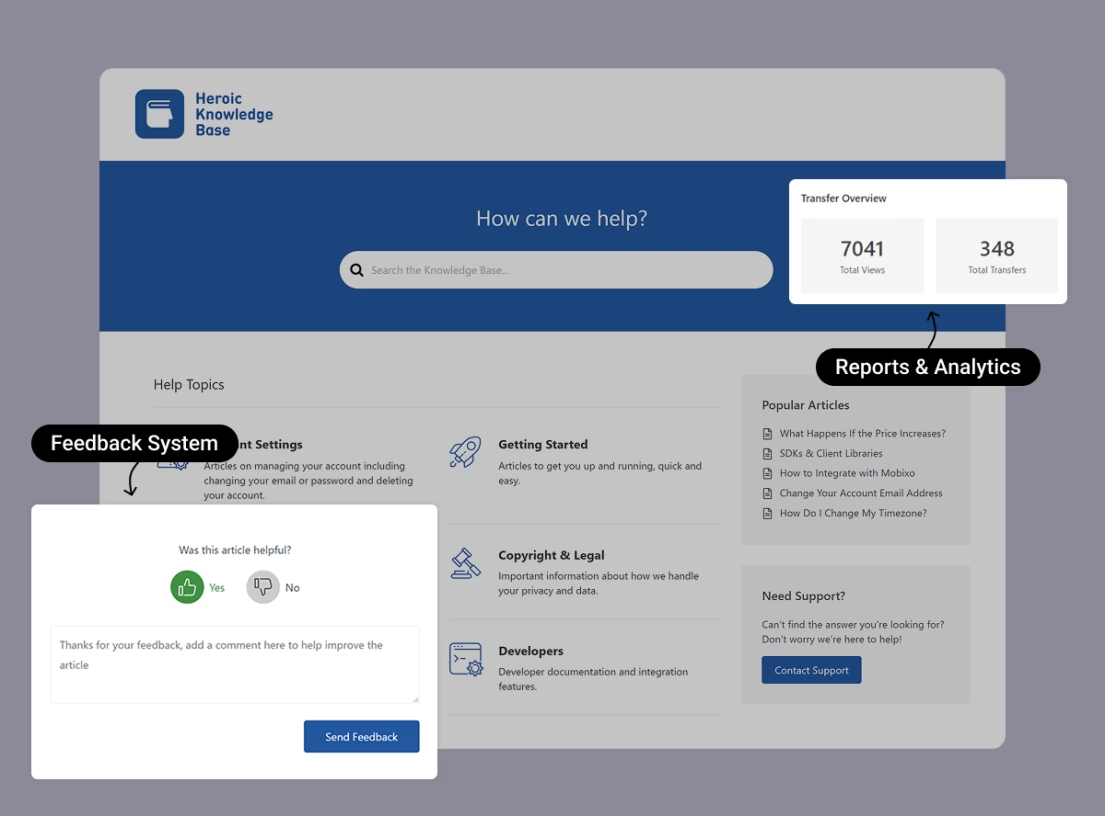
Heroic Knowledge Base est un outil puissant pour créer un centre de connaissances élégant et en libre-service.
Il vous aide à créer, héberger et gérer vos manuels utilisateur en ligne avec toutes les fonctionnalités nécessaires.
Caractéristiques principales :
- Plugin WordPress : Vous avez le contrôle total de votre SEO, de votre image de marque et de votre contenu.
- Recherche en direct et commentaires : Les utilisateurs reçoivent des suggestions de recherche en temps réel, et vous pouvez voir ce qu'ils recherchent et si les articles sont jugés utiles.
- Tableau de bord d'analyse : Suivez les vues, les sujets populaires, les recherches échouées, et même les articles qui mènent à des « transferts » de support (lorsque les utilisateurs abandonnent et ouvrent un ticket).
- Contrôle d'accès : Restreignez la documentation aux utilisateurs connectés, créez des catégories privées, ou même gérez une base de connaissances interne pour votre équipe derrière une connexion.
- Chatbot alimenté par l'IA entraîné sur le contenu de votre base de connaissances.
Tarifs
Heroic Knowledge Base est un plugin WordPress premium. Mais le plan de départ commence à seulement 67 $ par an, et ne vous limite pas en nombre d'articles ou d'utilisateurs.
Mon verdict
La base de connaissances Heroic fonctionne comme un centre de contrôle pour les manuels d'utilisation. Elle rationalise le processus d'hébergement, d'organisation et de mise à jour des guides, tandis que la recherche en direct, les commentaires et les analyses identifient les domaines à améliorer, aidant ainsi l'équipe à maintenir une documentation utile et à réduire les tickets récurrents.
2. Stonly
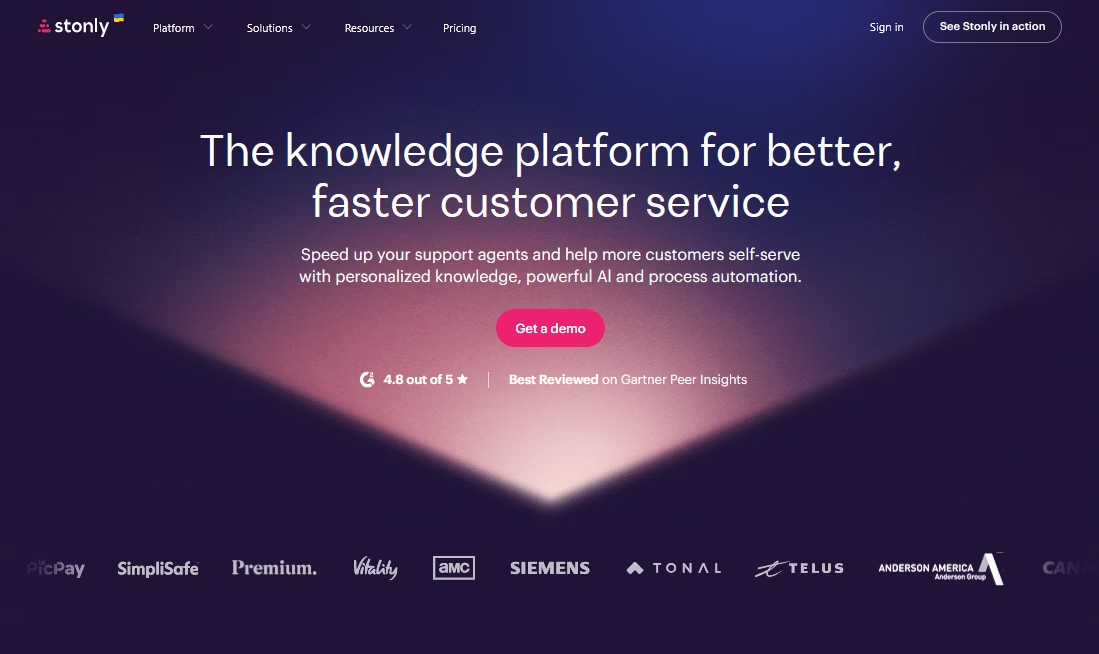
Stonly est un peu comme un pont entre les bases de connaissances traditionnelles et les tutoriels interactifs. Il vous permet de créer des guides interactifs qui peuvent être intégrés sur votre site ou ouverts via un widget.
Les guides créés avec Stonly peuvent poser des questions à l'utilisateur ou lui permettre de parcourir un arbre de décision pour trouver la solution dont il a besoin.
Caractéristiques principales :
- Analyses des guides : Analyses pour chaque guide – étapes où les utilisateurs abandonnent, taux d'achèvement, et même les commentaires des utilisateurs à la fin des guides.
- Intégration avec la base de connaissances : Intégrez les guides Stonly dans vos documents existants ou créez des liens vers ceux-ci.
- NPS et commentaires : Possibilité d'intégrer des enquêtes comme le Net Promoter Score (NPS), à la fin des guides pour évaluer la satisfaction.
- Support multilingue.
- Personnalisation : Vous pouvez personnaliser les guides avec les couleurs de votre entreprise. Avec un style épuré par défaut.
Tarifs
Stonly offre un essai gratuit de 14 jours de son plan PME. Suffisamment pour essayer si cela vous convient.
Pour les détails de tarification, contactez l'équipe Stonly.
Mon verdict
Stonly convient bien aux équipes qui souhaitent que les manuels d'utilisation ressemblent davantage à une conversation guidée qu'à un mur de texte. Les flux d'arbres de décision, la conception épurée et les analyses solides des guides aident les utilisateurs à avancer étape par étape, tandis que les équipes de support repèrent et corrigent rapidement les étapes confuses.
C'est une alternative aux manuels traditionnels, et cela fonctionne plutôt bien.
3. Dozuki
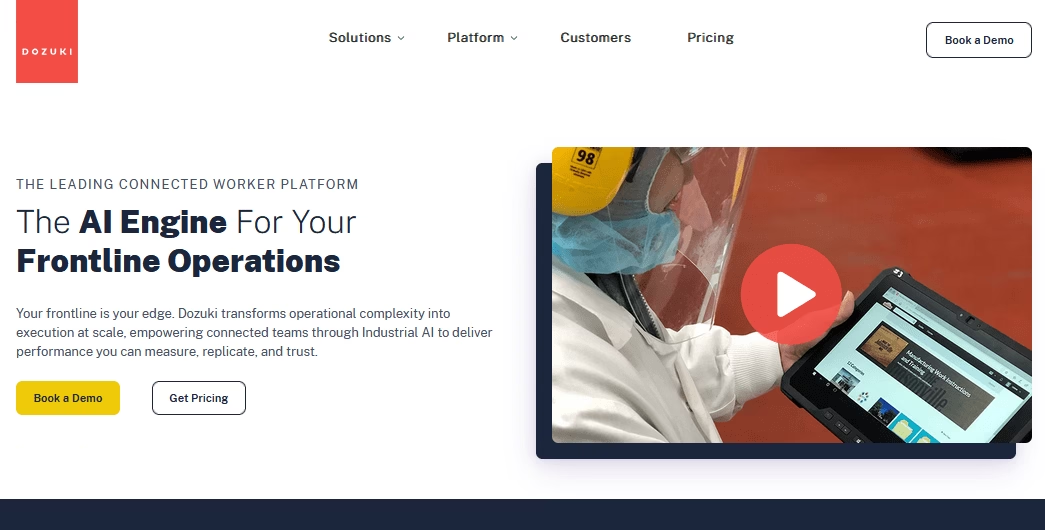
Dozuki s'adresse à un type spécifique de manuel d'utilisation : ceux destinés à la fabrication, à la maintenance et aux procédures opérationnelles standard (POS).
La plateforme est conçue pour gérer des guides visuels, étape par étape, avec contrôle de version et approbations.
Imaginez un manuel d'usine avec des images et des diagrammes sur le fonctionnement des machines ou des instructions d'assemblage avec des points de contrôle – Dozuki excelle dans ce domaine.
Caractéristiques principales :
- Permissions utilisateur et validations : Vous pouvez exiger que certains utilisateurs « approuvent » ou vérifient qu'un processus a été suivi.
- Import/export au format SCORM (Sharable Content Object Reference Model) pour la compatibilité avec les systèmes de gestion de l'apprentissage.
- Contenu structuré : Dozuki fait la distinction entre différents types de contenu (par exemple, instructions de travail vs guides de dépannage) et fournit des modèles en conséquence.
- Analyses pour les opérations
- Prise en charge multimédia : Vous pouvez créer des galeries d'images, avoir des images haute résolution zoomables, et même des modèles 3D dans le cadre d'un guide si nécessaire.
Tarifs
Dozuki est conçu pour les entreprises et son prix est en conséquence.
Ils fournissent généralement des devis personnalisés, mais attendez-vous à payer des milliers de dollars par mois pour une opération de taille décente.
Mon verdict
Dans l'espace des manuels d'utilisation, Dozuki est plus un spécialiste qu'un outil généraliste. Il prend très bien en charge les équipes de première ligne avec des instructions de travail visuelles, des approbations, la prise en charge SCORM et des analyses détaillées.
4. HelpDocs
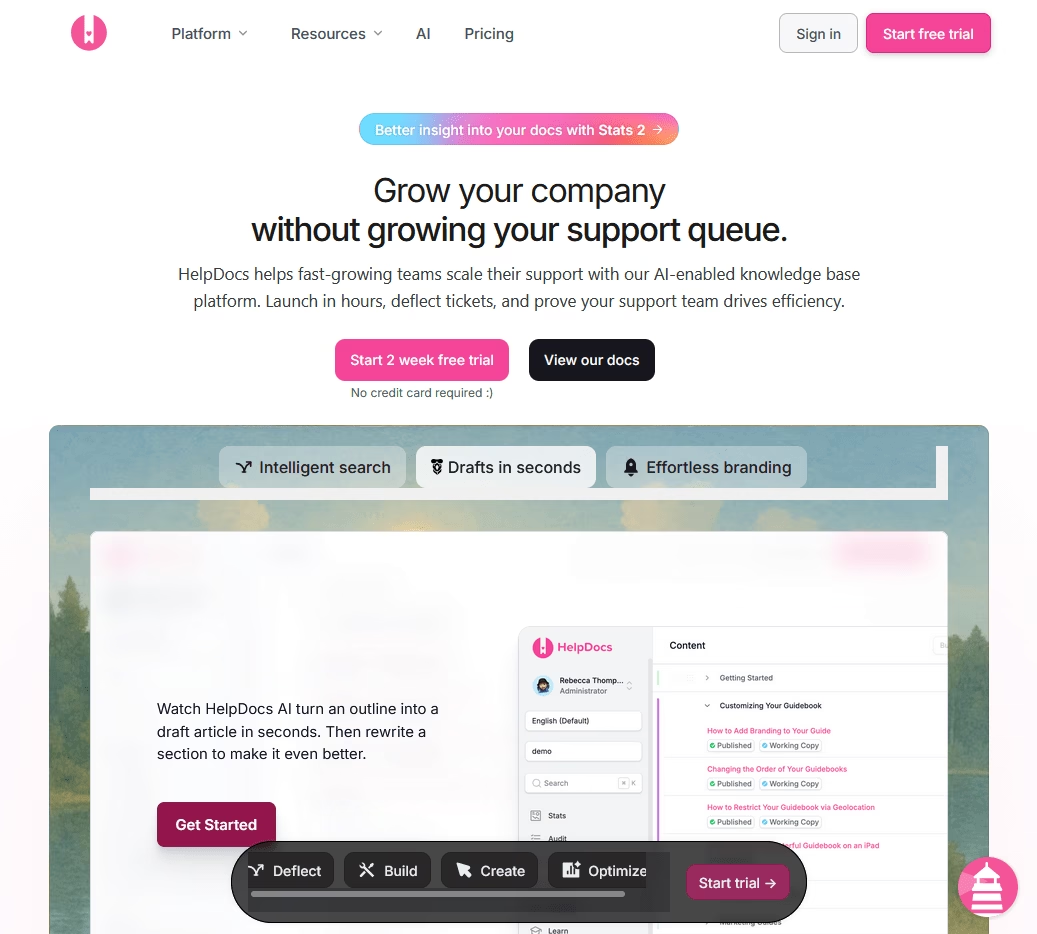
HelpDocs se concentre sur une expérience d'écriture propre et des documents rapides pour les utilisateurs.
Si vous êtes fan de Markdown et de design minimaliste, HelpDocs est fait pour vous.
Caractéristiques principales :
- Modèles optimisés pour le SEO : Balises de titre appropriées et données structurées.
- Localisation intégrée : Exécutez plusieurs langues et versions de vos documents.
- Commentaires des utilisateurs : Recueillez des commentaires sur les articles avec un bouton pouce levé/pouce baissé.
- Insights de recherche : Analyses solides axées sur l'utilisation de la recherche
- Intégrations avec des outils comme Intercom, ainsi qu'avec divers constructeurs de sites comme Webflow et WordPress.
Tarifs
Les tarifs de HelpDocs commencent à 39 $/mois pour une équipe (ceci pour le plan de base).
Mon verdict
HelpDocs est un outil de manuel d'utilisation solide pour les équipes de petite à moyenne taille qui souhaitent des guides d'utilisation rapides et propres.
5. Paligo
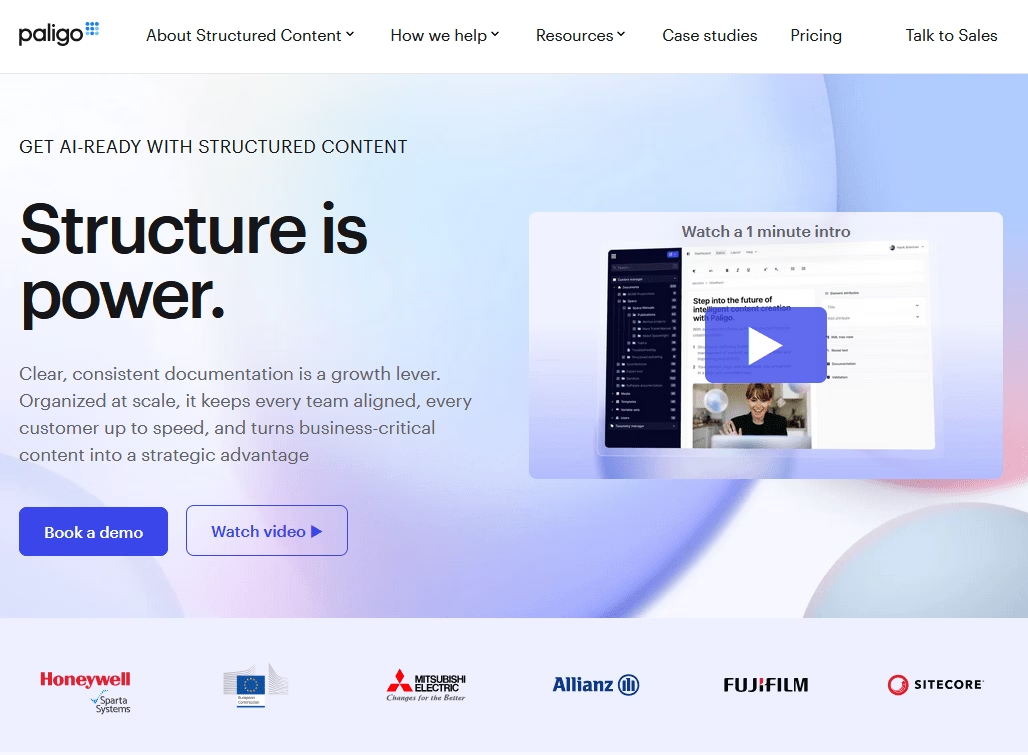
Paligo est un système de gestion de contenu modulaire (CCMS) spécialement conçu pour la documentation technique et les grands manuels d'utilisation.
C'est une alternative moderne aux outils traditionnels comme FrameMaker ou MadCap Flare, et il est basé sur le cloud.
Si vous avez des milliers de pages de documentation, plusieurs gammes de produits et que vous devez gérer les traductions, Paligo est fait pour vous.
Caractéristiques principales :
- Éditeur XML avec couche d'expérience utilisateur : Paligo est basé sur XML, mais vous n'avez pas besoin de voir le code. Il fournit une interface d'édition conviviale pour les auteurs, vous bénéficiez ainsi des avantages de XML (cohérence, structure) sans avoir à écrire manuellement des balises.
- Publiez du contenu sur des sites Web HTML5, des PDF, la base de connaissances Zendesk, Salesforce, et plus encore.
- Extraits et variables : Définissez des extraits de texte ou des variables, tels qu'un nom de produit, et insérez-les n'importe où.
- Référentiel de contenu : Tous vos sujets et médias sont stockés dans un référentiel. Une seule mise à jour peut actualiser tous les manuels qui utilisent le même sujet.
- Branchement de versions pour séparer les versions actuelles et futures.
- Gestion des traductions intégrée.
- Analyses et commentaires : Voyez comment les utilisateurs consultent vos guides, et si vous publiez sur une aide Web, vous pouvez activer les évaluations de sujets ou recueillir des commentaires.
Tarifs
Paligo n'est pas bon marché — le plan professionnel commence à 4 800 $/an. Mais le coût peut être justifiable si vous avez ce niveau de besoins en documentation.
Mon verdict
Paligo excelle pour les équipes d'entreprise qui gèrent d'énormes manuels et documentations techniques multilingues. L'authoring structuré et la publication en source unique permettent d'économiser d'innombrables heures. Cependant, son prix élevé le rend excessif pour les petits projets ou les auteurs indépendants.
6. Scribe
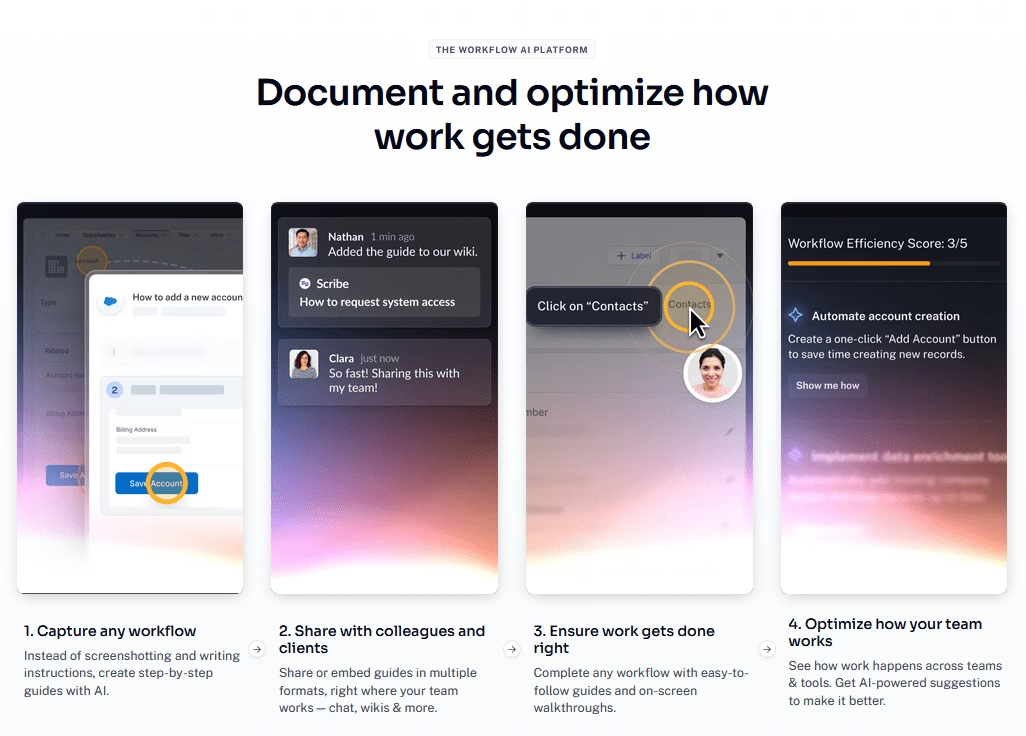
Scribe génère automatiquement des guides étape par étape en vous observant effectuer une tâche. Ce qui simplifie ultimement la création de manuels et de guides utilisateur.
L'extension de navigateur de Scribe est presque magique. Vous appuyez sur un bouton d'enregistrement, effectuez une série d'actions sur un site Web ou une application, et Scribe produit un guide écrit avec des captures d'écran et des légendes pour chaque étape.
Pour les équipes qui ont besoin de créer beaucoup de documentation du type « cliquez ici, puis cliquez là » (manuels de formation ou guides d'utilisation de logiciels), Scribe peut faire gagner des heures de captures d'écran et de rédaction manuelles.
Caractéristiques principales :
- Extension de navigateur et application de bureau pour capturer des tâches basées sur le navigateur ou des flux de travail d'applications natives.
- Modifiez facilement le texte enregistré, réorganisez les étapes ou supprimez les étapes inutiles.
- Possibilité de flouter des parties des captures d'écran pour masquer les informations sensibles.
- Modèles pré-faits pour les guides courants
- Collaboration : Gardez les guides privés ou partagez-les avec une équipe, tandis que plusieurs personnes mettent à jour le même Scribe.
- Partagez des guides avec un lien, ou intégrez des guides dans des outils comme Notion, Confluence ou des centres d'aide.
- Exportez des guides en PDF ou en markdown
Tarifs
Scribe propose un niveau gratuit avec des fonctionnalités limitées et d'autres limitations d'utilisation (idéal pour une utilisation individuelle ou des tests).
Le plan Pro Team commence à 13 $ par utilisateur par mois et débloque des fonctionnalités avancées comme des analyses approfondies et des flux de travail IA.
Mon verdict
Scribe convient parfaitement aux équipes qui évoluent rapidement et qui ont besoin de tutoriels répétables. La capture automatique, les visuels clairs et les exportations flexibles réduisent les efforts. Et le coût de l'abonnement est rapidement rentabilisé lorsqu'il y a un besoin important de documentation.
7. GitBook
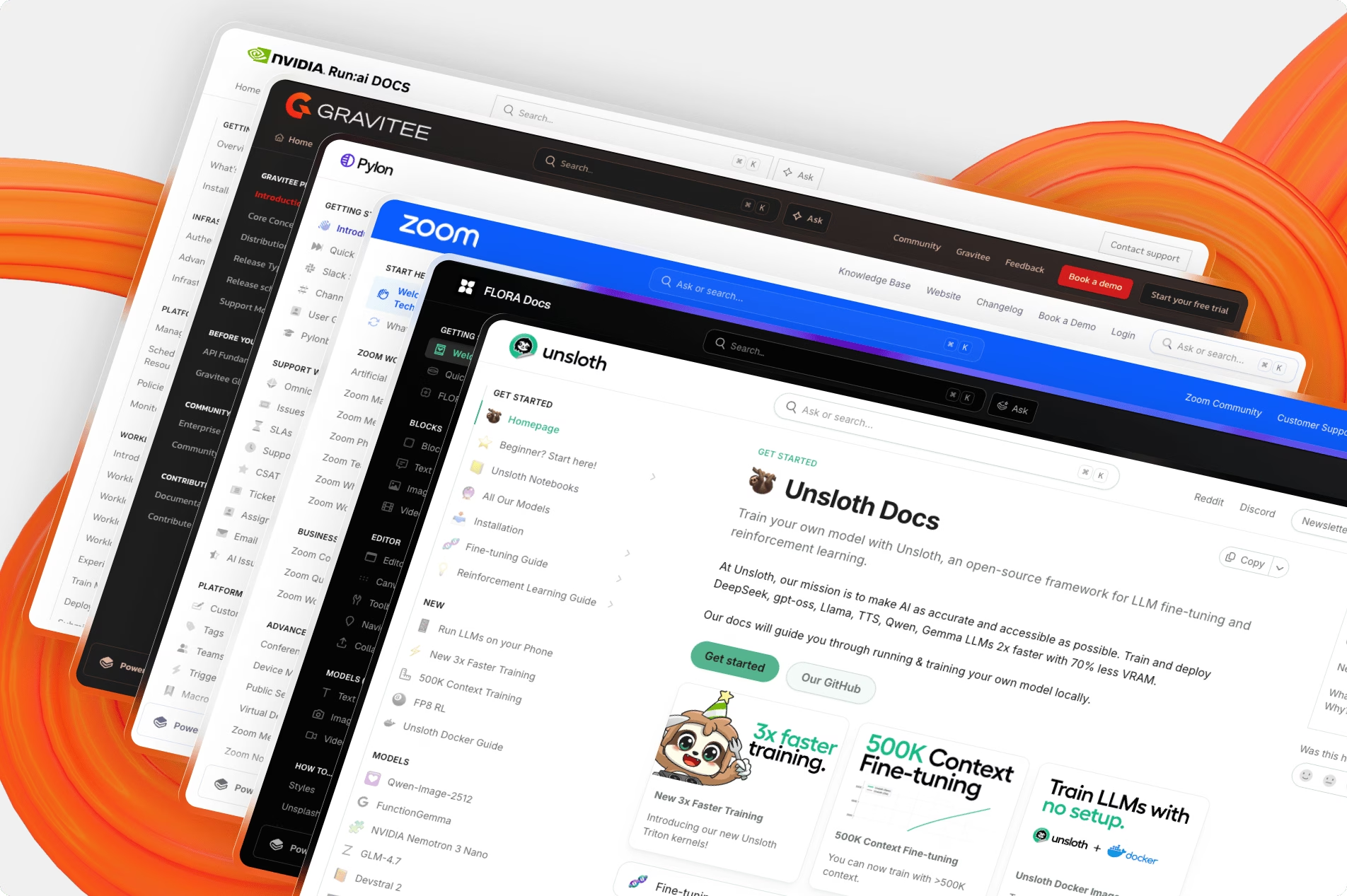
GitBook vous permet d'écrire des documents en Markdown (ou dans un éditeur WYSIWYG) et de les publier sous forme de site web propre et réactif. C'est simple mais puissant.
Avec GitBook, vous pouvez créer plusieurs versions de vos documents (par exemple, v1.0, v2.0 d'une API) et les maintenir séparément tout en partageant une base de contenu si nécessaire.
De plus, tout ce que vous modifiez dans GitBook peut être synchronisé avec un dépôt Git (d'où son nom).
Caractéristiques principales :
- Collaboration en temps réel : Invitez votre équipe et écrivez ensemble, avec des modifications synchronisées en temps réel.
- Import/Export : Importez à partir de divers formats comme les fichiers Markdown, Word ou d'autres sites de documentation. Il peut également exporter vos documents terminés en PDF ou en HTML statique si nécessaire, ce que certaines équipes utilisent pour distribuer des manuels hors ligne.
- Travaillez en markdown avec aperçu en direct.
- Mode propre avec une table des matières persistante.
- Intégrez des bacs à sable de code, des vidéos et d'autres médias riches
- Créez des espaces privés pour les documents internes, et publics pour les manuels destinés aux clients.
- Synchronisez la documentation avec un dépôt Git.
- Recherche et Navigation : Le site généré dispose d'une recherche côté client et d'une table des matières (TOC) dans la barre latérale qui facilite l'organisation hiérarchique du contenu (sections, pages et sous-pages).
- Domaine personnalisé et thèmes
Tarifs
GitBook offre un généreux niveau gratuit pour les projets open-source ou les petits projets (un espace, public, avec certaines limites d'utilisateurs).
Leurs plans payants commencent à environ 65 $ par site par mois, plus 12 $ supplémentaires par utilisateur par mois. Cela inclut des fonctionnalités d'IA supplémentaires.
Mon verdict
GitBook est idéal pour les équipes qui utilisent Git et aiment Markdown. Sa synchronisation bidirectionnelle avec GitHub est transparente et le résultat est soigné.
8. ClickHelp
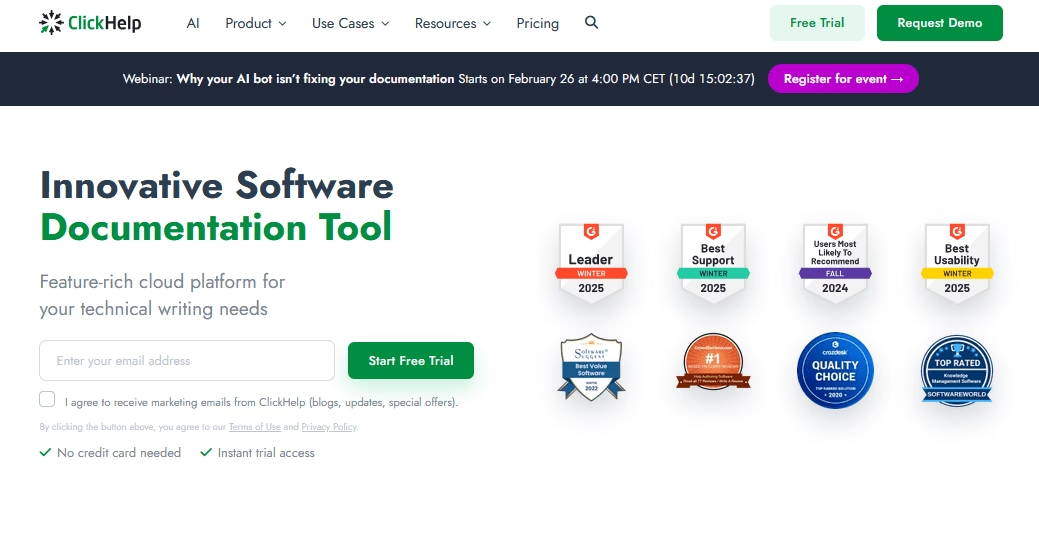
Avec ClickHelp, vous pouvez créer des guides d'utilisation en ligne qui répondent aux besoins des clients et des équipes internes.
ClickHelp fournit une tonne de fonctionnalités avancées tout en restant convivial.
Caractéristiques principales :
- Rédaction par sujet : Écrivez de petits sujets ou des blocs qui peuvent être réutilisés dans plusieurs guides.
- Créez du contenu une fois et publiez des manuels sous forme de portails web, de PDF et de fichiers CHM à partir d'une seule source.
- Recherche plein texte puissante avec des options pour filtrer les résultats.
- Accès basé sur les rôles, tels qu'Auteur, Réviseur, Lecteur avec différentes permissions.
- Ajoutez des liens d'aide contextuelle ou des info-bulles à l'intérieur d'une interface logicielle.
- Éditeur propre et moderne
- Contrôle de version pour gérer les guides d'utilisation de plusieurs versions de produits en parallèle.
- CSS personnalisé pour affiner le style de vos documents.
- Intégration avec la billetterie : Connectez vos documents avec les systèmes de helpdesk (comme Zendesk ou Salesforce Knowledge).
Tarifs
ClickHelp est un produit haut de gamme et ses prix reflètent son public professionnel.
Les plans commencent autour de 185 $ par mois et prennent en charge deux contributeurs et les fonctionnalités de base. Des contributeurs ou des fonctionnalités supplémentaires nécessitent un paiement supplémentaire ou un plan supérieur.
Mon verdict
Si vos manuels d'utilisation impliquent la création de fichiers d'aide logicielle ou de documentation API nécessitant une source unique et une aide contextuelle, ClickHelp est l'outil idéal pour la tâche.
9. Confluence (Atlassian)
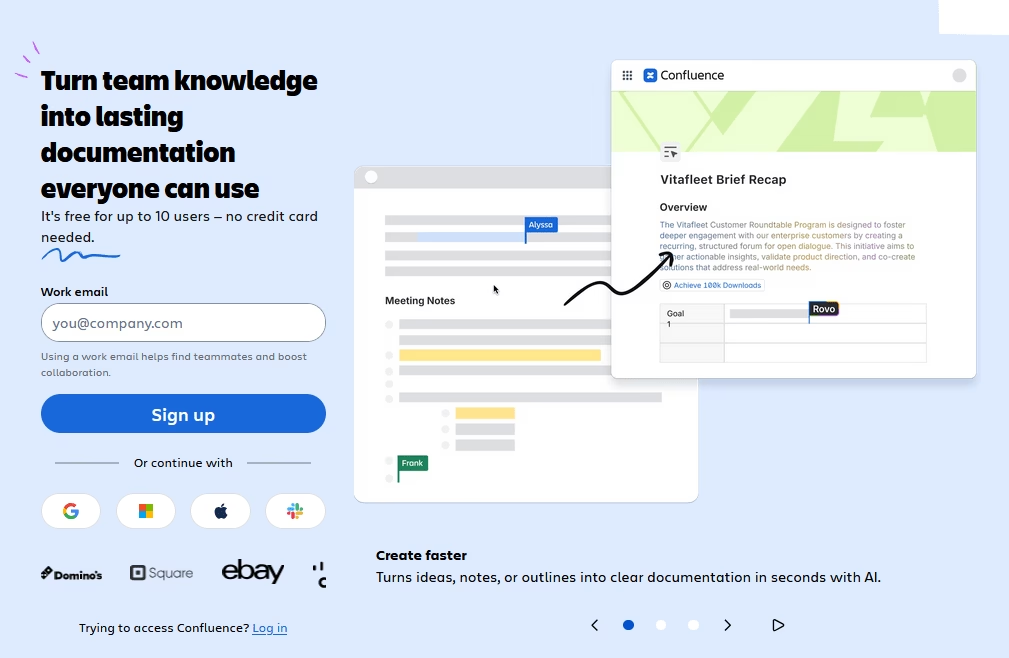
Confluence d'Atlassian est plus un wiki de collaboration d'équipe généraliste qu'un outil spécialisé pour les manuels d'utilisation, mais il est si largement utilisé qu'il mérite d'être mentionné.
De nombreuses entreprises utilisent Confluence pour créer des bases de connaissances internes, des runbooks, et même des centres d'aide destinés aux clients.
La force de Confluence réside dans le fait qu'il sert d'espace de travail unique pour toute la documentation : spécifications de projet, notes de réunion et, oui, manuels d'utilisation peuvent tous y être stockés.
Caractéristiques principales :
- Éditeur de texte enrichi qui semble familier dès le premier jour.
- Coéditez des guides avec vos coéquipiers et sollicitez vos collègues avec des @mentions.
- Modèles pour accélérer la création de manuels d'utilisation.
- Recherche puissante qui indexe chaque page et prend en charge les requêtes avancées.
- Contrôlez l'accès avec des autorisations granulaires au niveau de l'espace, de la page et du groupe.
- Macros et extensions
- Étiquettes et organisation : Vous pouvez étiqueter (taguer) des pages pour la catégorisation et organiser les pages dans une hiérarchie dans la barre latérale.
- Analyses pour suivre les vues de page et d'autres métriques importantes.
Tarifs
Confluence Cloud offre un plan gratuit pour jusqu'à 10 utilisateurs, ce qui est idéal pour les petites équipes qui débutent.
Le plan payant commence à 5,42 $ par utilisateur par mois et débloque plus de stockage, d'automatisation, de fonctionnalités basées sur l'IA et de support communautaire.
Mon verdict
Confluence est mieux adapté aux manuels internes qu'aux centres d'aide soignés destinés aux clients. Le logiciel excelle dans la collaboration d'équipe, les modèles et l'intégration Jira.
10. Document360
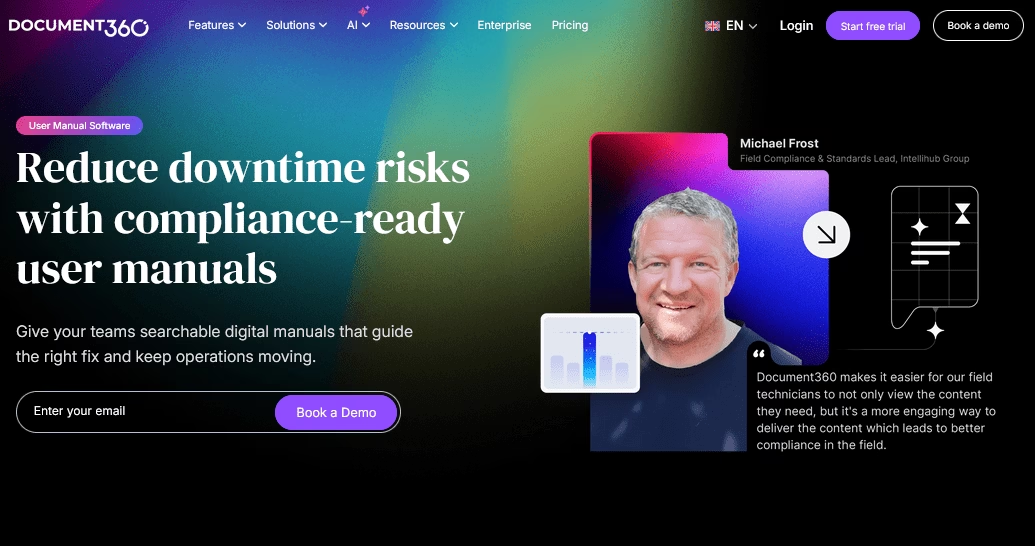
Document360 est une plateforme basée sur le cloud qui est rapidement devenue populaire auprès des entreprises qui créent une documentation produit étendue.
Il fournit toutes les fonctionnalités nécessaires pour créer et maintenir des manuels d'utilisation en ligne.
Caractéristiques principales :
- Rédaction assistée par IA : Le rédacteur IA intégré (Eddy) crée des guides d'utilisation à partir de zéro et suggère même automatiquement des améliorations ou étiquette le contenu pour vous.
- Éditeur glisser-déposer et prise en charge de Markdown
- Structure de catégories, sous-catégories et étiquettes
- L'historique des versions suit chaque modification et prend en charge les brouillons staged avant la publication.
- Recherche robuste qui offre des résultats rapides, des suggestions prédictives et gère gracieusement les fautes de frappe.
- Intégrations connectent la base de connaissances à des outils tels que Zendesk, Intercom, Slack et Teams.
- Accès basé sur les rôles pour garder certains contenus publics et d'autres sections privées ou internes uniquement.
Tarifs
Document360 est un produit d'entreprise, et sa tarification en tient compte.
Ils proposent généralement des plans à plusieurs niveaux (Professionnel, Affaires, Entreprise) qui sont personnalisés en fonction des utilisateurs et des fonctionnalités.
Mon verdict
Document360 est un excellent choix pour les équipes à la recherche d'un moyen rationalisé et organisé de publier des manuels d'utilisation et des documents d'aide. L'éditeur est convivial, l'organisation des articles est simple et les outils d'IA peuvent accélérer le processus de rédaction.
Dernières réflexions
Chaque outil et logiciel de manuel d'utilisation de cette liste apporte quelque chose d'unique : simplicité, échelle, interactivité ou orientation sectorielle.
Nous avons l'embarras du choix, ce qui rend la création et la diffusion de manuels d'utilisation et de guides plus efficaces que jamais.
N'ayez pas peur de mélanger et d'associer des solutions.
Vous pourriez utiliser Heroic Knowledge Base pour publier des manuels, et Scribe pour les créer.
L'objectif ultime de ces outils est de vous faciliter la création et la gestion des manuels d'utilisation.
Lectures complémentaires
9 meilleurs exemples de manuels utilisateur à étudier en 2026
Manuel utilisateur logiciel : Le guide ultime
Comment rédiger un manuel d'instructions : Guide pour débutants avec exemples
5 meilleurs exemples de documentation utilisateur
Meilleur logiciel gratuit de création de manuels de politiques et procédures