10 Best Lead Generation Chatbots in 2026 (Free and Paid Picks)

Most website visitors leave without filling out your form. A chatbot gives them an easier way to ask a question, capture their contact details, qualify their needs, or book a call while they still care.
Today, AI-powered chatbots can answer common questions, capture potential customers, and qualify sales leads before passing serious buyers to your team.
In this guide, we will look at some of the best lead generation chatbots available in 2026.
These tools can help you turn website visitors into qualified leads, automate lead capture, and generate more sales opportunities without increasing your budget or traffic.
In This Guide
Why Lead Generation Chatbots Matter
A static contact form asks for a lot and gives nothing back. Lead Generation Chatbots flip that. They answer a visitor’s question first, then ask for contact details when the visitor has a reason to share them.
Speed is the other reason.
Buyers comparing three vendors usually talk to whoever answers first. AI chatbots are fast and work 24/7, giving businesses more chances to engage website visitors and convert them into leads.
Bots also take repetitive work off your team. Questions about pricing, shipping, integrations and hours come up every day. When a bot handles those, your people can spend their time on the conversations that close deals.
What to Look for in a Lead Generation Chatbot
Not every chatbot is built for lead generation. Some are support bots that happen to collect emails. Others are sales tools that can’t answer a basic product question.
Lead qualification (BANT and scoring)
Good chatbots don’t just collect names. They ask qualifying questions, often based on BANT (budget, authority, need and timeline), to identify high-intent prospects and qualify leads automatically before routing them based on the answers.
Lead scoring adds points for things like company size or pages visited, so your reps see the hottest leads first.
CRM integrations
A lead that never reaches your CRM is a lead you’ll lose.
Look for native integrations with the CRM software you already use. Native syncs usually map fields properly and update records in real time.
Multi-channel support
Your customers may contact you via your website, Instagram, WhatsApp or Facebook Messenger.
Some tools allow you to manage all of these channels from one platform. Others focus on one channel and excel at it.
Decide which channels actually generate leads for you before paying for the ones that don’t.
AI vs. rule-based
Rule-based chatbots follow a script you build with buttons and branches.
They’re predictable, but they break when someone asks something you didn’t plan for.
AI chatbots, on the other hand, read your content and answer open-ended questions in plain language. This makes them useful for automated lead engagement, lead qualification, and conversational sales.
Many tools now mix both, using AI for answers and scripted flows for qualification.
Visual flow builder
If you’re going the scripted route, a drag-and-drop builder makes a huge difference in ease of use.
You should be able to see the whole conversation, add a branch and test it without needing a developer.
AI-first tools like HelpJet skip this step entirely, which is a real advantage if you don’t want to build flows at all.
Form replacement
Some bots work as conversational forms. Instead of a page with eight fields, the visitor answers one question at a time.
This conversational approach to lead capture works well for quote requests, demo bookings, contact forms, and surveys, and it often feels less like paperwork.
Live chat handoff
No bot can handle everything. When a hot lead asks a tricky question, the bot should pass the chat to a person without making the visitor repeat themselves.
Check whether the handoff goes to a live inbox, an email or a ticket.
Analytics
You need to know which conversations turn into leads and where people drop off. At a minimum, look for lead conversion tracking, conversation counts, funnel drop-off data, and a way to read transcripts.
Better tools show which questions the bot couldn’t answer, so you can fix the gaps.
Pricing scalability
Some lead generation chatbots charge per seat, some per conversation, some per contact and some per “outcome.”
A plan that looks cheap at 100 chats a month can get expensive at 5,000.
GDPR and compliance
If you collect leads from the EU or UK, you need consent checkboxes, data deletion and a clear record of where data is stored.
Regulated industries may also need SOC 2, HIPAA or data residency options.
Native language support
If you sell in more than one country, check whether the bot can detect a visitor’s language and reply in it. AI chatbots are generally better at this than scripted ones, which need every flow translated by hand.
Appointment booking
For B2B and service businesses, the best lead is one with a meeting on the calendar. Look for built-in scheduling or a solid integration with Google Calendar, Outlook or Calendly.
The Best Lead Generation Chatbots in 2026

We rigorously test and research every product that we recommend through HeroThemes. Our review process. We may also earn a commission if you make a purchase through our links.
Here’s a quick comparison before the full reviews. Prices are starting prices for paid plans and can vary by region, billing cycle and usage.
| Tool | Best for | Free plan | Paid plans from |
|---|---|---|---|
| HelpJet | Small and midsize businesses that want AI answers fast | Yes (100 conversations/month) | $29/month |
| HubSpot Chatbot Builder | Teams already on HubSpot CRM | Yes | Paid hubs; AI agent 50 cents per resolved conversation |
| Fin (formerly Intercom) | Support-led teams with high chat volume | No (14-day trial) | 99 cents per outcome plus seats from $29 |
| Landbot | No-code conversational flows and WhatsApp | Yes (100 chats/month) | $45/month |
| Zoho SalesIQ | Zoho CRM users | Yes | $10/operator/month |
| Kommunicate | Hybrid AI and human support | No (30-day trial) | $40/month |
| Chatfuel | WhatsApp and social lead capture | No (7-day trial) | About $69/month |
| Collect.chat | Simple conversational forms | Yes (100 responses/month) | $14/month (billed yearly) |
| Qualified (Piper) | Enterprise B2B teams on Salesforce | No | Custom (Vendr median $62,000/year) |
| Botsify | Agencies and multi-channel bots | No | $149/month |
1. HelpJet
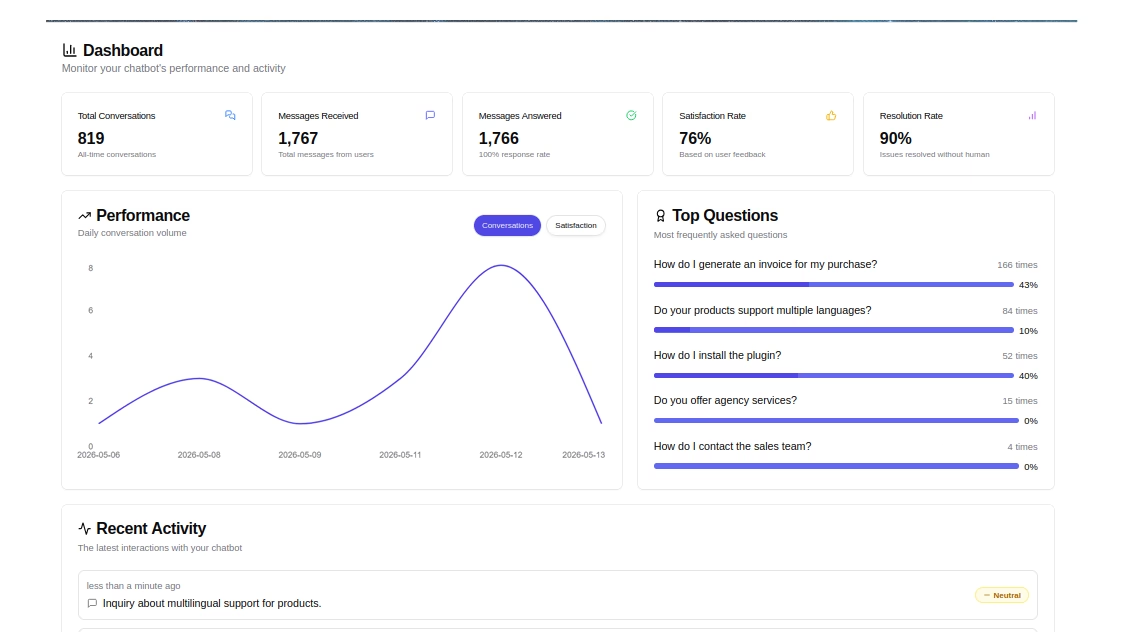
HelpJet is an AI support chatbot from HeroThemes, the team behind Heroic Knowledge Base and Heroic Inbox.
It’s purely focused on AI answers. You paste in your website URL, and it trains itself on your pages, help docs and PDFs in about five minutes.
It’s so beginner friendly as well. There are no flowcharts, decision trees or prompts to write.
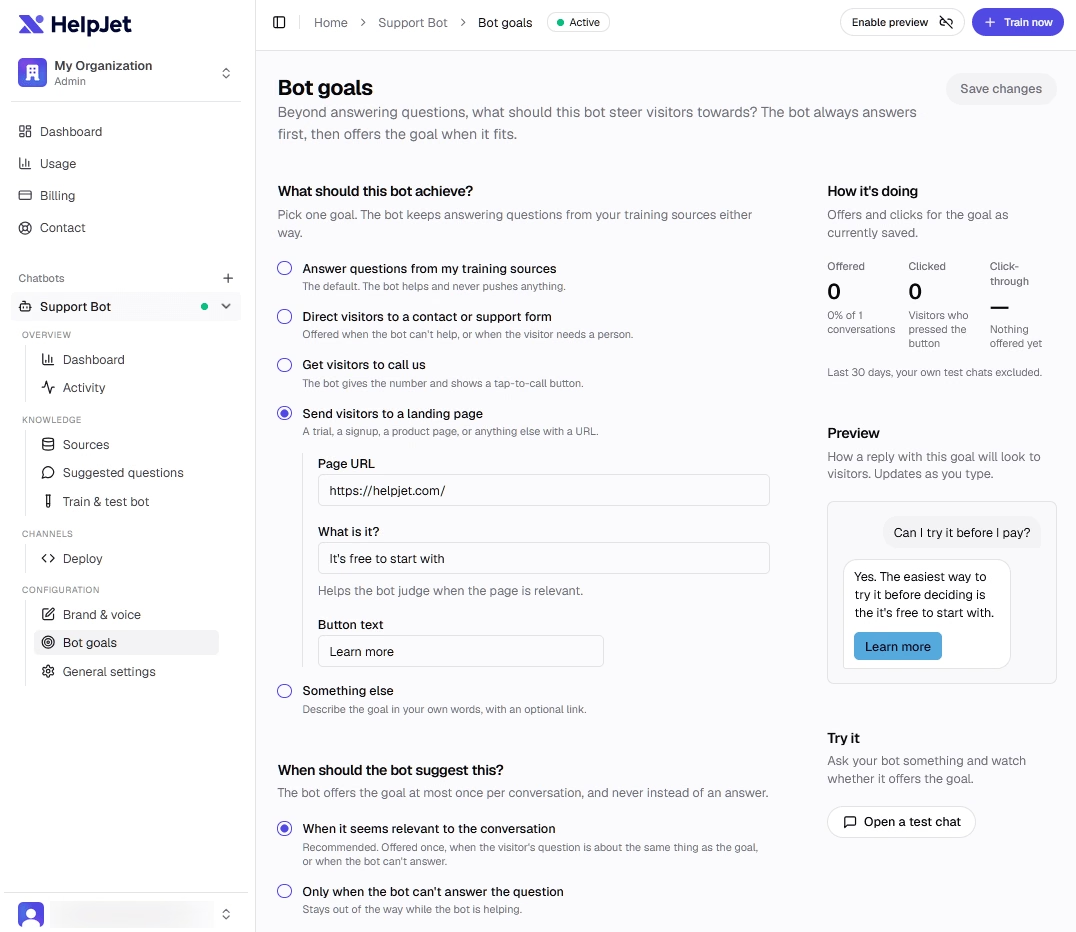
With HelpJet, you can set bot goals for lead generation, such as sending visitors to landing pages, encouraging them to call, or guiding them toward another conversion action.
Key Features
- Five-minute setup: Paste your URL and HelpJet crawls your site, help pages and PDFs automatically.
- No flow building: The bot answers in natural language from your content instead of following scripted menus.
- Weekly auto-refresh
- Human handoff: Questions it can’t handle go to your team, such as a contact form or your inbox.
- Bot goals: Lead generation, visitor engagement, customer support, or conversion-focused actions.
- Works almost anywhere: It has a WordPress plugin, a block and shortcode for specific pages, and an embed code for Shopify, WooCommerce, Wix and Squarespace.
- Activity logs and reporting: You can review conversations to see what visitors ask and where the bot came up short.
Cons
- Support-first, not sales-first: HelpJet isn’t built around BANT scoring, lead routing rules or deep CRM syncing.
- Website only: If your leads come mostly from WhatsApp or Instagram DMs, you’ll need a different tool for those channels.
Pricing
HelpJet offers a free plan that includes one bot and 100 interactions a month, with no credit card required.
Pro costs a flat $29 a month for three bots and 1,000 interactions, or about $23 a month billed annually. Extra message credits cost $30 per 1,000 and don’t expire.
HelpJet is good for small and midsize businesses because it removes the two biggest barriers: setup time and cost.
You can have a working bot on your site this afternoon and see what visitors actually ask before you spend anything.
To round out your support stack, pair it with Heroic Knowledge Base for self-service articles and Heroic Inbox for the conversations that need a person.
2. HubSpot Chatbot Builder
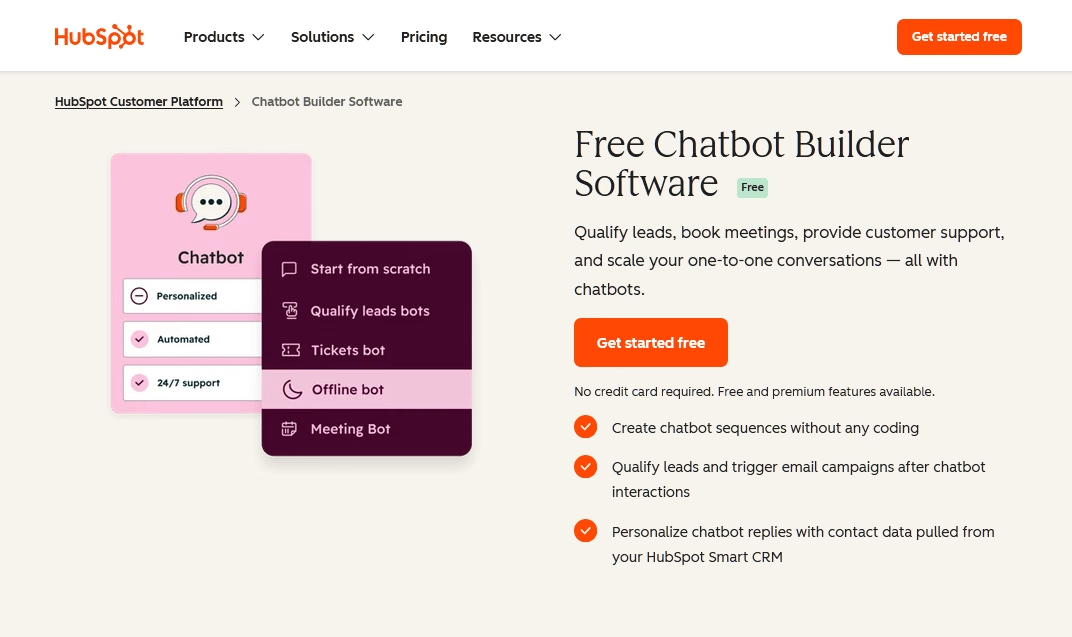
If your contacts, deals and email already live in HubSpot, its chatbot builder is the easiest place to start. It comes with HubSpot’s free CRM, and every conversation creates or updates a contact record automatically.
The free builder is rule-based. You set up a bot to ask qualifying questions, capture prospect information, book meetings on a rep’s calendar, create tickets, or route chats to the right team.
For AI answers, HubSpot sells Breeze Customer Agent, which reads your knowledge base and website to reply on its own.
Key Features
- Native CRM sync: Every chat logs to the contact timeline, with properties updated from the bot’s questions.
- Meeting booking: Bots can offer open slots from a rep’s calendar and book them in the chat.
- Qualification flows: Ask BANT-style questions and route leads by answer, territory or owner.
- Breeze Customer Agent: It writes AI answers from your content and is billed per resolved conversation.
- Shared inbox: Chats land in HubSpot’s conversations inbox alongside email and other channels.
Cons
- AI requires a paid hub: Customer Agent needs Service Hub Professional or Enterprise. It isn’t available on the free or Starter tiers.
- Credits add a layer of math: Usage runs through HubSpot Credits, so you’ll need to track consumption across features.
- If you don’t use HubSpot CRM, most of the value disappears.
Pricing
The chatbot builder is free with HubSpot’s free CRM. Breeze Customer Agent costs 50 cents (50 HubSpot credits) per resolved conversation and requires Service Hub Professional or Enterprise.
For HubSpot customers, this is the obvious choice. The free builder handles basic qualification and booking well, and the switch to outcome-based pricing makes the AI agent much easier to justify.
3. Fin (formerly Intercom)
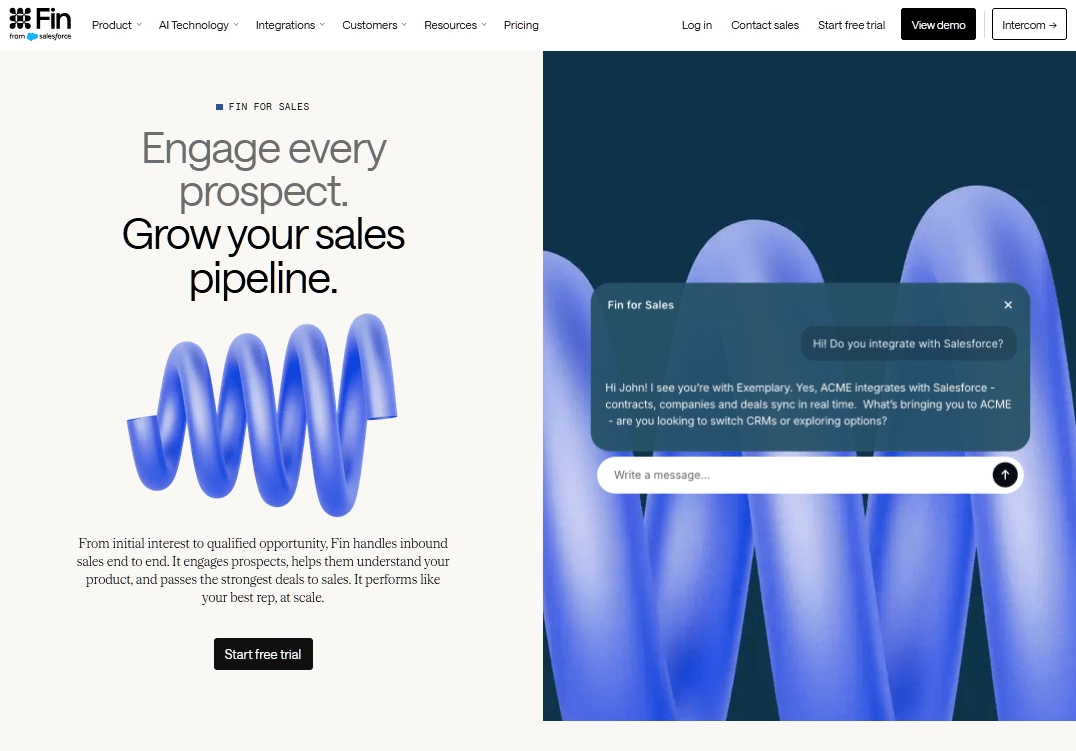
Fin is the AI agent that grew out of Intercom. It answers customers from your help center and other content, follows step-by-step procedures you set up, and can qualify or disqualify sales leads.
You can run it inside the Intercom help desk or on top of another help desk such as Zendesk, Salesforce, HubSpot or Freshdesk.
Key Features
- Outcome-based billing: You pay once per conversation for a defined result, not for every message.
- Fin for sales: It engages prospects, qualifies inbound leads based on criteria you set, and routes qualified opportunities to reps.
- Procedures: Multi-step workflows let Fin take actions, such as checking an order, instead of only answering.
- Works with other help desks: You don’t have to move to Intercom’s help desk to use Fin.
- Large customer base
Cons
- Lead qualification is expensive
- “Assumed” resolutions count: If a customer goes quiet for 24 hours after Fin’s last answer, that’s billed as a resolution.
Pricing
Fin costs 99 cents per outcome and $9.99 per sales qualification. Intercom help desk seats start at $29 a month (Essential, billed annually), with Advanced at $85 and Expert at $132.
Running Fin on another help desk carries a 50-outcome monthly minimum, about $49.50. There’s a 14-day free trial.
4. Landbot
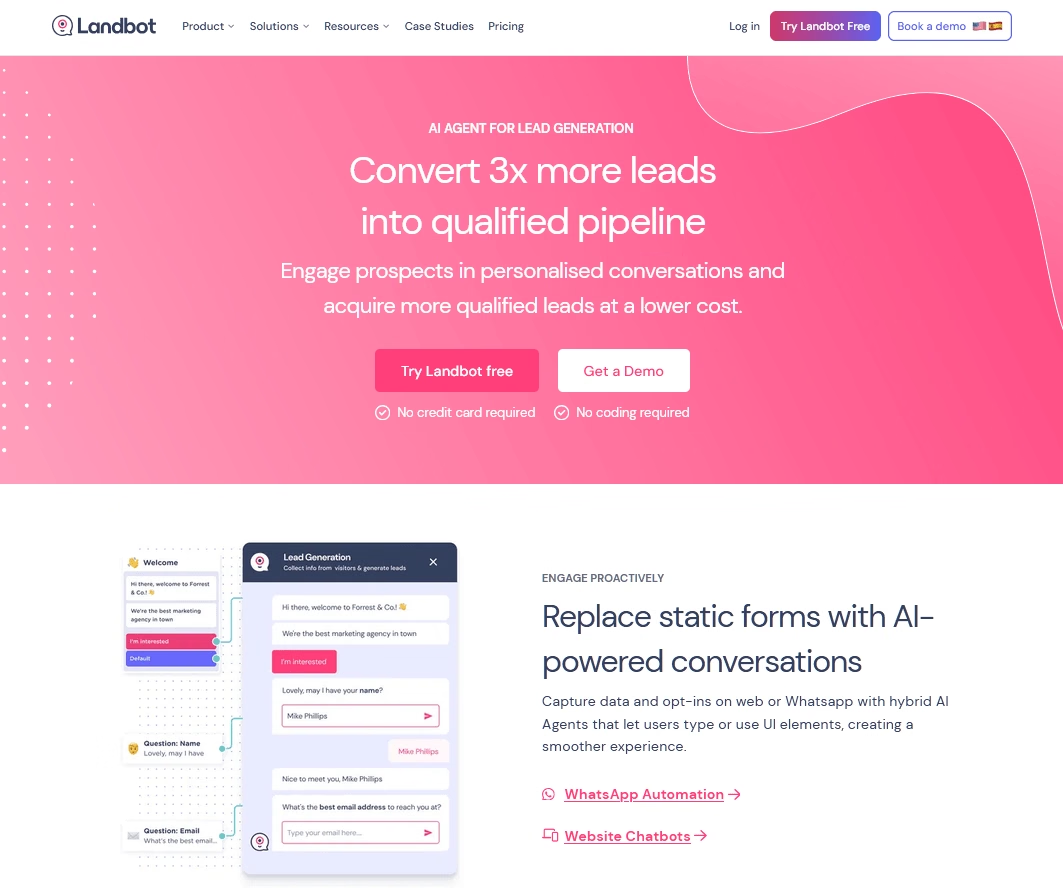
Want a chatbot that looks and feels like a conversation, not a form?
Landbot has one of the most polished no-code builders in this category. You drag blocks onto a canvas, connect them and preview the result as you go.
It’s especially popular for conversational lead capture, quizzes, WhatsApp campaigns, and other interactive sales funnels.
Landbot added AI Agents to all paid plans, so you can mix scripted questions with AI that handles open-ended replies and qualifies leads in real time.
Key Features
- Visual builder: A drag-and-drop canvas with conditional logic, A/B testing and custom CSS.
- AI Agents: AI handles open questions and lead qualification on every paid plan.
- WhatsApp support: Dedicated WhatsApp plans include a WhatsApp Business number.
- Lead scoring and formulas: Available on Pro for routing and qualification.
- Integrations: Starter includes tools like Mailchimp, Stripe and Segment, and Pro adds HubSpot, Airtable and webhooks.
Cons
- Key integrations sit on Professional plan: HubSpot sync and webhooks require the €100 plan.
- WhatsApp costs more.
Pricing
Landbot’s free plan includes 100 chats a month. Starter is $45 a month for 500 chats, 100 AI chats and two seats on web and Messenger.
5. Zoho SalesIQ
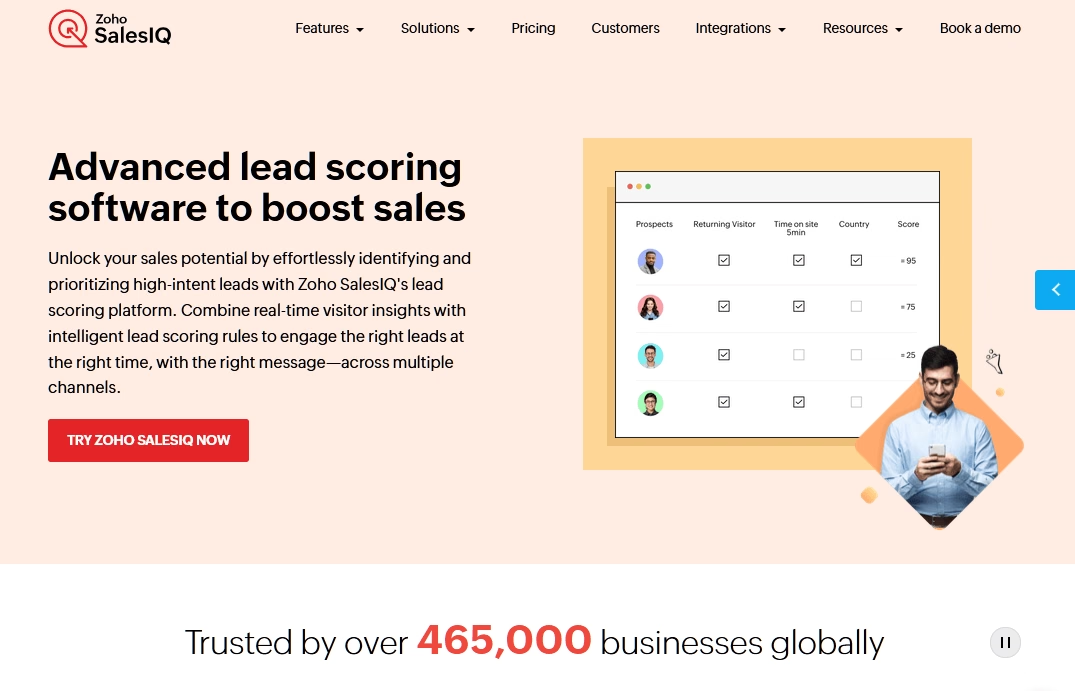
Think of Zoho SalesIQ as live chat, visitor tracking and chatbots rolled into one. It’s built to slot into Zoho CRM, which makes it a natural fit for teams already using the Zoho ecosystem.
Its lead generation strength is visitor intelligence. SalesIQ shows who’s on your site, what pages they’ve viewed, and how engaged they are, then uses visitor behavior to identify high-intent prospects and prioritize leads so reps know who to approach.
Its Zobot builder handles scripted flows, and higher tiers add an Answer Bot that replies from your knowledge base.
Key Features
- Visitor tracking: See live visitors, page history and returning visitors in real time.
- Lead and company scoring: Rank visitors by engagement and fit.
- Zobot builder: Codeless and code-based options for building chatbots.
- Proactive triggers: Start chats automatically based on behavior, like time on a pricing page.
- Zoho CRM sync: Leads, chats and activity flow into CRM records.
Cons
- Best inside Zoho: Outside the Zoho ecosystem, integrations are thinner than standalone tools.
- Feature gating: Answer Bot, chat translation and more custom bots sit on higher tiers.
Pricing
Zoho SalesIQ offers a free plan with limited 100 chat sessions. Basic plan starts at $10 per operator a month, Professional at $17 and Enterprise at $25, billed annually. There’s a 15-day free trial as well.
If you use Zoho CRM, SalesIQ gives you visitor tracking and lead scoring for very little money. For teams outside Zoho, other tools on this list will fit more easily.

6. Kommunicate
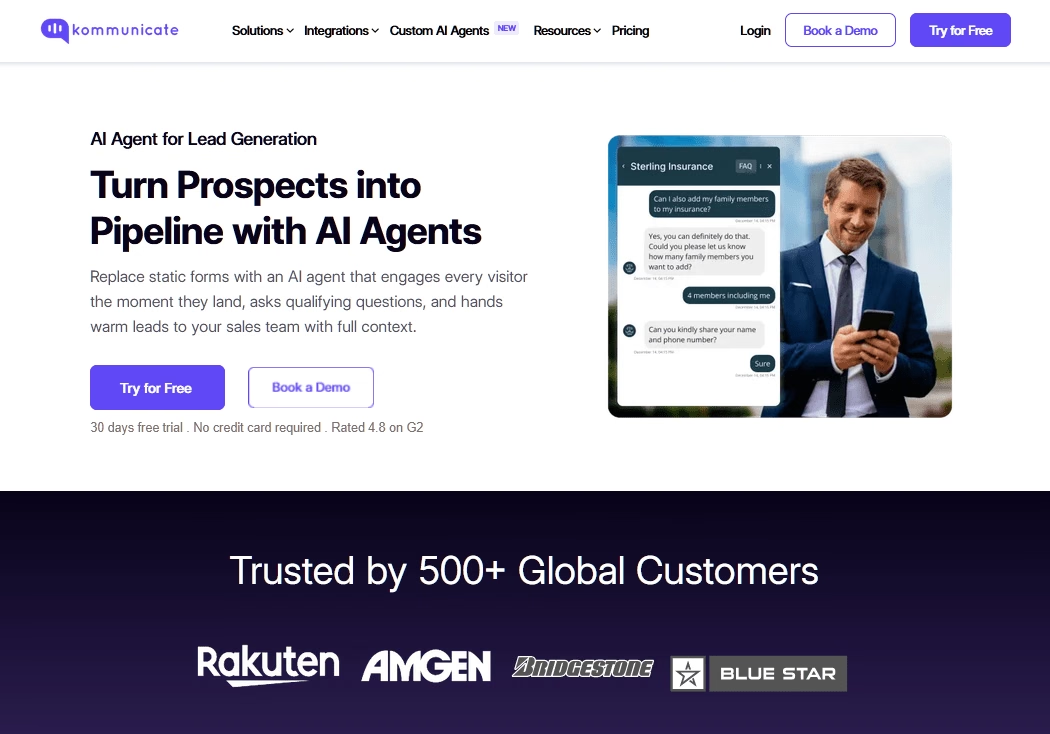
Here’s a tool built around the idea that bots and humans should share the work. Kommunicate lets you deploy AI agents on your website, mobile apps, WhatsApp, Instagram, Telegram and even voice, with clean handoff to human agents when needed.
You can choose your AI model, including options from Anthropic, OpenAI and Google, and train agents on your docs. It also integrates with help desks like Zendesk, so a lead or support request can move into your existing ticketing system.
Key Features
- AI agents with model choice: Pick the underlying AI model and train it on your content.
- Bot-to-human handoff: Routing rules send chats to the right person when the bot gets stuck.
- Multi-channel: Web, mobile, WhatsApp, Instagram, Telegram, email and voice.
- Voice AI: Phone agents at 6 cents per minute on Starter and Professional.
- Compliance: It lists SOC 2, ISO 27001, GDPR and HIPAA support.
Cons
- No free plan: The old free tier is gone. You get a 30-day trial instead.
- Starter is small: It includes one AI agent, one seat and 250 conversations a month. And extra conversations cost $15 per 1,000 on Starter.
Pricing
The Kommunicate Starter plan starts at $40 per month (34 billed annually) for one AI agent, one human seat and 250 conversations.
7. Chatfuel
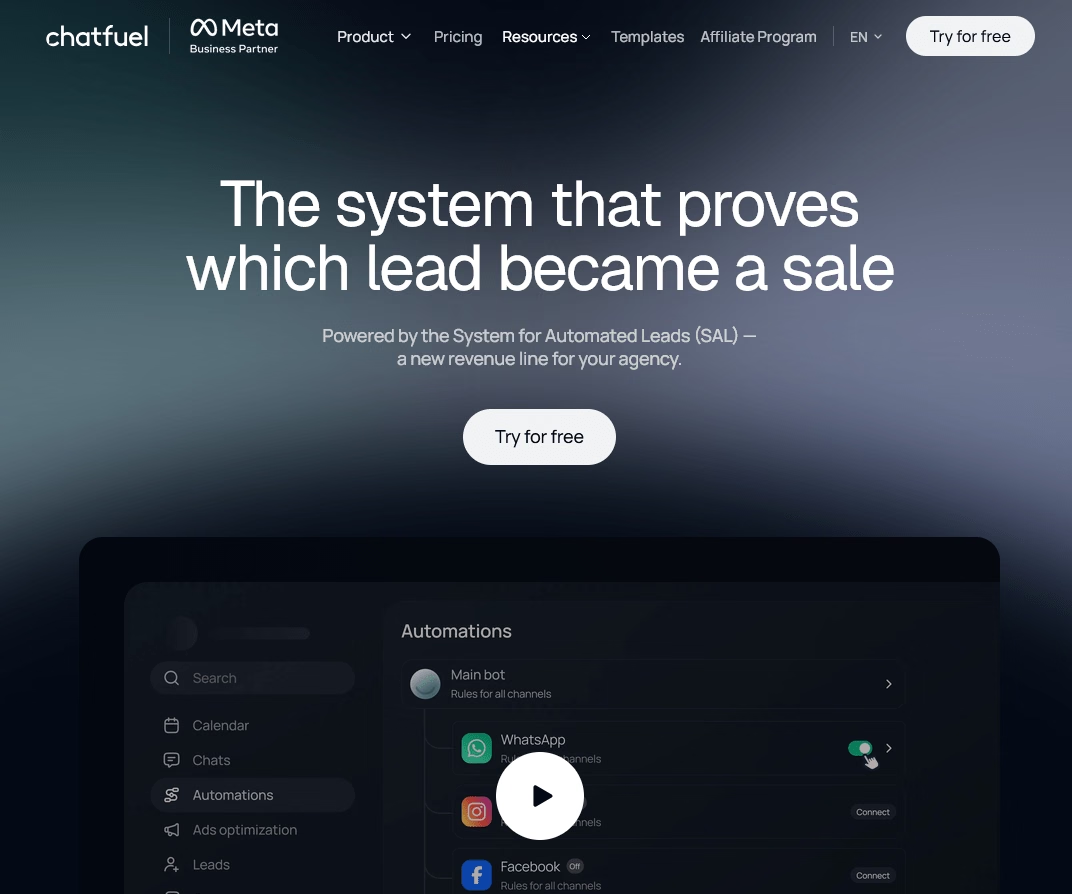
Chatfuel started as a Facebook Messenger bot builder and has shifted toward WhatsApp and AI agents. In 2026, its Business plan bundles WhatsApp, Instagram, TikTok and a website chat widget, with AI sales tools, broadcasts and qualification funnels.
It’s an official Meta Business Solution Provider, so you can get WhatsApp Business API access through Chatfuel without applying to Meta directly. For businesses that sell through WhatsApp, that removes a lot of setup friction.
Key Features
- WhatsApp Business API access: Chatfuel handles the API setup and template approvals.
- AI agent: AI answers questions and qualifies leads in conversations.
- Multi-channel plan: WhatsApp, Instagram, TikTok and website chat on one plan.
- Broadcasts: Send campaigns to opted-in contacts.
- Live chat and inbox: Agents can take over chats from desktop or mobile apps.
Cons
- No permanent free plan: You get a seven-day trial, then you pay.
- Meta fees are extra: WhatsApp conversations carry Meta’s own per-message charges on top of Chatfuel’s price.
Pricing
Chatfuel pricing starts at $20 per month.
Chatfuel is a good fit for small businesses that get leads and bookings through WhatsApp. Check the current price on Chatfuel’s site, and add Meta’s WhatsApp fees to your budget.
8. Collect.chat
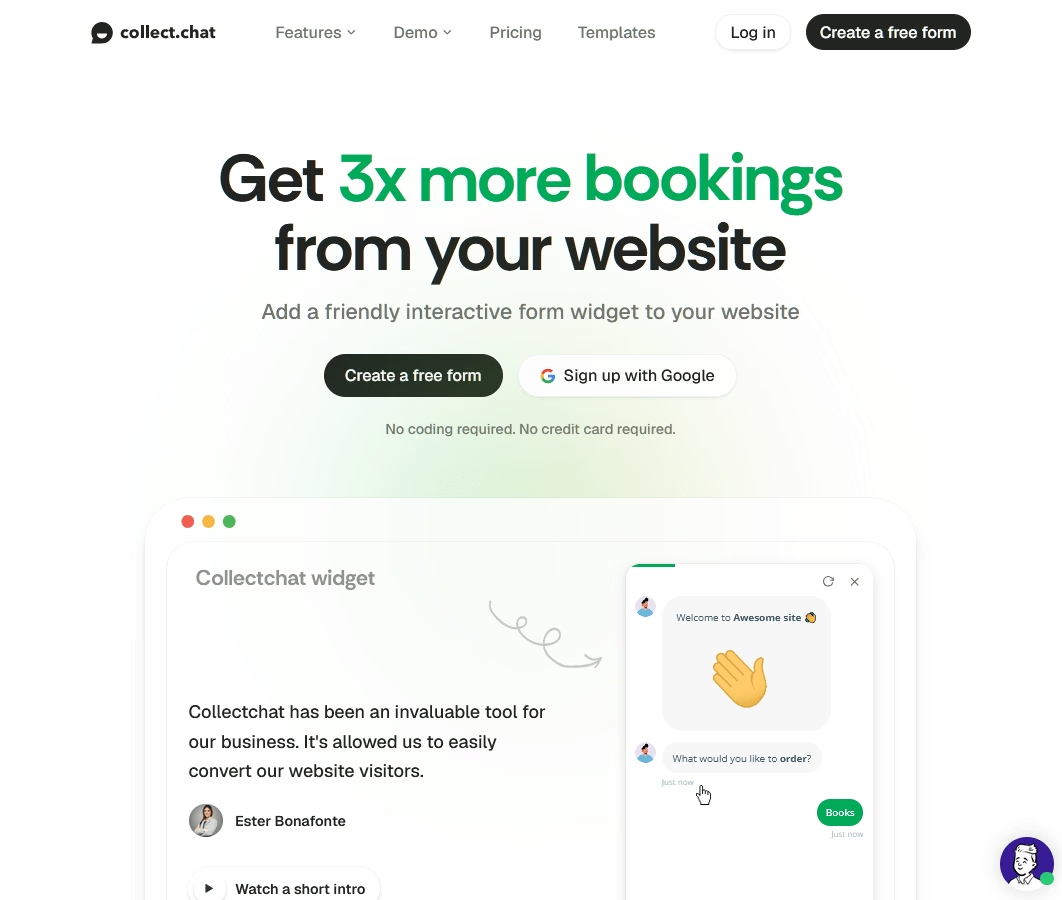
Sometimes you don’t need AI. You just need a friendlier form. Collect.chat turns your lead capture form, quote request, or booking form into a conversational widget that asks one question at a time.
It’s simple on purpose. You pick a template, edit the questions and drop it on your site.
For a small business that just wants more people to finish its contact form, Collect.chat is cheap and quick.
Key Features
- Conversational forms: One question at a time, with logical jumps based on answers.
- AI form builder: Describe your goal in plain English and it drafts the form.
- Appointment booking: Visitors can book meetings inside the chat.
- Phone OTP validation: Verify phone numbers to cut down on fake leads.
- Payments: Accept payments in the chat on higher plans.
Cons
- Scripted, not conversational AI: It collects answers. It doesn’t handle open-ended questions.
Pricing
Collect.chat free plan includes 100 responses a month, three forms and one workspace, with no credit card needed.
Lite is $14 a month billed yearly for 1,000 responses and 10 forms. Standard is $29 a month billed yearly for unlimited responses and 25 forms.
An Unlimited plan is also available for agencies and larger teams.
9. Qualified (Piper)
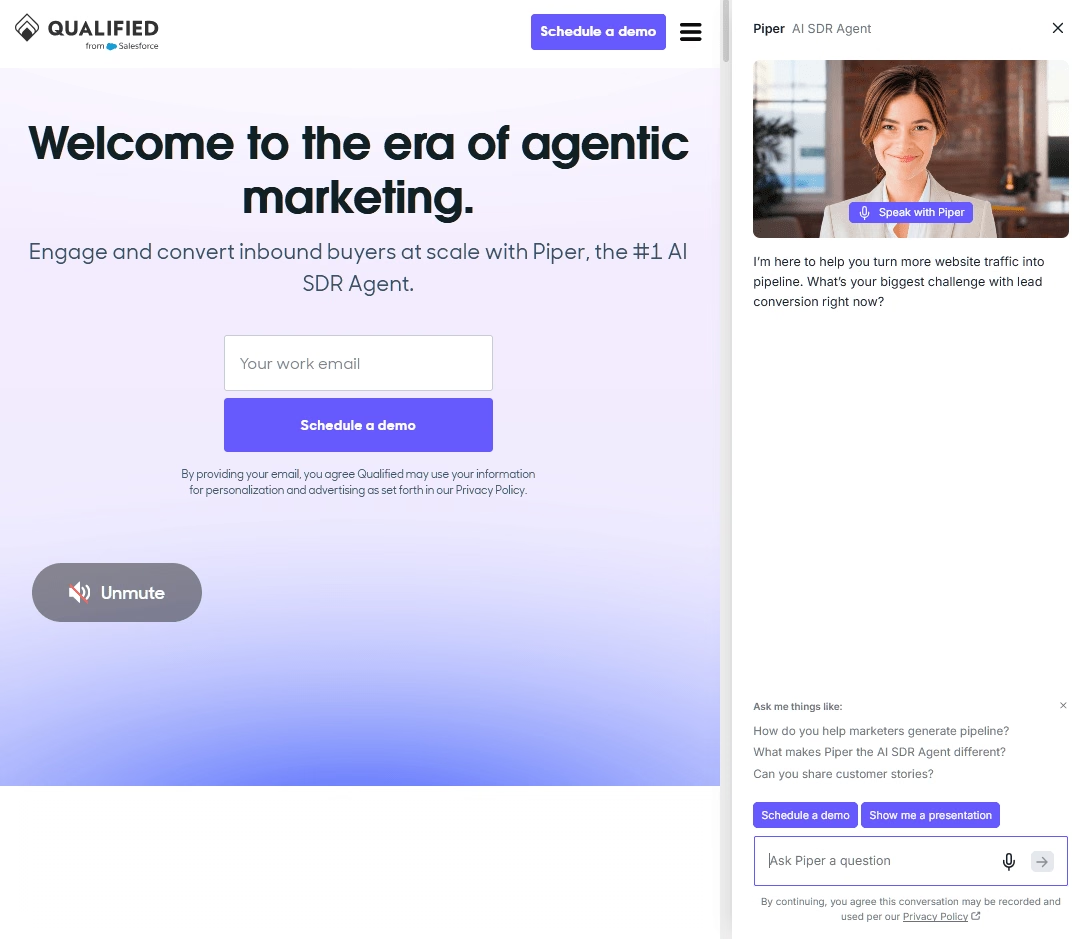
Qualified sits at the opposite end of the market from Collect.chat. It’s an enterprise inbound sales platform built natively on Salesforce, and its AI SDR, Piper, talks to website visitors through chat, voice and video.
Piper uses your Salesforce data to recognize target accounts, qualify visitors, book meetings and send follow-up emails.
For B2B companies with heavy inbound traffic and a sales team waiting for meetings, that’s a powerful setup. It’s also one of the few tools here built for account-based marketing.
Key Features
- AI SDR (Piper): It engages, qualifies and books meetings with visitors around the clock.
- Salesforce-native: Deep integration with Salesforce data, routing and reporting.
- Chat, voice and video: Multiple ways to talk to high-value visitors.
- Account targeting: Spot and prioritize visitors from target accounts.
- Meeting scheduling and follow-up: Automated booking and AI-written follow-up emails.
Cons
- Salesforce only
- Enterprise cost: Third-party estimates put it well out of reach for most small businesses.
Pricing
Qualified doesn’t publish prices. It sells three tiers (Premier, Enterprise and Ultimate) through demos.
10. Botsify
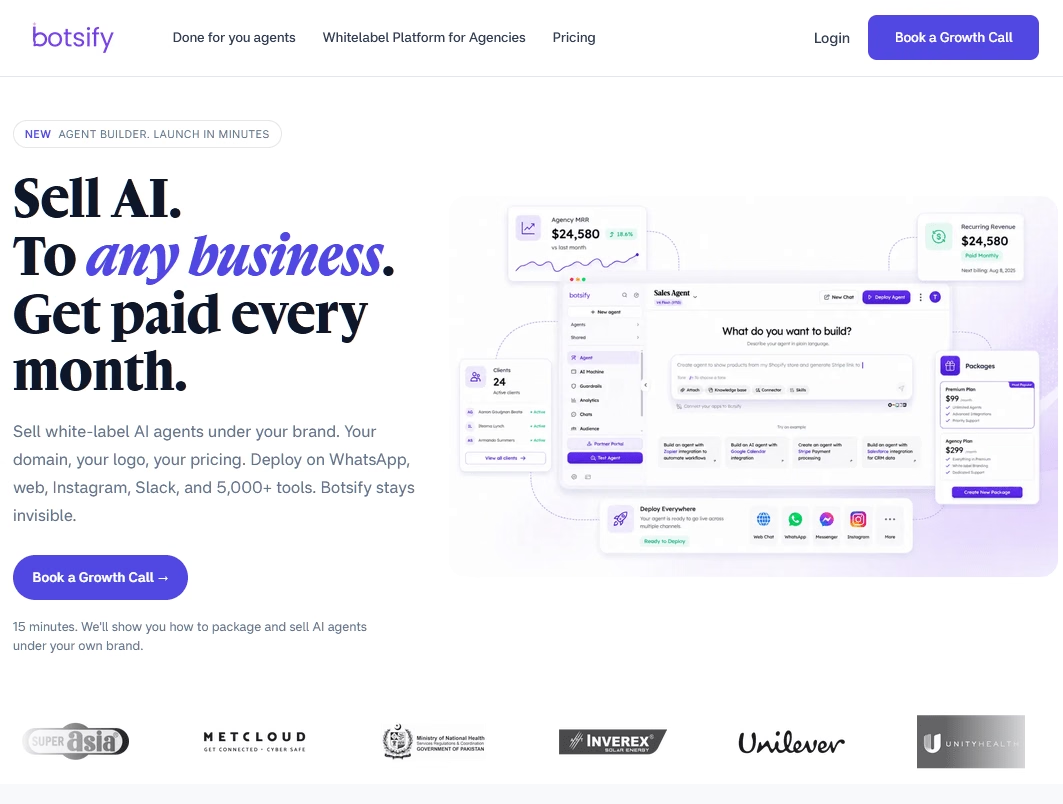
Botsify has been around since 2016 and has repositioned itself as an AI agent platform. You describe what you want the agent to do in plain language, and it builds an agent that works across your website, WhatsApp, Messenger, Instagram, SMS, Telegram and Slack.
It leans toward agencies. The Agency plan supports multiple clients, unlimited AI agents and white-label options, so agencies can resell bots under their own brand.
Key Features
- Prompt-based agent building: Describe the agent’s tasks and Botsify sets it up.
- Multi-channel deployment: Website, WhatsApp, Messenger, Instagram, SMS, Telegram and Slack.
- Document and web search training: Agents can answer from your files and web content.
- Live chat handoff: Humans can take over when needed.
- Agency features: Client seats, white-labeling and a dedicated success manager on the Agency plan.
Cons
- Credit-based billing: One credit equals one message, so busy bots use credits quickly.
- Short chat history on Basic: Only one month is included.
- Pricier than some rivals for single businesses: It’s built more for agencies than for one company running one bot.
Pricing
Botsify offers a done-for-you agent plan with unlimited AI agents and 30,000 credits per month for $149 per month. For agency pricing you have to reach their team.
Final Thoughts: Picking the Right Lead Gen Chatbot
For most small and midsize businesses, our advice is simple. Start with HelpJet. It’s free to try, it takes about five minutes to set up, and it handles the questions buyers ask before they’re ready to talk to sales.
If your needs are bigger or more specific, the right lead generation chatbots usually follow your CRM and your channels. Pick the tool that fits where your leads already are, test it on real traffic, and check the bill after the first month. Then adjust.
Further Reading
Best eCommerce Chatbots for 2026
12 Practical Chatbot Use Cases and Examples
Top 9 ManyChat Alternatives, Free Options Included
Best AI Virtual Assistants for Small Businesses
Rule-Based Chatbots: A Beginner’s Guide with Examples
Top Free WordPress Form Builder Plugins




Leave A Comment?
You must be logged in to post a comment.