8 Best AI Email Assistants of 2026 (Free Options Included)
 Chris Hadley
Imagine having an intelligent helper that can automatically filter out low-priority emails, draft responses for you, summarize long email threads, and remind you to follow up.
That’s an AI email assistant for you.
As someone who has spent years in customer support and communication, I can tell you that AI email assistants are game-changers. They use artificial intelligence to handle busywork, allowing you to focus on important emails.
In this guide, I’ll share 8 of the best AI email assistants available today that will change how you do email communications.
Let’s start with the basics.
In This Guide
What is an AI Email Assistant?
An AI email assistant is software that uses artificial intelligence. Using natural language processing and machine learning, it makes email smarter and less time-consuming.
Unlike traditional email filters that follow rigid rules (“If the sender is X, move to folder Y”), AI assistants understand context and intent. They can scan an email’s content, determine its purpose, and help you take action.
How does it work?
These assistants are integrated with powerful language models like OpenAI’s GPT series. They parse unstructured email text, identify key information (such as dates, people, and questions), and generate helpful outputs.
What Makes the Best AI Email Assistant Software?
How do you choose an AI email assistant that will actually help you instead of adding more noise?
Let me explain with a quick rundown of the key features and criteria to look for:
- Writing and Drafting Email Responses: The top assistants draft emails for you or help polish your writing. Look for natural language generation that fits your tone.
- Smart Replies and Quick Suggestions: You can get one-click replies (e.g. “Got it, thanks!”) or suggestions on how to respond based on the email’s context.
- Inbox Organization: You get a better way to sort and prioritize emails.
- Summarization: Turn lengthy emails or 20-reply threads into short digests.
- Scheduling and Automation: Easily schedule meetings or set reminders.
- Sentiment and Tone Analysis: Advanced assistants analyze the tone of incoming emails (happy, confused, angry) so you can prioritize or adjust your response style.
- Seamless Integration with Your Email Provider: Some AI email assistants can integrate with Gmail, Outlook, Apple Mail, or your preferred email management software.
- Privacy and Security: Look for tools that promise strong privacy: data encryption, not training their models on your private emails, and compliance with regulations like GDPR.
- Learning and Personalization: Many AI assistants get better over time.
- Ease of Use: A clean, intuitive interface with minimal setup will make a huge difference.
- Pricing & Value: Some of the best things in life are free, and indeed, several AI email assistants offer free plans or at least free trials.
- Specialty or Use-Case Fit: Consider whether the tool excels in your specific use case. Some assistants are designed for salespeople and offer features like personalization tips and sales templates. Others cater to teams with shared inboxes, ticketing systems, and knowledge base integrations.
Now, onto the good stuff.

We rigorously test and research every product that we recommend through HeroThemes. Our review process. We may also earn a commission if you make a purchase through our links.
The Best AI Email Assistants
Here are my top picks for the best AI email assistants, why they stand out, and how they can make your email life easier:
1. Gmail’s AI Tools
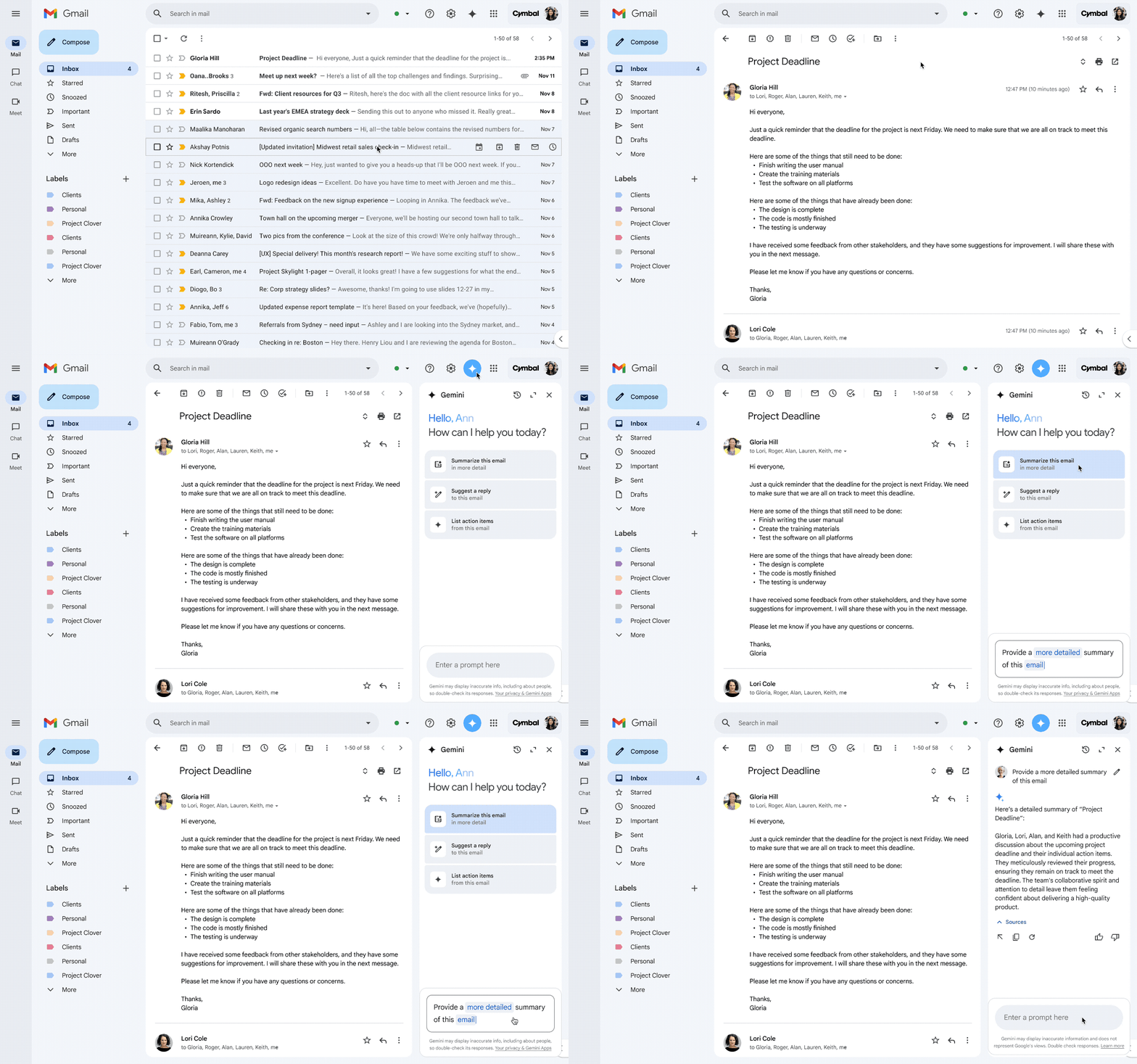
Gmail has long been an AI pioneer. If you use Gmail or Google Workspace, then you have likely encountered AI-powered features such as Smart Reply and Smart Compose.
Smart Reply gives you one-click responses (e.g. “Yes, that works” or “Sounds good, thank you!”) based on the email content, and Smart Compose autocompletes your sentences as you type, saving keystrokes.
Key features of Gmail’s AI email assistant:
- “Help Me Write” drafts full emails from a short prompt.
- You can optimize your prompts by including your desired goal and tone.
- One-click edits to make the email more formal, shorter, or longer.
- “I’m Feeling Lucky” adds a random, creative tone to less serious messages.
- Drafts can use context from earlier emails in the thread.
- AI to sort messages into Primary, Social, and Promotions tabs.
- AI-powered spam blocking.
- Nudges to surface unreplied emails and follow-ups.
- Summary cards to make scanning easy.
Pricing
You can access these features with Google AI, and there is a free trial as well. For pricing details you have to contact their sales team.
My verdict
If you’re on Gmail, you already have a solid AI assistant at your fingertips. It’s not as flashy as some dedicated tools, but it works quietly and effectively. I love that it’s zero-effort—no installation needed, and privacy feels okay since it’s all within Google’s system.
2. Microsoft 365 Copilot (Outlook): Best AI Assistant for Outlook
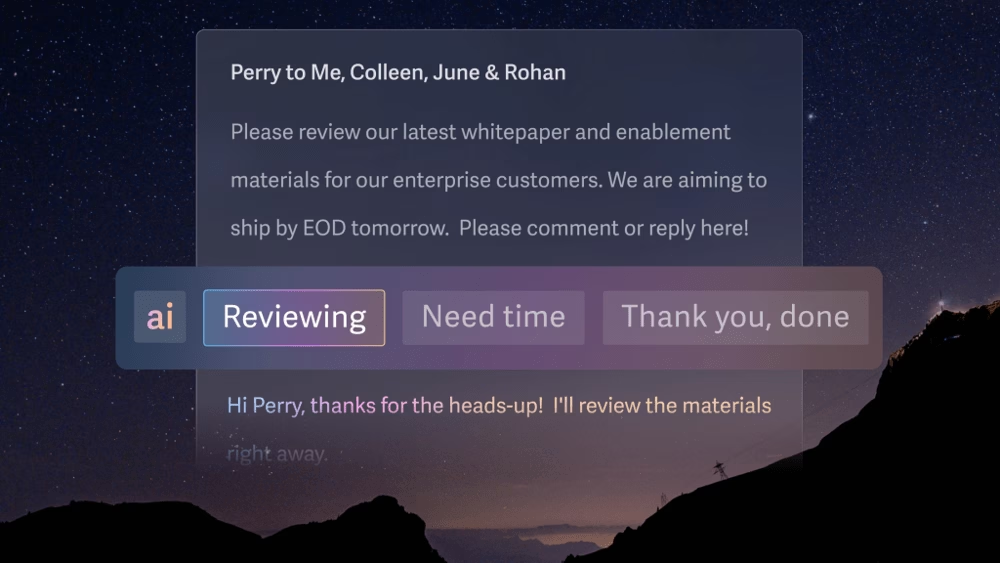
If you use Outlook for email (perhaps in a corporate environment), Microsoft 365 Copilot is the AI assistant designed for you.
Microsoft introduced Copilot in 2023 as a suite of AI features across Office apps, and Outlook received significant AI enhancements.
Outlook Copilot is pretty darn impressive—it feels like Outlook leveled up to be your executive assistant.
Key Copilot features in Outlook:
- Email Drafting: creates a full email from a short prompt.
- Tone and length can be set before Copilot writes the draft.
- AI-drafted replies also use context from the email thread.
- Polish written emails and replies with AI.
- One-click conversation summaries for long threads.
- AI shows quick replies based on email context.
- Calendar and contacts integration suggests meeting times when someone emails you.
Pricing
Microsoft 365 Copilot Personal plan starting at USD$8.49/month.
My verdict
Outlook Copilot is like a full-fledged email consultant sitting in your inbox. It’s especially useful if you handle a lot of business communications or if you’re a manager who deals with long threads and formal emails daily. Those who have access to it can significantly reduce the drudgery of email management and improve the quality of their communications with Outlook Copilot.
3. Superhuman: Best AI-Powered Email Client
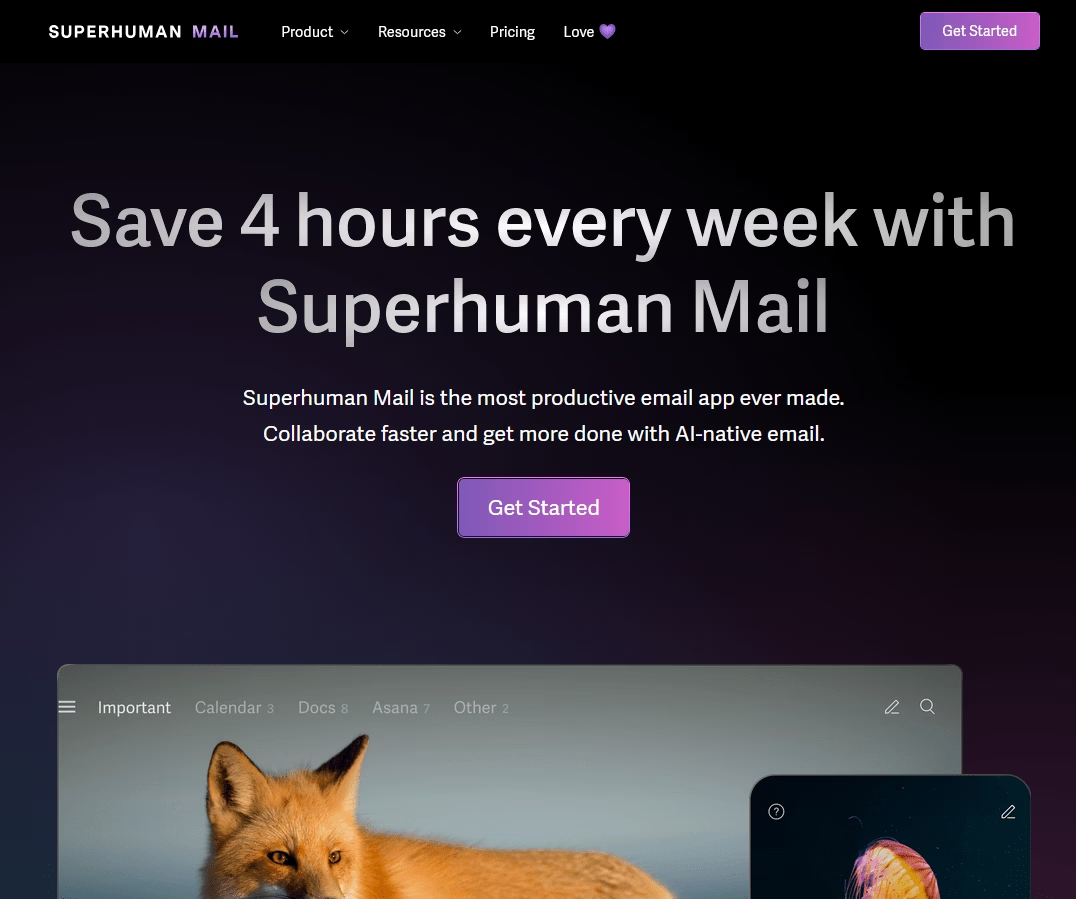
Superhuman promotes itself as a “most productive email app ever made,” and it has a cult following among entrepreneurs, executives, and startup folks.
Currently, it supports Gmail/Workspace and Outlook accounts and is known for its blazing-fast performance and keyboard shortcuts.
And in the past couple of years, Superhuman added powerful AI features, essentially building an AI assistant right into the app.
Key features of Superhuman’s AI email assistant:
- Superhuman can draft instant replies based on email context.
- Superhuman AI can help you draft or improve emails. For example, you can select text and ask Superhuman to rewrite it to be shorter or longer, or to change the tone.
- Auto-Summary that shows a one-line summary above long emails or threads.
- Automatic categorization (auto labels): The AI automatically labels incoming emails into categories like newsletters, social updates, and cold pitches.
- Auto Archive removes low-priority emails from the inbox view.
- Write emails from notes
- Follow-up reminders
Pricing
Superhuman is a premium service. It costs $25 per user per month.
It’s definitely one of the most expensive email apps out there. Which is ideal for people who value email productivity or whose jobs involve heavy email throughput.
My verdict
Once you get used to Superhuman it is hard to give up. It truly does make email feel lighter and faster. And the AI just amplifies that feeling: like you have a secret weapon to blast through email in minutes that used to take hours.
4. Shortwave: Best AI-First Email App
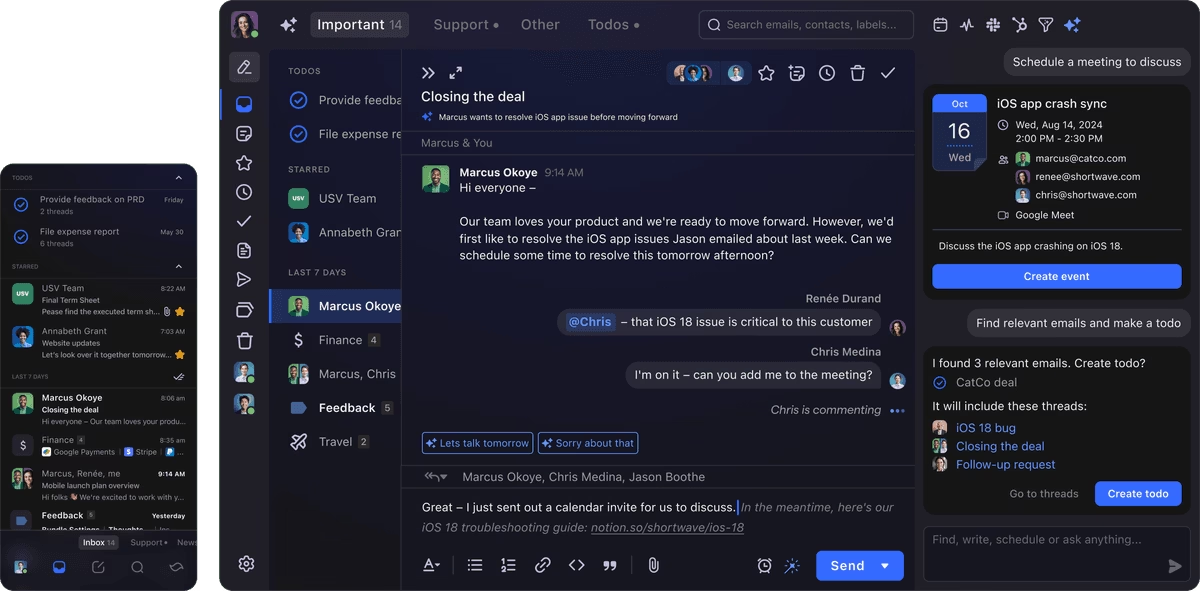
Shortwave is a new email client launched by former Google employees. It is essentially a third-party app for Gmail accounts that focuses on productivity and AI features.
Key AI features of Shortwave:
- AI summaries for long emails and threads
- Natural language queries answer questions about inbox content
- Generates a full email from short notes
- Global tone settings
- AI auto categorizes and cleanup emails
- OpenAI API integration to power core AI features, and support for custom API keys.
Pricing
Shortwave has a free tier for personal use, which includes 90 days of email history and basic AI features (the summaries and such).
Paid plans start at $14 per seat per month and offer more advanced features, a longer history, and heavier usage.
My verdict
Shortwave is a top pick if you want the reliability of Gmail with an interface and AI enhancements that make handling email more intuitive and less time-consuming. It’s fast, fun, and constantly evolving. Definitely one to watch in the AI email space.
5. Front: Best AI-Enhanced Shared Inbox
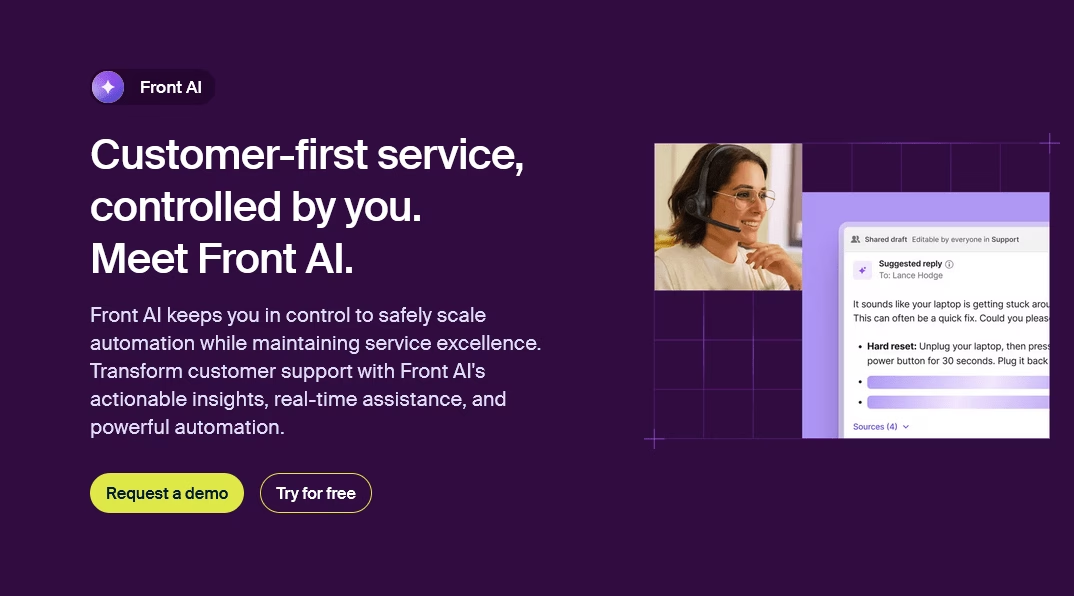
Front is a popular shared inbox platform that simplifies multichannel support, including email, text message, and social media.
Front has been around for a while, and in recent years they’ve integrated AI (Copilot) into their product to help teams work smarter.
Key features of Front AI:
- Summarizes long conversations or email threads for quick scanning.
- Generates draft replies with one click, using context from email, chat, and SMS.
- AI can pull details from a connected knowledge base to create accurate responses.
- Translates messages between languages
- Adjusts reply tone for different situations, from formal to friendly.
- AI for routing and tagging
- AI analyzes team performance and customer trends.
Pricing
Front is a premium product. Its basic plans start at around $25 per user per month.
It’s not cheap, but most businesses invest in it because it eliminates the need for separate help desk and CRM systems.
Front’s value lies in the time saved and better customer experience resulting from faster responses.
My verdict
Front is one of the best AI-integrated email clients. It’s ideal for teams that want to deliver timely, high-quality responses across multiple channels. Although it’s on the pricier side, it pays for itself in efficiency gains for many..
6. MailMaestro: Best AI Email Composition Assistant
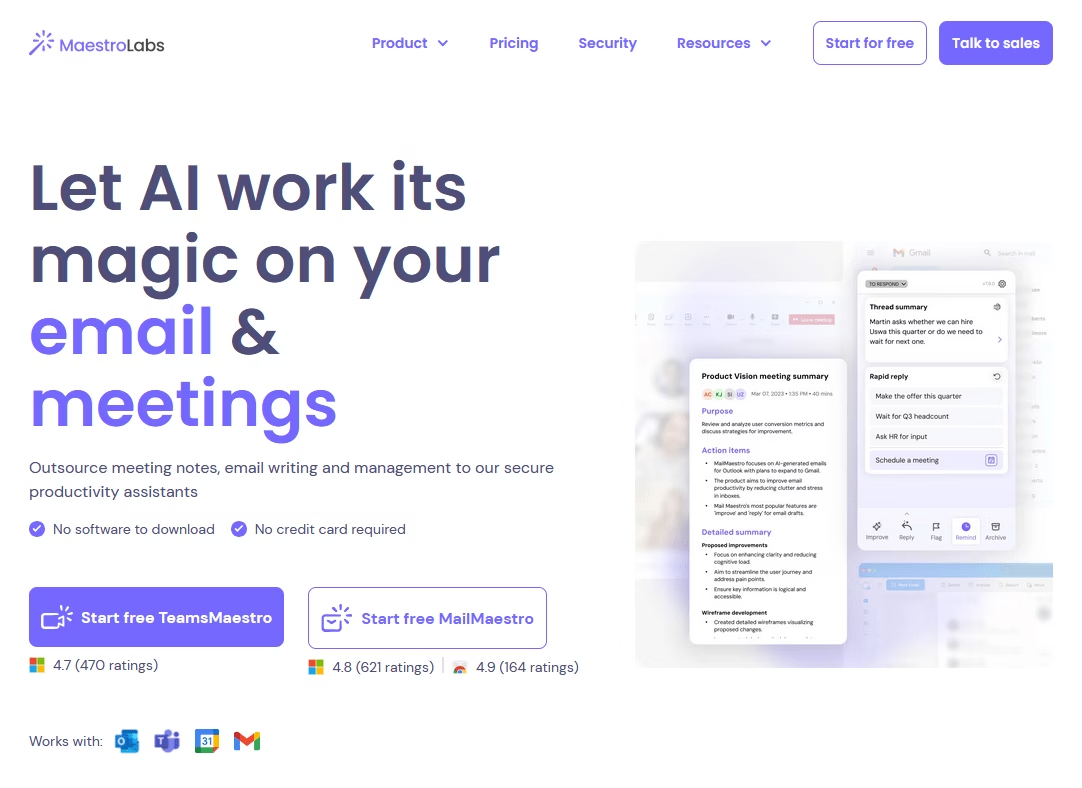
MailMaestro is an AI email assistant. Rather than being a full email client, it’s an extension/add-on that helps you write emails within your preferred email service (Gmail, Outlook, etc.).
If you’ve ever struggled to phrase an email correctly or spent too long drafting a professional note, MailMaestro is the tool for you.
Key features of MailMaestro email assistant:
- Turns short prompts into full, clear, and natural-sounding emails.
- Adjust the tone and length of generated emails
- AI Summaries that highlight clear action items.
- Multiple reply options based on the context of the message.
- Multi-language support: MailMaestro works in 20+ languages.
- It works inside the email draft window through a browser extension or an Outlook add-in.
- It emphasizes privacy with secure processing and limited data storage.
Pricing
MailMaestro subscription starts at $12 per month, and a free trial is also available.
My verdict
MailMaestro is like having a personal ghostwriter for your emails. It significantly speeds up the writing process and ensures a level of polish that’s difficult to achieve when you’re in a hurry or lack confidence in your writing abilities.
7. Mailbutler
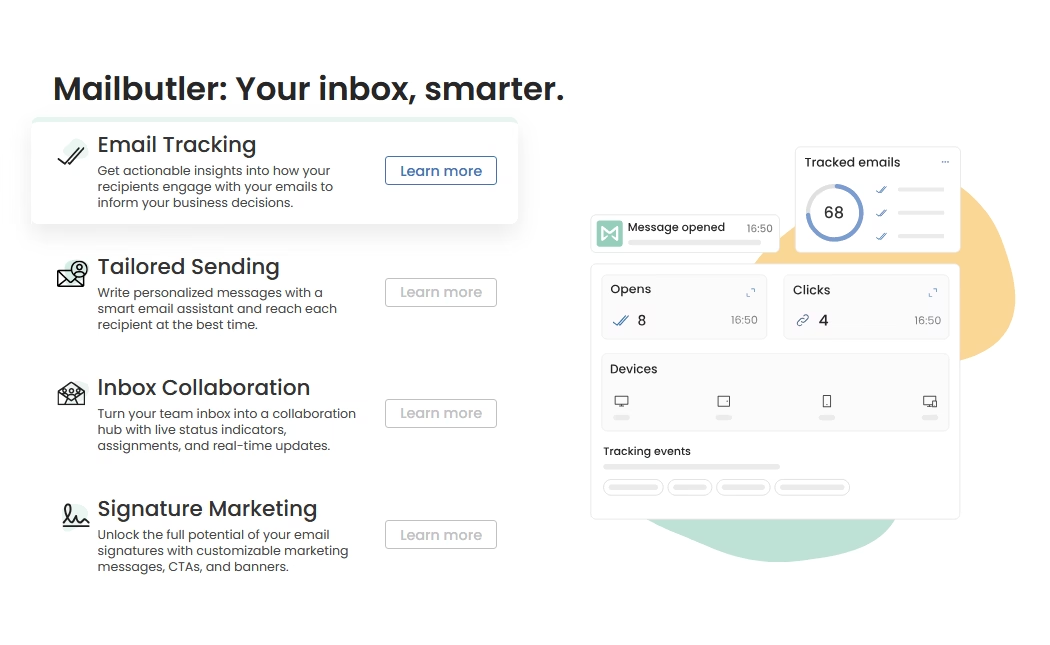
Mailbutler is a productivity extension for email that works with Apple Mail, Outlook, and Gmail.
It enhances email management with features like send later, tracking, and templates.
Now, Mailbutler has infused AI email assistant (Smart Assistant) into its toolkit.
Key AI features of Mailbutler’s Smart Assistant:
- Generates draft emails from short prompts or thread context inside Outlook and Apple Mail.
- It can continue writing replies to save time on routine messages.
- Rephrases selected text to sound clearer, shorter, or more polite.
- Expands short replies
- Summarizes long emails
- Extracts tasks, dates, and contacts from messages into clear lists.
- Write and translate emails across multiple languages.
- AI extracts tasks from emails that include requests or deadlines.
- AI can answer plain language questions
Pricing
Mailbutler costs around $4-11 per month depending on plan.
My verdict
Mailbutler Smart Assistant effectively brings a Gmail-like AI superpower to Outlook and Apple Mail. It’s a smart sidekick that offloads tedious writing and reading tasks while improving your email game with context awareness and efficiency.
8. Lavender
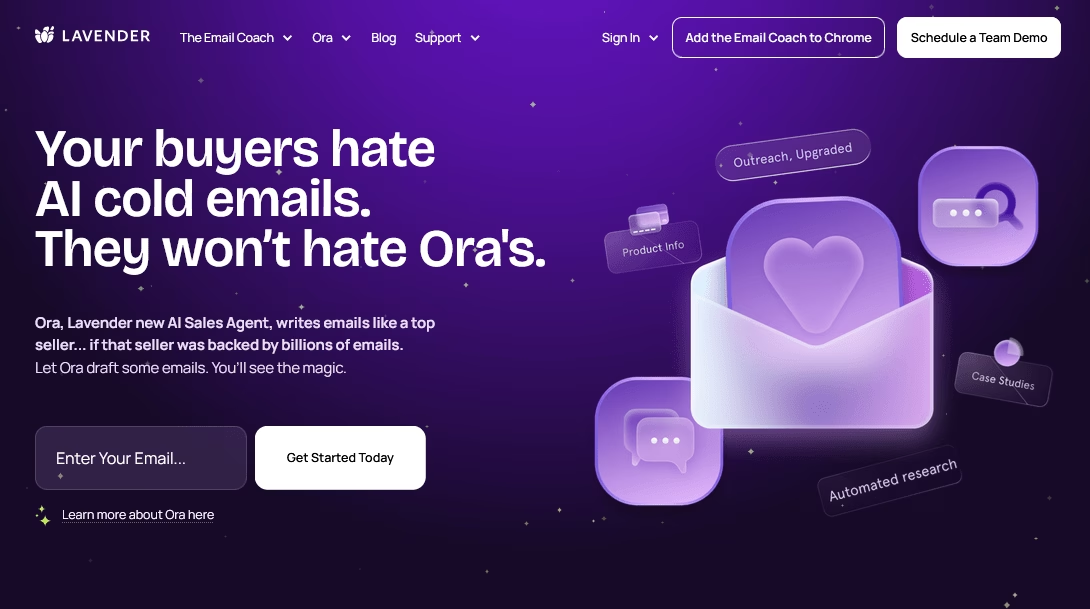
Lavender is an AI-powered email assistant designed specifically for sales and outbound emails.
It acts as a real-time email coach and writing assistant, helping users craft more effective outreach emails.
Lavender has gained popularity among sales teams because it increases reply rates by improving email quality.
Some key features of Lavender:
- Real-time Email Scoring: Scores emails in real time while writing, based on length, tone, and clarity.
- Flags long or generic messages and suggests tighter wording.
- Highlights spam trigger words
- Offers clear tips to improve subject lines and reply chances.
- Suggests proven email phrases and simple calls to action.
- Email templates and snippets
- Supports outreach across email and LinkedIn messages.
- Team Analytics and Coaching: Lavender provides insights into email length, reading level, and spam score.
- It integrates with common sales tools for logging or tracking emails.
Pricing
You can start with Lavender for free. Paid plans unlock additional features and use limits, which start at $29 per user per month.
My verdict
You should give Lavender a try if you’re on the marketing team or doing any kind of outreach.
With Lavender, you still craft the emails, but the quality of your work is elevated in real time. For anyone whose livelihood depends on sending effective emails, such as salespeople, fundraisers, and outreach workers, it’s an investment that pays for itself many times over with each positive reply leading to a pipeline.
Wrapping Up
Email may never be our favorite task, but with the right tools, it no longer has to be a constant source of stress.
These AI assistants essentially give you superpowers: speed, organization, and polish. They allow you to spend less time in your inbox and more time on meaningful work.
So, give one (or a few) of these a try! In a week, you might wonder how you lived without them.
Here’s to a smarter, saner inbox—and to reclaiming control of our email with a little help from AI!
Further Reading
AI in Customer Service: The Ultimate Guide for Support Teams
Best AI Virtual Assistants for Small Businesses
10 Best Chat Widgets for Websites for 2026 (Mostly Free)
7 Best AI Knowledge Base Software of 2026
9 Service Desk Automation Ideas to Streamline IT Support